Claude Context Mode: What It Kills / Replaces
Claude Context Mode is designed to replace bloated context token consumption in AI tool interactions, particularly when using MCP to manage external tools. Traditional outputs from tool calls eat away at your context window, often leaving precious little for actual work. This tool addresses the problem by compressing output significantly.
Under the Hood: Core Mechanic
The plugin functions as an MCP server that opts for processing outputs in isolated environments—effectively yielding a dramatic compression ratio. For instance, tool calls that originally required 315 KB of context can be shrunk down to merely 5.4 KB, which is a staggering 98% reduction. It captures tool outputs and only allows summarized results to penetrate the context window.
The Good & The Bad
Pros:
- Cuts down context consumption for multiple tool interactions.
- Supports running commands in batch mode, saving even more context.
- Processes outputs without exposing raw data, effectively using sandboxes.
- There's significant token savings across various tool calls, enhancing efficiency.
Cons:
- Initial setup may be cumbersome for those unfamiliar with MCP standards.
- If misconfigured, it might compress vital output data instead of keeping essential context intact.
- Dependency on specific versions of Claude Code limits compatibility.
Quickstart
claude mcp add context-mode -- npx -y context-mode
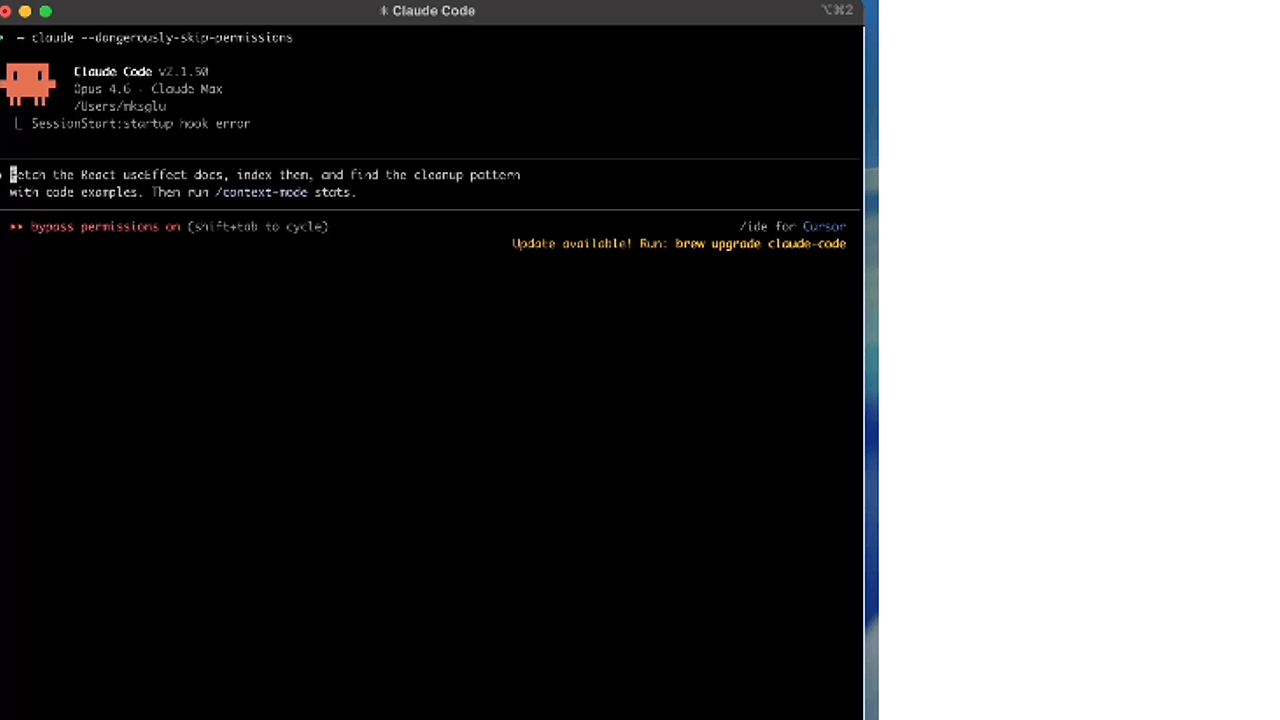
This command installs the Context Mode plugin into your existing Claude Code setup. Post-installation, simply restart Claude Code, and the context-saving benefits will be active.
Who Should Use This (and Who Shouldn't)
Use it if:
- You interact with numerous tools via MCP and need efficient context management.
- You're handling large datasets or numerous commands and require more context availability.
- Your work demands high efficiency without sacrificing functionality.
Skip it if:
- You're not heavily invested in the MCP ecosystem and prefer simpler setups.
- Your interactions are minimal, where context loss is manageable without extra tools.
- You prioritize raw access to all data over structured summaries.
Alternatives & When to Switch
If you're looking for simpler integration without the overhead of compression, consider Code Mode instead for its tool definition efficiencies. For more comprehensive logging and monitoring, Playwright might be a better bet. When your work requires more control over how data is presented, look into custom-built solutions instead.