What Is sshoosh?
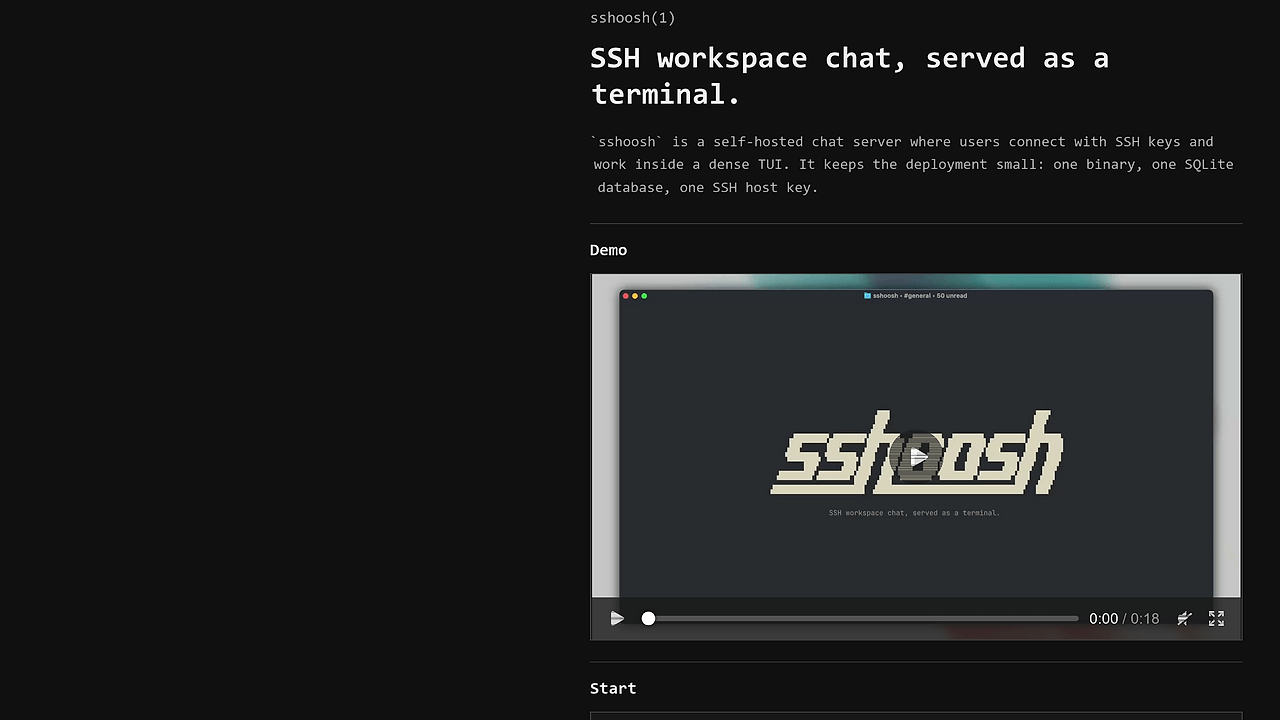
sshoosh is one of the best SSH/TUI Collaboration tools for small teams and operators. Built by puemos, it is a self-hosted SSH/TUI workspace chat that turns a plain terminal login into real-time collaboration with a masked token prompt, persistent state, and a TUI session. The repo documents four deployment paths, from local/LAN to Docker and systemd, which makes sshoosh practical for teams that want terminal-native coordination instead of a browser app.
Quick Overview
| Attribute | Details |
|---|---|
| Type | SSH/TUI Collaboration |
| Best For | small teams and operators |
| Language/Stack | SSH protocol, TUI, SQLite, Go binary |
| License | N/A |
| GitHub Stars | N/A as of Aug 2025 |
| Pricing | Open-Source |
| Last Release | N/A |
| Transport | SSH over raw TCP with keyboard-interactive auth |
| Deployment Paths | Local/LAN, tunnel, VPS/systemd, Docker |
Who Should Use sshoosh?
- Terminal-first ops teams that already live in SSH and want shared context without opening another browser tab. sshoosh keeps the workflow in the shell and stores state on the server, which fits operators who value directness over UI layers.
- Small incident-response groups that need fast, text-based coordination on a private box. sshoosh is a good fit when you want a single port, a local database, and no external SaaS dependency.
- Indie hackers and solo maintainers who collaborate with a contractor or cofounder and need a lightweight shared room. sshoosh gives them a self-hosted path without adopting a full chat stack.
- Teams with strict network boundaries that can only expose raw TCP or a tunnel endpoint. sshoosh explicitly supports TCP tunnels and VPS deployment, which makes it easier to place behind Cloudflare Tunnel, ngrok, Tailscale, or SSH reverse tunnels.
Not ideal for:
- Browser-first orgs that want rich embeds, threaded chat, and notification UX in a web app.
- Large enterprises requiring SSO, SCIM, or central policy engines out of the box.
- Teams that do not want to run SSH infrastructure or manage their own server keys and data files.
Key Features of sshoosh
- SSH-native access path — sshoosh runs as an SSH service, not an HTTP app, so terminal clients connect with standard
ssh -p 2222 hostflows. The token is entered through keyboard-interactive auth, which keeps it out of the user field,ps, sshd logs, and shell history. - Bootstrap, invite, and device-link tokens — sshoosh registers a user key the first time a token is redeemed, then skips the prompt on future connections. That means onboarding can start with a bootstrap token for the owner, then move to invite or device-link flows for teammates.
- Persistent SQLite state — sshoosh stores its data in a single SQLite file via
SSHOOSH_DB, which keeps backup and restore straightforward. A single-file database is a sane default for small teams because it is easy to snapshot, copy, and mount into Docker volumes. - Terminal UI workspace chat — sshoosh presents collaboration inside a TUI instead of a browser. That matters for operators because it preserves keyboard flow, works over a plain SSH session, and avoids forcing a separate front-end stack.
- Operational CLI coverage — sshoosh exposes commands such as
bootstrap-token,serve,doctor,doctor --repair-search,backup, andexport. The presence ofbackupandexport --include-audittells you the project expects real production use, not just a demo room. - Flexible deployment models — sshoosh supports direct install via script, Homebrew, Docker, and a managed daemon mode. The repo also recommends
sudo sshoosh daemon installfor VPS installs, which is the right call when you want the service to run as a locked-down user. - Defensive runtime posture — sshoosh’s Docker example drops all capabilities and enables
no-new-privileges. That is a solid default for a network-facing service because it reduces the blast radius if the container or process is compromised.
sshoosh vs Alternatives
| Tool | Best For | Key Differentiator | Pricing |
|---|---|---|---|
| sshoosh | SSH-native team chat | Real-time collaboration over SSH with token-based onboarding | Open-Source |
| tmux | Shared terminal multiplexing | Session sharing and panes, but no built-in workspace chat or token flow | Open-Source |
| Tailscale SSH | Secure remote access | Device identity and access control, but not a collaborative TUI workspace | Freemium |
| OpenSwarm | Agent coordination | Better if the workload is multi-agent orchestration instead of human chat | Open-Source |
Pick tmux if you only need a shared shell and multiplexed panes. Pick sshoosh when the goal is coordinated discussion inside SSH, not just screen sharing. Pick OpenSwarm if the work is agent orchestration or swarm-style automation rather than a human workspace.
Pick Tailscale SSH when the main problem is secure machine access across networks. Pick MachineAuth when your problem is device trust or SSH identity management rather than a shared terminal room. For a broader set of terminal-side automation options, browse all DevOps Automation tools.
How sshoosh Works
sshoosh is built around a simple design choice: the collaboration layer lives on top of SSH, not on top of HTTP. The server listens on a configurable host and port, accepts keyboard-interactive authentication, and uses a token to bind the first key to an account. That is why the token never needs to appear in the SSH user field or in shell history, and why the initial trust ceremony feels closer to device enrollment than to account signup.
The state model is intentionally small. sshoosh uses a local SQLite database for workspace data and a server-side ed25519 key for the SSH service identity, which keeps deployment portable and backups manageable. That design is well matched to a self-hosted terminal app because the runtime dependencies are just the SSH transport, a filesystem path for the database, and a private key file for the daemon.
sshoosh bootstrap-token
SSHOOSH_DB=./sshoosh.sqlite SSHOOSH_SERVER_KEY=./sshoosh_server_ed25519 sshoosh serve --host 0.0.0.0 --port 2222
ssh -p 2222 127.0.0.1
The first command generates an owner bootstrap token. The second command starts the server with an explicit database file and SSH host key, and the third command opens a normal SSH session that drops you into the TUI after you paste the token at the masked prompt. If you are deploying over a tunnel or a private VPS, the same flow works because sshoosh only needs raw TCP access to the SSH port.
The operational philosophy is conservative. The project documents doctor for health checks, backup for database snapshots, export for JSON output with audit data, and a daemon install path for managed hosts. That tells you sshoosh is not trying to be an ephemeral chat toy; it is built like a service you can inspect, back up, repair, and run as part of a minimal ops stack.
Pros and Cons of sshoosh
Pros:
- SSH-first workflow keeps access simple for terminal users and avoids shipping a browser frontend.
- Keyboard-interactive token flow reduces accidental leakage in logs, process listings, and shell history.
- SQLite-backed persistence makes backup, copy, and restore operations straightforward for small installs.
- Multiple deployment paths cover local, LAN, VPS, Docker, and tunnel-based setups.
- Operational commands like
doctor,backup, andexportmake ongoing maintenance practical. - Non-root container guidance and capability dropping are solid defaults for security-minded deployments.
Cons:
- Requires SSH operational comfort, so non-technical users will find the onboarding path unfamiliar.
- No browser client means you do not get rich web UX, embeddings, or push notifications.
- Self-hosting overhead is real because you own the server, key material, and backups.
- N/A license visibility in the scraped page means you should verify the repository license before redistribution.
- SQLite is a good default, not a horizontal scale strategy, so very large multi-region teams may outgrow the default architecture.
Getting Started with sshoosh
The fastest path is the install script, then a bootstrap token, then a server process, then a normal SSH connection. If you prefer package-managed installs, the repo also shows a Homebrew tap, but the script-based path is the quickest way to validate the tool on a fresh host.
curl -fsSL https://raw.githubusercontent.com/puemos/sshoosh/main/install.sh | sh
sshoosh bootstrap-token
SSHOOSH_DB=./sshoosh.sqlite SSHOOSH_SERVER_KEY=./sshoosh_server_ed25519 sshoosh serve --host 0.0.0.0 --port 2222
ssh -p 2222 127.0.0.1
After the server starts, connect with SSH and paste the bootstrap token at the masked Token: prompt. sshoosh registers your SSH key on first redemption, asks you to choose a username in the TUI for bootstrap or invite flows, and then skips the token prompt on later logins.
Verdict
sshoosh is the strongest option for self-hosted SSH collaboration when your team already lives in terminals and needs real-time coordination without a web app. Its biggest strength is token-based onboarding over keyboard-interactive auth, and its main caveat is the operational ownership of SSH, storage, and backups. Recommend it for ops-heavy teams; skip it if you need browser-native collaboration.