What Is webchat2api?
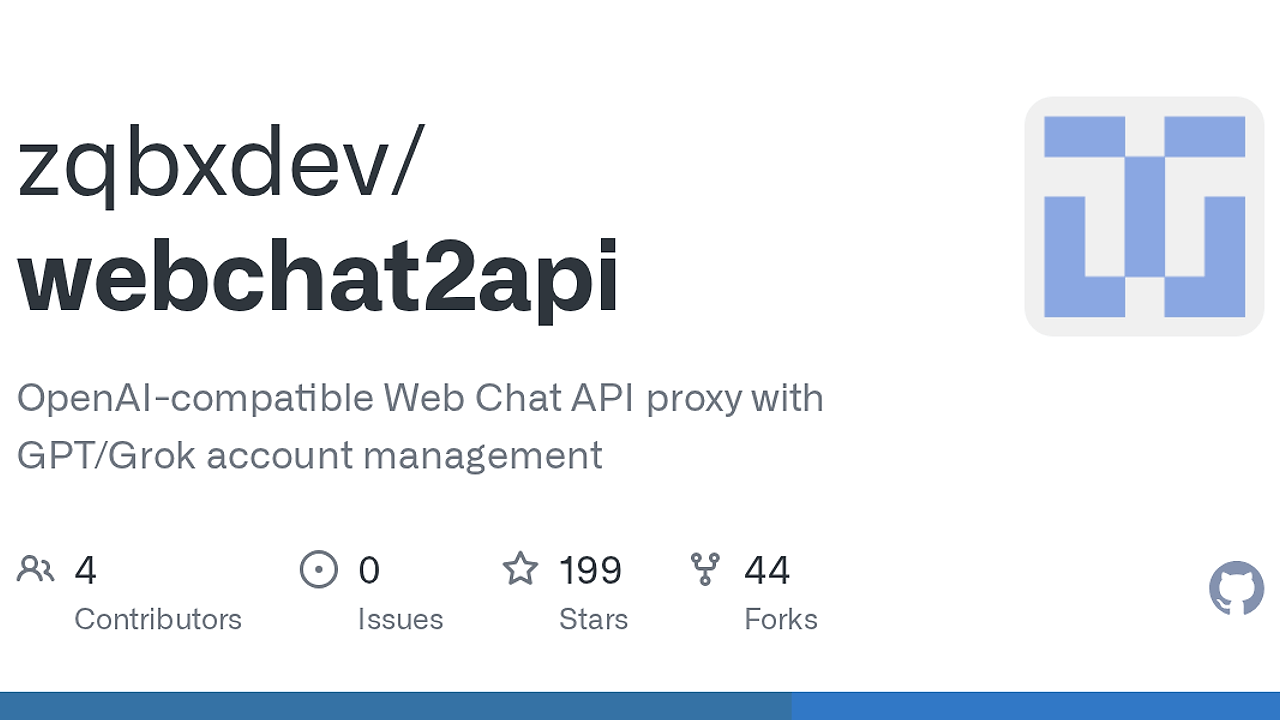
webchat2api is a FastAPI and Next.js proxy project built by zqbxdev that wraps GPT/ChatGPT Web and Grok/xAI Web into an OpenAI-style API for developers, indie hackers, and CTOs who want self-hosted model access without wiring every browser session by hand. webchat2api is one of the best AI API Proxies tools for developers, and it ships with 6+ public AI endpoints plus 10+ admin endpoints, including /v1/chat/completions, /v1/models, /v1/images/generations, /health, and /api/settings.
The project is not an official API client. It is an adapter layer that sits between browser-backed upstream accounts and your app, then routes traffic by model, provider, tier, and account capability. That makes webchat2api useful when you need an OpenAI-compatible interface for internal tooling, test rigs, or private automation, but it also means you inherit upstream account risk, browser challenge handling, and policy exposure.
Quick Overview
| Attribute | Details |
|---|---|
| Type | AI API Proxies |
| Best For | developers, indie hackers, and CTOs who need a self-hosted OpenAI-compatible layer over GPT and Grok web sessions |
| Language/Stack | FastAPI, Next.js, Docker, Chromium, Node.js |
| License | N/A |
| GitHub Stars | N/A as of Feb 2026 |
| Pricing | Open-Source |
| Last Release | N/A |
Who Should Use webchat2api?
- Self-hosting teams that want an OpenAI-compatible
/v1surface while keeping account control, routing logic, and logs inside their own infrastructure. - Indie hackers shipping internal AI tooling who need GPT and Grok access without building a custom browser automation layer from scratch.
- Platform engineers managing multiple upstream accounts who need tier-aware routing, account pools, proxy configuration, and backup workflows.
- QA and automation teams that want repeatable chat, image, and model-list tests behind a stable HTTP API.
Not ideal for:
- Teams that need officially supported, contract-backed API access with a vendor SLA.
- Products that cannot tolerate upstream account bans, rate limits, or challenge flows.
- Compliance-sensitive environments where reverse-engineered web access is not acceptable.
Key Features of webchat2api
- OpenAI-compatible API surface — webchat2api exposes
/v1/models,/v1/chat/completions,/v1/responses,/v1/messages, and image endpoints so existing OpenAI SDK integrations need less rewiring. That is the main reason teams use it as a drop-in transport layer. - GPT and Grok provider routing — the proxy can split traffic between
provider=gptandprovider=grokaccounts, then dispatch bymodelautomatically. That keeps client code simple while the server decides where each request should go. - Tier-aware Grok selection — app-chat requests are matched against
basic,super, andheavytiers, plus per-accountcapabilities. That prevents a low-tier account from being assigned a model it cannot actually serve. - Browser Bridge fallback — when direct Grok requests fail, webchat2api can fall back to a real Chromium-backed browser path with
POST /api/chatandGET /health. This matters when the upstream web app expects browser-like state or cookies. - Account pool management — the admin UI covers account import/export, remote account injection, API key handling, logs, backups, image jobs, and storage settings. That lets operators treat upstream access as a managed inventory rather than a pile of tokens.
- Image generation and edit workflows — webchat2api includes text-to-image routes like
grok-imagine-image-lite,grok-imagine-image, andgrok-imagine-image-pro, plus placeholders for edit and video endpoints. It also rotates image accounts when one credential fails. - Security and review hooks — the service supports local
sensitive_wordschecks and optional OpenAI-compatibleai_reviewfiltering, with base64 data URI stripping and long-text truncation before review. That reduces accidental leakage into the review pipeline.
webchat2api vs Alternatives
| Tool | Best For | Key Differentiator | Pricing |
|---|---|---|---|
| webchat2api | Self-hosted OpenAI-style access to GPT and Grok web sessions | Browser-backed proxy with account pools, tier routing, and a web admin console | Open-Source |
| LiteLLM | Normalizing calls across many model providers | Broad provider abstraction and enterprise-friendly routing | Open-Source / Paid tiers |
| OpenRouter | Multi-model access through a hosted gateway | Managed API gateway with centralized billing and model selection | Paid / Usage-based |
| Official OpenAI API | Production apps that want supported, documented access | Vendor-supported endpoints with stable contracts and ecosystem support | Paid |
If you want request-level observability around a self-hosted proxy, pair webchat2api with OpenTrace. If your app also needs multi-agent routing or workflow orchestration across model providers, OpenSwarm is a better companion than another thin client wrapper.
Pick LiteLLM when you need a cleaner provider abstraction across official APIs and less browser-specific logic. Pick OpenRouter when you want a hosted gateway instead of running your own account pool and bridge stack.
Pick the official OpenAI API when uptime, compliance, and support matter more than control over the transport. Pick webchat2api when you specifically need a self-hosted compatibility layer over web sessions, not a vendor-managed API.
How webchat2api Works
webchat2api is built around a split control plane: FastAPI handles the API and admin surface, while Next.js renders the management UI and operational screens. Under that, the proxy maps incoming OpenAI-style requests onto upstream GPT or Grok web flows, then uses account metadata, model names, and network profiles to decide which credential should serve each request.
The design is pragmatic rather than elegant. It uses separate account pools, remote account injection, image task tracking, storage backends, backups, and proxy settings because browser-based upstream access is stateful and failure-prone. The Browser Bridge adds a Chromium execution path when direct requests break, while cf_clearance, FlareSolverr, and TLS impersonation settings try to keep sessions viable without baking assumptions into client code.
curl http://localhost:83/v1/chat/completions \
  -H 'Content-Type: application/json' \
  -H 'Authorization: Bearer admin' \
  -d '{
    "model": "auto",
    "messages": [
      {"role": "user", "content": "你好"}
    ]
  }'
That request is routed through the OpenAI-compatible front door and then dispatched to the best matching upstream account. If the chosen path requires browser state, webchat2api can fall back to Chromium, reuse cookies, or retry with a different provider account depending on the model and the configured tier.
Pros and Cons of webchat2api
Pros:
- OpenAI-compatible transport keeps existing SDK and app integrations close to unchanged.
- Self-hosted control lets you own the logs, secrets, proxy settings, and backup cadence.
- Tier-aware routing reduces accidental assignment of unsupported Grok models to weak accounts.
- Browser Bridge fallback gives you a second execution path when direct requests hit 403, 408, 502, 503, or 504 responses.
- Operational UI covers users, accounts, logs, backups, image storage, and system settings in one place.
- Image and text coverage means one deployment can serve chat, model listing, and image workflows.
Cons:
- Upstream fragility is real because the tool depends on web sessions, clearance tokens, and challenge behavior that can change without notice.
- Legal and policy risk is higher than using official APIs, especially if you misuse account access or violate terms.
- Default secret risk is dangerous because the shipped login secret is
adminunless you override it. - Operational overhead is non-trivial because you must manage Docker, proxies, browser dependencies, storage, and backups.
- Feature parity gaps exist because some listed image or edit paths are marked as unimplemented.
Getting Started with webchat2api
The fastest path is Docker, because the repository already includes containerized runtime instructions, a browser bridge, and a persistent data volume. That gives you one command path for local testing and a clearer upgrade path for repeatable deployment.
git clone https://github.com/zqbxdev/webchat2api
cd webchat2api
docker build -t webchat2api:latest .
docker run -d \
  --name webchat2api \
  --restart unless-stopped \
  -p 83:83 \
  -v $(pwd)/data:/app/data \
  -e PORT=83 \
  -e HOST=0.0.0.0 \
  -e LOGIN_SECRET=your-strong-secret \
  webchat2api:latest
After the container starts, the API base is available at http://localhost:83/v1 and the admin UI is on http://localhost:83. You should change the login secret immediately, then configure accounts, proxy settings, and any required browser or clearance settings before sending real traffic.
Verdict
webchat2api is the strongest option for self-hosted OpenAI-compatible access to GPT and Grok web sessions when you accept the legal and operational risk. Its best strength is the combination of account pooling, tier-aware routing, and a usable admin UI. The caveat is obvious: upstream instability and policy exposure are part of the package, so use it only when control matters more than vendor support.