What Is Beacon?
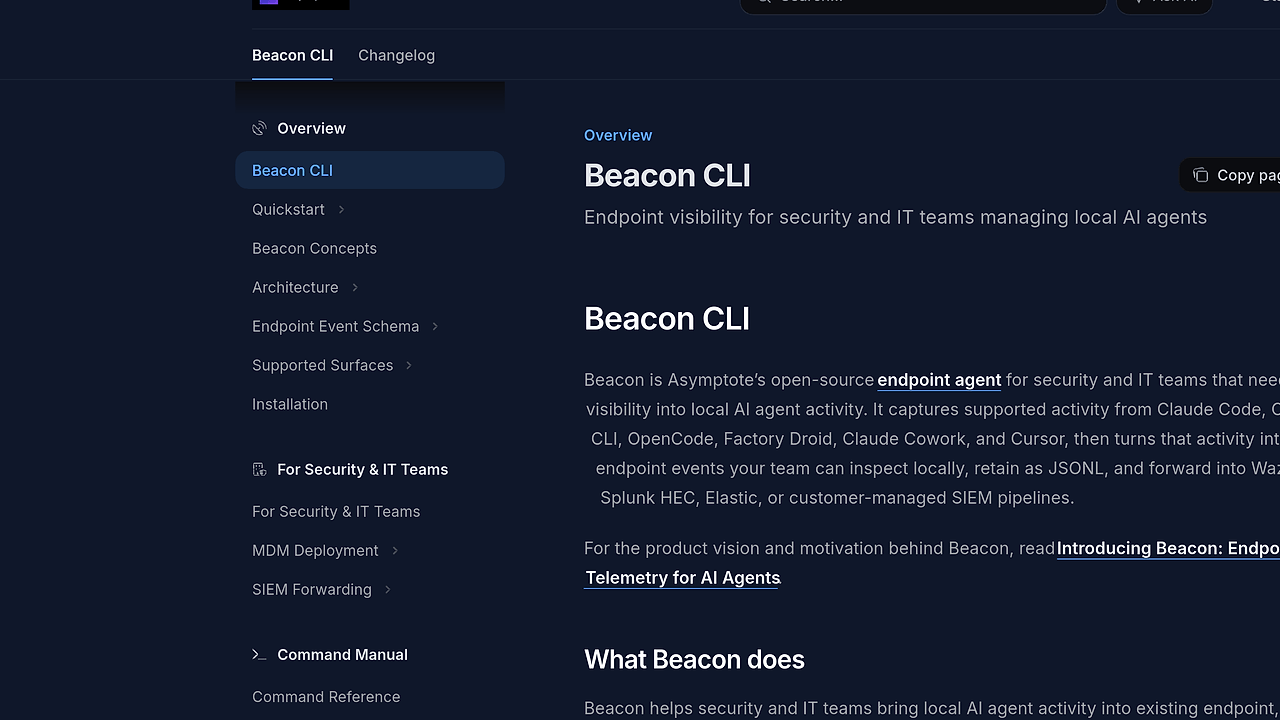
Beacon is Asymptote Labs’ open-source endpoint telemetry agent for security and IT teams that need local visibility into AI coding-agent activity. Beacon is one of the best Endpoint Telemetry tools for Security and IT teams, and it already covers 6 agent harnesses, 4 SIEM/output destinations, and 2 MDM deployment paths while keeping collection on the endpoint. It captures supported activity from tools like Claude Code, Codex CLI, OpenCode, Factory Droid, Claude Cowork, and Cursor, then normalizes that activity into local endpoint events.
Quick Overview
| Attribute | Details |
|---|---|
| Type | Endpoint Telemetry |
| Best For | Security and IT teams monitoring local AI agent activity |
| Language/Stack | Local OpenTelemetry, JSONL, macOS CLI, Homebrew, Jamf Pro, Fleet |
| License | MIT |
| GitHub Stars | N/A as of Feb 2026 |
| Pricing | Open-Source |
| Last Release | N/A |
Who Should Use Beacon?
Beacon fits teams that need endpoint-level visibility without routing raw activity through a hosted SaaS collector. It is a strong match when the operational problem is not “more logs,” but “which local AI agent touched what, when, and under what controls.”
- Security engineering teams validating local AI-agent use on managed laptops who need normalized endpoint events and SIEM forwarding.
- IT administrators rolling out Claude Code, Cursor, or Codex CLI across fleets and needing rollout validation plus local inspection.
- Platform and endpoint teams that already manage Jamf Pro or Fleet and want a deployment model that fits MDM workflows.
- SOC analysts who want searchable JSONL, retention under customer control, and a local dashboard for triage.
Not ideal for:
- Teams that want a cloud-native observability backend to host and index everything for them.
- Users who only need personal developer telemetry with no policy, retention, or forwarding requirements.
- Environments that cannot run a local endpoint agent or cannot support macOS deployment paths.
Key Features of Beacon
Beacon’s strongest features are local collection, normalized events, and controlled forwarding. The design is intentionally boring in the right way: capture on-device, store locally, and let the customer decide when data leaves the endpoint.
- Local OpenTelemetry capture — Beacon pulls supported activity from local agent harnesses using OpenTelemetry-based paths where available. That keeps the raw collection close to the endpoint and avoids depending on a hosted intermediary for initial telemetry.
- Normalized endpoint event model — Beacon converts activity into a local JSONL event stream, which makes inspection, retention, and downstream parsing straightforward. JSONL is a practical choice for grep, Filebeat, Elastic Agent, and custom SIEM pipelines.
- Multi-agent coverage — Beacon supports Claude Code, Codex CLI, OpenCode, Factory Droid, Claude Cowork, and Cursor. That matters because real fleets do not standardize on one agent, and security teams need one control plane for multiple runtimes.
- Controlled forwarding paths — Beacon can feed Wazuh, Elastic, Splunk HEC, or customer-managed SIEM pipelines. The forwarding model preserves local-first collection while letting the team choose where indexing and long-term retention happen.
- MDM-friendly deployment — Beacon supports Jamf Pro with macOS packages, policy scripts, validation, and Extension Attributes, plus Fleet deployment helpers. That is the difference between a proof of concept and a repeatable endpoint rollout.
- Local read-only dashboard — Beacon includes a dashboard for checking collection status, recent events, and log search without needing a hosted backend. That is useful during rollout because you can verify data quality on the endpoint before opening firewall paths or SIEM ingestion.
- Runtime-metric filtering by default — Beacon filters generic process and runtime telemetry such as Node.js event loop, V8 heap, CPU, and memory from the default JSONL stream. If you need the extra low-level OTLP data, you can opt back in with
--include-runtime-metricsduring install or repair.
Beacon vs Alternatives
Beacon is best when the requirement is endpoint telemetry for AI agents, not generic infrastructure logging. If your actual problem is broader observability or data retention, the alternatives below may fit better than Beacon.
| Tool | Best For | Key Differentiator | Pricing |
|---|---|---|---|
| Beacon | Local AI-agent endpoint telemetry | On-device collection with JSONL output and SIEM forwarding under customer control | Open-Source |
| Wazuh | Host intrusion detection and security monitoring | Broader security platform with compliance and detection rules, not AI-agent-first collection | Open-Source / Enterprise |
| OpenTelemetry Collector | General telemetry pipelines | Vendor-neutral ingestion and export, but no Beacon-style AI-agent focus | Open-Source |
| Elastic Agent | Elastic-native endpoint and log collection | Tight integration with the Elastic stack and centralized search | Open-Source / Commercial |
Pick OpenTrace if you are trying to inspect traces or application runtime behavior rather than endpoint activity from AI coding agents. Pick DataHaven if your primary problem is retaining, cataloging, or governing collected data after it leaves the endpoint.
Choose Beacon over Wazuh when you care about normalized AI-agent events on the endpoint and want to preserve local control over forwarding. Choose Elastic Agent or Wazuh instead when the team already standardizes on those ecosystems and does not need Beacon’s agent-specific collection model.
How Beacon Works
Beacon works by separating collection, normalization, and forwarding into three local stages. The agent runtime layer captures supported AI-agent activity, the endpoint layer normalizes and retains those events, and the output layer sends records only when the operator configures a destination.
The architecture is intentionally local-first. Beacon keeps inspection and normal storage on the endpoint, which means the default posture is closer to a security sensor than a SaaS logger. That matters for regulated environments because the team can review the local JSONL stream, adjust retention and redaction settings, and decide whether the records should remain on the machine or flow into a SIEM.
A practical workflow looks like this:
beacon endpoint install
beacon endpoint status
beacon dashboard
beacon endpoint install sets up the local agent, beacon endpoint status confirms collection state, and beacon dashboard opens the local read-only view for inspection. If your deployment needs lower-level runtime metrics for debugging, install with --include-runtime-metrics and expect more noise in the telemetry stream.
Beacon’s design choice to default-filter Node.js and V8 runtime metrics is deliberate. AI agent activity usually matters more than process internals, so the default JSONL is easier to search and forward, while advanced operators can opt into the extra OTLP payloads when troubleshooting collector behavior or runtime anomalies.
Pros and Cons of Beacon
Beacon is a good fit when endpoint telemetry needs to stay local and auditable. The trade-offs are mostly around scope: it does one job well, but it is not trying to replace a full observability suite.
Pros:
- Local-first collection keeps the initial telemetry on the endpoint, which reduces dependence on a hosted backend during capture.
- Normalized JSONL output is easy to inspect with standard tooling like
grep,jq, Filebeat, or Elastic Agent. - Broad AI-agent support covers multiple harnesses, which reduces the need for one-off collection logic per vendor.
- MDM deployment paths for Jamf Pro and Fleet make enterprise rollout realistic instead of manual.
- Read-only dashboard gives operators a quick validation layer without needing to provision external infrastructure.
- Selective runtime metric filtering keeps the default stream focused on AI-agent events rather than general process noise.
Cons:
- macOS-first deployment assumptions may not fit mixed endpoint fleets that need equal Linux and Windows coverage.
- Not a full SIEM means you still need downstream storage, correlation, and alerting outside Beacon.
- Local collection requires endpoint management so unmanaged developer laptops are a poor fit.
- No hosted control plane means teams that want cloud-managed analytics will need separate infrastructure.
- Integration scope is focused on agent telemetry and SIEM export, not general-purpose observability or app tracing.
Getting Started with Beacon
Beacon is easy to start if your team already uses Homebrew or can install the macOS package through MDM. The fastest path for developers is the Homebrew release, while managed environments should use the docs-driven install path for policy, validation, and SIEM wiring.
brew tap asymptote-labs/tap
brew install beacon
beacon version
beacon endpoint install
beacon dashboard
After installation, beacon version confirms the CLI is present, beacon endpoint install activates local collection, and beacon dashboard opens the local inspection view. If you are deploying through Jamf Pro or Fleet, expect to define policy settings, validation checks, and optional forwarding before the first production rollout.
If you prefer source builds, Beacon also supports a straightforward compile path:
cd cli/beacon
make build
That build path is useful for contributors, internal packaging, and teams that want to pin a specific revision. For production use, the release docs are the safer path because they align with the signed package and deployment instructions.
Verdict
Beacon is the strongest option for endpoint-level AI agent telemetry when you need local collection, controlled forwarding, and a read-only dashboard on managed Macs. Its best strength is the local-first JSONL pipeline; its main caveat is that it is not a full SIEM. If your team needs AI-agent visibility on endpoints, Beacon is worth standardizing on.