C64UX: What the Bare BASIC Prompt Lacks
C64UX replaces the anemic C64 BASIC prompt with a persistent shell mimicking a tiny OS. It targets the pain of stateless restarts and bland monochrome output on 8-bit hardware. Developers tired of reloading configs every boot now get credential persistence and styled boot flows.
Under the Hood: Boot Sequence and Config Persistence
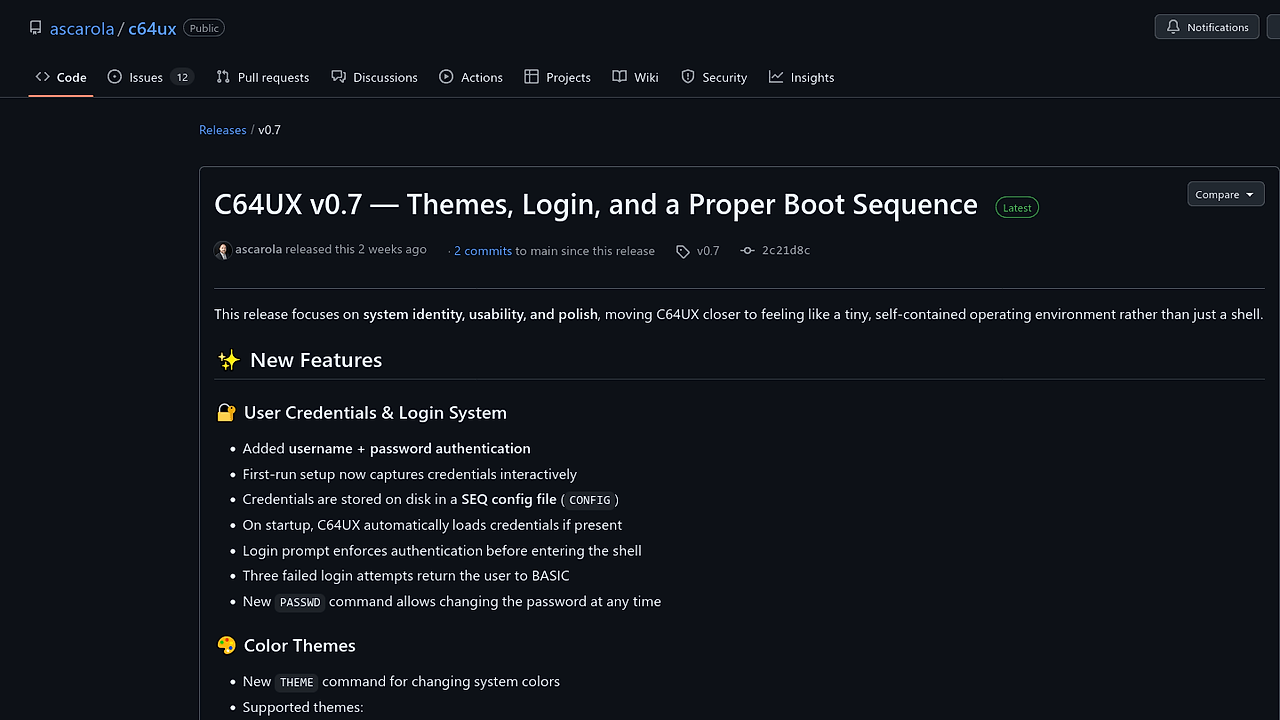
C64UX kicks off with a boot_sequence subroutine that scrolls staged messages like "Kernel start" and "REU detection" using timed PETSCII delays for authenticity. Credentials land in a SEQ file on disk (named CONFIG), loaded at startup for login checks; three fails dump back to BASIC. Themes tweak border, background, and text colors via the THEME command, resetting per run but reapplying post-banner to dodge overrides. Filesystem init and REU probing hook into boot, with graceful fails if no disk.
The Good & The Bad
Pros:
- Persistent credentials in plain-text SEQ files survive reboots without BASIC hacks.
- THEME command swaps NORMAL/DARK/GREEN palettes instantly via PETSCII controls.
- Boot scroll adds immersion with hardware-timed delays and REU detection.
- PASSWD lets users swap passwords runtime without reboot.
- Failsafe design skips disk features if drive absent.
- Clean separation of setup, auth, and shell entry speeds iteration.
Cons:
- Plain-text creds scream insecurity; no encryption means disk snoops read passwords.
- Themes reset on program exit, forcing reapply each session.
- Boot delays eat cycles on real iron, slowing cold starts.
- No REU mandate, but detection adds boot overhead without gains for basic use.
- SEQ file reliance bricks features sans 1541/1571 drive or emulator disk.
Quickstart
LOAD "C64UX.PRG",8,1
SYS 2064  REM Assuming default load addr; adjust per your build
This loads the PRG from disk unit 8 and SYS-jumps to entry. Expect a boot scroll with memory check and device mount messages, then credential prompt if CONFIG exists—or first-run setup. Shell drops post-auth with THEME and PASSWD ready.
Who Should Use This (and Who Shouldn't)
Use it if: You're hacking real C64 carts and crave OS-like persistence for sessions. Perfect for VICE tinkerers building disk-based apps needing auth flows. Wins on Plus/4 or expanded C64s with REU for boot flair.
Skip it if: You run headless emus without UI—boot eye-candy wastes cycles. Pure game devs hate login gates killing flow. Avoid on stock C64 sans drive; falls back to BASIC fast.
Alternatives & When to Switch
If you need full VICE scripting sans hardware limits, grab x64sc—it's cycle-accurate but skips shell polish. For modern PETSCII terminals, cbm8term beats it on cross-platform serial links. Switch to Contiki OS if multi-tasking trumps single-shell boot theater.