Django Control Room: What It Kills / Replaces
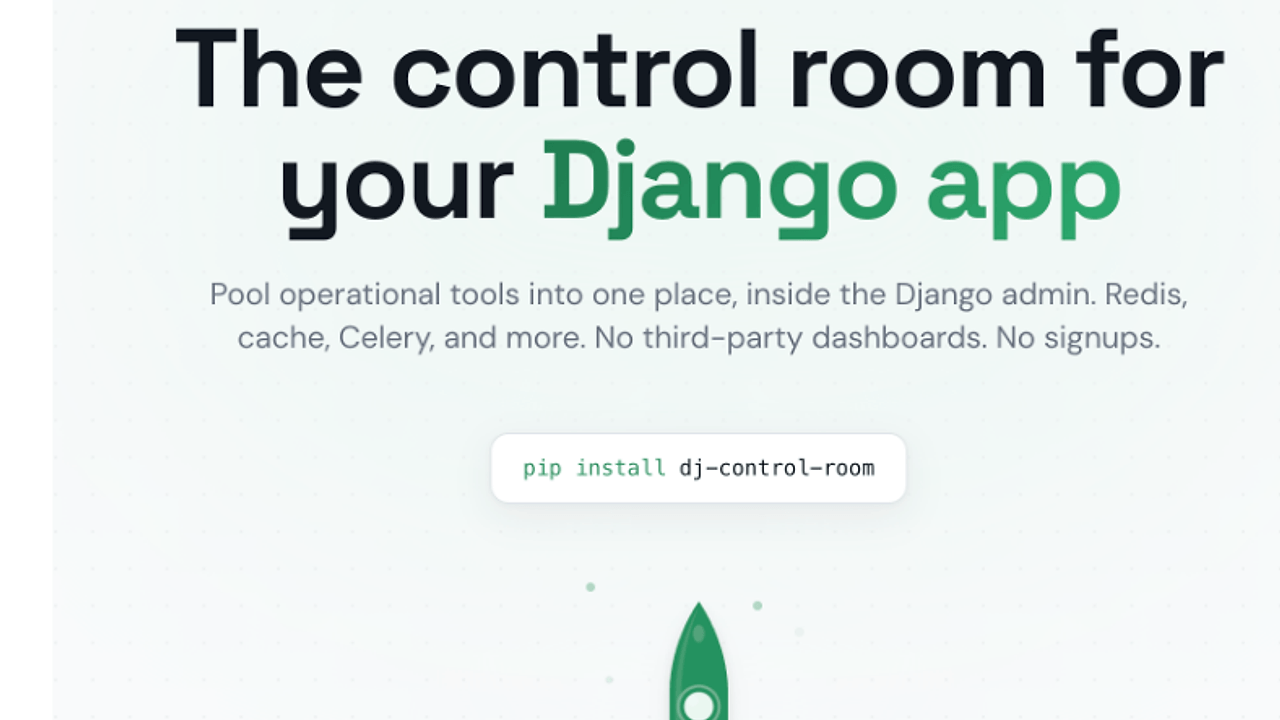
Django Control Room targets the outdated individual panel management in Django admin interfaces, simplifying administration tasks by consolidating them into a single, user-friendly dashboard. It aims to replace the fragmented experience of juggling several separate Django admin tools, like Django Admin Toolkit or custom admin panels.
Under the Hood: Architecture
Django Control Room functions as a centralized management tool that integrates with the Django admin via the INSTALLED_APPS settings, using a plugin system to dynamically load various panel implementations like Redis and cache inspectors. The setup process involves Django configurations in settings.py and urls.py, adhering to standard practices for URL registration and application inclusion.
The Good & The Bad
Pros:
- Centralized interface for managing multiple Django admin panels.
- Plugin system for easy installation and discovery of additional panels.
- Modern, responsive design with support for dark mode.
- Secure package verification prevents panel hijacking and guarantees installation integrity.
Cons:
- Initial setup can be complex for beginners unfamiliar with Django conventions.
- Limited built-in panels may require custom solutions for specific functionalities.
- Dependency management may lead to issues with version compatibility, especially with multiple plugins.
Quickstart
To quickly get started with Django Control Room, follow these commands:
pip install dj-control-room[all]
This command installs Django Control Room along with the official panels for Redis, cache, and URL management. After installation, you need to include it in your INSTALLED_APPS and configure your urls.py accordingly as per the documentation.
Who Should Use This (and Who Shouldn't)
Use it if:
- You manage multiple Django applications and need a consolidated admin interface.
- You're looking to enhance the administration experience with modern UI/UX.
- You appreciate open-source solutions that prioritize security and extensibility.
Skip it if:
- Your application is minimal and doesn't require additional panel management.
- You prefer lightweight solutions without the bulk of additional features.
- You want tight coupling with specific tools that may not integrate well with Django Control Room.
Alternatives & When to Switch
If you need specialized tools to handle Redis without additional panels, use django-redis. For a more robust admin interface, consider django-admin-tools, which offers extensive customization options. When strict adherence to legacy systems is required, continue with individual panel installations instead of deploying Django Control Room.