DRYwall: What It Kills / Replaces
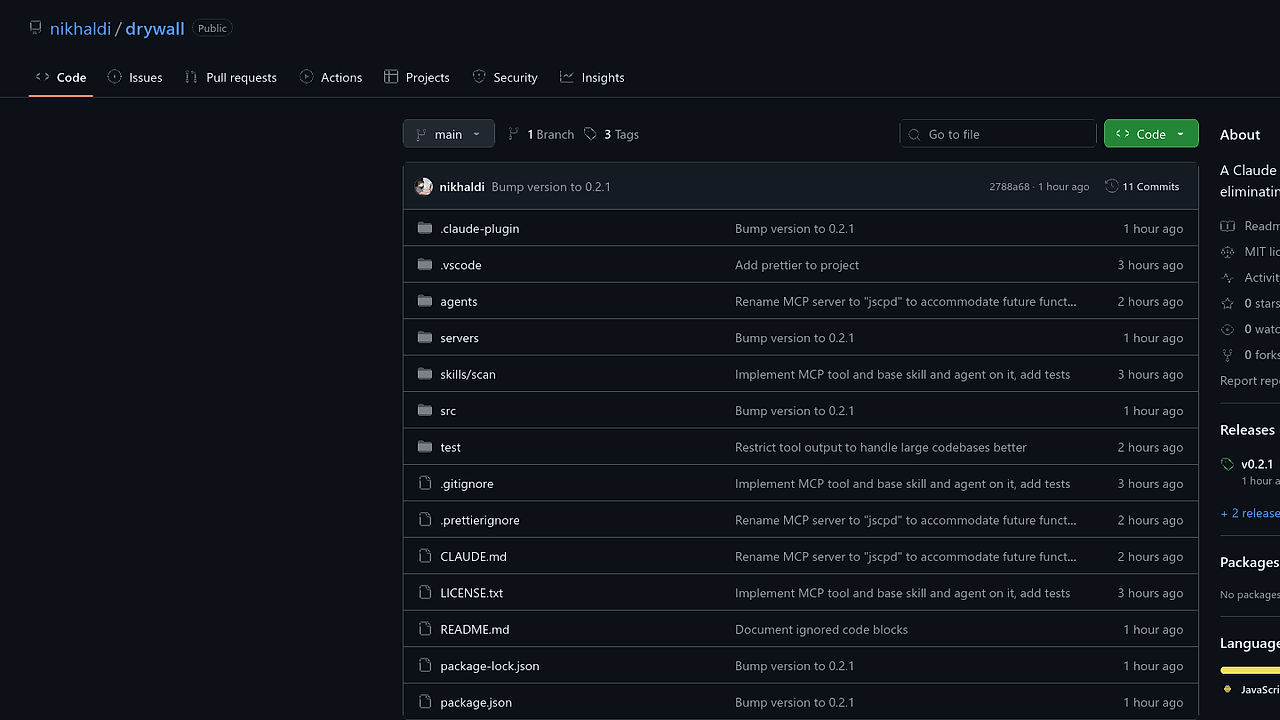
DRYwall is a plugin aimed at tackling code duplication specifically within Claude Code. It replaces the need for manual code reviews and the often futile attempts to manage duplication through traditional coding practices.
Under the Hood: Architecture / Protocol / Core Mechanic
This tool integrates with Claude Code using Node.js, employing the jscpd (JavaScript Copy/Paste Detector) library to assess and report duplicated code. It operates through a configuration file, .drywallrc.json, where settings like minTokens and jscpdVersion can be specified, offering fine-tuned control over its execution.
The Good & The Bad
Pros:
- Efficiently detects code duplication across large codebases without significant overhead.
- Runs within the Claude Code environment, minimizing the need for switch context.
- Configurable through a centralized JSON file for easy adjustment.
- Uses a deterministic toolchain that simplifies the deduplication process compared to manual refactoring.
Cons:
- Relies on external tools (like jscpd), which means you’re bound to its limitations and versions.
- Configuration may be complex for first-time users, requiring familiarity with jscpd options.
- Potentially noisy output if not properly configured; tuning may be necessary.
Quickstart
/plugin marketplace add nikhaldi/drywall
/plugin install drywall@drywall
/drywall:scan
This command adds and installs the DRYwall plugin from the Claude marketplace and runs a scan command to identify and suggest deduplication efforts within your existing codebase.
Who Should Use This (and Who Shouldn't)
Use it if:
- You’re embedded within the Claude Code ecosystem and need a systematic way to manage code duplication.
- Your project suffers from repetitive code that impacts maintainability and clarity.
- You’re accustomed to using configuration files for managing tool settings.
Skip it if:
- You’re not using Claude Code and prefer standalone solutions for code quality.
- Your codebase is small enough that duplication is manageable without tooling.
- You dislike configuring tools and prefer straightforward plug-and-play options.
Alternatives & When to Switch
If you need simplicity and are less concerned about integration, consider SonarQube. For more traditional environments, ESLint can catch some issues with duplicate code patterns, but it may yield less thorough analysis. Finally, for dedicated environments outside AI systems, PMD might be what you want for multitiered software ecosystems.