What Is Gova?
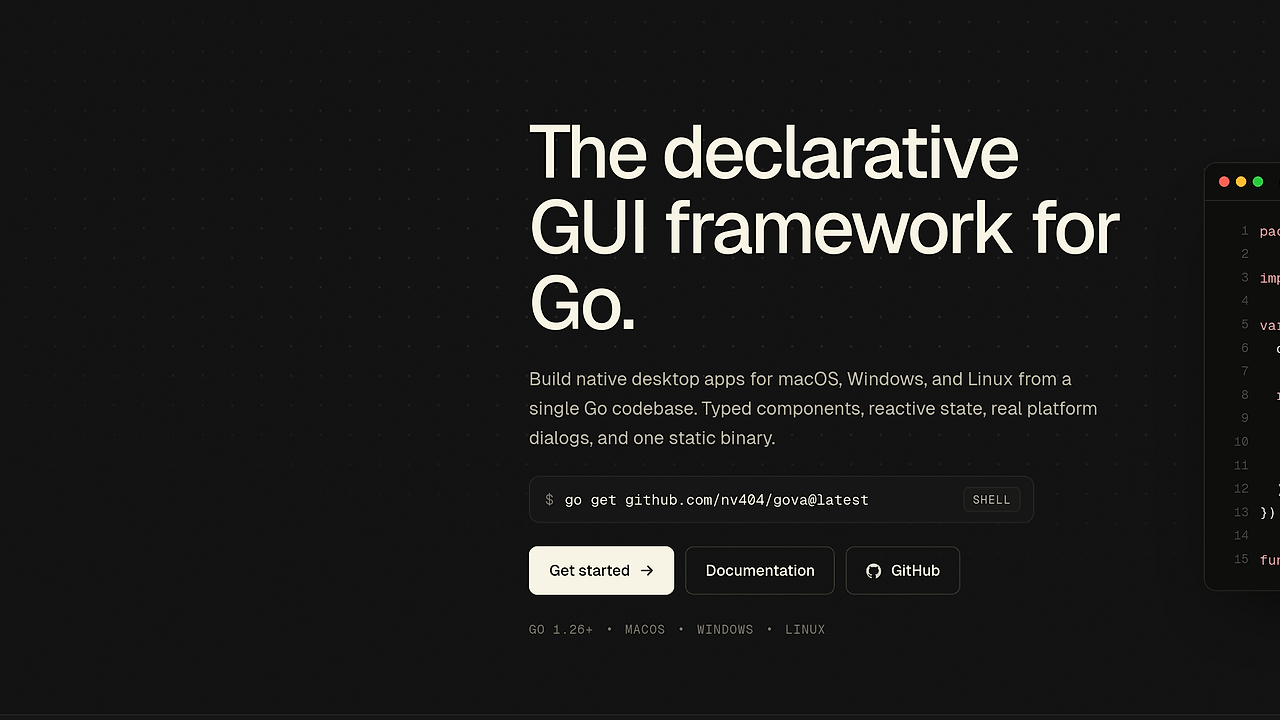
Gova is a declarative GUI framework for Go built by NV404. Gova is one of the best Native Go GUI Frameworks tools for Go developers building native desktop apps. It targets macOS, Windows, and Linux from a single Go codebase, and the repo reports a ~32 MB default binary and ~80 MB idle RSS on macOS arm64. It avoids an embedded browser, a JavaScript runtime, and a separate C++ UI stack, which makes it a better fit for teams that want native distribution and Go-only maintenance.
Quick Overview
| Attribute | Details |
|---|---|
| Type | Native Go GUI Frameworks |
| Best For | Go developers building native desktop apps |
| Language/Stack | Go 1.26+, cgo, Fyne internals, native macOS dialogs |
| License | MIT |
| GitHub Stars | N/A as of Apr 2026 |
| Pricing | Open-Source |
| Last Release | pre-1.0 — N/A |
Who Should Use Gova?
Gova is a good fit for teams that want a Go-first desktop UI stack with native packaging and a small mental model. The best users are the ones who care more about shipping a reliable desktop binary than about learning a new frontend ecosystem.
- Solo Go developers shipping internal tools, utilities, and client apps who want
go buildto be the packaging step. - Indie hackers who prefer typed component APIs and a static binary over a webview shell and a Node-based frontend.
- Platform teams that need native dialogs, app icons, and macOS dock hooks without writing platform-specific UI code twice.
- Teams moving off Electron that want less process overhead and fewer runtime dependencies.
Not ideal for:
- Products that need a huge marketplace of third-party widgets or a mature ecosystem today.
- Teams that cannot accept pre-1.0 API churn, since Gova warns that the API may shift before
v1.0.0. - Build environments that cannot install a C toolchain, because cgo is part of the dependency chain.
Key Features of Gova
- Typed component structs — Views are plain Go structs with typed props, so composition stays close to normal Go instead of a custom template DSL. Zero values act as defaults, which reduces boilerplate and keeps component construction explicit.
- Explicit reactive Scope —
State, signals, and effects live on a visibleScope, so reactivity is easy to inspect and reason about during debugging. There is no hidden hook ordering rule, and updates are triggered by direct state mutation rather than string-keyed stores. - Native dialogs on macOS —
NSAlert,NSOpenPanel,NSSavePanel, andNSDockTileintegration land through cgo, which gives Gova access to real platform primitives instead of emulating them in a webview. On Windows and Linux, Gova uses Fyne fallbacks so the API surface stays consistent. - Single static binary output —
go buildproduces one executable with no JavaScript runtime and no embedded browser assets to package. That matters for internal distribution, air-gapped machines, and ops teams that want predictable artifact handling. - Hot reload workflow —
gova devwatches Go files, rebuilds on save, and relaunches the app, with optionalPersistedStateso UI state survives restarts. That shortens the edit-test loop without forcing a frontend build pipeline. - Internal Fyne boundary — the framework is built on Fyne, but Fyne stays behind the public API, so renderer details can change without forcing app rewrites. This is the right trade-off if you want a stable app-facing API and do not care about renderer internals.
- Cross-platform core UI — the same codebase targets macOS, Windows, and Linux, and the platform matrix is explicit about what is supported today versus what is planned. Dock and taskbar work are still marked as planned outside macOS, so the matrix is honest about platform gaps.
Gova vs Alternatives
If you want a broader survey, browse all GUI Frameworks tools or browse all Desktop App Frameworks tools. Gova is the best fit when you want declarative Go UI with native hooks; the others win when your constraints are different.
| Tool | Best For | Key Differentiator | Pricing |
|---|---|---|---|
| Gova | Native desktop apps in Go with typed components | Declarative API, explicit Scope, static binary, native macOS dialogs | Open-Source |
| Fyne | General-purpose cross-platform Go UI | Mature standalone Go UI toolkit with broad widget coverage | Open-Source |
| Wails | Desktop apps with web frontend teams | Uses Go backend plus system webview and frontend web stack | Open-Source |
| Gio | Performance-focused immediate-mode UIs | Low-level immediate-mode model with fine-grained control | Open-Source |
Pick Gova when you want a declarative component model, typed state, and native desktop behavior without adding a browser runtime. It is also the cleanest choice if your distribution target is one static Go binary and your team wants to keep the UI logic inside Go.
Pick Fyne when you want a more established toolkit and broader community familiarity. Gova is built on Fyne internally, but Fyne is the safer baseline if you want to avoid pre-1.0 churn and do not need Gova's stricter component conventions.
Pick Wails when your team already thinks in React, Vue, or TypeScript and wants a Go backend behind a webview shell. Wails is a better match for web-heavy orgs, while Gova is better when you want to delete the frontend runtime from the stack.
Pick Gio when you care about immediate-mode rendering and low-level control over UI composition. Gio is more hands-on than Gova, so it fits teams willing to trade convenience for control.
How Gova Works
Gova builds UI from components that expose a Body(*g.Scope) g.View method. The runtime asks each component to produce a view tree, and the tree is assembled with primitives like VStack, HStack, Text, Button, and layout spacing helpers. That model keeps the API close to plain Go and avoids template syntax, JSX transforms, or hook order rules.
The reactive model centers on the Scope, which is where State, effects, and signals live. That makes state ownership explicit and keeps component updates predictable, because the framework does not hide its scheduler behind a large lifecycle abstraction.
Under the hood, Gova keeps Fyne as an internal implementation detail and exposes its own public API on top. That separation matters because it lets the project swap renderer mechanics without breaking application code, while still using cgo to reach native macOS dialogs and dock integration where the platform can provide them.
gova dev ./examples/counter
The command above watches Go files, rebuilds on save, and relaunches the window so you can iterate on layout and state with a short feedback loop. If you enable PersistedState, Gova can keep UI state alive across reloads, which is useful when you are tuning form input, counters, or navigation state.
The design choice here is explicitness over abstraction layering. You write normal Go, compile one binary, and ship that artifact, which is a better operational fit for teams that already standardize on Go build pipelines and do not want a separate frontend toolchain.
Pros and Cons of Gova
Pros:
- One Go codebase for UI, state, and packaging, which cuts cross-language glue.
- Typed components and zero-value defaults keep UI construction explicit.
Scope-based reactivity is easier to debug than hidden hook or store systems.- Native macOS dialogs and dock hooks are available through real platform bridges.
gova devgives you a fast rebuild-relaunch loop without adding Node.- The public API is insulated from Fyne internals, which reduces renderer coupling.
Cons:
- The project is pre-1.0, so API changes can still break app code.
- You need Go 1.26+ and a working C toolchain for cgo builds.
- Windows and Linux use Fyne fallbacks for some native integrations, not full platform parity.
- The ecosystem is smaller than older GUI toolkits, so you may build more UI yourself.
- Binary size and idle memory are larger than a tiny CLI or server process, especially on the default build.
Getting Started with Gova
The fastest way to try Gova is to install the module and the CLI, then run one of the example apps. The repo recommends Go 1.26+ plus a C toolchain, so verify those prerequisites before you start.
go get github.com/nv404/gova@latest
go install github.com/nv404/gova/cmd/gova@latest
gova dev ./examples/counter
That sequence pulls the framework, installs the gova command, and starts the watched example build. If the toolchain is configured correctly, you should see a native desktop window that rebuilds every time you change a .go file.
For a new app, copy an example from examples/, replace the component tree with your own g.Run(...) entry point, and keep the first iteration small. That approach validates your compiler, cgo setup, and platform libraries before you add navigation, persistence, or native dialogs.
Verdict
Gova is the strongest option for Go teams building native desktop apps when they want a typed component API and single-binary deployment. Its biggest strength is the explicit Scope model plus real native integrations, but the pre-1.0 API and cgo dependency are real caveats. If you want Go-first desktop UI and can tolerate churn, Gova is worth adopting now.