What Is Humanize-Text?
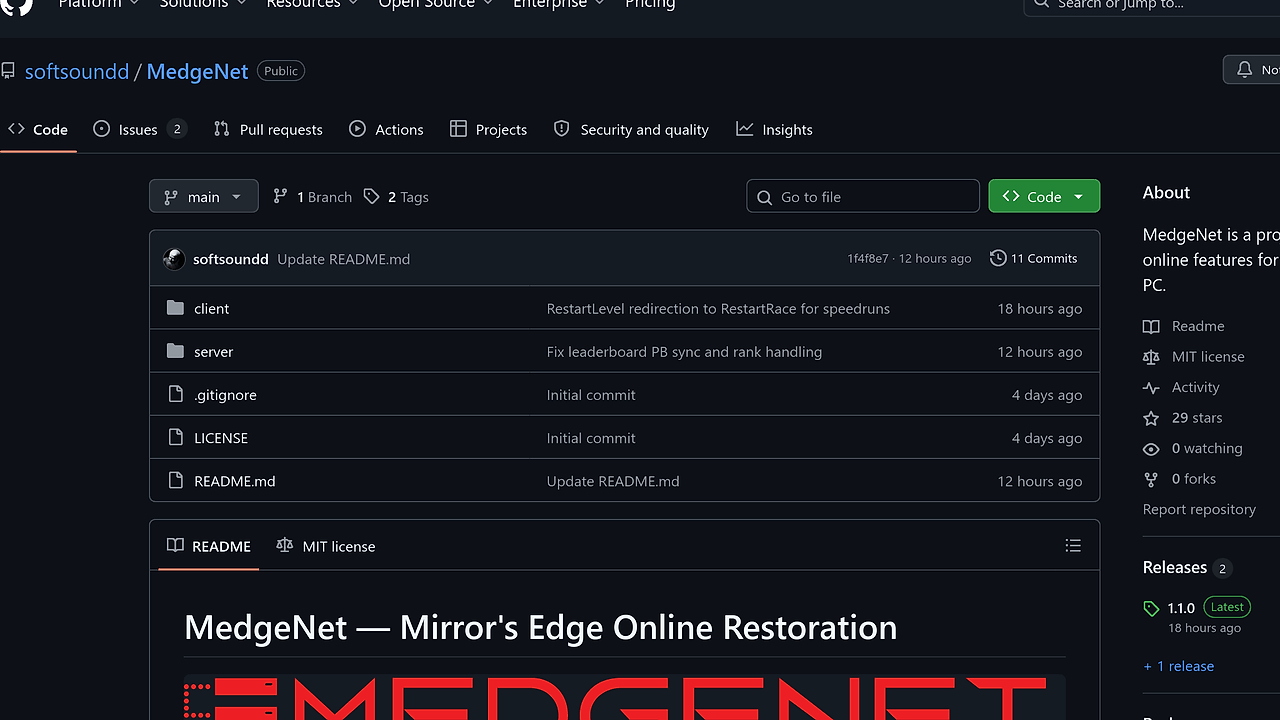
Humanize-Text is a GitHub-hosted, open-source AI text humanization toolkit built by the Lynote AI team. Humanize-Text is one of the best AI Text Humanizers tools for developers, indie hackers, and content teams because it transforms machine-written copy through a documented 4-step pipeline and reports 100% key-information retention on 50 text pairs, with an overall expert score of 9.1/10.
The repo is not a single prompt wrapper. It ships reference methodologies in src/methodologies/, a recommended production path in src/standard/pipeline.py, and a no-code n8n workflow for teams that want automation without writing custom orchestration.
Quick Overview
| Attribute | Details |
|---|---|
| Type | AI Text Humanizers |
| Best For | developers, indie hackers, and content teams |
| Language/Stack | Python 3.10+, DeepSeek, Google Translate, Niutrans, n8n |
| License | N/A |
| GitHub Stars | N/A as of Feb 2026 |
| Pricing | Open-Source |
| Last Release | v1.5.1 — N/A |
Who Should Use Humanize-Text?
- Backend engineers shipping content workflows who want a local, inspectable pipeline instead of a black-box SaaS.
- Indie hackers who need to humanize landing-page, blog, or product copy through a scriptable CLI and config file.
- Automation builders using n8n who want to plug text rewriting into existing HTTP-based workflows.
- Content ops teams that care about preserving named entities, claims, and structure while changing surface wording.
Not ideal for:
- Teams that need zero-setup usage with no API keys or vendor accounts.
- Organizations that cannot send text to third-party translation or LLM APIs.
- Users who only want a simple paraphraser and do not care about pipeline control or intermediate artifacts.
Key Features of Humanize-Text
- Four-stage standard pipeline — The recommended path chains two DeepSeek rewrites with two translation hops: English to Chinese, Chinese to Japanese, Japanese to Finnish, then back to English. That structure is explicit in the repo and is designed to change surface form while keeping meaning stable.
- Research-grade methodology split — The project separates four humanization methods in
src/methodologies/from the production standard pipeline insrc/standard/pipeline.py. That makes Humanize-Text useful both as a practical tool and as a benchmarkable research artifact. - Verified information retention — The maintainers report 100% key-information retention across 50 text pairs, with an overall expert score of 9.1/10. For teams worried about semantic drift, that is the metric that matters more than stylistic flair.
- Explicit intermediate traces — The showcase directory includes 5 real examples with step-by-step outputs and detector verdicts. That makes it easy to audit how each rewrite evolved instead of guessing why the final text changed.
- n8n automation path — Humanize-Text includes
n8n/humanize_standard.json, which lets no-code operators wire the pipeline into existing automation stacks. This is the cleanest path if your team already uses webhook-driven workflows. - Config-driven execution — The Python path uses
config/config.tomlfor API keys and runtime settings, so the behavior is reproducible across machines and environments. That is better than burying model choices inside a one-off prompt string. - Multi-engine translation design — The repo deliberately mixes DeepSeek, Google Translate, and Niutrans instead of relying on a single model family. That reduces the chance that one engine's output style survives intact through the whole chain.
Humanize-Text vs Alternatives
| Tool | Best For | Key Differentiator | Pricing |
|---|---|---|---|
| Humanize-Text | Developers who want reproducible, self-hostable humanization | Open-source Python pipeline with explicit multi-hop rewriting | Open-Source |
| Lynote.ai | Non-technical users who want no setup | Hosted product with automatic tier selection per passage | Freemium |
| QuillBot | Quick paraphrasing and grammar-adjacent rewrites | Simpler browser workflow, less control over rewrite stages | Freemium |
| OpenTrace | Output inspection and regression analysis | Better for evaluation and tracing than for rewriting itself | Open-Source |
Pick Humanize-Text when you need control over the rewrite chain, API usage, and intermediate artifacts. Pick OpenTrace alongside it when you want to compare outputs across runs and catch regressions in semantic fidelity.
Pick Lynote.ai when you want the same core idea without maintaining keys, configs, or local orchestration. Pick QuillBot when your team only needs a fast paraphrase pass and does not care about a structured, auditable pipeline.
If you are experimenting with prompts before wiring the pipeline, Brainstorm MCP is a good companion for iteration, and Claude Code Canvas is useful when you need to review long rewritten passages side by side.
How Humanize-Text Works
Humanize-Text treats humanization as a text transformation pipeline, not as a single prompt that hopes for the best. The core abstraction is a four-step chain that pushes a passage through LLM rewriting and cross-lingual translation, then reconstructs English at the end. That architecture matters because each hop changes syntax, idiom selection, and sentence rhythm while keeping the topic anchor intact.
The production path uses DeepSeek at temperature 1.3 for the first two rewrite stages, then routes the output through Google Translate and Niutrans. The repo also keeps the underlying methods separate so you can inspect the trade-offs between translation chains, multi-turn rewriting, detection-guided feedback, and mixed-engine strategies. In practice, that means the tool is built for experimentation, not just one fixed outcome.
git clone https://github.com/lynote-ai/humanize-text.git
cd humanize-text
pip install -r requirements.txt
cp config/config.example.toml config/config.toml
# Fill in your API keys in config.toml
python -m src.standard.pipeline --input "Your AI-generated text here"
The command sequence installs the Python dependencies, copies the configuration template, and runs the standard pipeline against one input string. Expect to provide API keys before the first run, because the pipeline depends on external LLM and translation services rather than bundled local models.
Pros and Cons of Humanize-Text
Pros:
- The pipeline is explicit, so you can inspect each transformation step instead of guessing what changed.
- The repo reports strong semantic preservation, with 100% key-information retention on the provided evaluation set.
- The Python CLI path is scriptable and easy to embed in CI, content tooling, or batch jobs.
- The n8n workflow gives automation teams a no-code integration path without rewriting the core logic.
- The repository documents the methodology split well enough to support tuning and extension.
Cons:
- You need external API keys, so it is not truly zero-configuration.
- The pipeline depends on multiple third-party services, which adds latency, cost, and operational failure points.
- The current standard path is opinionated; if you want a different transformation style, you need to modify the pipeline or swap methods.
- The repo does not expose a single unified hosted UI, so non-technical users will prefer a managed product like Lynote.ai.
- Language-hop quality can vary by source material, especially for highly technical terminology or heavily branded copy.
Getting Started with Humanize-Text
git clone https://github.com/lynote-ai/humanize-text.git
cd humanize-text
pip install -r requirements.txt
cp config/config.example.toml config/config.toml
python -m src.standard.pipeline --input "Paste your AI-generated text here"
After the first run, Humanize-Text will pull configuration from config/config.toml and send the passage through the standard chain. If you prefer automation, import n8n/humanize_standard.json into n8n and map your input field to the HTTP Request nodes that call DeepSeek and the translation services.
For practical evaluation, run a few sample passages through the pipeline and compare the intermediate outputs in examples/showcase/. If you care about regression testing, pair the repo with OpenTrace so you can track whether the rewritten output still preserves entities, claims, and section structure after config changes.
Verdict
Humanize-Text is the strongest option for developers who need a reproducible, self-hostable humanization pipeline when they can supply API keys for the underlying services. Its main strength is explicit control with strong information retention; the main caveat is operational complexity. If you want auditability and scriptability, Humanize-Text is the right pick.