What Is Kalshi AI Trading Bot?
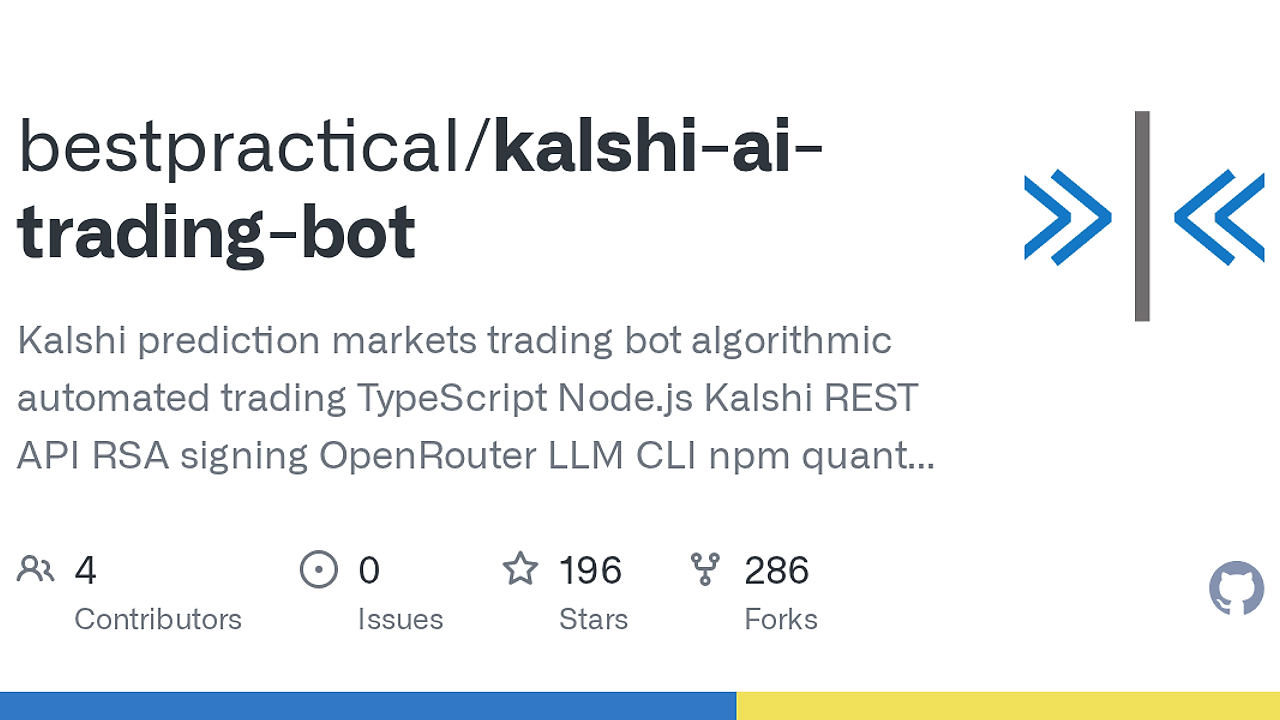
Kalshi AI Trading Bot is a TypeScript and Node.js AI trading bot built by the GitHub maintainer bestpracticaI for automating workflows around Kalshi prediction markets. Kalshi AI Trading Bot is one of the best AI Trading Bots tools for developers and quant-minded builders. It ships with five documented CLI commands, a signed Kalshi REST client, and OpenRouter helpers, so you get a working automation skeleton instead of a blank repo.
This repo is aimed at engineers who want to script market checks, manage positions, and wire in model calls without writing every integration layer by hand. The code is intentionally starter-oriented: it gives you the authenticated API path, typed config, and local trade-history support, then leaves strategy logic under src/ for you to own.
Quick Overview
| Attribute | Details |
|---|---|
| Type | AI Trading Bots |
| Best For | developers and quant-minded builders |
| Language/Stack | TypeScript, Node.js 18+, Kalshi REST API, OpenRouter, sql.js |
| License | MIT |
| GitHub Stars | N/A as of Feb 2026 |
| Pricing | Open-Source |
| Last Release | N/A |
Who Should Use Kalshi AI Trading Bot?
- Indie hackers building market automation who want a CLI-first starter for Kalshi without assembling auth, retries, and config from scratch.
- Developers prototyping signal-driven strategies who need a signed REST client, a local history reader, and a place to wire in model outputs.
- Quant-minded engineers who prefer TypeScript over Python and want to keep the execution path inside the same Node.js codebase.
- Operators testing account workflows who need
health,status, andclose-allbefore they write a custom execution engine.
Not ideal for:
- Teams that want a fully opinionated, battle-tested strategy engine with backtesting, portfolio optimization, and execution management already built in.
- Non-technical users who expect a web dashboard instead of a CLI and source code.
- Anyone who cannot tolerate trading risk, because Kalshi AI Trading Bot is starter code, not a profit guarantee.
Key Features of Kalshi AI Trading Bot
- Signed Kalshi REST client — The bot uses RSA-PSS signing for Kalshi API requests, which is the part most developers get wrong on the first attempt. It also retries on rate limits and server errors, so transient failures do not immediately break your workflow.
- CLI workflow commands — The repo ships with
health,status,history,close-all, and a stubruncommand. That gives you a practical command-line surface for checks, monitoring, and exit management before you write strategy code. - OpenRouter integration layer — Kalshi AI Trading Bot includes a thin wrapper for model calls through OpenRouter, which means you can add LLM-based classification, summarization, or signal filtering with one API key. It is an integration point, not a locked-in agent framework.
- Typed configuration in TypeScript — Settings live in a central TypeScript config and can be overridden with
.env. That keeps runtime configuration explicit, which matters when you are moving between local dev, CI, and a live trading shell. - Local trade-history reads via sql.js — The
historycommand can readtrading_system.dbusing embedded sql.js, so you do not need a separate SQLite install for inspection. This is useful when you already have a local log file and want quick visibility into fills and aggregates. - Account and market inspection — The bot can fetch balance, positions, markets, orderbook data, and order state from Kalshi. That makes it usable as an account operator even before you implement automated decision logic.
- Safe close-out workflow —
close-allsupports preview mode and a--liveflag, which is the right shape for production risk control. You can inspect the intended sells first, then flip the switch only when you trust the state.
Kalshi AI Trading Bot vs Alternatives
| Tool | Best For | Key Differentiator | Pricing |
|---|---|---|---|
| Kalshi AI Trading Bot | Kalshi-specific automation in TypeScript | Signed Kalshi REST client plus CLI starter with model hooks | Open-Source |
| Hummingbot | Market making across crypto exchanges | Mature market-making framework with exchange connectors | Open-Source |
| Freqtrade | Crypto strategy research and execution | Backtesting-heavy Python stack with a larger strategy ecosystem | Open-Source |
| Hand-rolled Node.js script | One-off market experiments | Minimal dependencies, but you build auth, retries, and CLI yourself | Free |
Pick Hummingbot if you need a broader exchange automation framework and can accept its existing abstractions. Pick Freqtrade if your work is more about crypto strategy research, backtesting, and indicator-driven execution than Kalshi-specific APIs.
Pick a hand-rolled script if the workflow is tiny and disposable. Pick Kalshi AI Trading Bot when you want a Kalshi-native starter with enough structure to avoid boilerplate, but still want full ownership of the strategy layer.
For surrounding infrastructure, OpenTrace is a better fit for tracing execution paths, while DataHaven is the sort of storage layer you would pair with a trading log pipeline. If you want an orchestration layer for multi-step automation around the bot, OpenSwarm is closer to that problem than a trading framework.
How Kalshi AI Trading Bot Works
Kalshi AI Trading Bot is organized around a small Node.js runtime, a typed configuration layer, and a signed HTTP client that talks to Kalshi’s REST API. The design choice is conservative: authenticate first, inspect account state second, and only then let you wire in decision logic.
The API layer uses your Kalshi key ID plus the matching RSA private key to sign requests, which is the core abstraction for anything that touches balance, positions, or order placement. On top of that, the CLI exposes operational commands so you can check health, view status, inspect recent history, and close positions without opening a separate app.
npm install
npm run dev -- health
npm run dev -- status
npm run dev -- close-all
The first command installs dependencies, the second validates environment and API connectivity, the third reads account state, and the fourth previews the position-closing workflow. If you add --live to close-all, the bot will send the actual sell orders, so you should treat that flag as an execution boundary rather than a convenience option.
The implementation also separates the optional OpenRouter path from core trading mechanics, which keeps model calls from becoming a hard dependency. That matters because strategy experiments often change faster than execution plumbing, and you do not want prompt logic fused to order submission code.
Pros and Cons of Kalshi AI Trading Bot
Pros:
- Kalshi-native auth path — The repo already handles the RSA private-key workflow that Kalshi expects, which saves time and reduces signing mistakes.
- Small CLI surface area — Commands are easy to reason about, which is better for operator workflows than a giant framework with hidden side effects.
- TypeScript-first codebase — Strong typing helps when you are passing market data, balances, and order payloads through multiple layers.
- No external SQLite dependency —
sql.jskeeps the history reader portable across local machines and CI. - Optional AI integration — OpenRouter is there if you want model-assisted logic, but it does not force an agent runtime onto the trading path.
- Clear escape hatches — The
runcommand is a stub, which is honest: you are expected to own your strategy logic instead of fighting a black box.
Cons:
- Strategy engine is incomplete — There is no turnkey end-to-end market scanner, model loop, and execution policy out of the box.
healthdepends ontrading_system.db— The database check can fail on a fresh checkout if you have not created the optional SQLite file yet.- Trading risk is entirely on you — The repo warns correctly that prediction markets can move fast and be illiquid, so bad logic can lose money quickly.
- CLI-first UX may be too bare — If you want dashboards, charts, and settings forms, this repo will feel sparse.
- No built-in backtesting suite — You still need your own simulation harness if you want to test entry and exit logic before live use.
Getting Started with Kalshi AI Trading Bot
git clone https://github.com/bestpracticaI/kalshi-ai-trading-bot.git
cd kalshi-ai-trading-bot
npm install
cp env.template .env
npm run dev -- health
npm run dev -- status
After those commands run, Kalshi AI Trading Bot will validate your environment, check whether your Kalshi credentials line up, and show account state when the API connection is healthy. You still need to fill in KALSHI_API_KEY and one valid private-key source in .env, and you should add OPENROUTER_API_KEY only if your own strategy code actually calls models.
If you prefer a production-style build, run npm run build and then use npm start -- <command>. For a global CLI, npm link registers the kalshi-bot binary so you can invoke it from anywhere in your shell.
Verdict
Kalshi AI Trading Bot is the strongest option for Kalshi workflow automation when you want a TypeScript-first starter rather than a black-box strategy engine. Its signed API client and operator CLI are the key strengths, and the missing piece is a full trading strategy loop. Use it if you want control; skip it if you want a finished bot.