What Is WailsChat?
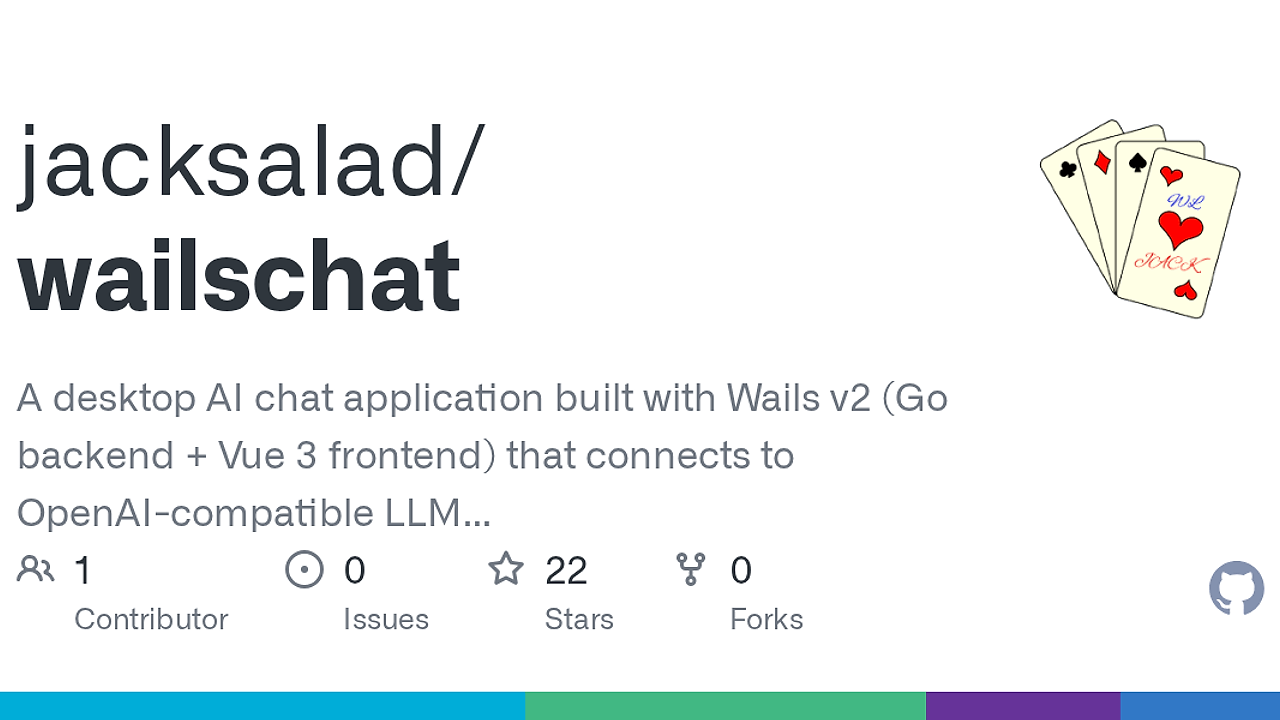
WailsChat is a desktop AI chat application built by jacksalad with Wails v2, pairing a Go backend and Vue 3 frontend to talk to OpenAI-compatible LLM APIs with MCP tool calling and up to 10 iterative tool-call rounds per response. WailsChat is one of the best AI Desktop Clients tools for developers and power users who want local file access, shell execution, and persistent chat state in a single app.
The project is not a thin chat shell. It includes SQLite-backed sessions, multimodal input, Mermaid rendering, KaTeX, and built-in read/write/execute tools, so it behaves more like a local operator console than a browser chat tab. For teams evaluating a WailsChat tutorial or how to use WailsChat in a dev workflow, the key point is that the app stays desktop-native while still speaking modern model and protocol standards.
Quick Overview
| Attribute | Details |
|---|---|
| Type | AI Desktop Clients |
| Best For | developers, indie hackers, and CTOs who need a local-first AI desktop client |
| Language/Stack | Go, Wails v2, Vue 3, TypeScript, SQLite, SSE, MCP JSON-RPC 2.0 |
| License | N/A |
| GitHub Stars | N/A |
| Pricing | Open-Source |
| Last Release | N/A |
Who Should Use WailsChat?
- Solo developers building internal copilots who need a desktop app that can read local files, generate edits, and keep every session on disk instead of in a browser cache.
- Indie hackers shipping agentic workflows who want OpenAI-compatible providers, vision support, and MCP servers without assembling a separate orchestration stack.
- Platform or tooling teams that need a private chat surface for command execution, prompt testing, and local debugging against multiple model providers.
- Power users on macOS, Windows, or Linux who want a native window, resizable sidebar, keyboard shortcuts, and theme control rather than a web UI.
Not ideal for:
- Teams that need centralized cloud collaboration because WailsChat stores data locally in SQLite and does not advertise shared workspaces.
- Users who want zero-trust execution by default because built-in shell and file tools are available only after explicit enablement and still require careful policy review.
- Organizations that need a fully managed SaaS procurement path because the repo page presents WailsChat as an open-source desktop app, not an enterprise subscription product.
Key Features of WailsChat
- OpenAI-compatible provider support — WailsChat can connect to OpenAI, Claude, DeepSeek, and other APIs that follow the OpenAI-style chat contract. That makes it a practical client for vendor switching without rewriting your UI or session logic.
- Streaming chat over SSE — Responses arrive in real time through Server-Sent Events, so long completions render incrementally instead of freezing the window. That matters when you are using models for code generation, log analysis, or long-form reasoning.
- MCP tool calling — WailsChat talks to external tools through Model Context Protocol with local stdio and remote HTTP transports. It supports tool discovery, connection status, retry backoff, auth tokens, and iterative tool calls up to 10 rounds in one response.
- Built-in file, write, and shell actions — The app ships with
file_read,file_write, andshell_exectools for local automation. Security controls block directory traversal, dangerous extensions, and destructive commands, which is the right baseline for a desktop agent. - Local SQLite persistence — Sessions, providers, messages, and settings live in a local SQLite database under the user profile directory. That keeps history offline and makes backup and inspection straightforward with standard SQLite tooling.
- Multimodal and rendering support — WailsChat accepts images for vision-capable models and renders KaTeX plus Mermaid diagrams directly in chat. That means you can mix architecture notes, math, and image prompts inside one conversation thread.
- Desktop ergonomics — Drag-and-drop session ordering, configurable keyboard shortcuts, custom CSS, dark and light themes, and window-state persistence are all built in. These details reduce friction when WailsChat becomes a daily terminal-adjacent workspace.
WailsChat vs Alternatives
| Tool | Best For | Key Differentiator | Pricing |
|---|---|---|---|
| WailsChat | Local-first desktop AI chat with MCP and shell access | Native desktop app with Go backend, Vue 3 UI, SQLite storage, and built-in tools | Open-Source |
| AnythingLLM | Document-heavy knowledge work and team workspaces | Stronger ingestion and workspace-style flows for RAG-centric use cases | Freemium |
| Open WebUI | Browser-based private chat deployments | Web-first UI that is easier to host centrally | Open-Source |
| LM Studio | Local model running and testing | Better fit when the main job is downloading, serving, and benchmarking local models | Free |
Pick OpenSwarm instead of WailsChat when you need multi-agent coordination and orchestration rather than a single operator-focused desktop chat surface. Pick Brainstorm MCP when the problem is prompt planning and MCP-native agent design, not a full desktop client.
Pick OpenTrace when you need to inspect tool execution paths and model traces in more detail than a chat UI usually exposes. WailsChat is the better choice when the priority is direct interaction with local files, shell commands, and chat sessions inside one window.
AnythingLLM is the better fit if your workflow starts with documents, vector stores, and shared knowledge workspaces. Open WebUI makes more sense if you want a browser-hosted interface for a team or home server, while LM Studio is the right call when local model hosting matters more than chat UX.
How WailsChat Works
WailsChat uses a split architecture: the Go backend owns provider management, SQLite persistence, MCP transport, and built-in tool execution, while the Vue 3 frontend owns session lists, chat rendering, and settings UI. That separation matters because it keeps privileged operations in Go, where file paths, command blacklists, and connection retries are easier to control than in browser code.
The model layer is built around OpenAI-compatible chat requests and streamed responses, so any provider that speaks the same API shape can slot in without UI changes. MCP support is handled as JSON-RPC 2.0 over stdio or HTTP, which means WailsChat can discover tools from local processes like filesystem servers or remote endpoints behind bearer auth.
git clone https://github.com/jacksalad/wailschat.git
cd wailschat
wails dev
That command sequence starts the Wails development server with Vite hot reload for the frontend and exposes the Go bridge on the local dev port. In practice, you should expect a fast edit-refresh loop for UI work and direct access to backend methods from the browser during development.
The design choice to keep everything local-first is deliberate. SQLite stores chat history, window state remembers size and position, and built-in tools are disabled until you turn them on in settings, which reduces accidental exposure while still allowing an agentic workflow when you actually need it.
Pros and Cons of WailsChat
Pros:
- Local-first persistence keeps chat history, sessions, and settings on disk in SQLite instead of pushing everything through a hosted service.
- Broad model compatibility lets WailsChat talk to OpenAI-style APIs, so provider migration is mostly a settings change.
- MCP support is built in rather than bolted on, which makes external tool discovery and iterative calls part of the core UX.
- Desktop-native automation with file and shell tools is useful for code inspection, patching, and command execution without context switching.
- Good developer ergonomics including custom CSS, keyboard shortcuts, Mermaid, KaTeX, and drag-and-drop session ordering.
Cons:
- No shared cloud workspace is exposed in the repo text, so it is not the right fit for teams that want collaboration by default.
- Security still depends on operator judgment because shell execution and file writes are available once enabled, even with blacklist and validation controls.
- License and release metadata are unclear in the scraped page text, which means procurement and compliance checks need a repo-level review.
- Desktop-only scope means WailsChat is not a universal web app or mobile client.
Getting Started with WailsChat
To get WailsChat running locally, install Wails, clone the repo, and launch the dev environment. The quickest path is:
go install github.com/wailsapp/wails/v2/cmd/wails@latest
git clone https://github.com/jacksalad/wailschat.git
cd wailschat
wails dev
After the app boots, you can configure a provider, set the system prompt, and choose whether to enable built-in tools from the Settings panel. If you want MCP integration, open Settings → MCP and add local stdio servers or remote HTTP endpoints, then verify the connection status before sending tool-enabled prompts.
On first run, WailsChat creates a local SQLite database in the platform-specific application data directory. That makes the app easy to back up and inspect, but it also means you should treat the local profile directory as part of your sensitive data boundary.
Verdict
WailsChat is the strongest option for local-first AI desktop chat when you need MCP tool calling plus direct file and shell access in one app. Its biggest strength is the Go-backed architecture with SQLite persistence and streaming provider support, but the caveat is that it is still a desktop tool with unclear license metadata. Use it if you want a serious operator console, not a hosted chat toy.