What Is DeepSeek V4 Pro App?
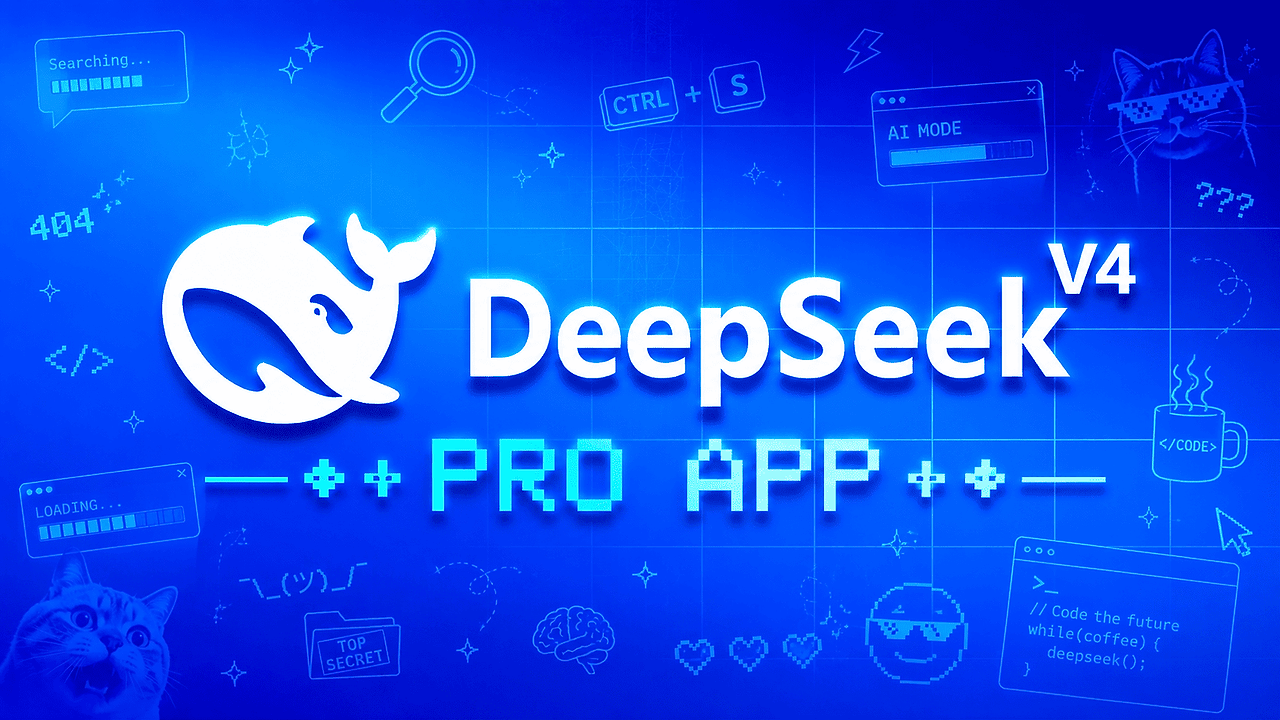
DeepSeek V4 Pro App is a Windows desktop client for DeepSeek V4 Pro and V4 Flash built by mikaeldengale-cloud for developers and power users who want a local chat shell instead of a browser tab. DeepSeek V4 Pro App is one of the best AI Desktop Clients tools for Windows developers and indie hackers. It centers on fast streaming responses, a coding agent, reasoning mode, and multi-chat workspace support, with a free-tier API key path and local deployment support.
The practical value is simple: it packages DeepSeek access into a native-style app with less friction than a web UI. The repo page highlights 5 headline workflows — chat, coding, reasoning, streaming, and local deployment — which is enough for most day-to-day prototyping and code assistance tasks.
Quick Overview
| Attribute | Details |
|---|---|
| Type | AI Desktop Clients |
| Best For | Windows developers, indie hackers, and power users who want a local DeepSeek chat/coding client |
| Language/Stack | Windows 11 desktop client with DeepSeek API integration, streaming chat, multi-chat workspace, and local deployment support |
| License | N/A |
| GitHub Stars | N/A as of May 2026 |
| Pricing | Open-Source |
| Last Release | DeepseekV4 — N/A |
Who Should Use DeepSeek V4 Pro App?
- Windows-first developers who want a dedicated desktop interface for DeepSeek instead of switching between a browser and an editor.
- Indie hackers building MVPs who need fast prompt iteration, code help, and reasoning mode without adopting a heavier agent stack.
- Solo engineers who want a multi-chat workspace for keeping product ideas, debugging threads, and refactors separated.
- Teams testing DeepSeek adoption who need a low-ceremony client for validating API key flow, streaming behavior, and model fit before wiring DeepSeek into internal tools.
Not ideal for:
- macOS and Linux users who need a cross-platform client today.
- Teams that want deep IDE integration like inline refactors, repo indexing, or terminal orchestration.
- Users without a DeepSeek API key who expect an all-in-one hosted SaaS experience.
Key Features of DeepSeek V4 Pro App
- DeepSeek V4 Pro and Flash support — The app is built around both model variants, so you can switch between higher-capability reasoning and lighter interaction modes depending on latency and task complexity.
- Reasoning mode — This is useful when you need structured thinking for debugging, architecture review, or prompt decomposition. It is a better fit for analysis-heavy tasks than a bare chat box.
- Coding agent workflow — The UI is tuned for code generation and developer prompting, which makes it more practical than generic chat clients when you are iterating on snippets, scripts, or patch ideas.
- Fast streaming responses — Streaming output reduces perceived latency and makes long completions usable for interactive work. That matters when you are waiting on refactors, explanations, or multi-step answers.
- Multi-chat workspace — Separate threads help you isolate product brainstorming, bug triage, and implementation work. This reduces context bleed compared with single-thread chat tools.
- Local deployment support — The page explicitly mentions local deployment, which is valuable if you want a self-contained desktop workflow and fewer moving parts than a hosted app.
- Easy API configuration — The app expects a DeepSeek API key, and the repo notes that a free tier is available. That keeps setup straightforward for evaluation and low-volume usage.
DeepSeek V4 Pro App vs Alternatives
| Tool | Best For | Key Differentiator | Pricing |
|---|---|---|---|
| DeepSeek V4 Pro App | Windows users who want a focused DeepSeek desktop client | Native-style Windows app with DeepSeek V4 Pro/Flash, reasoning mode, and local deployment support | Open-Source |
| Claude Code Canvas | Agentic coding workflows inside a structured canvas | Better fit when you want a canvas-first editing loop rather than a standalone desktop chat client | Varies |
| Claude Context Mode | Context-heavy prompt sessions and curated model workflows | Stronger when your bottleneck is prompt context management, not desktop client UX | Varies |
| Brainstorm MCP | MCP-driven ideation and tool-connected workflows | Better for tool orchestration and structured agent workflows across apps | Varies |
Pick DeepSeek V4 Pro App when you want a compact Windows client with minimal setup and direct DeepSeek access. Pick Claude Code Canvas when the core need is code editing and agent output in a canvas workflow, or Brainstorm MCP when you need MCP-based integration across tools and services.
Claude Context Mode is the better choice if your main problem is managing large prompt context and switching modes, not running a dedicated DeepSeek desktop app. For broader agent orchestration or multi-tool automation, OpenSwarm is a stronger match than a single-provider desktop client.
How DeepSeek V4 Pro App Works
DeepSeek V4 Pro App works as a desktop shell over the DeepSeek API. You install the Windows binary, provide an API key, and the client streams model output into a chat workspace that is optimized for fast back-and-forth prompting, coding help, and reasoning-heavy interactions.
The design choice here is minimal ceremony. Instead of embedding a full agent runtime, browser automation layer, or repo indexing pipeline, the app focuses on a direct request/response loop with a clean UI and model selection for V4 Pro and V4 Flash. That keeps the surface area small, which usually means fewer setup failures and less runtime complexity.
# getting started example on Windows PowerShell
Expand-Archive .\DeepseekV4-App.zip -DestinationPath .\DeepseekV4-App
cd .\DeepseekV4-App
.\DeepSeek-V4-Pro-App.exe
After launching the executable, the app prompts for a DeepSeek API key and then routes your prompts to the selected model. Expect streaming completions, separate chat threads, and a workflow that feels closer to a dedicated terminal utility than to a full IDE plugin.
Pros and Cons of DeepSeek V4 Pro App
Pros:
- Fast path to DeepSeek usage — download, unzip, run, paste key, and start chatting.
- Focused developer workflow — the feature set is narrow in a good way, centered on chat, coding, and reasoning instead of bloat.
- Streaming output — better for long answers and iterative prompting than non-streamed responses.
- Multi-chat organization — useful for keeping bug reports, refactors, and ideas separated.
- Low resource overhead — the repo positions it as a lightweight Windows client, which is preferable to heavier desktop suites.
- Local deployment support — valuable for users who want a self-contained desktop app experience.
Cons:
- Windows only — macOS and Linux users are excluded unless the project adds cross-platform builds.
- Unofficial client — it is not affiliated with DeepSeek-AI, so API and policy changes can affect it without notice.
- API key required — there is no turnkey hosted experience; you need your own access.
- Limited evidence of advanced agent features — no repo indexing, terminal execution, or IDE sync is documented on the page.
- Metadata is sparse — the page does not expose clear license text, star count, or release notes, which makes due diligence harder.
Getting Started with DeepSeek V4 Pro App
# download from the release page, then unpack and run
Expand-Archive .\DeepseekV4-App.zip -DestinationPath .\DeepseekV4-App
cd .\DeepseekV4-App
.\DeepSeek-V4-Pro-App.exe
Once the app opens, add your DeepSeek API key and select the model you want to use. The first real configuration step is usually verifying that the key has access to the free tier or the usage plan you intend to test, because the app itself is only the client layer.
If you are evaluating the workflow for team use, test response latency, streaming stability, and whether the reasoning mode produces the kind of structured output your prompts need. The quickest sanity check is to run one coding prompt and one analysis prompt to see how the interface handles long-form completions.
Verdict
DeepSeek V4 Pro App is the strongest option for Windows users who want a lightweight DeepSeek desktop client when they already have API access. Its best strength is the clean split between chat, coding, and reasoning in a low-friction UI; the main caveat is that it stays Windows-only and unofficial. Use it if you want a simple local client, not a full agent platform.