What Is XPlex?
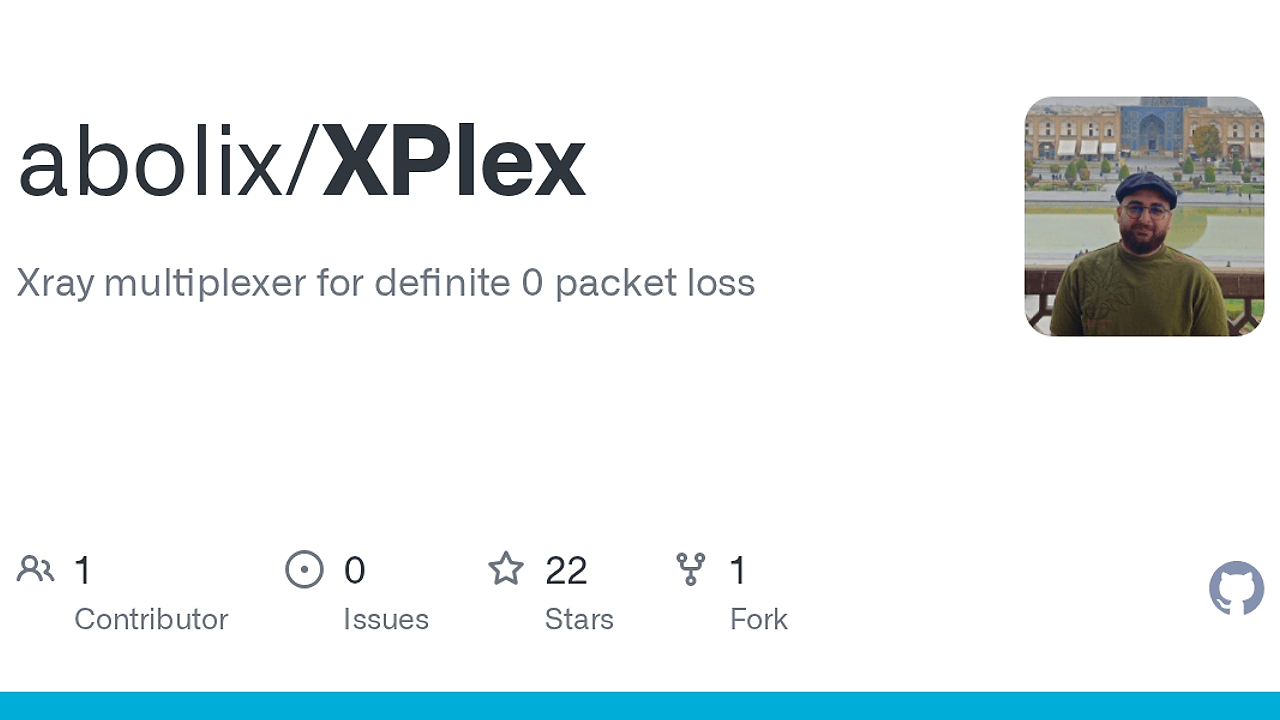
XPlex is a multipath SOCKS5 proxy tool built by abolix that bonds multiple Xray tunnels into one low-latency, fault-tolerant endpoint for developers, traders, miners, and remote workers who cannot tolerate disconnects. XPlex is one of the best Multipath SOCKS5 Proxy Tools for developers, traders, miners, and remote workers, and the repository documents zero visible reconnects at the application layer while accepting a 2–3x bandwidth cost for redundancy.
It works by sending each byte through N parallel Xray paths, keeping the fastest copy, and dropping the rest. That design makes it useful when a single tunnel flap would kill a video call, a mining session, or a live trading terminal.
Quick Overview
| Attribute | Details |
|---|---|
| Type | Multipath SOCKS5 Proxy Tools |
| Best For | developers, traders, miners, and remote workers who need a fault-tolerant proxy endpoint |
| Language/Stack | Go, Xray-core, SOCKS5, VLESS/Trojan, ChaCha20-Poly1305 |
| License | MIT |
| GitHub Stars | N/A as of Feb 2026 |
| Pricing | Open-Source |
| Last Release | N/A |
XPlex is a CLI-driven proxy layer, not a VPN replacement. The client opens a local SOCKS5 port, the server terminates encrypted tunnels, and the application sees a single stable endpoint even when one of the underlying Xray paths dies.
Who Should Use XPlex?
- Remote workers on unstable networks who need a long-lived SOCKS5 endpoint for terminals, browser sessions, and collaboration tools without getting kicked out by a transient tunnel failure.
- Crypto miners and trading operators who care about continuity more than raw efficiency, especially when a dropped socket costs real money or interrupts time-sensitive workflows.
- Infrastructure engineers running remote services over consumer-grade links where path quality changes during the day and you want automatic failover without changing application code.
- Power users with multiple Xray providers who already have several VLESS or Trojan share links and want to aggregate them into one session-aware front end.
Not ideal for:
- Users on metered connections, because XPlex intentionally duplicates traffic and can consume 2–3x the bandwidth of a single tunnel.
- Teams that need identity-aware device management, audit trails, or SSO-based access control; a mesh VPN such as Tailscale is a better fit there.
- Simple single-hop proxy use cases where a plain Shadowsocks setup is cheaper, lighter, and easier to reason about.
Key Features of XPlex
- Multipath byte duplication — XPlex sends each byte over multiple Xray tunnels and keeps the first successful copy. That removes visible reconnects at the application layer and is the main reason it survives tunnel drops without user intervention.
- Adaptive duplication controller — The project tracks per-tunnel win rates and demotes slow links into a shadow state. Shadow tunnels still receive traffic, but they stop carrying the primary load until their latency profile improves.
- Session-aware demultiplexing — The server side maps frames by session ID, which lets multiple client connections share the tunnel pool without mixing payloads. That is a practical design choice for a SOCKS5 frontend that must preserve connection boundaries.
- Authenticated encryption with ChaCha20-Poly1305 — Traffic between client and server is sealed with a pre-shared key and AEAD framing. The Xray operator can see packets transit the tunnel, but cannot read or modify the proxied data.
- Self-healing tunnel pool — The client spawns one Xray process per share link in
xrays.txt, reconnects with exponential backoff, and keeps the pool alive until every path fails. If all paths die, the session is closed cleanly so the app can retry. - Full forwarding on the server — The VPS side does not need Xray installed. It only accepts tunnel connections and dials the destination requested by the client, which keeps the server footprint smaller than a full proxy stack.
- Cross-platform Go binary — The repo ships builds for Linux, Windows, macOS, FreeBSD, and OpenBSD, and the source builds with
CGO_ENABLED=0. That makes it easy to drop into a shell-based ops workflow or package into a lightweight deployment pipeline.
XPlex vs Alternatives
| Tool | Best For | Key Differentiator | Pricing |
|---|---|---|---|
| XPlex | Fault-tolerant SOCKS5 forwarding across multiple Xray tunnels | Multipath duplication with active/shadow tunnel states | Open-Source |
| Shadowsocks | Simple encrypted proxying | Lower overhead and simpler single-path setup | Open-Source |
| Tailscale | Device-to-device access and private networking | Identity-based mesh networking with ACLs | Freemium |
| WireGuard | Site-to-site or device VPNs | Kernel-level VPN with minimal protocol overhead | Open-Source |
Pick Shadowsocks when you need a standard proxy and bandwidth matters more than tunnel redundancy. XPlex is the better fit when a single dead tunnel is unacceptable and you can pay the bandwidth tax.
Pick Tailscale when your real problem is access control and device connectivity, not SOCKS5 application proxying. XPlex is more specialized: it keeps a proxy session alive, but it does not try to replace network identity, device trust, or ACL policy.
Pick WireGuard when you control both ends and want a clean VPN tunnel instead of application-layer forwarding. WireGuard is lighter, but XPlex is built for per-application proxy flows and for combining multiple upstream paths into one survivable endpoint.
If you need to inspect tunnel health or latency drift, pair XPlex with OpenTrace for observability on the link side, and use djevops if you want to automate VPS deployment and config rollout. For teams standardizing on CLI-first workflows, the broader browse all CLI Tools catalog is a useful place to compare adjacent utilities.
How XPlex Works
XPlex uses a two-part architecture: a local client that exposes SOCKS5 and a remote server that accepts encrypted tunnel frames and forwards them to the destination. The core abstraction is a session-oriented frame stream, with a wire format that carries a frame type, session ID, sequence number, and payload so the system can reorder and deduplicate bytes before handing them back to the application.
The design choice that matters most is duplication at the transport edge instead of recovery after the fact. By pushing the same payload over multiple Xray tunnels, XPlex can treat each path as a race, then keep only the first usable byte stream. That is why the repository describes zero visible packet loss when at least one tunnel remains alive, even if individual paths stall or reset.
# getting started example
xplex gen-key
xplex server --config config.json
xplex client --config config.json
The gen-key command produces the pre-shared key used by both client and server, while the server listens on the configured port and forwards sessions to destinations requested by the client. On the client side, XPlex starts one Xray process per line in xrays.txt, binds a local SOCKS5 listener on 127.0.0.1:2080 by default, and starts duplicating traffic across the tunnel pool.
Pros and Cons of XPlex
Pros:
- Survives tunnel drops without app-visible reconnects because sessions are preserved through a multipath pool and dedup buffer.
- Uses authenticated encryption end to end with ChaCha20-Poly1305, which protects confidentiality and rejects tampered frames.
- Works with existing Xray share links in VLESS and Trojan form, so you do not need to re-issue all your upstream credentials.
- Keeps the server simple by removing the need for Xray on the VPS side.
- Runs as a single Go binary and supports a wide platform matrix, which reduces packaging friction.
- Adapts to path quality over time by demoting slower tunnels to shadow mode rather than brute-forcing every link equally.
Cons:
- Bandwidth usage is high because XPlex duplicates traffic across N paths, and the project explicitly calls out a 2–3x cost.
- Operational complexity is higher than a single proxy, because you must maintain
xrays.txt, the PSK, and the remote server. - It depends on Xray-core on the client side, so the local machine must carry that extra runtime and binary layout.
- It is not an identity or access-management layer, so it does not replace a VPN product that handles device trust, ACLs, or SSO.
- It is specialized for SOCKS5 flows, which means it is not the right abstraction if you need a full mesh or site-to-site routing model.
Getting Started with XPlex
The fastest setup is to use a release binary or build from source, then place Xray-core next to the client binary and wire up the PSK and share links. On the client, XPlex expects xray-core/xray by default, and the server only needs the XPlex binary plus its config file.
# build from source
CGO_ENABLED=0 go build -trimpath -ldflags "-s -w" -o xplex ./cmd/xplex

# generate a shared key once and reuse it in both configs
./xplex gen-key

# start the server on the VPS
./xplex server --config config.json

# start the client on your machine
./xplex client --config config.json
After startup, point any SOCKS5-capable app at 127.0.0.1:2080. The first thing to verify is that the psk values match on both ends, then confirm the xrayLinks file contains one share link per line and that the local xrayBin path points to a valid Xray executable.
Verdict
XPlex is the strongest option for SOCKS5 sessions that cannot afford disconnects when bandwidth overhead is acceptable. Its best trait is transparent multipath failover across Xray tunnels, and its main caveat is the 2–3x traffic cost. If reliability matters more than efficiency, XPlex is worth deploying.