djevops: What It Kills / Replaces
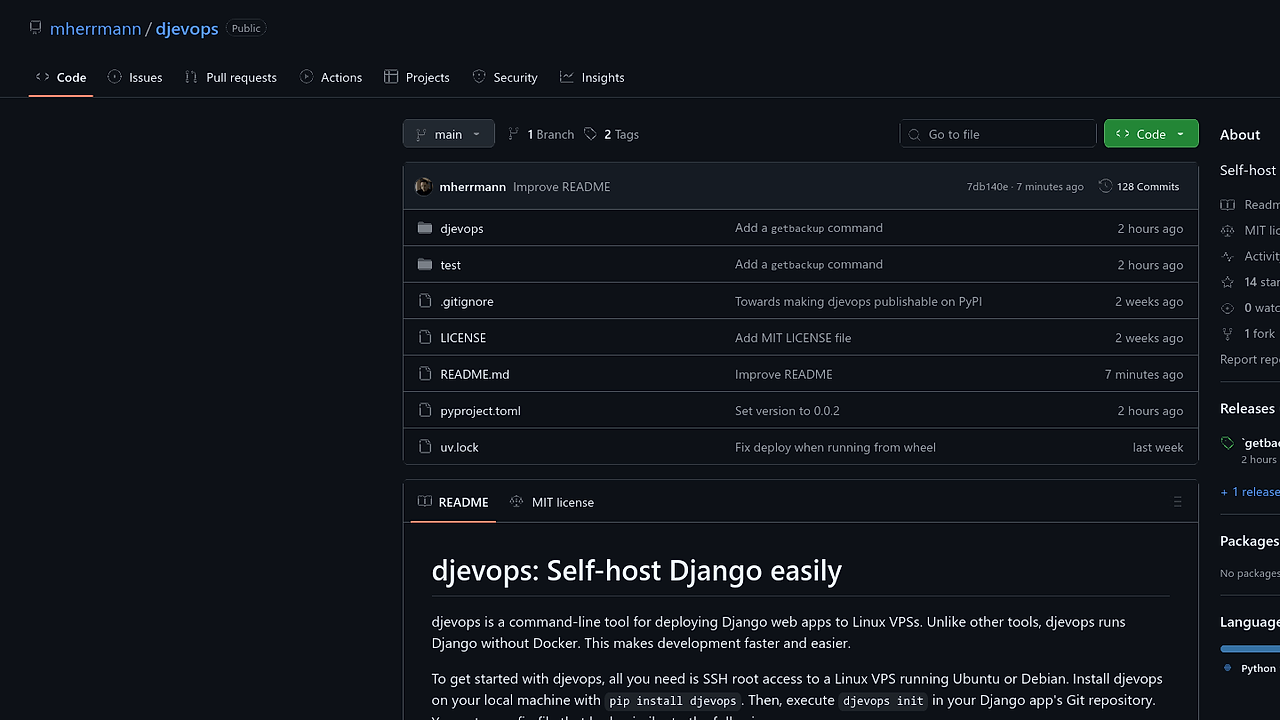
djevops targets the outdated and cumbersome methods of deploying Django applications, which often rely on Docker or extensive manual setup processes. With its straightforward CLI commands, it aims to replace these legacy approaches by providing a more efficient deployment path for Django projects.
Under the Hood: Architecture
djevops is built for Linux environments, specifically targeting Ubuntu and Debian distributions. It operates via a simple configuration setup and uses SSH for deployment. The tool clones your Git repository to the server, sets up the necessary environment variables for Django, and relies on a minimalistic SQLite database setup by default. Key commands include djevops init for setting initial configurations and djevops deploy to manage updates.
The Good & The Bad
Pros:
- Rapid setup with just a few commands, eliminating Docker overhead.
- Automatic generation of SSL certificates and error email notifications.
- Built-in database backup functionality to safeguard data.
- Secure handling of environment variables and sensitive configurations through a dedicated secrets file.
Cons:
- Limited default database options; using SQLite may not suit larger applications.
- Requires SSH access; deployment can't happen without proper server credentials.
- Lacks extensive documentation on advanced configuration options, which may frustrate new users.
Quickstart
pip install djevops
cd your-django-app
# Initialize the djevops environment
 djevops init
# Deploy the application
djevops deploy
The above commands set up djevops in your Django project and then deploy your application to the designated server. After the initial deployment, you can easily update the app by pushing changes to Git and running djevops deploy again.
Who Should Use This (and Who Shouldn't)
Use it if:
- You're running a small to medium Django app and want fast deployment without Docker.
- You need a simple self-hosting solution on a Linux VPS without complicated setups.
- You're comfortable managing server configurations and SSH access.
Skip it if:
- You require a more scalable database solution than SQLite can provide.
- You prefer a GUI-based deployment process.
- You're deploying in a Windows environment, where djevops isn't suitable.
Alternatives & When to Switch
- Consider Heroku for a more managed environment with additional features if you prefer simplicity over control.
- Use Docker with Docker Compose if you need an environment that mimics production closely and favors containerization.
- Opt for Ansible if you want more control over the configuration and orchestration of multiple servers, particularly useful in larger setups.