What Is yt-dlp-tauri?
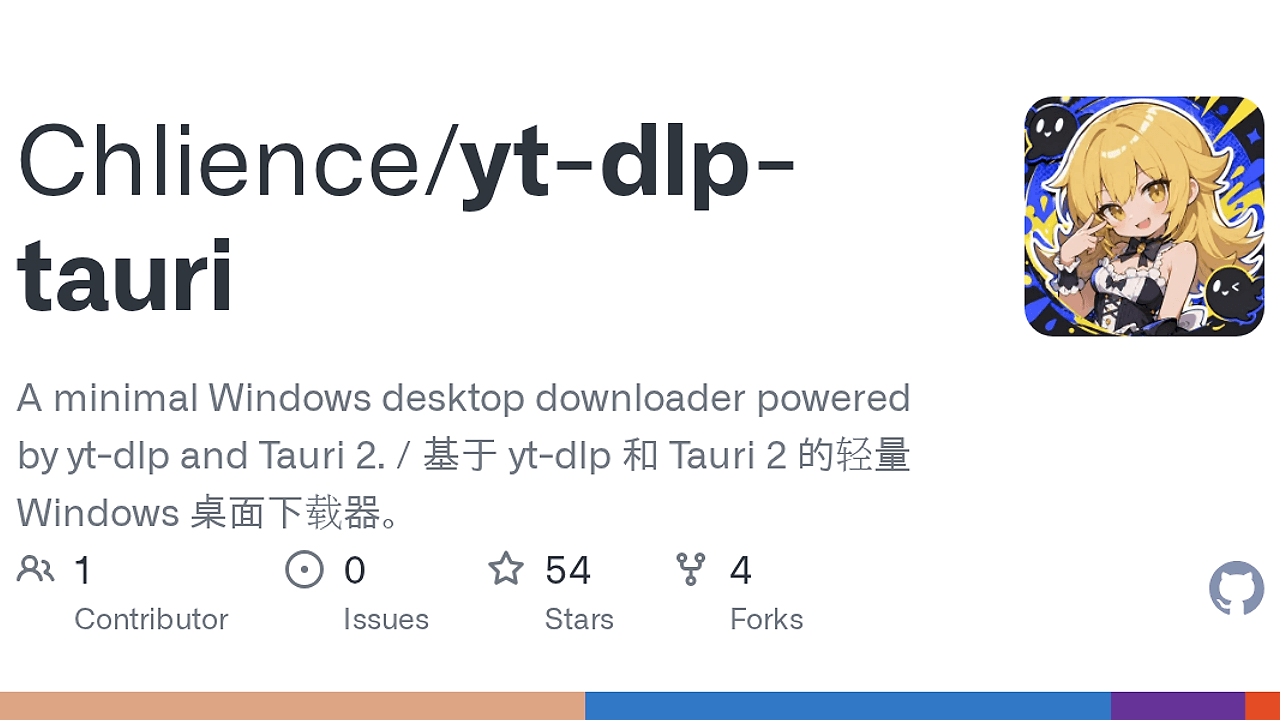
yt-dlp-tauri is a local-first desktop wrapper for yt-dlp, built by Chlience on Tauri 2 with a Rust backend and TypeScript/Vite frontend. It is one of the best Desktop Video Downloaders tools for Windows/macOS power users because it removes CLI friction while keeping the execution path on your machine. The repository documents three populated tool targets: win-x64, macos-x64, and macos-arm64, which makes it clear this is a packaged desktop app, not a hosted service.
Quick Overview
| Attribute | Details |
|---|---|
| Type | Desktop Video Downloaders |
| Best For | Windows/macOS power users who want a local yt-dlp GUI |
| Language/Stack | Tauri 2, Rust backend, Vanilla TypeScript frontend, Vite, yt-dlp, FFmpeg, Deno |
| License | GPL-3.0 |
| GitHub Stars | N/A as of the scraped snapshot |
| Pricing | Open-Source |
| Last Release | N/A — not stated in the provided page text |
Who Should Use yt-dlp-tauri?
- Desktop-first users who want
yt-dlpresults without memorizing long option strings or shell quoting rules. - Windows/macOS operators who need a local media downloader with a fixed UI, pinned binaries, and predictable output folders.
- QA and support teams that need to verify downloads against authenticated sites using cookies, progress telemetry, and log files.
- Indie hackers building media workflows who want a packaged app they can inspect, fork, and extend instead of depending on a cloud download service.
Not ideal for:
- Linux-first environments because the release scope in the repository centers on Windows and macOS bundles.
- Teams that need multi-user SaaS features such as shared accounts, server-side queues, or browser-based collaboration.
- Users who want zero external binaries because
yt-dlp-tauriintentionally managesyt-dlp,ffmpeg,ffprobe, anddenoas separate toolchain assets.
Key Features of yt-dlp-tauri
- Metadata preview before download —
yt-dlp-tauriresolves title, thumbnail, duration, source URL, description, and quality options before you commit bandwidth. That is useful when you need to verify the right variant from a site with multiple encodes or mirrored sources. - Live download telemetry — the app shows progress, speed, ETA, and cancellation state while saving to a configured output folder. That is the right shape for large files, because you can catch a stalled transfer without tailing terminal output.
- Authenticated site support — the tool accepts Netscape
cookies.txtfiles and one-line browser Cookie headers. That makesyt-dlp-tauriusable for sites that require a session, not just public URLs. - Managed toolchain repair and verification — Settings can install, repair, and verify app-managed versions of
yt-dlp,ffmpeg,ffprobe, anddeno. The manifest pins source URLs and SHA-256 hashes, which reduces drift between app installs. - Release update checks — the app checks GitHub Releases and can route update and release access through
gh-proxywhen needed. That matters if your network blocks direct GitHub access or if you maintain a constrained desktop environment. - Local logs and state — runtime state and recent activity are written under the user profile instead of a remote backend. That gives you an audit trail for failed downloads, missing binaries, and tool installation problems.
- English and Chinese UI — the interface can switch languages without changing the underlying workflow. For teams distributing the app across regions, that reduces friction without adding server-side localization complexity.
yt-dlp-tauri vs Alternatives
For developers comparing the best Desktop Video Downloaders 2026, yt-dlp-tauri sits in a narrow lane: local, pinned, and easy to inspect. It is less about broad catalog features and more about giving yt-dlp a focused desktop shell.
| Tool | Best For | Key Differentiator | Pricing |
|---|---|---|---|
| yt-dlp-tauri | Local Windows/macOS downloads with pinned binaries | Tauri 2 desktop shell with Rust backend, tool verification, and cookie support | Open-Source |
| yt-dlg | Cross-platform GUI for yt-dlp users | Mature Qt-based interface with a larger legacy user base | Open-Source |
| 4K Video Downloader | Non-technical users who want a polished GUI | Consumer-oriented UI with broad format presets and a commercial model | Freemium |
| JDownloader | General-purpose bulk link grabbing | Heavier download manager with multi-host support and queue handling | Free |
Pick yt-dlp-tauri when you want the simplest local path from URL to file and you care about where binaries come from. Pick yt-dlg if you want a more established yt-dlp GUI with cross-platform history and do not need this app's pinned toolchain model.
Choose 4K Video Downloader if the audience is non-technical and wants a packaged consumer workflow, even if that means more commercial constraints. Choose JDownloader when you need a broad link-grabbing engine for many hosters rather than a focused yt-dlp front end.
If you are wrapping downloads into a larger automation graph, OpenSwarm is the better orchestration layer, and Brainstorm MCP helps prototype the glue around URL ingestion, post-processing, or release checks.
How yt-dlp-tauri Works
yt-dlp-tauri is a classic Tauri 2 split: the frontend renders the desktop UI, and the Rust backend owns filesystem access, tool execution, and verification logic. That design keeps the browser layer thin while letting Rust manage the sensitive parts, such as checking SHA-256 hashes, locating managed binaries, and spawning yt-dlp with the right arguments.
The core abstraction is a pinned tool manifest in src-tauri/tools-manifest.json. Each target maps fixed source URLs and hashes to local tool paths, so the app can install or repair yt-dlp, ffmpeg, ffprobe, and deno deterministically instead of trusting whatever happens to be on the machine.
npm ci
npm run tauri dev
That starts the TypeScript frontend and Rust backend together in development mode. Once the app is open, you paste a supported URL, let yt-dlp resolve metadata, choose a quality, and let the Rust side stream the download into your output folder.
The storage model is also local-first by design. State and logs live under the user profile, output defaults to a Downloads subfolder, and the toolchain can be restored either by running the helper script or by using the in-app Settings page.
Pros and Cons of yt-dlp-tauri
Pros:
- Local execution path keeps downloads on the machine and avoids account-based cloud workflows.
- Pinned binaries with hash verification reduce the risk of broken or swapped external tool installs.
- Cookie support covers authenticated sites that would fail in a public-only downloader.
- Live progress, ETA, and cancellation give you operational visibility during long transfers.
- Fixed desktop packaging with NSIS and DMG targets makes release artifacts predictable.
- Local logs make debugging a failed download less painful than chasing ephemeral browser state.
Cons:
- Windows/macOS only in the current release scope, so Linux users are not first-class citizens.
- Depends on external tools such as
yt-dlpandffmpeg, which still need version pinning and update discipline. - GPL-3.0 licensing may be too restrictive for teams that want permissive redistribution terms.
- Fixed-size product UI is practical, but it is not the flexible power-user layout some terminal users expect.
- No hosted sync or multi-user layer, so shared team workflows need separate orchestration.
Getting Started with yt-dlp-tauri
The fastest path is to install dependencies, optionally restore the bundled toolchain, and run the desktop app in development mode. On a clean checkout, yt-dlp-tauri expects a modern Node.js runtime, stable Rust, and the platform desktop prerequisites already installed.
npm ci
./scripts/download-tools.ps1
npm run tauri dev
npm run tauri build
If the tools script is skipped, the app can still restore missing binaries from the Settings screen with its own installer flow. After the first launch, set the output folder, verify the toolchain, and paste a supported URL; if the site needs authentication, import a cookie file before starting the download.
For release builds, keep the bundle targets aligned with the repository's Windows NSIS and macOS DMG configuration. That matters because yt-dlp-tauri is built around platform-specific installers rather than a single portable binary.
Verdict
yt-dlp-tauri is the strongest option for local desktop video downloads when you want yt-dlp behavior without terminal syntax. Its best strength is pinned, local execution with cookie support and hash-verified tooling; its main caveat is the Windows/macOS-only scope and GPL-3.0 distribution model. Choose it if you value deterministic desktop downloads over cloud convenience.