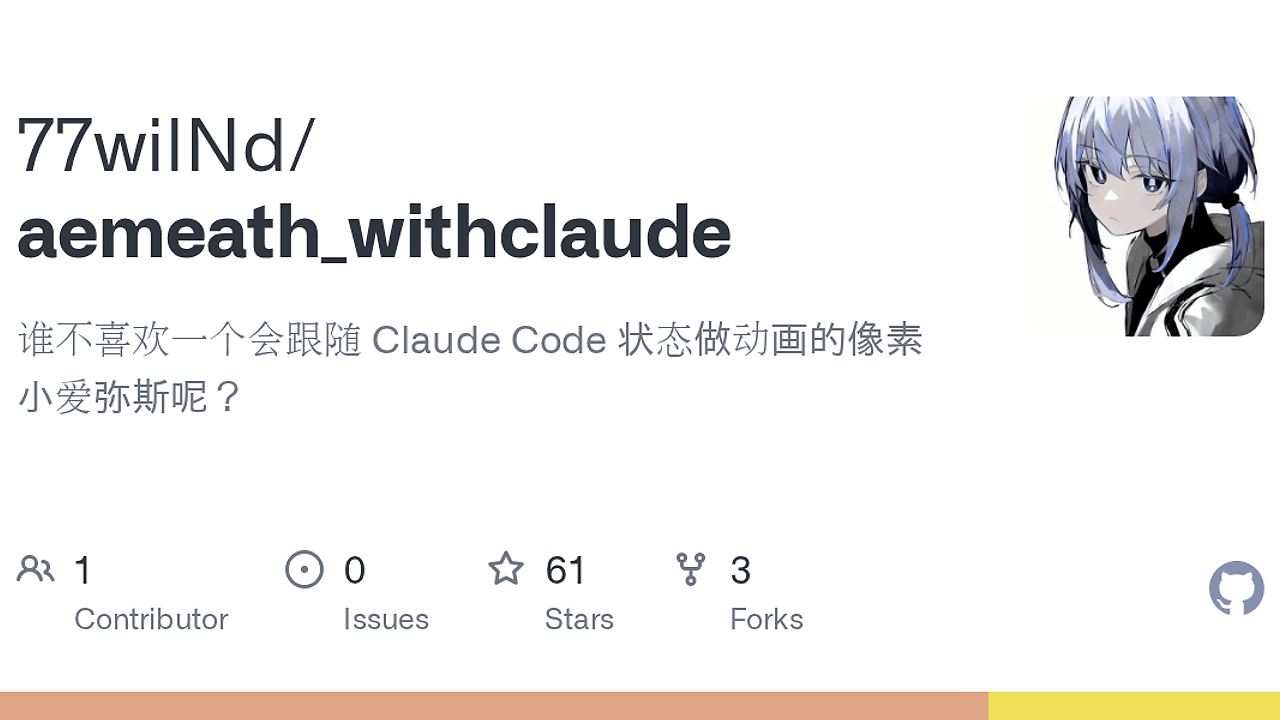
What Is Aemeath Claude Code Pet?
Aemeath Claude Code Pet is one of the best Claude Code Desktop Companions tools for Claude Code users on Windows. Built by 77wilNd as a Tauri desktop app with a Rust backend and WebView frontend, it listens to HTTP hooks and MCP events, then switches a pixel pet through 15 animation states with contextual bubble text and tray-friendly desktop behavior. It is a fan-made Windows companion, not an official Kuro Games or Wuthering Waves project.
Quick Overview
| Attribute | Details |
|---|---|
| Type | Claude Code Desktop Companions |
| Best For | Claude Code users on Windows who want live visual feedback |
| Language/Stack | Rust, Tauri, axum, WebView, Node.js |
| License | MIT |
| GitHub Stars | N/A as of Feb 2026 |
| Pricing | Open-Source |
| Last Release | N/A |
Who Should Use Aemeath Claude Code Pet?
- Claude Code power users on Windows who want a visible status layer for reads, writes, shell commands, agent tasks, and permissions without checking logs.
- Indie hackers and solo builders who prefer a local desktop companion over a browser tab or external dashboard.
- Tooling engineers validating hook-based automation, local MCP wiring, and event-to-UI state mapping in a real desktop app.
- Fan project creators who need a lightweight mascot-style overlay with always-on-top behavior, tray residency, and drag support.
Not ideal for:
- macOS or Linux users who need first-class support outside Windows 10+.
- Teams that need official, commercially supported software instead of a community fan project.
- People who want zero setup because Aemeath Claude Code Pet still requires Claude Code hook and MCP configuration.
Key Features of Aemeath Claude Code Pet
- Dual integration path — Aemeath Claude Code Pet uses HTTP hooks on port 9527 and MCP on port 9528, so Claude Code can push state changes and also negotiate richer tool/resource interactions. That split keeps basic visual updates cheap while preserving a structured channel for deeper integration.
- 15-state animation model — The pet maps Claude actions to a fixed event model: chatting, running, building, analyzing, fetching, searching, waving, idle, and celebration variants. That deterministic state machine makes the desktop feedback readable instead of random.
- Bubble message throttling — The app keeps a minimum dwell time for bubble changes so the UI does not flicker when Claude Code rapidly switches between tools. That matters during file scans or command bursts, where a naive overlay would strobe every few hundred milliseconds.
- Transparent always-on-top window — The frontend runs as a borderless, transparent floating window that stays above other apps without occupying the taskbar. That makes it behave like a desktop pet, not a normal application window.
- System tray residency — Left-click toggles visibility and right-click exposes the tray menu, which keeps the app out of the way during coding sessions. The tray model also supports long-lived sessions without cluttering the taskbar.
- Auto-start and singleton behavior — Aemeath Claude Code Pet can launch with Claude Code and refuses to create duplicate instances. That is important for hook-driven tools because multiple processes would produce conflicting status updates.
- Permission-aware feedback — When Claude Code asks for permission, the pet switches to a waving animation and a waiting bubble. That small UX detail makes security prompts visible without forcing the user to interpret raw terminal output.
Aemeath Claude Code Pet vs Alternatives
| Tool | Best For | Key Differentiator | Pricing |
|---|---|---|---|
| Aemeath Claude Code Pet | Local Claude Code visual feedback | Desktop pet with hook-driven animation state machine | Open-Source |
| Claude Code Canvas | Prompt review and structured workspaces | Canvas-style workflow for inspection instead of mascot UI | N/A |
| Claude Context Mode | Managing context-heavy sessions | Focuses on session state and context transitions, not desktop animation | N/A |
| OpenSwarm | Multi-agent orchestration | Coordinates task fan-out and agent workflows rather than local UI feedback | N/A |
Pick Aemeath Claude Code Pet when you want immediate visual confirmation that Claude Code is reading, editing, running, or asking for permission. The value is in the local event surface, not in deep prompt editing, so it fits developers who want ambient feedback while they stay in the terminal.
Pick Claude Code Canvas when your work is more about inspecting prompts, edits, and structured context than watching a desktop mascot. Pick Claude Context Mode when the main problem is managing context windows and session transitions. Pick OpenSwarm when you need distributed or multi-agent execution rather than a single-process desktop companion.
If you are diagnosing event flow or hook timing, pairing Aemeath Claude Code Pet with OpenTrace is a sensible move. OpenTrace is the better fit when you need visibility into traces and event paths, while Aemeath is the better fit when you need a human-readable status surface on the desktop.
How Aemeath Claude Code Pet Works
Aemeath Claude Code Pet is built around a simple but effective architecture: Claude Code emits lifecycle and tool events, the desktop app receives them through local HTTP hooks and MCP, and a Rust state manager translates those events into animation and bubble states. The core abstraction is an event-to-state map, where each Claude action resolves to a sprite animation plus a short message with a controlled display duration.
The Tauri shell keeps the app lightweight on the desktop while Rust handles the state machine and local server endpoints. The frontend is responsible for rendering the CSS sprite animation, the transparent overlay, and drag behavior, while the backend exposes :9527 for hook pushes and :9528 for MCP communication. If you want to inspect the plumbing, OpenTrace is useful for tracing the event stream before it reaches the visual layer.
npm install
cargo build --manifest-path src-tauri/Cargo.toml --release
./src-tauri/target/release/aemeath-claude.exe
The commands above install the Node dependencies, compile the Rust/Tauri backend in release mode, and launch the Windows executable. After the app starts, you still need to merge docs/hooks.json into ~/.claude/settings.json and write docs/mcp.json into ~/.claude/.mcp.json, then update the SessionStart path to the real aemeath-claude.exe location and restart Claude Code.
Pros and Cons of Aemeath Claude Code Pet
Pros:
- Very low-friction local feedback loop — It translates Claude Code events into immediate on-screen states, which is better than polling logs or watching a terminal spinner.
- Two-channel architecture — HTTP hooks handle simple state pushes, while MCP supports richer interactions and future tooling expansion.
- State debouncing — The bubble lock and minimum dwell logic reduce flicker during rapid tool transitions.
- Desktop-native behavior — Always-on-top, transparent, draggable, and tray-resident UI makes it feel integrated into the workstation.
- Clear action-to-animation mapping — The fixed event table makes it easy to infer what Claude Code is doing at a glance.
- Open-source and inspectable — Rust, Tauri, and a small frontend make the system easier to audit than a closed desktop companion.
Cons:
- Windows-only targeting — The documented build and runtime path is Windows 10+, so cross-platform teams cannot standardize on it.
- Requires Claude Code configuration — You must edit hook and MCP config files manually, which is more setup than a standalone app.
- Fan-project licensing context — The visual theme is based on third-party character art and is not an official product, which may matter in enterprise or public-facing demos.
- Niche UI purpose — If you only need automation or telemetry, the desktop pet layer may be unnecessary overhead.
Getting Started with Aemeath Claude Code Pet
The fastest path is to download the release build or compile the project locally, then wire Claude Code to the local hook and MCP endpoints. For source builds, you need Rust stable with windows-gnu and MinGW-w64, plus Node.js 18 or newer.
npm install
cargo build --manifest-path src-tauri/Cargo.toml --release
./src-tauri/target/release/aemeath-claude.exe
After the executable runs, copy the hook template from docs/hooks.json into ~/.claude/settings.json and the MCP template from docs/mcp.json into ~/.claude/.mcp.json. The one line that usually breaks first is the SessionStart executable path, so point it at your actual release binary before restarting Claude Code.
Verdict
Aemeath Claude Code Pet is the strongest option for Windows Claude Code users who want visible, low-friction status feedback when they can tolerate a fan-made mascot app. Its biggest strength is the dual hook-and-MCP design; its main caveat is the manual setup and Windows-only scope. If you want local, readable Claude state without opening another dashboard, this is worth using.