What Is caveman?
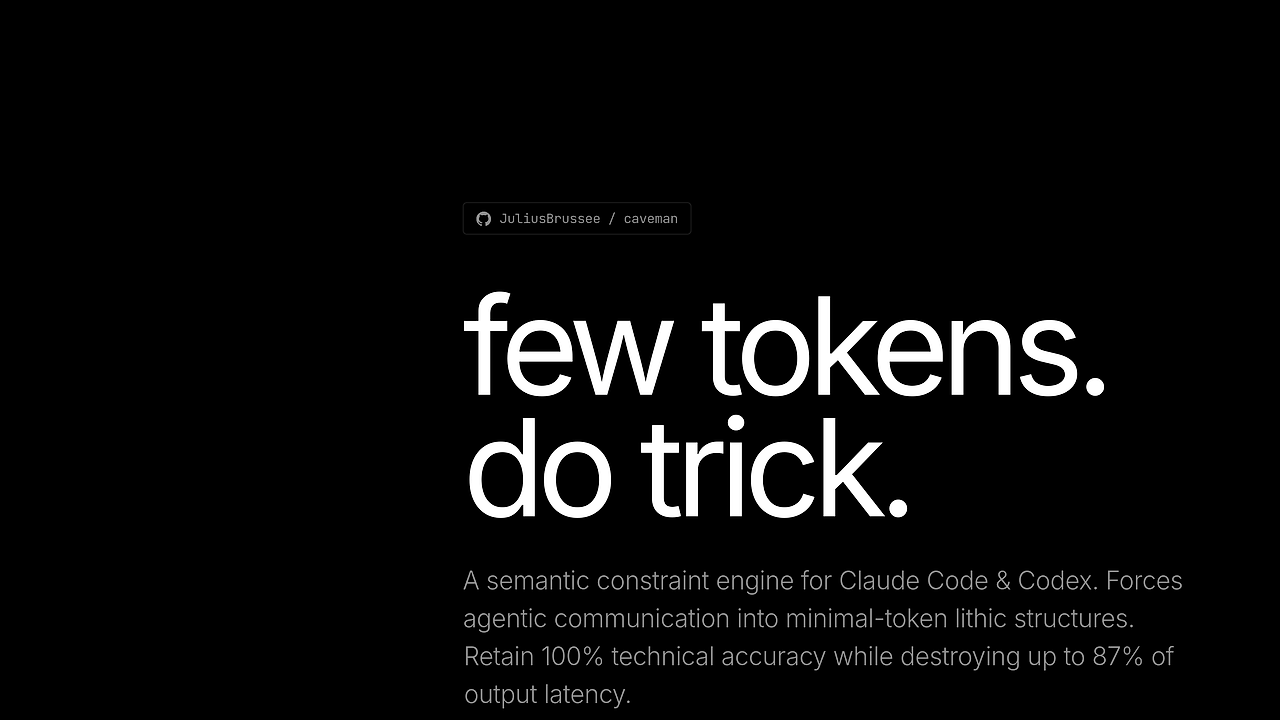
caveman is an open-source AI Coding Plugin built by JuliusBrussee that makes Claude Code and Codex-style agents answer in caveman-speak, cutting about 75% of output tokens while keeping the technical fix intact for developers who want terse, high-signal responses. caveman is one of the best AI Coding Plugins tools for Claude Code users, Codex users, Cursor users, Windsurf users, and Cline users because it trims filler, adds intensity levels, and ships a caveman-compress path for shrinking session memory files too.
The practical result is less chat noise and faster scans in long debugging sessions. The repo shows token benchmarks and a session-level compression mode, so this is not just tone shifting; it is a prompt-economy layer for agent workflows.
Quick Overview
| Attribute | Details |
|---|---|
| Type | AI Coding Plugins |
| Best For | Claude Code, Codex, Cursor, Windsurf, and Cline users |
| Language/Stack | Claude Code skills, Codex plugin hooks, Node.js, Bash, Markdown |
| License | N/A in scraped text |
| GitHub Stars | N/A in scraped text as of Feb 2026 |
| Pricing | Open-Source |
| Last Release | N/A in scraped text |
Who Should Use caveman?
- Developers drowning in verbose agent output who want the same fix in fewer tokens, especially when they are paying for model output or reading dozens of responses per day.
- Claude Code power users who already run plugins and want a session-wide style switch plus auto-loading hooks instead of pasting the same instruction on every prompt.
- Teams doing code review at scale that need terse PR comments, compact commit messages, and less churn in chat logs.
- People maintaining large memory files who want
CLAUDE.mdcompressed without deleting code blocks, paths, commands, or version strings.
Not ideal for:
- Stakeholder communication where tone, nuance, and full explanation matter more than token savings.
- Training new engineers who need explicit reasoning chains and expanded context, not abbreviated fragments.
- Long-form architecture writing where the output itself is the deliverable and brevity becomes a liability.
Key Features of caveman
- Output token compression — caveman turns polished assistant prose into terse technical fragments. The README claims about 75% fewer output tokens on examples like React re-render debugging and authentication expiry fixes, which is a direct cost and latency win.
- Intensity levels —
lite,full, andultralet you choose how far the compression goes.Litekeeps grammar,Fullremoves filler, andUltradrops straight to telegraphic output for very dense terminal-style answers. - Wenyan mode — the
/caveman wenyan*variants use classical Chinese compression for even tighter phrasing. The repo positions this as a token-efficient written mode while keeping technical content intact. - caveman-commit skill — this generates terse Conventional Commit messages with a strong subject line under 50 characters. It is useful when your git history needs signal, not a paragraph.
- caveman-review skill — PR comments become one-line annotations like
L42: bug: user null. Add guard.This maps well to review bots or humans who want direct defect reports. - caveman-compress — this rewrites
CLAUDE.mdand similar memory files so Claude reads fewer tokens every session. The repo says prose is compressed while code blocks, URLs, file paths, commands, headings, dates, and version numbers stay untouched. - Multi-agent install paths — caveman supports Claude Code marketplace install,
npx skills add, and Codex plugin flows. That means the same workflow can be applied across different agent shells without re-authoring the style rules.
caveman vs Alternatives
| Tool | Best For | Key Differentiator | Pricing |
|---|---|---|---|
| caveman | Cutting agent output tokens while preserving technical accuracy | Style compression plus caveman-compress for session memory files | Open-Source |
| Claude Context Mode | Controlling context boundaries and instruction density | Better when the problem is context shaping, not writing style | N/A |
| Claude Code Canvas | Structured planning and guided editing in Claude Code | Better for visual planning and scoped work than terse replies | N/A |
| OpenSwarm | Coordinating multiple agents | Better when you need orchestration instead of reply compression | N/A |
Pick Claude Context Mode when the issue is prompt structure or context overload rather than chat verbosity. Pick Claude Code Canvas when you want a planning surface and guided editing flow instead of abbreviated text. Pick OpenSwarm when the task needs multi-agent coordination and task routing instead of a style plugin.
How caveman Works
caveman works as a skill and plugin layer that intercepts how the agent speaks, then rewrites the response into a compressed register without changing the underlying technical answer. The design is simple: keep the model reasoning intact, then strip politeness, redundancy, and filler so the final message is shorter and cheaper to emit.
The plugin ships multiple session-scoped modes, so the style choice is a command, not a permanent fork of your prompts. That matters because the same session can switch from lite to ultra, or into Wenyan mode, without editing the task prompt every time. For teams that keep heavy session memory in CLAUDE.md, caveman-compress also reduces the input side of the token budget.
A practical first-run flow looks like this:
claude plugin marketplace add JuliusBrussee/caveman
claude plugin install caveman@caveman
/caveman ultra
/caveman:compress CLAUDE.md
The first two commands install the Claude Code plugin version, then the last two commands switch the session into compressed speech and rewrite memory files. Expect the same technical answer, but expressed in fewer clauses, fewer filler words, and shorter review comments.
Pros and Cons of caveman
Pros:
- Large token savings — the README benchmarks show about 75% output reduction on example explanations, which directly lowers response cost and review time.
- Session-level control — the mode sticks until changed or the session ends, so you do not need to re-prompt every turn.
- Cross-agent support — installation paths exist for Claude Code, Codex, and generic skill workflows via
npx skills add. - Context-file compression —
caveman-compresstargets the input side of the budget, which is where many agent setups quietly waste tokens. - Useful review and commit helpers — terse commit subjects and one-line PR comments are easy wins for git-heavy teams.
- Preserves technical content — the project explicitly claims that code blocks, URLs, commands, and version numbers survive the compression pass.
Cons:
- Not ideal for explanatory output — if your job is teaching, the compressed style can remove the detail a junior engineer needs.
- Tone can be too terse for some teams — product, support, and stakeholder threads usually need fuller language.
- Compression is opinionated — users who prefer polished prose will have to switch modes often.
- Security scanners may complain about
caveman-compress— the repo notes a Snyk High Risk false positive around subprocess and file patterns. - Benchmark claims are repo-scoped — the token wins are real in the examples shown, but they are not a universal model benchmark.
Getting Started with caveman
The fastest setup is the Claude Code marketplace install, because it gives you skills and auto-loading hooks in one path. If you want a lighter path for other agents, the repo also supports npx skills add and specific agent targeting.
claude plugin marketplace add JuliusBrussee/caveman
claude plugin install caveman@caveman
# or for a broader skills-only install
npx skills add JuliusBrussee/caveman
After installation, trigger it with /caveman, /caveman full, /caveman ultra, or the Wenyan variants depending on how much compression you want. If you keep a large CLAUDE.md, run /caveman:compress CLAUDE.md once so future sessions read fewer tokens before the first prompt is even sent.
Verdict
caveman is the strongest option for reducing AI coding chat overhead when your team already trusts the model's technical correctness and only wants fewer words. Its biggest strength is token compression across both output and session memory, and its main caveat is that the terse style is bad for teaching or stakeholder-facing prose. Use it if you live in Claude Code or Codex and want speed over polish.