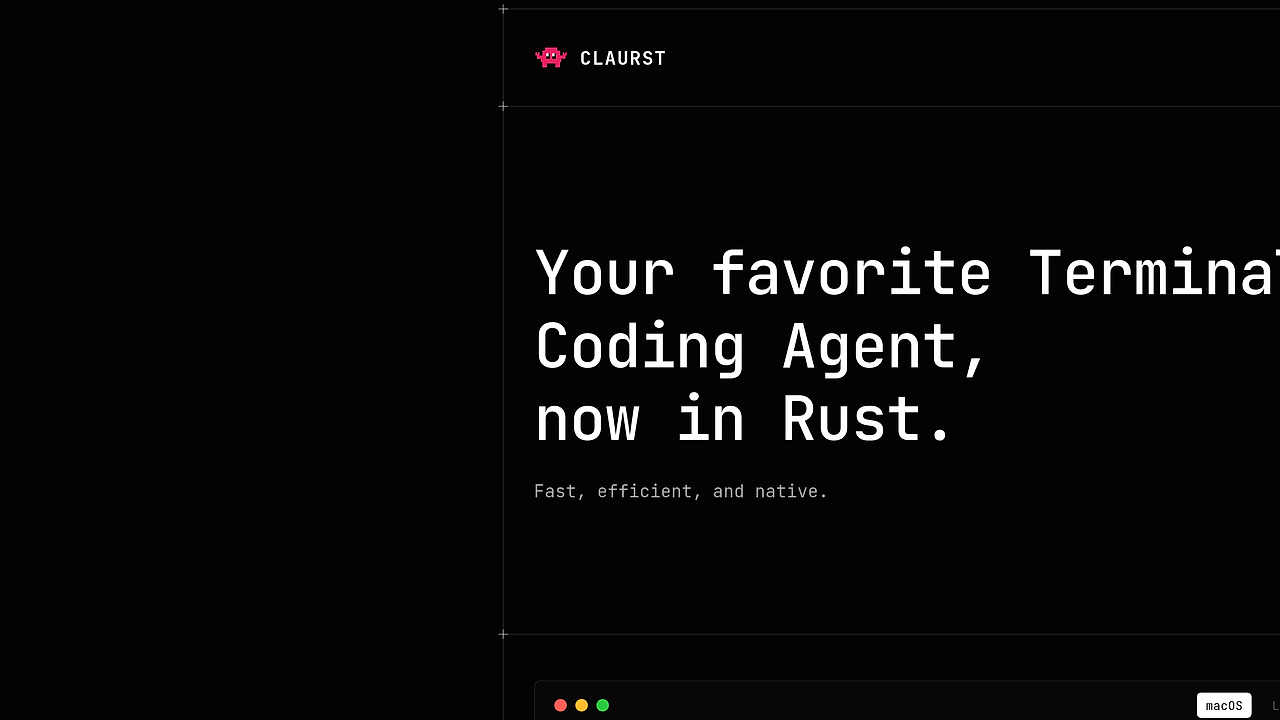
What Is Claurst?
Claurst is an open-source, multi-provider terminal coding agent built by Kuberwastaken in Rust, and it has 8.6k+ GitHub stars as of Feb 2026. Claurst is one of the best AI Coding Agents tools for developers, indie hackers, and CTOs who want a terminal-first pair programmer that can talk to Anthropic, OpenAI, Google, GitHub Copilot, Ollama, DeepSeek, Groq, Mistral, and 30+ more providers.
The project started as a clean-room reimplementation of Claude Code behavior from a spec, then grew into a TUI agent with memory consolidation, chat forking, a plugin system, and the companion app Rustle. The repo explicitly says there is no tracking or telemetry, which matters if you want a local-first workflow instead of a vendor-locked editor extension.
Quick Overview
| Attribute | Details |
|---|---|
| Type | AI Coding Agents |
| Best For | Terminal-first pair programming and headless codebase analysis |
| Language/Stack | Rust, terminal TUI, multi-provider LLM adapters, and native release binaries |
| License | GPL-3.0 |
| GitHub Stars | 8.6k+ as of Feb 2026 |
| Pricing | Open-Source |
| Last Release | v0 — date not specified |
Who Should Use Claurst?
- Terminal-heavy developers who want an agent inside the shell instead of a browser tab or IDE panel. Claurst fits workflows built around
bash,zsh,tmux, and remote SSH sessions. - Indie hackers shipping fast who need a codebase explainer, refactor assistant, and quick patch writer without installing a heavyweight desktop app. Claurst supports headless prompts with
-p, so it works in scripts and CI-adjacent tasks. - Platform and infra engineers who want provider flexibility. Claurst can switch among hosted and local backends, which is useful when you need policy-based routing or want to avoid a single model vendor.
- Teams that care about process transparency because Claurst was built from a spec-first clean-room workflow. That makes the architecture easier to audit than a black-box agent wrapper.
Not ideal for:
- Teams that want a polished, vendor-supported commercial product with a traditional SLA and account management.
- Users who only want a browser-based chat UI and do not care about terminal workflows or command-line ergonomics.
- Organizations that dislike GPL-3.0 obligations or need a permissive license for embedding the code in closed products.
Key Features of Claurst
- Multi-provider routing — Claurst can connect to Anthropic, OpenAI, Google, GitHub Copilot, Ollama, DeepSeek, Groq, Mistral, and more through
/Connect. That makes it easier to swap models without rewriting prompts or changing tools. - Terminal UI built in Rust — The interface is native and terminal-first, so it runs cleanly over SSH and in local shells. Rust also keeps the binary footprint predictable and reduces runtime overhead versus Electron-style agents.
- Headless execution —
claurst -plets you run one-shot prompts like code explanations and summaries. That is useful for scripts, CI helpers, and quick repository triage. - Chat forking and memory consolidation — Claurst lets you branch conversations and compress context so you can explore multiple implementation paths without losing the original thread. That is valuable when reviewing refactors or debugging a stateful system.
- Companion workflow with Rustle — The project includes a companion named Rustle, which suggests the workflow is split between primary agent interaction and supporting utilities. That separation is useful when you want background help without bloating the main loop.
- Speech modes and interaction variants —
/Rocky,/Caveman, and/Normalchange the conversational style. The feature is marked experimental, but it shows the agent is designed for iterative prompt ergonomics rather than a fixed chat skin. - Clean-room architecture — The repo separates
spec/fromsrc-rust/, which means behavior was modeled before implementation. That matters for maintainability because it reduces accidental coupling to proprietary source structure.
Claurst vs Alternatives
| Tool | Best For | Key Differentiator | Pricing |
|---|---|---|---|
| Claurst | Terminal-first AI coding and multi-provider workflows | Rust-native, clean-room, headless-capable, no telemetry | Open-Source |
| Claude Code | Vendor-native Anthropic workflows | Tight integration with the Claude ecosystem | Paid |
| Aider | Git-based code editing in the terminal | Minimalist chat-to-patch loop with strong git workflow | Open-Source |
| OpenHands | Broader autonomous software tasks | More general agent platform with task orchestration | Open-Source |
Pick Claurst when you want a Claude Code-style terminal agent but refuse to be locked to one model provider. If you want a browser-oriented companion surface instead, Claude Code Canvas is a better fit for visual interaction, while Claude Context Mode is more about managing prompt state than driving commands.
Pick Aider when your main job is editing files through a tight git diff loop and you do not need the wider TUI experience. Pick OpenHands when you need broader agent orchestration or longer-running tasks; if multi-agent coordination is your real problem, OpenSwarm is closer to that shape than Claurst. For planning-heavy sessions before execution, Brainstorm MCP can complement a Claurst workflow instead of replacing it.
How Claurst Works
Claurst works by splitting the project into two layers: a specification layer and an implementation layer. The spec/ directory captures the intended behavior, data flow, and tool contracts, while src-rust/ turns that spec into a native Rust application. That design is useful because the agent behavior is defined before the code is written, which lowers the risk of accidental feature drift.
The runtime centers on a terminal UI, provider adapters, and session state that supports chat forking and memory consolidation. In practice, that means Claurst can keep context localized, switch model providers through /Connect, and expose both interactive and headless flows without requiring a browser or an IDE plugin.
export ANTHROPIC_API_KEY=sk-ant-...
claurst
claurst -p 'explain this codebase'
The first command starts the interactive TUI, and the second runs a one-shot prompt against the current repository. If you need a different model backend, /Connect inside Claurst lets you configure it without changing the shell interface, which is useful when the same machine needs both local and hosted inference.
Pros and Cons of Claurst
Pros:
- Native Rust binary keeps startup fast and avoids the overhead of an Electron wrapper.
- Multi-provider support reduces lock-in and makes provider failover practical.
- Headless mode supports scripting and repo analysis with
-p. - No telemetry is a real advantage for privacy-sensitive environments.
- Clean-room design improves auditability and makes the implementation easier to reason about.
- Chat forking and memory consolidation help when you are exploring multiple refactor paths.
Cons:
- GPL-3.0 licensing may be a problem for teams that need permissive redistribution terms.
- Experimental features like speech modes and some provider integrations can change quickly.
- Docs and ecosystem are still smaller than established commercial agents.
- Terminal-first UX is great for power users but not ideal for people who live in browser UIs.
- Provider setup still depends on external API keys or local model backends, so Claurst does not remove model operational costs.
Getting Started with Claurst
git clone https://github.com/Kuberwastaken/claurst.git
cd claurst/src-rust
cargo build --release --package claurst
export ANTHROPIC_API_KEY=sk-ant-...
./target/release/claurst
That sequence builds the Rust binary from source and launches the interactive terminal agent. If you want a faster path, the repo also ships release archives for Windows, Linux, and macOS, and the first run can be configured either with environment variables or through /Connect inside Claurst.
Verdict
Claurst is the strongest option for terminal-first AI coding when you want a Rust-native agent that can switch providers without telemetry. Its biggest strength is the clean-room architecture plus headless support; its main caveat is that the GPL-3.0 license and experimental features may not suit every team. Recommend it if you want a self-hosted Claude Code-style workflow.


