What Is NexusFlow?
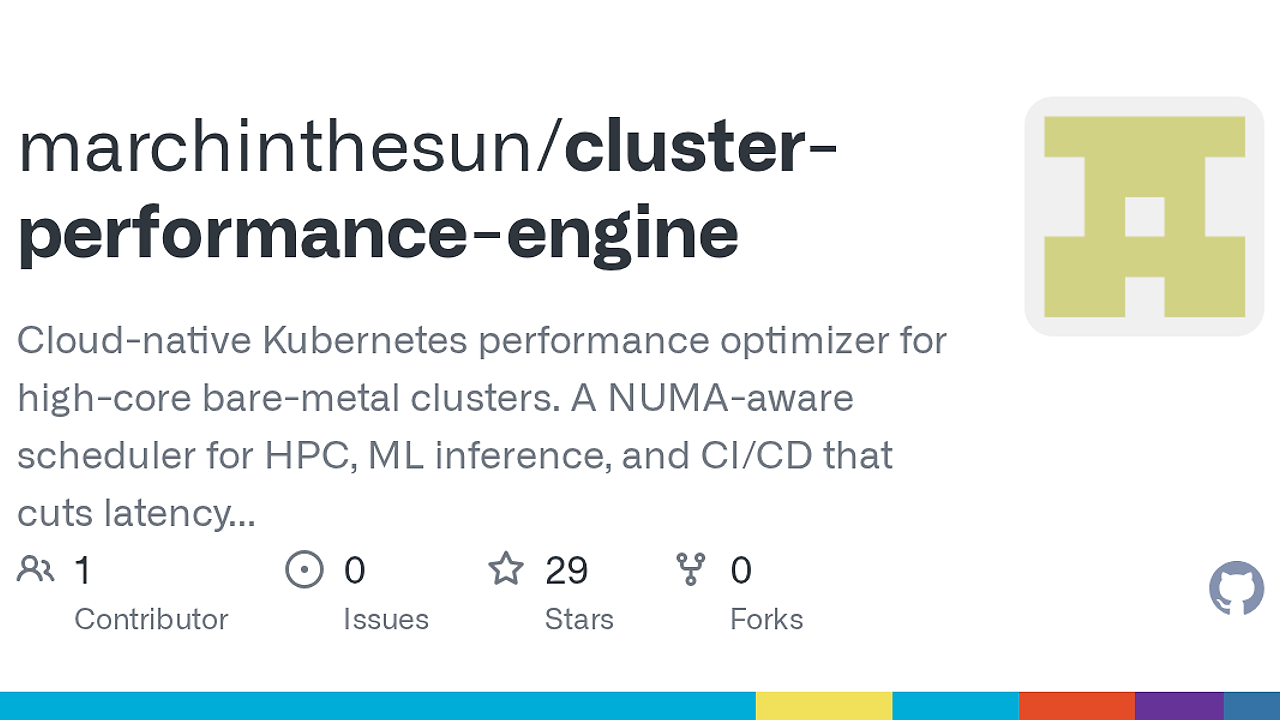
NexusFlow is one of the best DevOps Automation tools for platform engineers, HPC operators, and infra teams on large Linux NUMA hosts. Built by marchinthesun, it is a NUMA-aware orchestration stack for Linux bare metal that maps topology from sysfs or hwloc, pins CPUs with sched_setaffinity, and can bind memory to the same NUMA node; the repo’s benchmark table shows Llama-3 inference moving from 12 tokens/sec to 18 tokens/sec on the optimized path.
Quick Overview
| Attribute | Details |
|---|---|
| Type | DevOps Automation |
| Best For | platform engineers, HPC operators, and infra teams on large Linux NUMA hosts |
| Language/Stack | Go 1.22, Linux cgroup v2, gRPC, YAML DAGs, sysfs/hwloc, Prometheus, Unix sockets, POSIX shared memory |
| License | N/A |
| GitHub Stars | N/A |
| Pricing | Open-Source |
| Last Release | N/A |
Who Should Use NexusFlow?
- Bare-metal platform teams managing dual-socket or quad-socket servers that need predictable CPU placement for build farms, inference, or ETL jobs.
- HPC operators who want locality-aware CPU and memory binding without moving the workflow into Slurm or rewriting job wrappers.
- Infra engineers exposing a local control plane through gRPC,
/healthz, and a dashboard with bearer auth and CIDR ACLs. - Small teams on one big host that are trying to extract more throughput from an expensive machine instead of adding another node.
Not ideal for:
- Teams that live entirely inside Kubernetes pods with no access to host affinity controls, because NexusFlow expects to manage Linux processes and host resources directly.
- Workloads that need cluster-wide scheduling, gang placement, or preemption across many nodes, where Slurm or Kubernetes is still the correct control plane.
- Non-Linux environments, because NexusFlow depends on Linux primitives such as
sched_setaffinity, cgroup v2,/dev/shm, andperf_event_open.
Key Features of NexusFlow
- Topology discovery —
Discover()readssysfsorhwloc XMLand emits JSON, matrices, and shell hints. That gives operators a structured map of sockets, NUMA nodes, distances, and CPU IDs before they pin any workload. - CPU affinity control —
nexusflow runwrapssched_setaffinityandtasksetso the kernel stops migrating threads across nodes. Thesame-numastrategy fits a CPU request into the largest local NUMA domain first, which is the right move for cache-sensitive jobs. - Optional local memory binding — when
numactlis available, NexusFlow can bind memory to the same NUMA node as the CPU set. That reduces remote DRAM fetches and is the fastest path to better tail latency on memory-bound services. - YAML DAG execution —
nexusflow dag runconsumes a YAML pipeline, spawns child steps, and exports Prometheus text metrics through--prom-file. This turns ad-hoc shell chains into repeatable graphs with step-level timing and failure visibility. - Shared-memory data plane —
pkg/shmandpkg/plasmause/dev/shm,mmap(MAP_SHARED), and Unix sockets withSCM_RIGHTSfor file descriptor passing. That is the right primitive when you want fast IPC without serializing large payloads through text pipes. - Daemon and cgroup v2 cells —
nexusflow daemonexposes gRPC endpoints for cgroup v2 cpuset cells, LLC streams, eviction, and hugepages. That makes the control plane scriptable from external tooling, including a Python SDK. - Dashboard and security controls — the UI supports TLS, bearer tokens, CIDR ACLs, and
/healthz. For teams that need remote execution on a trusted subnet, this is safer than exposing a raw shell wrapper, and it pairs well with MachineAuth for host or service authentication.
NexusFlow vs Alternatives
| Tool | Best For | Key Differentiator | Pricing |
|---|---|---|---|
| NexusFlow | Locality-aware single-node execution on large NUMA hosts | CPU pinning, optional memory binding, DAGs, shared memory, and gRPC control in one stack | Open-Source |
| Slurm | Multi-node HPC and batch scheduling | Cluster scheduler with queues, partitions, and job arrays, not a single-node locality layer | Open-Source |
| numactl | Manual NUMA pinning from the shell | Tiny wrapper for CPU and memory affinity, but no DAG runner, dashboard, or daemon | Open-Source |
| Kubernetes | Container orchestration across fleets | Pod scheduling and service discovery, but not host-level NUMA placement by default | Open-Source |
Pick Slurm when the real problem is distributed scheduling, queue fairness, and job admission across many machines. Pick numactl when you only need a one-off affinity tweak and do not want a control plane.
Pick Kubernetes when your app is already containerized and you need service discovery, rollout control, and cross-node placement. If you need broader host automation around the binaries, pair NexusFlow with djevops, and if you want tracing around each step, keep OpenTrace beside the Prometheus metrics.
How NexusFlow Works
NexusFlow uses topology as the core abstraction. It builds a graph of CPUs, sockets, NUMA nodes, and distance relationships from sysfs or hwloc, then applies a placement rule that prefers the largest NUMA domain that can satisfy the requested CPU count, with a node-id tie-break when multiple domains fit.
The runtime is intentionally plain. Go 1.22 handles the CLI, the daemon, and the data-plane helpers, while Linux handles the actual locality primitives: sched_setaffinity for thread placement, numactl for memory binding when installed, mmap(MAP_SHARED) for shared segments, and perf_event_open for sampling.
The system splits into a control plane and a data plane. The control plane lives in the gRPC daemon and dashboard, while the data plane uses Unix sockets, shared memory, and file descriptor passing with SCM_RIGHTS so long-running or high-throughput workflows do not bounce through text serialization.
nexusflow topology --json --source auto
nexusflow run --cpus 16 --numa 0 --membind=true -- make -j16
nexusflow dag run --file examples/pipeline.yaml --prom-file /tmp/nf-dag.prom
The first command emits a machine-readable host map for scripts and dashboards. The second command pins a build to a specific CPU set and, when available, binds memory to the same NUMA node. The third command runs a DAG and writes Prometheus text metrics so you can scrape step timing and correlate it with host-level counters.
Pros and Cons of NexusFlow
Pros:
- NUMA-aware placement reduces cross-socket migration and remote DRAM access on big iron.
- Standard Linux primitives mean no kernel module and no exotic runtime.
- Machine-readable topology output makes it easy to feed dashboards, wrappers, and Slurm hints.
- DAG runner with Prometheus output gives repeatable step timing instead of shell-script guesswork.
- Shared-memory and fd passing cut copy overhead for local orchestration paths.
- gRPC daemon plus Python SDK makes automation feasible from tools outside the shell.
Cons:
- Linux-only and host-focused, so it is not a drop-in choice for macOS or pure container abstractions.
- Not a cluster scheduler, so it does not replace Slurm or Kubernetes for multi-node orchestration.
- Some features depend on optional tools such as
hwloc,numactl, andperf, which may not be installed everywhere. - Privileged features like hugepages and performance counters require host permissions and careful ops controls.
- License information is not visible in the page text, so governance teams should verify the repo before standardizing on it.
Getting Started with NexusFlow
The fastest path is the repo’s one-shot install script. Clone the project, build the binaries, and then test a topology query before trying a pinned run.
git clone https://github.com/marchinthesun/cluster-performance-engine.git
cd cluster-performance-engine
chmod +x install.sh
./install.sh

nexusflow topology --json --source auto
nexusflow run --cpus 8 --numa 0 --membind=true -- python -m your_app
After ./install.sh, expect a host install that makes nexusflow available for CLI use and exposes the deeper docs under nexusflow/README.md. If you enable the dashboard on anything other than loopback, keep TLS, bearer auth, and CIDR allow-lists in place so the control plane does not become a public shell.
Verdict
NexusFlow is the strongest option for single-node Linux performance orchestration when CPU locality and memory placement matter more than cluster-wide scheduling. Its biggest win is turning NUMA topology into an execution policy, and its main caveat is that it still depends on Linux host control. Use it when the hardware is the bottleneck, not when you need a full cluster scheduler.