What Is Polymarket Arbitrage Bot?
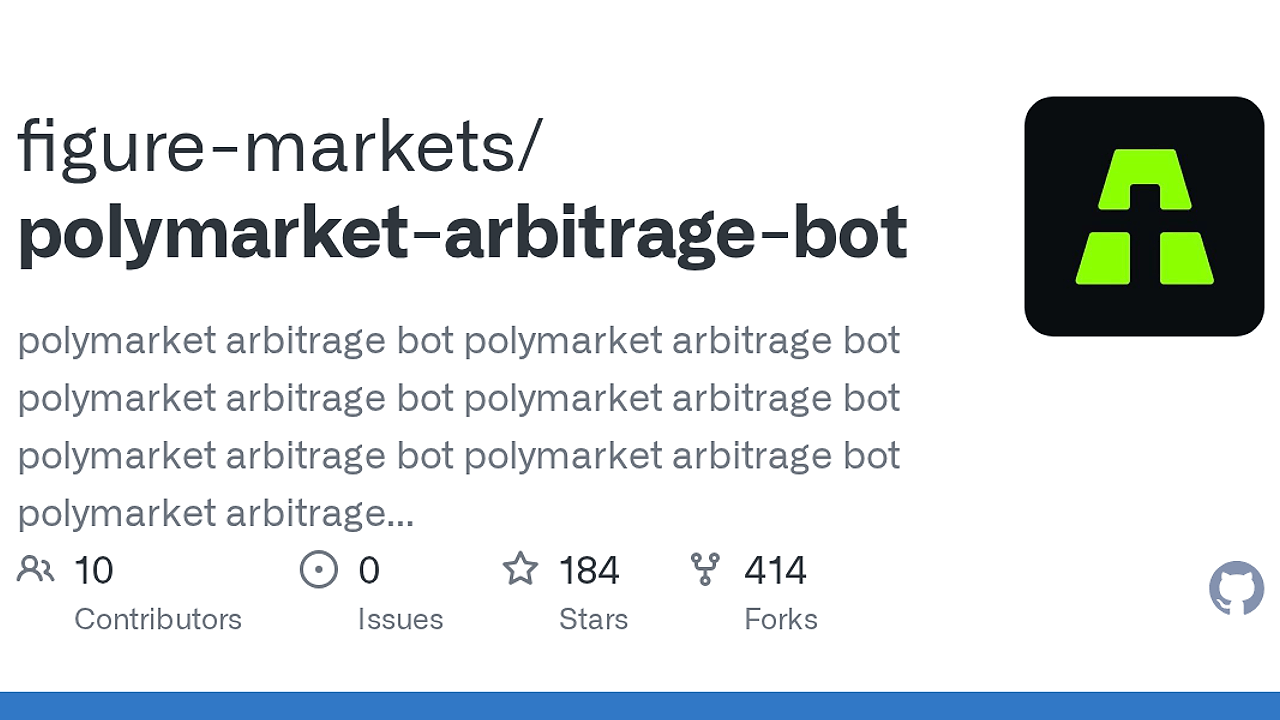
Polymarket Arbitrage Bot is one of the best Arbitrage Bots tools for devs. Built by Figure Markets, this TypeScript bot watches Polymarket's 15-minute crypto Up/Down markets, buys the dumped leg, and hedges the opposite leg when the combined entry stays under a target like 0.95. It covers four assets: BTC, ETH, SOL, and XRP, and the repo shows active development from Jan 4 2026 through Apr 2 2026.
This is not a generic market-making wrapper. It is a two-leg event-driven trading system tuned for short-lived inefficiencies in prediction markets, where a sharp move on one side often leaves the other side lagging for seconds or minutes. If you want code that continuously scans, reacts, and reconciles positions instead of a dashboard, Polymarket Arbitrage Bot is built for that workflow.
Quick Overview
| Attribute | Details |
|---|---|
| Type | Arbitrage Bots |
| Best For | Quant developers and crypto traders automating short-dated Polymarket cycles |
| Language/Stack | TypeScript 5.3, Node.js 16+, @polymarket/clob-client, Gamma API, Polygon |
| License | N/A |
| GitHub Stars | N/A as of Apr 2026 |
| Pricing | Open-Source |
| Last Release | N/A |
The architecture is intentionally narrow. It focuses on one market structure, one execution path, and one settlement chain, which keeps the strategy understandable when you need to inspect trade history or debug a bad fill. If you need a CLI-first repo that behaves like a small trading daemon, this fits the same terminal workflow as other CLI Tools.
Who Should Use Polymarket Arbitrage Bot?
- Quant developers testing short-dated prediction market inefficiencies and wanting a deterministic event loop instead of manual clicking.
- Crypto traders who already understand wallet signing, USDC, and execution risk, and want automation for repeated 15-minute rounds.
- Indie hackers building niche trading infrastructure who prefer TypeScript over a separate backend stack.
- Platform operators running a funded wallet on Polygon who need simulation before they let the bot place live orders.
Not ideal for:
- Traders who want a polished GUI and do not want to edit
.envfiles or inspect logs. - Users who cannot manage private key security, proxy wallets, or Polygon funding.
- People looking for long-horizon backtesting, portfolio optimization, or a general crypto strategy engine.
Key Features of Polymarket Arbitrage Bot
- Gamma-driven market discovery — The bot resolves the active 15-minute Up/Down market for each asset through Polymarket's Gamma API and rolls forward when a round closes. That removes manual market selection and reduces the chance of trading the wrong expiration window.
- Two-leg dump-and-hedge flow — The trader watches recent ask history, flags a leg after a configured fractional move, then buys the opposite leg only when
leg1 entry + opposite askis below the target. That is the core edge: capture a dump, then finish the pair cheaply enough to preserve spread. - Simulation mode —
npm run simruns the strategy with no real orders, which is essential when you are tuningDUMP_HEDGE_MOVE_THRESHOLD,DUMP_HEDGE_SUM_TARGET, and polling cadence. You get the same control flow and logs without sending capital to the CLOB. - Stop-loss hedge path — If the favorable second leg never appears, the bot can force a hedge after
DUMP_HEDGE_STOP_LOSS_MAX_WAIT_MINUTES. That bounds exposure and turns an open-ended wait into a defined risk decision. - On-chain settlement and redemption — At market close, the bot reconciles winners and losers and can redeem winning positions on Polygon. That matters because the trading loop is not complete until settlement is accounted for in the final P&L.
- Audit-friendly history logging — Activity streams to stderr and appends a
history.tomlfile for later review. That gives you a persistent record for debugging fills, checking market selection, and reviewing which threshold actually triggered each round. - Multi-asset support — The bot handles
btc,eth,sol, andxrpthrough comma-separated config. This keeps the same code path reusable across several asset pairs without branching into separate deployments.
Polymarket Arbitrage Bot vs Alternatives
| Tool | Best For | Key Differentiator | Pricing |
|---|---|---|---|
| Polymarket Arbitrage Bot | Polymarket 15-minute dump-and-hedge cycles | Prediction-market-specific discovery, two-leg hedge logic, simulation mode | Open-Source |
| Hummingbot | Exchange market making and arbitrage | Broad connector coverage for centralized venues | Open-Source |
| Freqtrade | Rule-based crypto strategy backtesting | Strong backtesting, optimization, and strategy experimentation | Open-Source |
| Passivbot | Futures grid and market making | Parameterized execution on perpetuals and futures | Open-Source |
Pick Hummingbot if you need exchange connectivity more than prediction-market logic. It is better when the venue is Binance, OKX, or another centralized exchange and the edge comes from connector breadth rather than round-aware arbitrage.
Pick Freqtrade if your strategy depends on indicators, backtests, and hyperparameter sweeps. It is the better choice for signal-driven crypto systems, while Polymarket Arbitrage Bot is built around a specific market microstructure.
Pick Passivbot if you want futures grid behavior and parameterized market making. It is useful for perpetuals, but it is not a Polymarket-native arb engine.
If you are building adjacent automation rather than trading execution, OpenSwarm is the closer internal match for orchestrated workflows. If you want to edit or extend the TypeScript strategy loop, Claude Code Canvas is a practical companion. This repo also fits the same terminal-first workflow as the rest of our CLI Tools.
How Polymarket Arbitrage Bot Works
The bot is structured like a small state machine with four main responsibilities: discover the live market, poll prices, decide whether a dump has occurred, and execute the hedge. src/main.ts handles discovery and round rollover, src/monitor.ts handles snapshot polling, src/dumpHedgeTrader.ts encodes the entry and hedge decisions, and src/api.ts wraps Gamma, CLOB, orders, and redemption. That separation keeps the execution path readable when you need to audit a bad round.
The design choice here is polling plus deterministic thresholds instead of a sprawling event bus. The bot uses recent ask history and a fixed watch window, so the trader can compare current state against a known baseline and decide whether the move is large enough to trade. That makes the system easier to reason about than a loose script that sprays orders whenever the price twitches.
# simulate the strategy on BTC with tighter filters
MARKETS=btc PRODUCTION=false DUMP_HEDGE_MOVE_THRESHOLD=0.15 \
DUMP_HEDGE_SUM_TARGET=0.95 DUMP_HEDGE_WINDOW_MINUTES=5 npm run sim

# live execution after validation
MARKETS=btc,eth PRODUCTION=true DUMP_HEDGE_STOP_LOSS_MAX_WAIT_MINUTES=3 npm run prod
The first command runs a simulation and lets you inspect how the dump detector behaves under your chosen thresholds. The second command switches to live order placement, but only after you have validated the market selection, the hedge sum target, and the stop-loss timing against real logs.
Pros and Cons of Polymarket Arbitrage Bot
Pros:
- Clear execution path — The repository is small enough to inspect end-to-end, which matters when you are trusting code with real capital.
- Simulation-first workflow — The
simmode lets you validate behavior before you send live orders, which is the right way to tune a thin-market strategy. - Polymarket-native logic — The bot is built around Gamma market discovery and CLOB execution, not a generic exchange abstraction.
- Risk controls are explicit — Move thresholds, sum targets, polling intervals, and stop-loss timing are all configurable through
.env. - Settlement is part of the flow — Redemption and closeout are modeled instead of being left as a manual cleanup step.
- TypeScript ergonomics — Strong typing makes the round state, leg state, and API boundaries easier to maintain than a pile of shell scripts.
Cons:
- Operational overhead is real — You need a wallet, Polygon funding, and the correct signature setup before live trading even starts.
- Polling is not HFT — A 1000 ms check interval can miss very short spikes, so this is not the place to expect millisecond-level execution.
- No built-in backtester — The repo favors live simulation and logging over historical optimization or parameter search.
- Narrow market scope — The strategy is designed for Polymarket's 15-minute crypto Up/Down markets, not a broad catalog of markets.
- Manual config required — The
.envsetup is simple, but it still expects the operator to choose thresholds and capital sizing carefully.
Getting Started with Polymarket Arbitrage Bot
git clone https://github.com/figure-markets/polymarket-arbitrage-bot.git
cd polymarket-arbitrage-bot
npm install
cp .env.example .env
npm run build
npm run sim
That sequence installs dependencies, creates the environment file, builds the TypeScript output, and runs the strategy in simulation mode. Once the logs look sane and history.toml shows the right market selection and hedge timing, you can move toward npm run prod with a funded Polygon wallet. If you plan to modify the strategy itself, Claude Code Canvas is useful for iterating on the TypeScript modules before you let the bot touch live capital.
Verdict
Polymarket Arbitrage Bot is the strongest option for short-dated Polymarket arbitrage when you want simulation-first automation with on-chain settlement. Its best strength is the explicit dump-to-hedge state machine; its main caveat is operational risk from keys, Polygon funding, and thin liquidity. Use it if you can tolerate that discipline and want a focused, inspectable trading bot.