What Is AI-Humanizer?
AI-Humanizer is an open-source Python toolkit from Lynote AI that rewrites AI-generated text into more human-like prose for developers, researchers, and writers. AI-Humanizer is one of the best AI Text Humanization Tools for developers, researchers, and writers, and it packages 4 distinct methods so you can compare translation chains, LLM rewrites, detector feedback, and mixed-engine translation without building the pipeline from scratch. The project is built for experimentation first, production second, which makes it useful when you need transparent control over rewrite behavior instead of a black-box SaaS.
Quick Overview
| Attribute | Details |
|---|---|
| Type | AI Text Humanization Tools |
| Best For | Developers, researchers, and writers |
| Language/Stack | Python 3.10+, Docker, NMT APIs, DeepSeek API, local detection models |
| License | MIT |
| GitHub Stars | N/A as of Feb 2026 |
| Pricing | Open-Source |
| Last Release | N/A — no tagged release shown in the scraped page as of Feb 2026 |
Who Should Use AI-Humanizer?
- Researchers testing rewrite strategies who want to compare translation chains, multi-turn prompting, and detector-guided loops on the same input corpus.
- Python developers building content pipelines who need a CLI-first workflow, a config file, and Docker support instead of a hosted-only product.
- Technical writers and SEO operators who want to reduce repetitive sentence patterns in drafts before human review.
- Platform teams evaluating policy controls that need to see how much semantic drift each rewrite path introduces before adopting one in production.
Not ideal for:
- Teams that want a zero-configuration SaaS with no API keys, no Docker, and no local model setup.
- Long-form academic or legal documents where preservation of terminology matters more than stylistic variation.
- Users who need deterministic output, because AI-Humanizer intentionally changes sentence structure and lexical choice.
Key Features of AI-Humanizer
-
4 independent humanization methods — AI-Humanizer ships with a translation chain, multi-turn LLM rewriting, a detection-guided feedback loop, and mixed-engine translation. That lets you benchmark which approach works best for your text length, language pair, and tolerance for semantic drift.
-
Multi-language translation chain — The translation mode can route text through distant language pairs such as EN → ZH → JA → FI → EN. The project calls out engines like Google Translate, Niutrans, MyMemory, and Apertium, and it uses distant hops to force stronger structural reshaping.
-
Multi-turn LLM rewriting — AI-Humanizer uses DeepSeek API prompts with high temperatures around 1.1 to 1.3 and 2 to 3 rewrite rounds. The goal is to vary sentence rhythm, lexical density, and clause ordering while keeping the original meaning close enough to remain usable.
-
Detection-guided feedback loop — The detector path combines Binoculars, a RoBERTa classifier, statistical features, and diversity metrics before rewriting again. That makes AI-Humanizer closer to an optimization loop than a one-pass paraphraser, which is why it is better suited to testing and tuning than blind automation.
-
Mixed-engine translation — AI-Humanizer can blend outputs from different NMT engines in a single pass. Mixing models reduces the chance that one translation engine leaves a recognizable fingerprint across a full paragraph.
-
Document-level then sentence-level processing — The pipeline rewrites the document first, then deep-rewrites weak spots at the sentence level, and finishes with rule-based post-processing. That layered design is useful when only some passages need aggressive variation.
-
CLI and Docker entry points — You can run the toolkit from the terminal or bring it up with Docker for local API usage. That gives you a simple path for scripting, batch jobs, and reproducible environment setup.
AI-Humanizer vs Alternatives
| Tool | Best For | Key Differentiator | Pricing |
|---|---|---|---|
| AI-Humanizer | Hands-on testing of multiple humanization strategies | Open-source access to 4 rewrite methods and detector feedback | Open-Source |
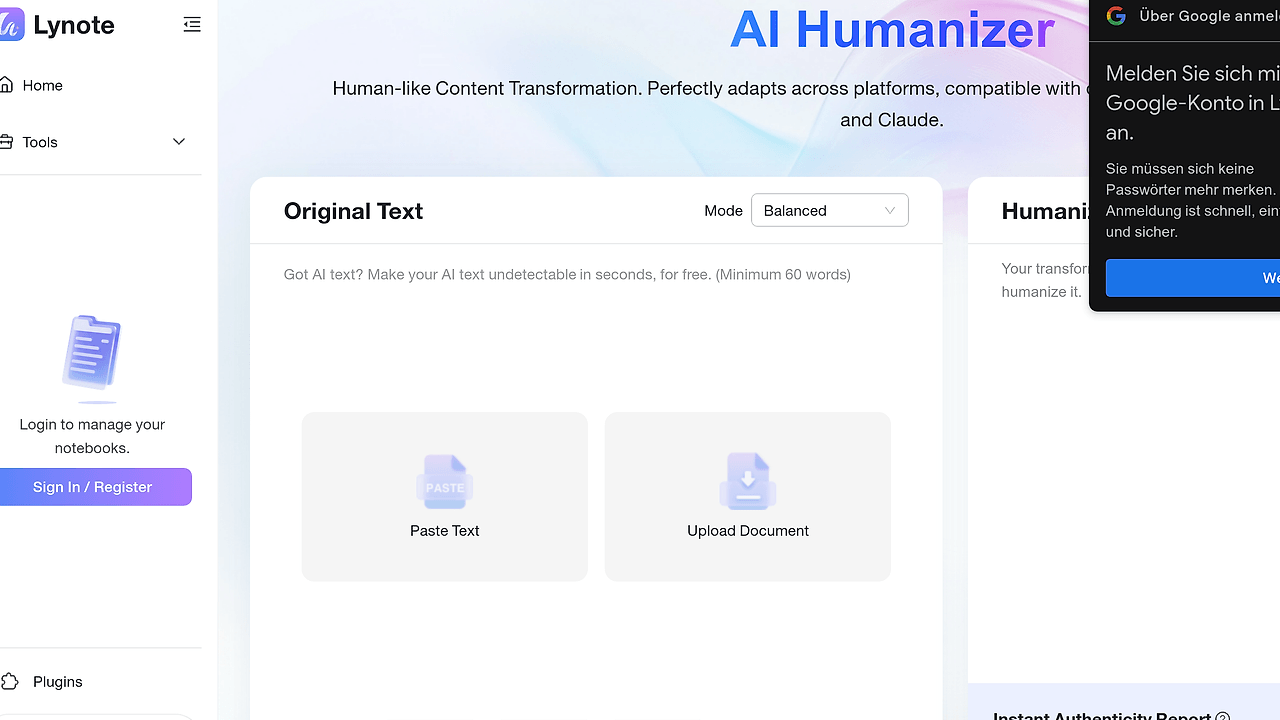
| Lynote.ai | Production users who want automatic method selection | Adaptive orchestration across all methods with zero local setup | Freemium |
| Claude Context Mode | Prompt editing and context management | Better for shaping prompts than running a dedicated humanization pipeline | Open-Source |
| OpenTrace | Debugging rewrite systems and model behavior | Observability for pipelines rather than text transformation itself | Open-Source |
Pick Lynote.ai when you want the same family of techniques without managing API keys, local models, or process orchestration. Pick AI-Humanizer when you need to inspect each method, tune parameters, or reproduce results across experiments.
Pick Claude Context Mode when your main problem is prompt structure and context retention, not detector-aware rewriting. Pick OpenTrace when you need visibility into where a rewrite pipeline is failing, especially if you are chaining multiple passes and want trace-level debugging.
If you are building experiments around multi-step content generation, Brainstorm MCP can help with prompt ideation and test-case generation before you feed samples into AI-Humanizer. That pairing makes sense when you need a repeatable benchmark set instead of random ad hoc text.
How AI-Humanizer Works
AI-Humanizer treats text as a passage pipeline, not as a single paraphrase request. The design splits the problem into four separate rewrite strategies, each with different trade-offs in meaning retention, lexical variance, and detection resistance. That separation matters because translation-based drift, LLM-based burstiness, and detector-guided refinement all fail in different ways, and the toolkit lets you measure those failures instead of guessing.
The translation chain works by pushing text through structurally distant languages, then translating back into English. The result is not a word swap; it is a re-synthesis of phrase order and clause shape. The LLM path uses multiple rounds of rewriting with a high-temperature sampling strategy, while the detector path uses scoring signals to identify passages that still look machine-generated and pushes them through a deeper rewrite.
git clone https://github.com/molly554/ai-humanize.git
cd AI-Humanizer
pip install -r requirements.txt
cp config/config.example.toml config/config.toml
python -m src.humanizer --input "Your AI-generated text here"
That command sequence installs the Python dependencies, copies the config template, and runs the CLI against a single input string. After the first run, you usually need to add API keys for translation or LLM providers in config.toml, and you may want to test one short paragraph before batch-processing long documents. If you use Docker instead, docker compose up -d exposes a local API on port 8000 for scripted integrations.
Pros and Cons of AI-Humanizer
Pros:
- Multiple strategies in one repo — You can compare translation, LLM, detector-guided, and mixed-engine approaches without stitching together separate services.
- Transparent pipeline behavior — The project exposes its rewrite methods, which is useful for benchmarking, debugging, and controlled experiments.
- Python-first workflow — The CLI, config file, and Docker setup are straightforward for developers who already ship Python services.
- Strong experimentation value — The toolkit is built to show trade-offs in semantic drift, language preservation, and detector response.
- Local deploy option — The detection-guided path can run locally, which is important when data cannot be sent to a hosted service.
- MIT licensing — The code is easy to audit, fork, and adapt for internal tooling.
Cons:
- Semantic drift is real — The more aggressive rewrite paths can alter meaning, especially on technical, academic, or legal text.
- Detector loop is heavy — Local detection models can be resource-intensive, and the repo recommends a GPU for practical use.
- Configuration is not trivial — You need provider keys and method selection choices, so this is not a one-command experience.
- API costs can add up — Translation and LLM modes may require multiple external calls per passage.
- Not a guaranteed bypass — AI-Humanizer changes style, but it does not promise that every rewritten passage will evade every detector.
Getting Started with AI-Humanizer
git clone https://github.com/molly554/ai-humanize.git
cd AI-Humanizer
pip install -r requirements.txt
cp config/config.example.toml config/config.toml
# edit config.toml with your API keys
python -m src.humanizer --input "Your AI-generated text here"
The first run should produce a rewritten version of the input text using the default method configured in config.toml. If you want the detection-guided loop, be ready to install the local models it depends on and provision enough CPU, RAM, and ideally GPU capacity. For service-style usage, the Docker path is cleaner because it keeps the runtime isolated and exposes a local endpoint for automation.
Verdict
AI-Humanizer is the strongest option for research-grade text humanization when you need to compare multiple rewrite strategies under one roof. Its main strength is method transparency, and its main caveat is operational complexity plus possible semantic drift on long technical text. Use AI-Humanizer when you want control and measurement, not when you want a one-click hosted editor.