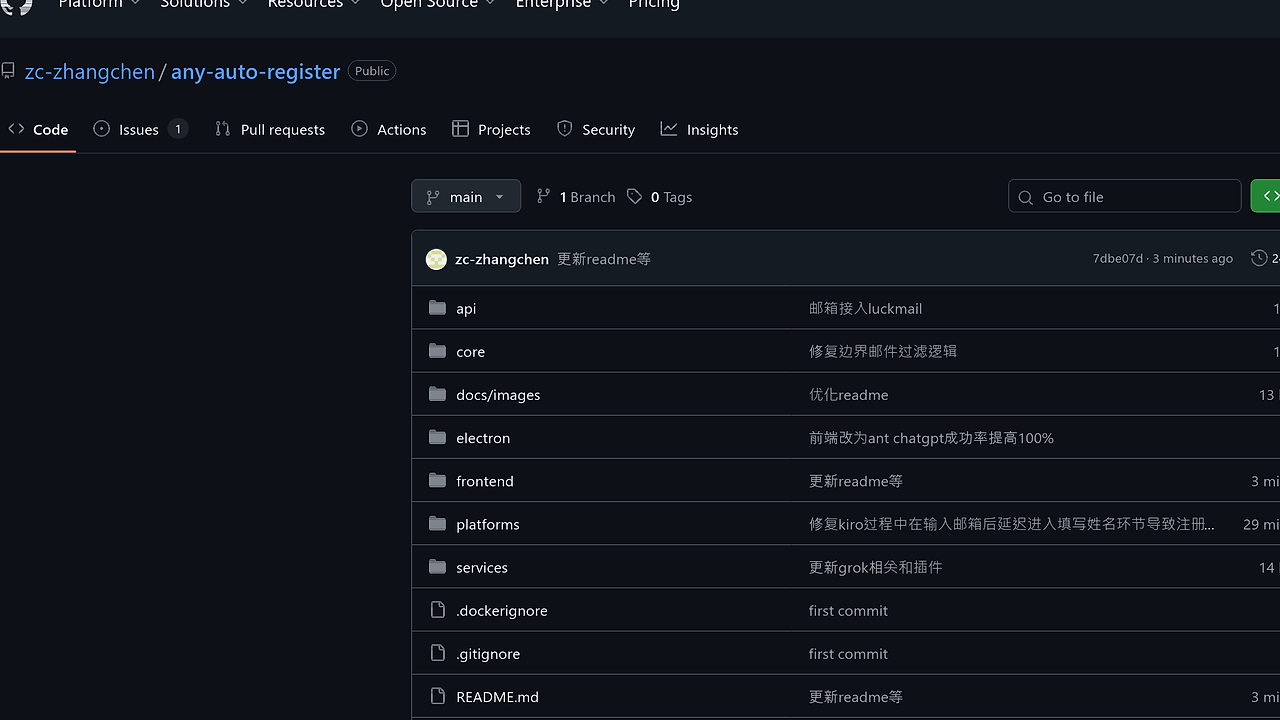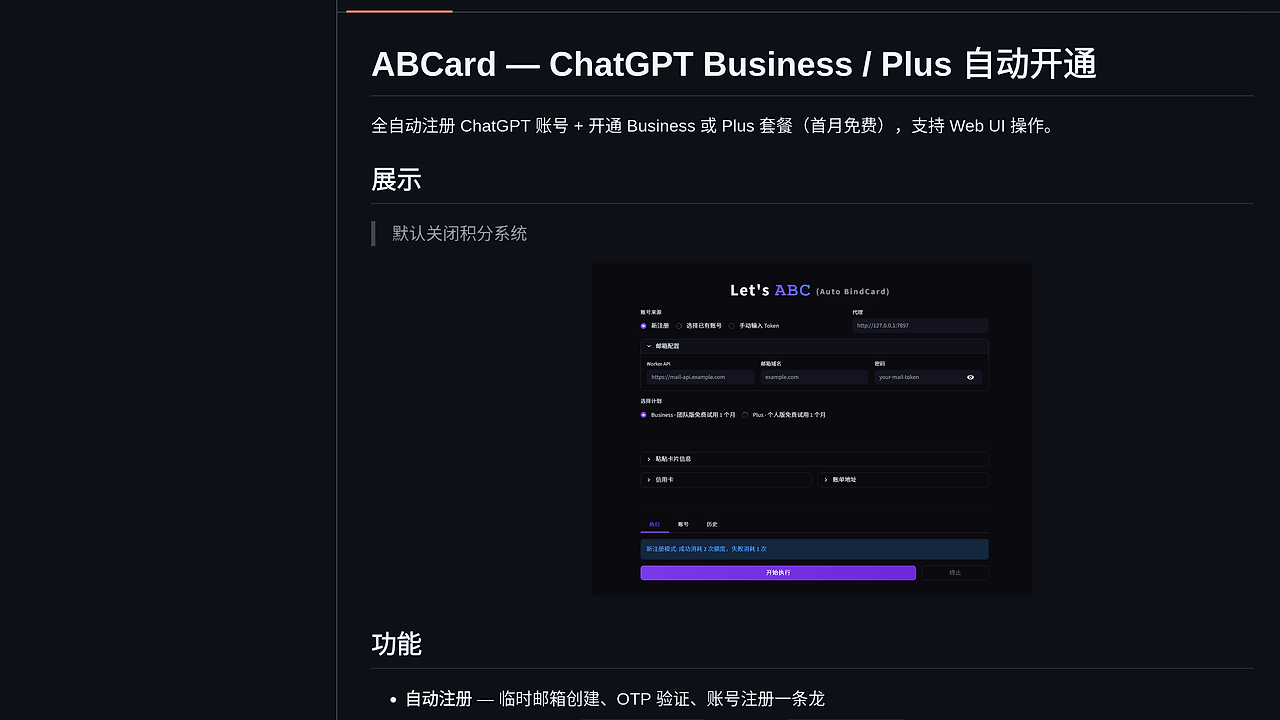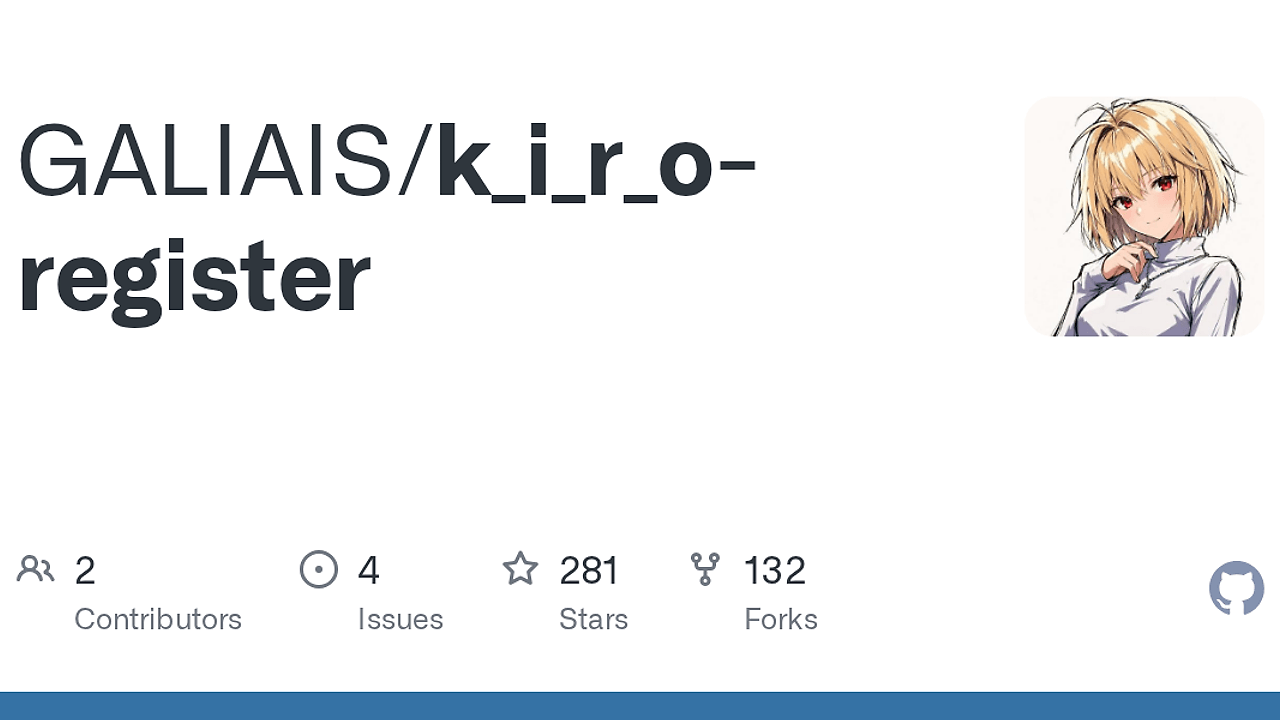
What Is K.I.R.O Register?
K.I.R.O Register is a Browser Automation Tool built by the GALIAIS GitHub project for developers and operators automating AWS Builder ID account workflows. K.I.R.O Register is one of the best Browser Automation Tools for AWS Builder ID teams, and it ships 8 documented capabilities across bulk signup, token refresh, subscription handling, browser fingerprint randomization, and health checks.
It is not a general-purpose scraper. It is a purpose-built Python automation stack for GUI-driven registration, state tracking, and account lifecycle management, with a local persistence layer and email provider abstraction.
Quick Overview
| Attribute | Details |
|---|---|
| Type | Browser Automation Tools |
| Best For | AWS Builder ID teams and automation engineers |
| Language/Stack | Python, Playwright, SQLite, curl_cffi, Stripe |
| License | N/A |
| GitHub Stars | N/A as of Feb 2026 |
| Pricing | Open-Source |
| Last Release | N/A |
Who Should Use K.I.R.O Register?
- Automation engineers running sign-up or account lifecycle workflows in a browser who need stateful retries, token refresh, and local persistence.
- Indie hackers building internal tools around AWS Builder ID accounts who want a GUI front end instead of writing a full orchestration layer from scratch.
- Platform or ops teams that need to monitor account health, detect banned or trial states, and keep a registry in SQLite for auditability.
- Teams using multiple mailbox providers who need an abstraction layer for email delivery and verification flows rather than hard-coding one provider.
Not ideal for:
- Teams that need a cloud-native, multi-tenant SaaS with RBAC, audit logs, and API keys out of the box.
- Users who want a pure CLI workflow with no GUI and no local desktop dependencies like
tkinter. - Any workflow that must stay strictly within vendor policy boundaries and cannot use automated browser actions or payment automation.
Key Features of K.I.R.O Register
- Automatic registration flow — The core workflow is browser automation with headless mode support, so the tool can run without a visible window when the Playwright driver is configured correctly. That matters when you want repeatable registration attempts and minimal operator interaction.
- Multi-mail provider abstraction — Email handling is split behind
mail_providers/, with ShiroMail implemented and room for other providers. That means the verification layer is extensible instead of being tied to one inbox API. - Token refresh and monitoring — K.I.R.O Register tracks account token lifecycle and status, then refreshes credentials automatically. For long-lived automations, this reduces the need for manual relogin and keeps account state in sync.
- Pro subscription automation — The repository includes
kiro_subscribe.pyand a Stripe payment path for subscription management. That is useful when the workflow includes paid plan activation rather than signup alone. - Health checks and state detection — The tool includes ban detection and trial-state detection, which is the right abstraction for a registry that needs to know whether an account is usable, blocked, or still in evaluation mode.
- Retry and recovery logic — Failed registrations are retried with a dedicated mechanism. This matters in browser automation because transient failures are common and a single network or CAPTCHA error should not kill the whole batch.
- Fingerprint randomization and anti-detection — The project explicitly calls out browser fingerprint randomization and anti-detection measures, which usually means varying browser signals to avoid looking like a deterministic script.
- Local SQLite storage — Account state is stored in SQLite, so the tool remains portable and does not require external databases for a solo deployment. For a desktop automation workflow, that is a practical default.
K.I.R.O Register vs Alternatives
| Tool | Best For | Key Differentiator | Pricing |
|---|---|---|---|
| K.I.R.O Register | AWS Builder ID account lifecycle automation | Purpose-built registration, token, and subscription workflow with SQLite state | Open-Source |
| Playwright | General browser automation | Lower-level framework with more control, but no domain-specific account logic | Open-Source |
| Selenium | Cross-browser testing and legacy automation | Broad ecosystem, but more boilerplate for modern async flows | Open-Source |
| awsim | AWS-flavored local testing and simulation | Better when you need AWS environment simulation rather than account orchestration | Varies |
Pick Playwright when you want full control over every browser interaction and are willing to build the account state machine yourself. Pick Selenium when you are maintaining older test infrastructure or need a familiar WebDriver stack with broader legacy support.
Pick awsim if your problem is closer to AWS environment simulation than browser-driven account lifecycle management. Pick djevops when the job is orchestration across deployment pipelines, not browser signup and token refresh. If your bottleneck is auth state rather than registration flow, MachineAuth is the more relevant adjacent tool.
How K.I.R.O Register Works
K.I.R.O Register is built around a small Python application with a GUI entry point in main.py, plus domain-specific modules for registration, login, subscription, captcha handling, and email providers. The architecture is intentionally split so the state machine for registration stays separate from the UI layer and from payment or inbox integrations.
The core design choice is local, inspectable state. Instead of pushing everything through a remote backend, the tool stores account data in SQLite and writes first-run settings into kiro_config.json. That makes the workflow easy to run on a single workstation, simple to back up, and straightforward to debug when an account transitions from fresh signup to token refresh to subscription state.
pip install -r requirements.txt
python main.py
After launch, the GUI is used to configure email providers, API keys, and related options. Because the automation is built on Playwright, the browser layer can run headless or interactively, while curl_cffi helps with TLS fingerprint simulation and requests covers normal HTTP calls. The practical result is a browser-first system with network-level tuning and local persistence, not just a brittle one-off script.
Pros and Cons of K.I.R.O Register
Pros:
- Domain-specific workflow — It covers registration, token refresh, subscription, and health checks in one codebase instead of forcing you to stitch together separate scripts.
- Local persistence with SQLite — State is inspectable, portable, and does not require infrastructure beyond a Python runtime and a local database file.
- Extensible email layer — The
mail_providersabstraction makes provider swaps cleaner than hard-coding one inbox API. - Playwright-based browser automation — Modern browser control is a better fit for dynamic login and signup flows than brittle HTML parsing.
- Recovery logic is built in — Retry behavior and monitoring reduce manual intervention after transient browser or network failures.
- GUI-first UX — For operators who want quick changes to API keys and provider settings, the
tkinterfront end is less tedious than editing config files by hand.
Cons:
- Desktop dependency —
tkinterand local execution make it less suitable for container-only or serverless deployments. - No hosted control plane — There is no visible multi-user dashboard, queue manager, or audit system in the repository text.
- Potential policy sensitivity — Automated account creation and payment flows may require careful compliance review before use in production.
- Provider coupling in places — The current email implementation highlights ShiroMail, so teams with stricter inbox requirements may need to extend the provider layer.
- Unknown release cadence — The page text does not expose tags, changelog history, or a release timeline, so upgrade risk is harder to assess.
Getting Started with K.I.R.O Register
A realistic first run is straightforward: clone the repo, install the Python dependencies, and launch the GUI. The first launch generates kiro_config.json, which stores provider and code-related settings locally and keeps them out of version control.
git clone https://github.com/GALIAIS/k_i_r_o-register.git
cd k_i_r_o-register
pip install -r requirements.txt
python main.py
After the GUI opens, enter the email provider details, API keys, and any required CDK or subscription settings. If Playwright browsers are not already installed in your environment, install them before running the flow, then validate a single account before attempting any batch operation.
Verdict
K.I.R.O Register is the strongest option for AWS Builder ID account automation when you need registration, token refresh, and subscription handling in one local Python workflow. Its main strength is the combination of Playwright, SQLite, and a provider abstraction layer. The caveat is that it is a desktop-oriented open-source project, so teams needing hosted orchestration or strict compliance controls should choose a different stack.