What Is Lossless Scaling?
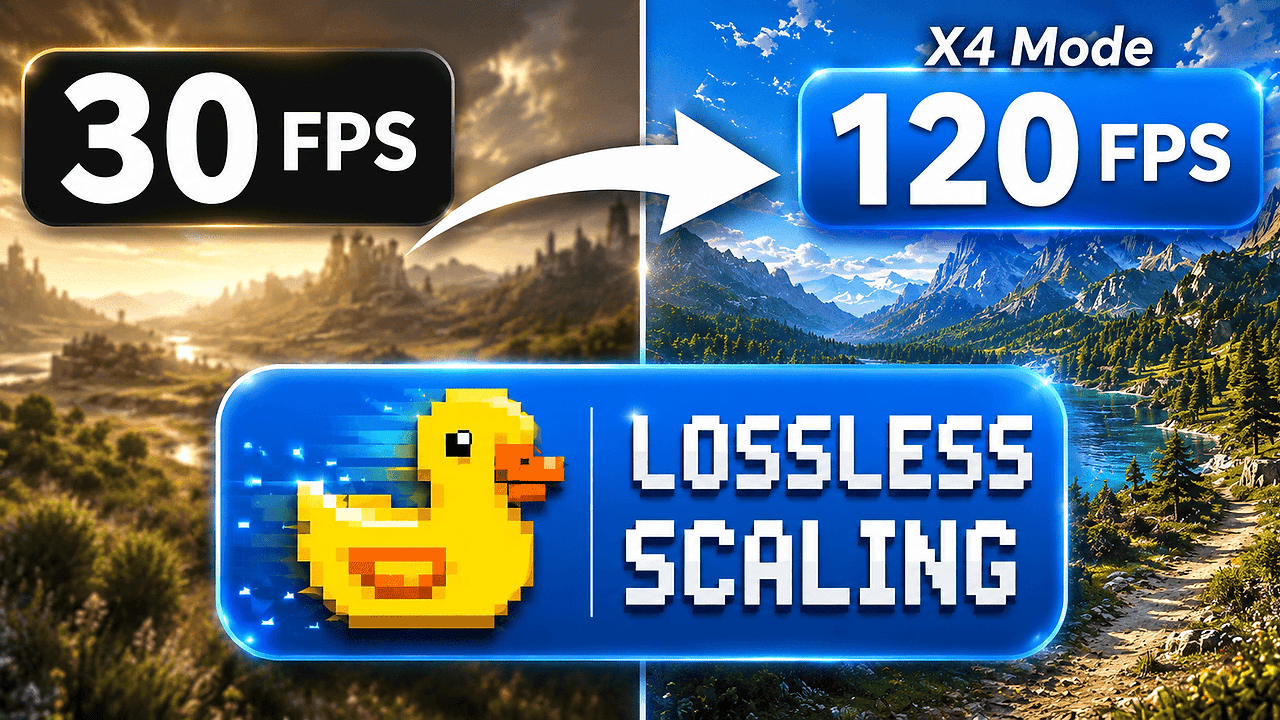
Lossless Scaling is a Python 3.8+ open-source game upscaling and frame-generation utility maintained in the resonancegnatassess/Lossless-Scaling GitHub repository for PC gamers and Windows power users who want cleaner image output without changing hardware. Lossless Scaling is one of the best Game Upscaling & Frame Generation Tools for PC gamers and Windows 10/11 users. The repo advertises an MIT license, a Tkinter UI, and no external dependencies, which makes the workflow easy to inspect and run locally.
The README positions the app as a lightweight way to upscale any game or program with integer scaling, multiple upscaling algorithms, and LSFG frame generation. The star badge in the snapshot is not trustworthy because it still points to YOUR_USERNAME, so the repository metadata should be treated as the source of truth rather than the badge image.
Quick Overview
| Attribute | Details |
|---|---|
| Type | Game Upscaling & Frame Generation Tools |
| Best For | PC gamers and Windows power users |
| Language/Stack | Python 3.8+, Tkinter, Windows 10/11 |
| License | MIT |
| GitHub Stars | N/A as of Feb 2026 |
| Pricing | Open-Source |
| Last Release | N/A |
Who Should Use Lossless Scaling?
- PC gamers with borderless-windowed setups who want sharper UI and less blur without forcing a native-resolution render path.
- Players on low-to-mid-range GPUs who need perceived FPS gains from LSFG instead of buying more hardware.
- Windowed-game enthusiasts and emulation users who care about integer scaling, pixel boundaries, and stable aspect-ratio handling.
- Windows tinkerers who prefer a local scriptable app over a closed launcher or driver-dependent feature.
Not ideal for:
- People who need a polished cross-platform product with packaged binaries and a conventional release pipeline.
- Users whose games only behave correctly in exclusive fullscreen or trigger anti-cheat issues when overlays or window hooks are involved.
- Teams looking for a driver-level solution that lives inside GPU control panels instead of a separate Python app.
Key Features of Lossless Scaling
- Integer scaling — The app supports lossless integer scaling, which preserves crisp pixel edges when the source resolution is a clean divisor of the target display. That matters for retro games, pixel art, and emulators where bilinear blur is unacceptable.
- LSFG frame generation — The repository advertises LSFG, a frame-generation path intended to raise perceived FPS by synthesizing intermediate frames. That can make 45 FPS content feel closer to 90 FPS, but it may introduce motion artifacts in high-contrast scenes.
- Multiple upscaling algorithms — Lossless Scaling does not force a single resampling path. The README calls out multiple algorithms, which is what you want when one shader or kernel works better for sharp text and another works better for 3D content.
- Borderless Windowed workflow — The troubleshooting table explicitly says to use Borderless Windowed mode when the tool fails to detect a game. That is a practical clue about how the app interacts with running windows and why exclusive fullscreen is a weak fit.
- Tkinter-based GUI — The interface is built with Tkinter, so the app can ship as a standard Python desktop utility without pulling in a heavy GUI framework. That keeps startup simple and reduces the dependency surface.
- No external dependencies — The README says the project needs only Python 3.8+ and Tkinter, which lowers setup friction and makes auditing easier. For teams that dislike long dependency chains, that is the main appeal.
- Windows 10/11 focus — The install instructions are clearly optimized for Windows, including Command Prompt and PowerShell usage. That means the tool is practical for the largest desktop gaming audience, even if the repo language claims broader compatibility.
Lossless Scaling vs Alternatives
| Tool | Best For | Key Differentiator | Pricing |
|---|---|---|---|
| Lossless Scaling | Windowed game scaling with LSFG | Open-source Python app with integer scaling and frame generation | Open-Source |
| Magpie | Free Windows upscaling | Simpler open-source upscaler with a strong community footprint | Free / Open-Source |
| Borderless Gaming | Forcing borderless fullscreen | Solves window mode problems, not image scaling quality | Free / Open-Source |
| AMD Radeon Super Resolution | AMD GPU users | Driver-level scaling inside Radeon Software | Free |
Pick Magpie if you only need a free upscaler and want a smaller feature set with less setup risk. Pick Borderless Gaming when the real problem is window management, not image reconstruction or frame interpolation.
Choose AMD Radeon Super Resolution if you are already inside the AMD driver stack and want scaling handled below the app layer. Use Lossless Scaling when you want LSFG plus local control over the scaling pipeline, and compare adjacent desktop utilities via browse all desktop utility tools and browse all Windows tools.
How Lossless Scaling Works
Lossless Scaling appears to use a straightforward desktop-app architecture: a Python runtime, a Tkinter frontend, and a runtime path that targets an already-running game window. The design choice is pragmatic. Instead of wrapping the feature in a heavyweight launcher, the repo keeps the control surface small and lets the user decide which window gets scaled and which mode gets enabled.
The central abstraction is the active game window in Borderless Windowed mode. That is why the README tells you to avoid exclusive fullscreen when detection fails. In practice, the app likely applies scaling and frame-generation effects to the presented frame stream rather than asking the game engine to render differently, which is the only sane path when you want a generic utility that works across many titles.
git clone https://github.com/resonancegnatassess/Lossless-Scaling.git
cd Lossless-Scaling
python -m venv .venv
.\.venv\Scripts\activate
python lossless_scaling.py
That command sequence clones the repo, isolates the runtime, and launches the Tkinter app from source. After launch, you select a game in Borderless Windowed mode, choose the scaling method, and toggle LSFG if you want frame generation. Expect to tune Flow Scale or disable heavy sharpening if the image shows artifacts or the app becomes too expensive for your GPU.
Pros and Cons of Lossless Scaling
Pros:
- Very low dependency count — The repo claims Python 3.8+ and built-in Tkinter are enough.
- Local and inspectable — You run the app on your machine, which is preferable when you care about source auditability.
- Supports multiple visual strategies — Integer scaling, generic upscaling, and LSFG cover different gaming scenarios.
- Good fit for borderless workflows — The troubleshooting guidance matches how most modern PC games are actually run.
- MIT-licensed — The license is permissive, so redistribution and modification are straightforward.
- Useful for pixel-perfect content — Integer scaling makes retro and emulator use cases less blurry than generic stretch modes.
Cons:
- Windows-first in practice — Even though the overview says cross-platform, the install steps and troubleshooting are clearly Windows-centric.
- No reliable release metadata in the snapshot — The page does not expose a real star count or release tag, so maturity is hard to verify from the README alone.
- Frame generation can artifact — LSFG-style interpolation can ghost or warp fast motion, especially in UI-heavy or combat-heavy games.
- Requires the right window mode — Exclusive fullscreen is a poor fit, so some titles will need manual configuration before detection works.
- The one-command installer deserves scrutiny — The README includes an external MSI launch path, which is not something I would trust without auditing the target URL first.
Getting Started with Lossless Scaling
The safest quickstart is to clone the repository and run the Python entrypoint directly. That keeps the trust boundary simple and avoids relying on the one-command installer shown in the README until you have audited it yourself.
git clone https://github.com/resonancegnatassess/Lossless-Scaling.git
cd Lossless-Scaling
python lossless_scaling.py
After the app opens, switch your game to Borderless Windowed mode, pick the scaling mode you want, and enable LSFG only if you can tolerate interpolation artifacts. The first thing to verify is whether the tool detects the target window; if it does not, the README’s own troubleshooting advice says to revisit window mode before changing anything else.
Verdict
Lossless Scaling is the strongest option for Windows gamers who want local, inspectable scaling and frame generation when their titles run in borderless windowed mode. Its main advantage is the combination of integer scaling and LSFG in a lightweight Python app, while the main caveat is that detection and quality depend on window mode and GPU headroom. If that trade-off is acceptable, it is worth using.