What Is MHR-CFW?
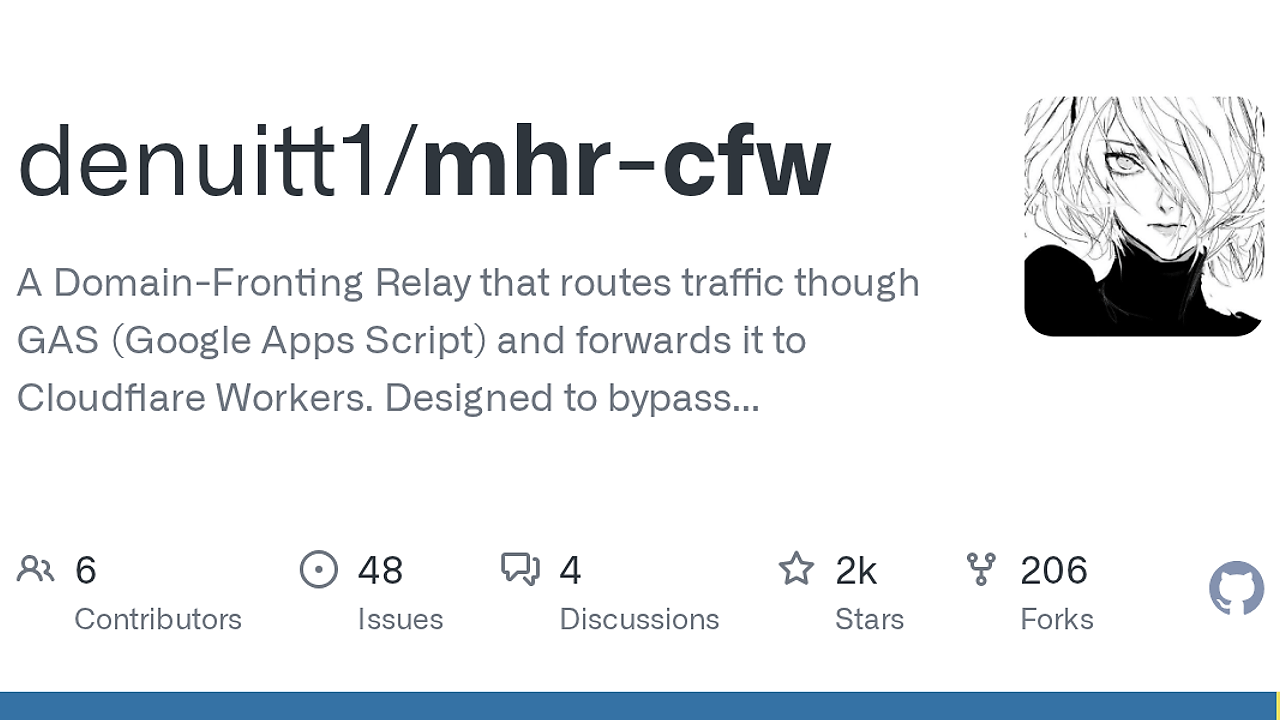
MHR-CFW is a Proxy Relay Tools project by denuitt1 that chains a local HTTP proxy through Google Apps Script and a Cloudflare Worker to forward requests while hiding the real destination, and it is one of the best Proxy Relay Tools for developers working behind restrictive networks. The README shows a five-hop path from client to target, with www.google.com presented to DPI filters as the visible front. That architecture matters because it separates the local endpoint, the relay logic, and the remote fetch layer into distinct trust boundaries.
Quick Overview
| Attribute | Details |
|---|---|
| Type | Proxy Relay Tools |
| Best For | Developers |
| Language/Stack | Python proxy client, Google Apps Script, Cloudflare Workers, optional Node.js forwarder |
| License | N/A |
| GitHub Stars | N/A as of Feb 2026 |
| Pricing | Open-Source |
| Last Release | N/A |
Who Should Use MHR-CFW?
- Developers behind filtered networks who need a local relay that hides the final destination from DPI and other middleboxes.
- Security researchers and network testers who want to observe how Google-facing traffic, Cloudflare Workers, and proxy chaining behave under inspection.
- Power users running browser or client-side proxy stacks who can point FoxyProxy, v2rayN, or another proxy-aware client at
127.0.0.1:8085. - Operators who already have Cloudflare and Google accounts and are fine managing a relay chain instead of a single tunnel.
Not ideal for:
- Production services that need low latency, stable uptime, and minimal moving parts.
- Teams that cannot use Google Apps Script or Cloudflare because of policy or compliance constraints.
- Users who want a one-click tunnel with no deployment steps, secrets, or VPS maintenance.
Key Features of MHR-CFW
-
Five-stage relay path — MHR-CFW routes traffic through
Client -> Local Proxy -> Google/CDN front -> Google Apps Script Relay -> Cloudflare Worker -> Target website. That split hides the destination behind intermediary hops and makes the visible network path much less direct. -
Google-facing camouflage — The local proxy shows an allowed domain such as
www.google.comto the network DPI filter. That does not make the traffic magical; it just changes the obvious hostname the filter sees first. -
Cloudflare Worker execution layer — The Worker performs the final fetch from Cloudflare’s edge, so you do not need a traditional always-on origin server for the last hop. This is useful when you want a lightweight remote execution point instead of a full proxy host.
-
Optional stable-egress forwarder — The repository includes
script/upstream_forwarder.js, a small Node 18+ service for VPS deployment. It reissuesfetch()calls from a stable IP, which is the fix for IP-bound CAPTCHA tokens likecf_clearance, Turnstile, reCAPTCHA, and hCaptcha. -
Local loopback proxy — The first run starts an HTTP proxy on
127.0.0.1:8085. That makes MHR-CFW easy to attach to browser extensions, SOCKS-aware clients, and terminal workflows without changing the target application. -
Cross-platform startup scripts —
run.shandrun.batcover Linux and Windows. The first launch also prompts for theAUTH_KEYand Google Apps Script deployment ID, which keeps the setup explicit instead of hiding critical secrets in a GUI. -
Proxy-chain friendly design — MHR-CFW fits into client tooling that already understands proxy endpoints, including browsers and tools like v2rayN and FoxyProxy. If you are building a larger infra workflow, pairing it with OpenTrace helps you inspect where requests slow down or fail.
MHR-CFW vs Alternatives
| Tool | Best For | Key Differentiator | Pricing |
|---|---|---|---|
| MHR-CFW | DPI-aware proxy relaying through Google Apps Script and Cloudflare Workers | Multi-hop path hides the real destination and can add a stable forwarder when CAPTCHAs break | Open-Source |
| Cloudflare Tunnel | Exposing internal services without opening inbound firewall ports | Simpler ingress path, no Google Apps Script relay, no obfuscation focus | Freemium |
| ngrok | Temporary public endpoints and fast local sharing | Fastest setup for demos, not designed around traffic masking or relay camouflage | Freemium |
| Tailscale | Private mesh networking between trusted devices | Strong device-to-device connectivity, but not a web relay or DPI workaround | Freemium |
Pick MHR-CFW when the problem is not just connectivity but how that connectivity looks to the network. Pick Cloudflare Tunnel when you need to publish a service behind NAT with less ceremony and fewer moving parts. Pick ngrok when you need a demo URL in minutes, and pick Tailscale when you want private mesh networking instead of request relaying.
If your real problem is provisioning the surrounding environment rather than traffic handling, djevops is a better companion for deployment automation. If you want to audit the relay from a diagnostics angle, OpenTrace fits the tracing side better than hand-checking logs. For more infrastructure-oriented choices, browse all DevOps Automation tools.
How MHR-CFW Works
MHR-CFW splits the request path into a local control plane and a remote execution plane. The local Python proxy accepts browser or client traffic, then hands it to a Google-facing relay built with Apps Script, which forwards the request into a Cloudflare Worker before the Worker reaches the target site. That design keeps the target hostname out of the most visible part of the network path and gives you a clean place to insert authentication with AUTH_KEY.
The optional upstream forwarder is the most important technical escape hatch in the repository. Cloudflare Workers do not give you a stable outbound IP, so challenge systems that bind tokens to the solving address can fail even when the page is solved correctly. By moving the final fetch() to a tiny VPS-based Node service, MHR-CFW trades one extra hop for a stable egress address.
export AUTH_KEY="some-long-random-string-at-least-32-chars"
export PORT=8787
node script/upstream_forwarder.js
That command starts the forwarder on your VPS so the Worker can hand off outbound requests through a fixed IP. In practice, you front it with Caddy or nginx over TLS and point the Worker at the HTTPS endpoint, then only enable it when the target site fails challenge continuity.
Pros and Cons of MHR-CFW
Pros:
- Hides the destination behind multiple hops instead of exposing the target site directly to the local network.
- Works with ordinary proxy clients like browser extensions and proxy-aware desktop apps, so you do not need to patch the target application.
- Includes an escape path for CAPTCHA and bot checks via the stable upstream forwarder.
- Keeps the core runtime lightweight because the remote side uses Cloudflare Workers and Apps Script instead of a full VM stack.
- Cross-platform startup is straightforward thanks to
run.shandrun.bat.
Cons:
- Setup overhead is real because you must deploy both a Cloudflare Worker and a Google Apps Script web app before the relay works.
- Latency will be higher than a direct proxy because every request crosses several hops.
- Operational reliability depends on third-party platforms that can change quotas, policies, or outbound behavior.
- The default path is not CAPTCHA-safe unless you add the optional stable-egress forwarder.
- It is not a general-purpose production proxy for teams that need guaranteed throughput, observability, and support contracts.
Getting Started with MHR-CFW
git clone https://github.com/denuitt1/mhr-cfw.git
cd mhr-cfw
pip install -r requirements.txt
./run.sh
On Windows, use run.bat instead of ./run.sh. The first launch opens a setup wizard where you enter the AUTH_KEY and the Google Apps Script deployment ID, then the local proxy comes up on 127.0.0.1:8085. If pip cannot reach PyPI, the README also documents a mirror URL for the same dependencies.
Before the first request succeeds, you still need to deploy worker.js to Cloudflare and Code.gs to Google Apps Script, then update the WORKER_URL and AUTH_KEY values in both places. After that, point FoxyProxy, v2rayN, or another proxy-aware client at the local endpoint and verify the route with a site like ipleak.net.
Verdict
MHR-CFW is the strongest option for restrictive-network traffic relaying when you need a browser-level proxy chain that hides destination intent and can survive behind Google-facing infrastructure. The main strength is the multi-hop design; the main caveat is operational complexity and CAPTCHA fragility without a static egress forwarder. Use MHR-CFW if you accept the setup cost and want that specific relay behavior.