What Is mochi?
mochi is a TypeScript browser automation library built by 0xchasercat, and mochi is one of the best Stealth Browser Automation tools for developers building fingerprint-sensitive browser workflows. It uses a deterministic (profile, seed) matrix, browser-routed session.fetch, and behavior synthesis primitives to keep Chrome fingerprints, network transport, and input traces aligned. The public API surface exposes six named profile IDs and targets Bun 1.1+, which makes mochi relevant for scraping, login automation, and checkout flows that get probed by anti-bot systems.
Quick Overview
| Attribute | Details |
|---|---|
| Type | Stealth Browser Automation |
| Best For | developers building fingerprint-sensitive browser workflows |
| Language/Stack | Bun 1.1+, TypeScript/JavaScript, Chromium/CDP |
| License | MIT |
| GitHub Stars | N/A as of Feb 2026 |
| Pricing | Open-Source |
| Last Release | v0.4.0 — date not stated in scraped page |
Who Should Use mochi?
- Anti-bot scraping engineers who need a browser session that keeps
User-Agent, WebGL, locale, timezone, and network layer aligned instead of randomizing each surface independently. - Indie hackers shipping login, checkout, or enrichment flows that break when a site compares transport fingerprints with JavaScript-visible traits.
- Platform teams running many identities or tenants that need deterministic replay from a single seed and repeatable browser state across runs.
- Automation testers validating sites with turnstile, challenge pages, or fingerprint checks that require more than a headless page script.
Not ideal for:
- Simple content scraping where standard Playwright or Puppeteer already works and stealth coherence is unnecessary.
- Python-first teams that do not want to adopt Bun or a JavaScript/TypeScript runtime for browser control.
- Teams needing multiple browser engines because mochi centers on Chromium behavior and CDP-style control rather than broad engine coverage.
Key Features of mochi
- Deterministic fingerprint matrix — mochi derives browser identity from one
(profile, seed)pair through a 48-rule DAG, so cross-surface contradictions are much harder to create by accident. A Linux profile will not casually ship with macOS fonts or an impossible WebGL renderer. - Chromium-native networking —
page.goto, in-page fetch, andsession.fetchall route through Chromium instead of a separate runtime HTTP stack. That keeps JA3, JA4, and HTTP/2 characteristics aligned with real browser traffic instead of Node's TLS defaults. - Behavior synthesis primitives —
humanClick,humanType,humanMove, andhumanScrollmodel Bezier curves, Fitts's law, and lognormal timing. That gives mochi a materially different input profile from libraries that dispatch instant DOM events. - Profile auto-selection — on Linux, macOS, and Windows, mochi can auto-pick a matching profile when you omit one, which reduces accidental host mismatch during local development. The shipped profile IDs include
linux-chrome-stable,mac-m4-chrome-stable,mac-chrome-stable, andwindows-chrome-stable. - State and cookie management —
cookies.get,cookies.set,cookies.save,cookies.load, andstorage()give you direct control over browser state without hand-rolling persistence. That is useful when you need to replay an identity across several sessions or recover from a crash. - Proxy and geo consistency controls —
proxyandgeoConsistencylet you keep network egress, browser profile, and region signals in the same envelope. This matters when a site cross-checks IP geography against locale or account history. - Challenge hooks and error boundaries — the API exposes turnstile-related challenge handling plus explicit errors such as
ChromiumNotFoundError,BrowserCrashedError,ForbiddenCdpMethodError, andGeoMismatchError. That makes failure modes easier to classify in CI and less likely to collapse into a generic timeout.
mochi vs Alternatives
| Tool | Best For | Key Differentiator | Pricing |
|---|---|---|---|
| mochi | fingerprint-sensitive browser automation | deterministic profile-seed matrix and Chromium-routed transport | Open-Source |
| patchright | Playwright users who want stealth patches | lowest friction if your codebase already speaks Playwright | Open-Source |
| puppeteer-real-browser | Node.js browser scripting with stealth add-ons | familiar Puppeteer ergonomics with some anti-detect helpers | Open-Source |
| nodriver | Python automation against Chromium | lower-level browser control from Python | Open-Source |
Pick patchright if you already have a Playwright codebase and want the smallest migration path. It is the least disruptive option when the main problem is detection patching rather than a full transport and behavior model.
Pick puppeteer-real-browser if your team wants a Node.js wrapper that feels close to Puppeteer and you can tolerate a weaker coherence model. It is good for pragmatic browser scripting, but it does not model the whole stack the way mochi does.
Pick nodriver if Python is a hard requirement and you are comfortable managing a lower-level Chromium workflow. It is useful for teams that already live in Python, but it still leaves more of the fingerprint and behavior story up to you.
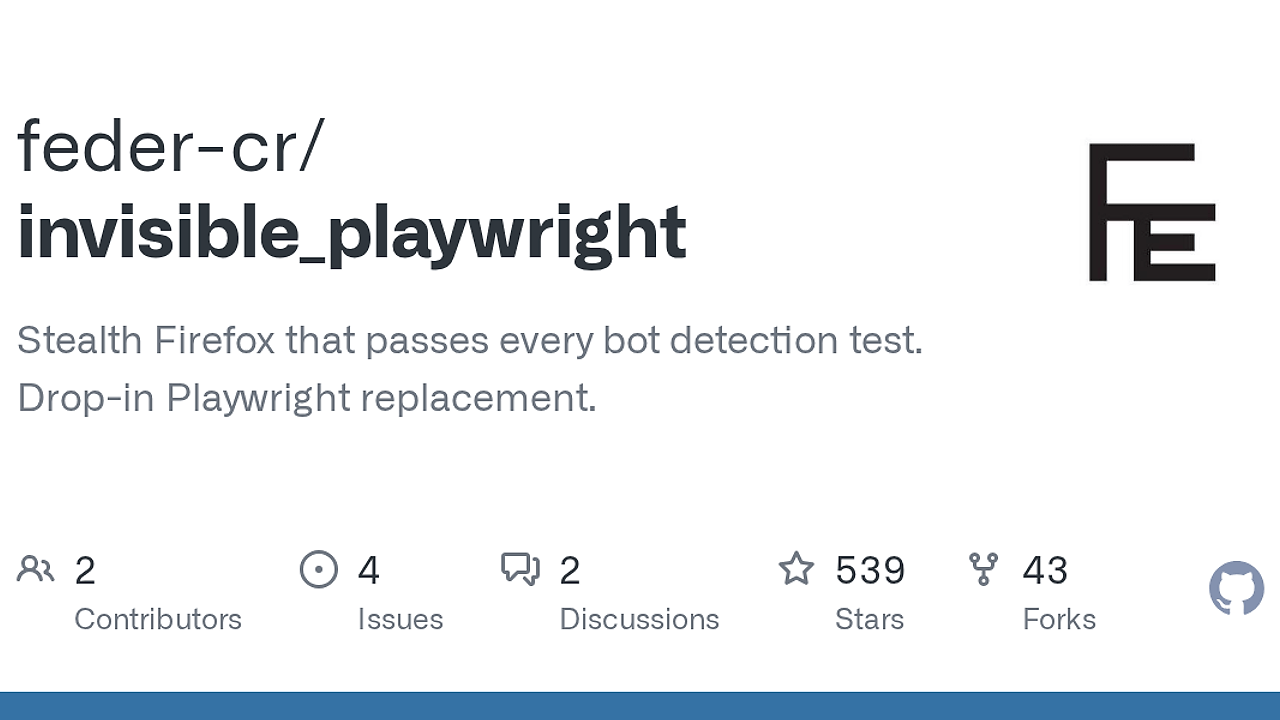
Pick mochi when you need one source of truth for fingerprint, transport, and human motion. If you need trace capture or session forensics around any of these tools, pair them with OpenTrace to collect reproducible browser evidence, and use DataHaven when you want to archive cookies, screenshots, or session exports for later analysis.
How mochi Works
mochi starts with a profile object and a seed string, then derives browser traits from those inputs through a deterministic graph. The project description calls out a 48-rule DAG, which means surfaces like UA, WebGL, locale, viewport, and other browser-visible traits are not chosen independently. That matters because modern anti-bot systems rarely trust a single signal; they compare multiple layers and reject combinations that do not make sense together.
The network path is just as important as the fingerprint path. mochi routes page.goto, browser-side fetches, and session.fetch through Chromium itself, so the HTTP/TLS layer looks like real Chrome traffic rather than a separate Node transport. There is no second fetch stack to drift out of sync with cookies, headers, or browser session state, which is exactly where many spoofing setups fall apart.
The interaction model is the third piece of the design. Instead of a plain click, mochi expects humanClick, humanType, and humanScroll so the motion profile can include trajectory, jitter, and delay models. That is the right trade when the target site watches event cadence or cursor movement instead of only checking DOM state.
import { mochi } from '@mochi.js/core';

const session = await mochi.launch({
  profile: 'linux-chrome-stable',
  seed: 'user-12345',
  headlessMode: 'new',
  proxy: { server: 'http://127.0.0.1:8080' }
});

try {
  const page = await session.newPage();
  await page.goto('https://httpbin.org/headers');
  await page.humanType('input[name=q]', 'mochi');
  await page.humanClick('button[type=submit]');
  const res = await session.fetch('https://httpbin.org/cookies');
  console.log(await res.text());
} finally {
  await session.close();
}
That example launches a browser session, opens a page, sends human-like input, and performs a browser-routed fetch under the same identity. In practice, the first run will also need the Chromium binary installed, and you should reuse the same seed only when you intentionally want the same identity replayed byte-for-byte.
Pros and Cons of mochi
Pros:
- Single-coherence model — fingerprint, transport, and behavior all derive from the same session identity, which reduces the chance of cross-surface mismatch.
- Browser-native fetch path —
session.fetchavoids the common Node TLS fingerprint leak that gives away a spoofed browser. - High-level human interaction APIs —
humanClick,humanType, andhumanScrollgive you motion models instead of raw event dispatch. - Deterministic replay — the same seed reproduces the same matrix, which is useful for debugging, test fixtures, and incident review.
- Explicit browser state APIs — cookie and storage methods make persistence and recovery easier than ad hoc local file hacks.
- Clear failure classes — dedicated errors are easier to instrument than generic browser crashes or opaque timeouts.
Cons:
- Bun-first runtime — teams standardized on Node, Python, or Go will need to add Bun to their toolchain.
- Chromium-centric — mochi is not a multi-engine abstraction, so Firefox or WebKit coverage is not the selling point.
- Stealth-first API surface — the library is opinionated, which makes it less convenient for casual automation than Playwright or Puppeteer.
- No plain
page.clickon the public surface — if you want exact DOM dispatch, you will need to adapt to the human input model. - Some profile IDs are placeholders — a few named profiles currently resolve to generic placeholders until captures land, which limits how much you can rely on them today.
Getting Started with mochi
bun add @mochi.js/core @mochi.js/cli
bunx mochi browsers install
bun run hello-mochi.ts
After the install step, mochi downloads the browser binary it needs and wires the CLI for local launches. On Linux, macOS, and Windows, it can auto-select a matching profile when you omit one, but you should still pick an explicit seed per real identity so your sessions stay deterministic.
If you run inside a container or behind a proxy, add proxy, headlessMode, and geoConsistency early instead of retrofitting them after a site starts blocking you. If you need to persist evidence from failed runs, write screenshots and artifacts to disk and keep them in DataHaven so you can diff sessions instead of guessing.
Verdict
mochi is the strongest option for fingerprint-sensitive browser automation when you need the transport layer, DOM actions, and behavior model to agree. Its deterministic profile-seed matrix is the main edge, but the Bun-first stack and stealth-heavy API are a real constraint for casual scraping. Recommend mochi for production anti-bot work, not throwaway scripts.