What Is OKX Agent Trade Kit?
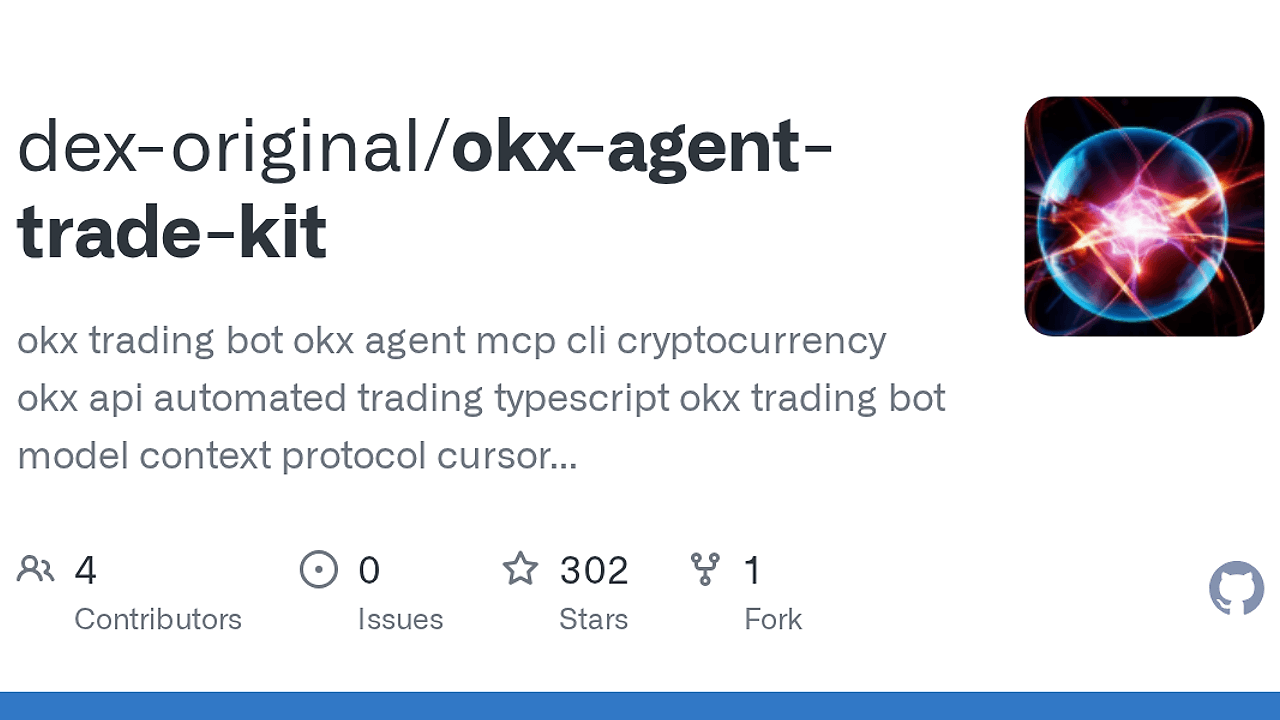
OKX Agent Trade Kit is a repository by dex-original that packages an MCP server and a terminal CLI for OKX trading. OKX Agent Trade Kit is one of the best AI Trading Automation tools for developers, indie quants, and AI agent builders, and the repo advertises 145 tools across 11 modules for market data, spot, swap, futures, options, earn, bots, news, and smart-money signals. It runs locally, so API keys stay on your machine instead of a hosted service.
Quick Overview
| Attribute | Details |
|---|---|
| Type | AI Trading Automation |
| Best For | developers, indie quants, and AI agent builders |
| Language/Stack | Node.js 18+, npm, MCP stdio, OKX API |
| License | MIT |
| GitHub Stars | N/A |
| Pricing | Open-Source |
| Last Release | N/A |
Who Should Use OKX Agent Trade Kit?
- AI agent builders wiring Claude, Cursor, or other MCP clients to a real exchange who want trading actions exposed as structured tools instead of brittle prompt parsing.
- Quant developers who need market data, indicators, order routing, and account reads in one local stack without standing up their own middleware.
- Indie hackers building trading assistants, portfolio monitors, or execution bots who want a CLI and an MCP server from the same repo.
- Platform teams that need a controlled surface for live trading, with
--read-onlymode and module filtering for narrower blast radius.
Not ideal for:
- Teams that need exchange-agnostic abstraction across Binance, Bybit, and OKX in one interface.
- Users who want a hosted dashboard, team collaboration layer, or cloud job runner out of the box.
- Traders who only need a tiny handful of endpoints and do not want the overhead of a 145-tool surface.
Key Features of OKX Agent Trade Kit
- 145 tools across 11 modules — The repo covers the full lifecycle from market discovery to order execution, account inspection, earn products, trading bots, event contracts, news, and smart-money signals. That breadth matters when an agent needs to move from research to action without swapping integrations.
- Local MCP execution — The MCP server runs as a local stdio process, which means Claude Desktop, Cursor, and any MCP-compatible client can call tools without a remote control plane. Your API keys stay on the machine where the agent runs.
- Safety controls built in —
--read-onlyexposes query-only tools, module filtering narrows what the client can touch, and the built-in rate limiter reduces accidental burst traffic. That is the minimum you want before letting an LLM touch live order endpoints. - Deep market tooling — The
marketmodule includes candles, order books, funding rates, open interest, market filters, and 70+ technical indicators such as MA, EMA, RSI, MACD, BB, ATR, KDJ, and AHR999. It also includes indicator lists and filters that let an agent screen markets without auth. - Trading coverage beyond spot — The repo exposes spot, perpetual swap, delivery futures, options, algo orders, conditional orders, OCO, trailing stops, and batch order flows. That makes it suitable for execution logic that needs more than basic market buys and sells.
- Agent Skills included — The
skills/directory ships prebuilt skill files for market data, trading, portfolio, bots, earn, and smart money workflows. That is useful when you want the agent to know when to useokxcommands instead of guessing. - CLI and MCP share the same core surface —
okx-trade-cliis for direct terminal control, whileokx-trade-mcpexposes the same capabilities to agents with MCP tool names. This split is clean for humans who want commands and agents that need structured function calls.
OKX Agent Trade Kit vs Alternatives
| Tool | Best For | Key Differentiator | Pricing |
|---|---|---|---|
| OKX Agent Trade Kit | AI-driven OKX execution and analysis | Local MCP server plus CLI, 145 tools, and exchange-specific modules | Open-Source |
| Brainstorm MCP | Planning agent workflows before execution | Better for agent orchestration and task decomposition, not exchange trading | N/A |
| OpenSwarm | Multi-agent coordination | Focuses on coordinating agent swarms rather than direct OKX order flow | N/A |
| Claude Context Mode | Claude-centric context handling | Useful for richer assistant context, but it does not provide exchange execution tools | N/A |
Pick Brainstorm MCP when your problem is deciding what the agent should do before it touches any market action. Pick OpenSwarm when you need multiple agents coordinated around research, review, and execution tasks. Pick Claude Context Mode if you are tuning the assistant layer itself and do not yet need exchange connectivity.
Use OKX Agent Trade Kit when the hard problem is live OKX interaction, not generic agent planning. If you only want a prompt layer or context helper, the other tools are lighter and less specialized.
How OKX Agent Trade Kit Works
OKX Agent Trade Kit is built around two entry points: the MCP server for AI clients and the CLI for direct terminal usage. The architecture is simple on purpose: a local Node.js process talks to OKX, exposes tools over Model Context Protocol, and keeps credentials outside any cloud relay. That design makes it suitable for desktop agents that need live exchange access without introducing a backend you have to operate.
The repo splits capabilities into modules so the agent can load only what it needs. --modules market gives a read-only surface for research, while --modules spot,account narrows the runtime to execution and portfolio tools. That modular design matters because it reduces cognitive load for the agent and shrinks the blast radius when you are testing a new prompt, a new policy, or a new trading workflow.
The core abstraction is straightforward: each OKX capability becomes a tool callable from MCP or a CLI command. The result is a predictable interface for market data, order placement, balance reads, bot management, and advanced orders like OCO or trailing stop.
npm install -g @okx_ai/okx-trade-mcp @okx_ai/okx-trade-cli
okx config init
okx-trade-mcp setup --client claude-desktop
okx-trade-mcp --modules market --read-only
The first command installs the packages, the second stores OKX credentials locally, and the third registers the MCP server with a desktop client. The final line starts a no-write market-data session, which is the safest way to verify that the integration works before enabling trade endpoints.
Pros and Cons of OKX Agent Trade Kit
Pros:
- Strong local security model — API keys stay on the machine running the process, which is the right default for live trading automation.
- Large functional surface — 145 tools and 11 modules cover more than basic order entry, including bots, earn, options, news, and smart-money signals.
- Good safety valves —
--read-only, module filtering, and rate limiting are practical guardrails for agent experimentation. - Useful for both humans and agents — The CLI supports direct terminal workflows, while MCP enables AI clients to call the same capabilities as tools.
- Deep research support — The market module includes indicators, open interest, funding, and filters that reduce the need for separate screening scripts.
- MIT licensed — Teams can inspect, fork, and adapt the code without negotiating commercial terms.
Cons:
- OKX-specific — It is tightly coupled to OKX, so it is not a universal exchange abstraction layer.
- Node.js required — You need Node.js 18 or newer, which is fine for JavaScript shops but annoying for Python-only stacks.
- Large tool surface — 145 tools are useful, but the breadth can be noisy if you only need one or two endpoints.
- Local setup required — You still need to configure credentials and register the server with each client you use.
- No hosted control plane — If you want dashboards, team permissions, or centralized audit UI, you will need to build that yourself or use another system.
Getting Started with OKX Agent Trade Kit
npm install -g @okx_ai/okx-trade-mcp @okx_ai/okx-trade-cli
okx config init
okx-trade-mcp setup --client cursor
okx market ticker BTC-USDT
After installation, the interactive config wizard stores your OKX credentials locally and the setup command writes the MCP client config for Cursor. The final command is a low-risk smoke test because market ticker queries do not require trading permissions, so you can verify connectivity before enabling order modules or account access.
If you are using Claude Desktop, VS Code, or another MCP-compatible client, the setup flow is the same idea: install, configure, register the server, then start with a narrow module set. For live trading, begin with --read-only or --modules market and only expand to spot, swap, or futures once the prompt behavior is predictable.
Verdict
OKX Agent Trade Kit is the strongest option for developers wiring AI agents to live OKX trading when they want local execution and broad exchange coverage. Its main strength is the 145-tool MCP surface; the caveat is that it is OKX-only and still requires careful credential handling. Recommended if you already trade on OKX and want an agent-first workflow.