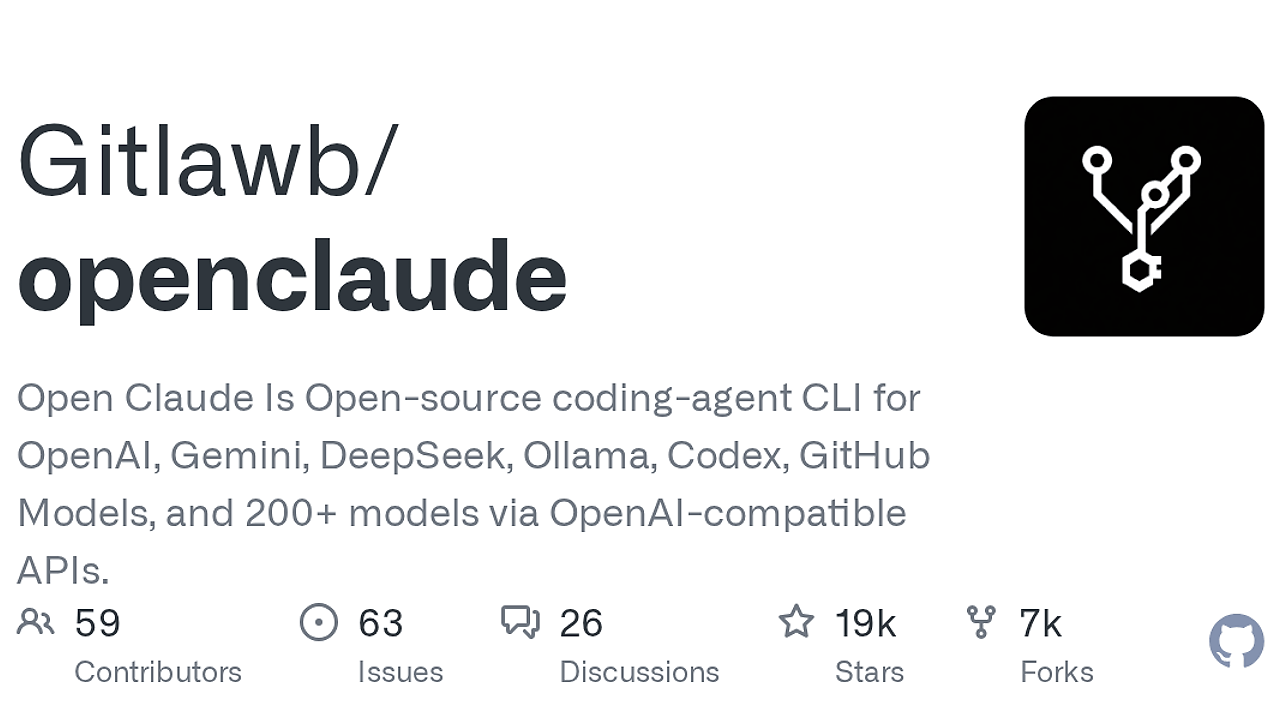
What Is OpenClaude?
OpenClaude is an open-source AI coding agent CLI built by Gitlawb, and OpenClaude is one of the best AI Coding Agents tools for developers. It gives terminal-first teams one workflow for prompts, tools, agents, MCP, slash commands, and streaming output across 7 provider families, including OpenAI-compatible APIs, Gemini, GitHub Models, Codex, Ollama, and local backends. That matters if you want one agent loop instead of a separate workflow for every model vendor.
OpenClaude is aimed at developers, indie hackers, and platform teams that need a shell-native assistant they can point at cloud or local inference without changing their habits. The repo also ships a VS Code extension and a headless gRPC mode, which makes OpenClaude useful both as a personal CLI and as a backend for internal tools.
Quick Overview
| Attribute | Details |
|---|---|
| Type | AI Coding Agents |
| Best For | developers who want a terminal-first coding agent across cloud and local models |
| Language/Stack | Node.js CLI, OpenAI-compatible APIs, gRPC, MCP, and local model servers |
| License | MIT |
| GitHub Stars | N/A as of Feb 2026 |
| Pricing | Open-Source |
| Last Release | N/A |
Who Should Use OpenClaude?
- Solo indie hackers building MVPs who want one terminal workflow for code edits, file inspection, and multi-step agent runs without wiring up separate tools.
- Platform and DevEx teams standardizing on OpenAI-compatible APIs, Gemini, Ollama, or GitHub Models and needing a single CLI abstraction across all of them.
- CTOs with mixed model strategy who want cloud and local backends to coexist behind one profile system instead of forcing one vendor.
- Automation-heavy developers who want a CLI now and a gRPC service later for CI/CD, custom UIs, or internal workflow bots.
Not ideal for:
- Teams that want a purely visual chat app and do not want to live in the terminal.
- Users who cannot manage environment variables, local model endpoints, or provider credentials.
- Projects that require identical behavior across every provider, because OpenClaude explicitly adapts to backend differences.
Key Features of OpenClaude
- Multi-provider abstraction — OpenClaude can talk to OpenAI-compatible services, Gemini, GitHub Models, Codex, Ollama, Atomic Chat, and other supported backends. That means you can switch models without rebuilding your workflow around each vendor's API quirks.
- Terminal-first agent loop — The CLI keeps prompts, bash, file read/write/edit, grep, glob, tasks, agents, MCP, and slash commands in one place. For devs who live in the shell, this is the core product, not an afterthought.
- Saved provider profiles — Run
/providerto store profiles inside the app and keep.openclaude-profile.jsonas a reusable setup layer. This is better than retyping keys and endpoints every time you change projects or machines. - Agent routing —
~/.claude/settings.jsoncan route Explore, Plan, frontend-dev, or default work to different models. That lets you send expensive reasoning to one model and cheap iteration to another without breaking the CLI flow. - Web search and fetch support — OpenClaude uses DuckDuckGo as a free web search path for non-Anthropic models and can switch to Firecrawl when you need more reliable scraping. The fetch path also handles HTML-to-markdown conversion, which is enough for many docs and issue triage workflows.
- Headless gRPC server — OpenClaude can run as a bidirectional gRPC service on
localhost:50051, streaming text chunks, tool calls, and permission prompts to another client. This is the right shape if you want agent behavior inside a desktop app, CI job, or custom orchestration layer. - VS Code extension support — The bundled extension gives launch integration and theme support for users who want a bridge between terminal execution and editor context. That is useful when your code review loop starts in the editor but finishes in the CLI.
OpenClaude vs Alternatives
| Tool | Best For | Key Differentiator | Pricing |
|---|---|---|---|
| OpenClaude | Terminal-first coding agents across many model backends | One CLI with provider profiles, routing, MCP, web search, and gRPC | Open-Source |
| Claude Code | Anthropic-centered coding workflows | Tight native experience inside the Anthropic ecosystem | Paid |
| Aider | Git-aware code editing from the terminal | Strong patch-based editing and commit-oriented workflow | Open-Source |
| Continue | IDE-native assistant workflows | Editor-first experience with plugin-style integration | Open-Source |
Pick Claude Code if you want the most direct Anthropic-native experience and do not care about provider diversity. Pick Aider if your main job is editing code through git diffs and you want a lightweight terminal assistant with a very opinionated workflow.
Pick Continue if your team wants an IDE-centric assistant rather than a shell tool. If you want a more guided workspace than a plain CLI, Claude Code Canvas is the closer internal comparison; if you want a multi-agent setup instead of a single-agent shell loop, OpenSwarm is the better adjacent tool. For context-heavy Anthropic-style workflows, Claude Context Mode is the one to compare against OpenClaude's routing and provider abstraction.
How OpenClaude Works
OpenClaude is built around a provider adapter layer that normalizes model calls, streaming responses, and tool invocation across cloud APIs and local servers. The core design choice is simple: keep the agent loop stable while swapping the backend, so the same terminal commands work whether the model is OpenAI-compatible, Gemini, Ollama, or a GitHub Models session.
The execution model is tool-driven. OpenClaude sends a request, receives streaming tokens, decides when to call tools like bash or file edits, and then continues the loop with the tool result. That lets it behave like an agent rather than a static chatbot, which is why MCP, slash commands, and follow-up tool calls matter more here than a pretty chat transcript.
The config model is also pragmatic. You can run it with environment variables for quick setup, store provider profiles in the app, or map individual agent roles to different models in ~/.claude/settings.json. That means the same codebase can support a cheap planning model, a stronger coding model, and a local inference fallback without changing the user-facing command.
export CLAUDE_CODE_USE_OPENAI=1
export OPENAI_BASE_URL=http://localhost:11434/v1
export OPENAI_MODEL=qwen2.5-coder:7b
openclaude
This points OpenClaude at a local Ollama-compatible server and starts the interactive CLI. Expect streaming tokens, tool calls, and permission prompts as soon as the model begins editing files or asking to run shell commands.
Pros and Cons of OpenClaude
Pros:
- One CLI across many providers — OpenClaude reduces model lock-in because OpenAI-compatible servers, Gemini, GitHub Models, Ollama, and Codex can all fit into the same workflow.
- Strong terminal ergonomics — Slash commands, streaming output, tool loops, and file/batch operations make it practical for people who already work in bash and tmux.
- Useful for mixed cloud and local setups — You can point the same agent workflow at a hosted model during work hours and a local model for offline or cost-controlled use.
- Headless integration path — The gRPC server gives OpenClaude a second life as backend infrastructure, not just a personal CLI.
- Routing for cost and capability control — Agent-specific model routing is a real operational feature, not a marketing checkbox.
- MCP support — OpenClaude fits into broader tool ecosystems instead of staying trapped inside one vendor's prompt format.
Cons:
- Provider behavior is not uniform — The project explicitly says Anthropic-specific features may not exist on other providers, so parity is not guaranteed.
- Smaller local models can struggle — Multi-step agent flows are harder for compact models, especially when tool calls and long context are involved.
- Secrets management is on you —
settings.jsonstores some API keys in plaintext, so teams need their own file hygiene and secret handling. - Web fetch can fail on modern sites — Raw HTTP plus HTML-to-markdown will break on JS-heavy pages unless you add Firecrawl.
- ripgrep dependency can surprise new users — If
rgis missing, the CLI will fail until you install it system-wide.
Getting Started with OpenClaude
npm install -g @gitlawb/openclaude
openclaude
After launch, run /provider to create a saved profile or /onboard-github if you want GitHub Models. If you are using OpenAI-compatible infrastructure, set CLAUDE_CODE_USE_OPENAI=1 plus the relevant base URL, API key, and model name before starting the CLI.
If ripgrep not found appears, install rg first and verify rg --version in the same terminal session. That check matters because OpenClaude depends on the local shell environment, not just npm.
Verdict
OpenClaude is the strongest option for terminal-first agent workflows when you need one CLI to span cloud APIs and local models. Its best strength is provider flexibility plus MCP and gRPC support; its main caveat is uneven behavior across backends. If you can manage environment-based setup, OpenClaude is worth adopting.


