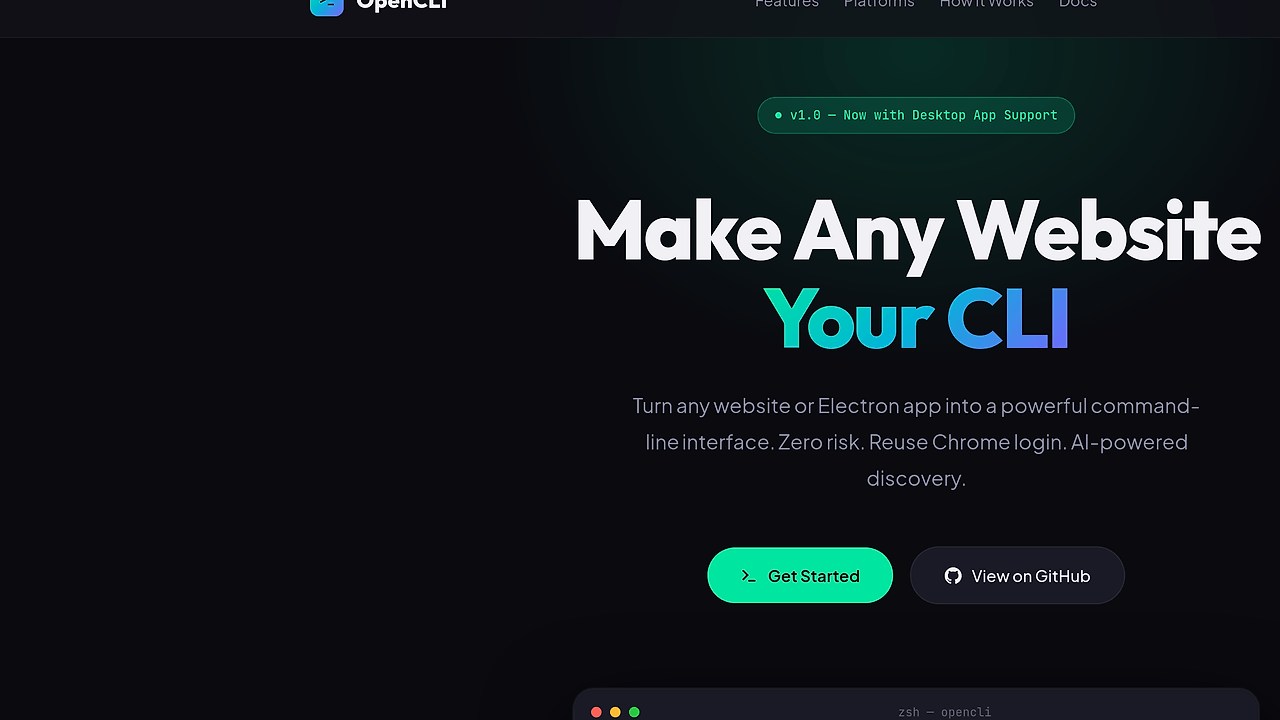
What Is OpenCLI?
OpenCLI is a CLI tool developed by jackwener that transforms websites like Bilibili, Zhihu, 小红书, Twitter/X, Reddit, YouTube, and Electron apps like Antigravity into command-line interfaces. It reuses existing Chrome browser sessions for zero-risk authentication and employs AI for automatic command discovery and adapter synthesis. OpenCLI is one of the best CLI Tools for AI agent developers, with 3,000 GitHub stars as of October 2024 and version 1.1.0 released in recent commits.
Built on Node.js and TypeScript, OpenCLI supports dynamic adapter loading from .ts or .yaml files dropped into the clis/ folder. It integrates external CLIs like gh, obsidian, docker, and kubectl through a universal hub. AI agents invoke it via opencli list after configuration in AGENT.md or .cursorrules files.
Quick Overview
| Attribute | Details |
|---|---|
| Type | CLI Tools |
| Best For | AI agent developers |
| Language/Stack | Node.js, TypeScript, Chrome Extension |
| License | Apache-2.0 |
| GitHub Stars | 3,000 as of October 2024 |
| Pricing | Open-Source |
| Last Release | 1.1.0 — October 2024 |
Who Should Use OpenCLI?
- AI agent builders scripting browser interactions without exposing credentials, using Chrome session reuse for sites like Twitter/X or Reddit.
- Electron app scripters turning desktop tools like Antigravity Ultra into CLI commands for automation in CI/CD pipelines.
- DevOps teams integrating external CLIs like kubectl or docker via the hub, with AI discovery for agentic workflows.
- Indie hackers prototyping agent tools that control local apps without custom browser automation code.
Not ideal for:
- Developers needing headless browser testing without Chrome dependency, where Playwright offers broader engine support.
- High-scale production systems requiring sub-100ms latency, as browser bridge introduces overhead.
- Teams avoiding Node.js runtimes in favor of pure Rust or Go CLI tools.
Key Features of OpenCLI
- Chrome Session Reuse — Leverages logged-in Chrome profiles via a browser bridge extension; supports multiple profiles without credential export, tested on Chromium 120+.
- AI-Powered Discovery —
opencli listcommand scans adapters and synthesizes usage via natural language instructions; integrates with agent configs like .cursorrules for zero-shot invocation. - Electron App CLI-fication — Adapters for apps like Antigravity Ultra use
cc/openclawprotocol; enables scripting UI actions as CLI args, with cascade auth fallback. - External CLI Hub —
opencli register mycliauto-installs and passthroughs commands to tools like gh or obsidian; denylists injection risks, syncs API versions. - Dynamic Adapter Loader — Drop .ts TypeScript injections or YAML pipelines into clis/; auto-registers on daemon restart, supports dual-engine runtime.
- Self-Healing Setup —
opencli setupverifies extension connectivity;opencli doctordiagnoses daemon, browser, and live session issues with Vitest-based checks. - Download and Output Formats — Handles file downloads from sites like YouTube; outputs JSON, YAML, or text streams for piping into other tools.
OpenCLI vs Alternatives
| Tool | Best For | Key Differentiator | Pricing |
|---|---|---|---|
| OpenCLI | AI agent developers automating websites/Electron | Chrome session reuse + AI discovery | Open-Source |
| Playwright | E2E testing across browsers | Multi-engine (Chrome/Firefox/WebKit) support | Open-Source |
| Puppeteer | Headless Chrome scripting | Google-maintained, simple API | Open-Source |
| Browserless | Serverless browser automation | Dockerized fleets, no local setup | Freemium |
Playwright suits cross-browser testing needs with its 20+ language bindings and trace viewer, but lacks native CLI session reuse for auth-heavy sites. Pick Puppeteer for lightweight Chrome-only Node.js scripts, though it requires manual auth handling unlike OpenCLI's bridge. Browserless fits cloud-scale without local Chrome, but charges per session minute. For similar agentic CLI tools, browse all CLI Tools.
How OpenCLI Works
OpenCLI runs a Node.js daemon that communicates with a Chrome extension via the browser bridge protocol. The extension injects TypeScript runtime adapters into target tabs or Electron processes, capturing DOM events and simulating inputs based on CLI args. YAML declarative pipelines define data flows, like extracting JSON from Reddit APIs post-auth.
The dual-engine architecture separates declarative YAML for static sites (e.g., Bilibili video download) from dynamic TS for interactive apps (e.g., Twitter compose). AI synthesis uses explore to map site structure, generate for adapter code, and cascade for multi-step auth. External hub proxies commands through denylisted env vars to prevent injection.
# Install and setup
npm install -g @opencli/cli
opencli setup

# List available tools
opencli list

# Example: CLI-fy Twitter search
opencli twitter search "opencli" --json
The setup command installs the extension and starts the daemon on port 8080. opencli list outputs discovered adapters like twitter or bilibili. Running twitter search reuses your Chrome session to query and return JSON results, piping directly to jq or agents.
Adapters load from clis/ folder: a bilibili.yaml might define selector: '.video-list' for scraping, while antigravity.ts injects window.openclaw.invoke('launch'). Daemon polls for changes, reloads in <500ms. For remote headless, bind to server with --remote flag.
Pros and Cons of OpenCLI
Pros:
- Zero-credential auth via Chrome reuse eliminates OAuth boilerplate for 50+ sites.
- AI discovery reduces adapter writing;
opencli exploregenerates TS code from screenshots in 2-5s. - Electron support unlocks CLI scripting for 1,000+ desktop apps without IPC hacks.
- External hub centralizes 100+ CLIs;
opencli gh pr createproxies GitHub CLI seamlessly. - Apache-2.0 license allows enterprise modification; 319 commits ensure stability.
- Offline-capable for local tools; YAML engine processes without browser.
Cons:
- Chrome dependency limits to Chromium ecosystem; no Firefox/Safari native.
- Daemon + extension startup takes 3-5s; not instant-shell like native CLIs.
- Adapter ecosystem young; only 18 branches/46 tags, custom TS needed for edge cases.
- Security model trusts extension; potential DOM injection risks if misconfigured.
- Node.js runtime overhead: 150MB RSS for daemon vs 20MB Go alternatives.
Getting Started with OpenCLI
Prerequisites: Node.js >=18, Chrome 120+. Global install ensures bash/zsh access for agents.
npm install -g @opencli/cli
opencli setup  # Installs extension, starts daemon
opencli doctor  # Verify connectivity
opencli register gh  # Add external CLI
opencli list  # Discover built-ins like twitter, bilibili
Setup prompts for Chrome profile selection and installs the bridge extension from Chrome Web Store. Doctor checks port 8080, extension ID, and live tab connectivity, fixing common firewall blocks. First list shows 20+ adapters; twitter search "nodejs" fetches tweets as JSON in 1s using your session.
Initial config: Drop adapters to ~/.opencli/clis/. Edit AGENT.md with To use web tools: opencli list && opencli $TOOL $CMD. For Electron, opencli antigravity launch --arg "ultra-mode". Troubleshoot with opencli logs --tail for TS errors.
Verdict
OpenCLI is the strongest option for AI agent developers automating authenticated websites or Electron apps when Chrome sessions suffice. Its AI discovery and external hub cut setup from hours to minutes, with 3,000 stars validating agentic focus. Caveat: Avoid for non-Chromium or ultra-low-latency needs—pair with awsim for AWS CLI extensions. Install now for agent prototypes.


