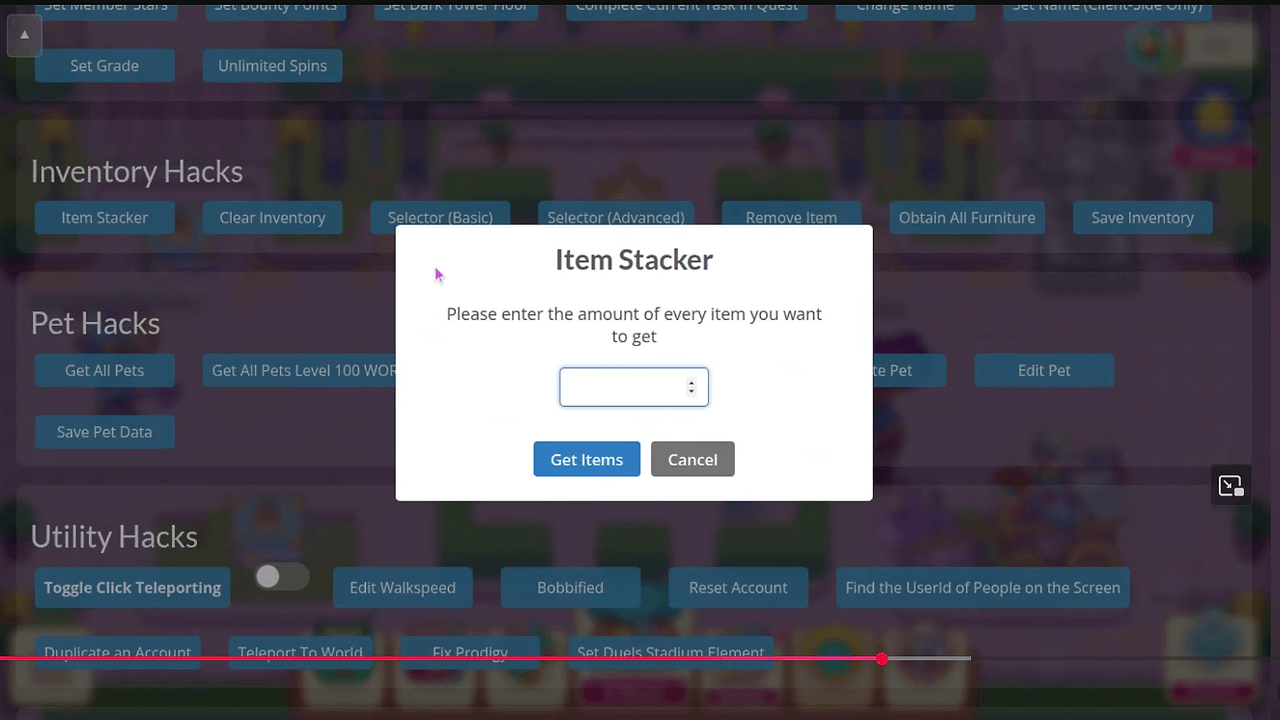
What Is Prodigy Hacks?
Prodigy Hacks is a Python 3.10+ CLI built by EnsignKazekage for parents and educators who want read-only visibility into a child's Prodigy Math Game activity. Prodigy Hacks is one of the best CLI tools for parents and educators, and the repository keeps the core implementation under 500 lines of Python. It talks to Prodigy's public API with the parent's bearer token, then turns raw session, skill, and assignment data into weekly reports, screen-time summaries, and HTML exports.
Quick Overview
| Attribute | Details |
|---|---|
| Type | CLI Tools |
| Best For | Parents & Educators |
| Language/Stack | Python 3.10+, Click, httpx, async REST API |
| License | MIT |
| GitHub Stars | N/A as of Feb 2026 |
| Pricing | Open-Source |
| Last Release | N/A |
Who Should Use Prodigy Hacks?
- Parents managing screen time who want hard numbers on play time, sessions, and accuracy instead of a vague dashboard.
- Educators and tutors who need to see which math standards are mastered, which are weak, and where practice should focus.
- Co-parents and caregivers who need an exportable weekly report they can share without logging into the game UI.
- Technical users who are comfortable pasting a bearer token into a local CLI and validating output from a remote API.
Not ideal for:
- Users who want a polished browser app with charts and no terminal work.
- Families who do not want to handle a session token from DevTools.
- Anyone looking for write access, automation of game actions, or account mutation.
Key Features of Prodigy Hacks
- Read-only API access — Prodigy Hacks uses GET requests only, so it reads profile, skill, session, and assignment data without changing game state, gold, items, or progress. That design keeps the blast radius low if you only want reporting.
- Weekly learning summaries — The
prodigy weekcommand aggregates play time, question count, correct answers, and accuracy into a report that fits into one terminal screen. The demo output in the repo shows a sample week with 182 questions and 86.8% accuracy. - Skill mastery filtering —
prodigy skills -f weakandprodigy skills -f stronglet you isolate weak or strong math standards without manually scanning the full table. That is useful when you want to move from raw scores to a concrete practice list. - Screen-time tracking —
prodigy screen-timecompares today's activity against a configurable daily limit, which is the simplest way to spot overuse. This is more actionable than just seeing login timestamps. - HTML report export —
prodigy export -o report.htmlgenerates a shareable report for a co-parent, teacher, or grandparent. The export path is useful when the terminal is not the right place to review progress. - Local token storage — The token lives in
~/.prodigy-companion/config.jsonwith restricted permissions, and the repo says nothing is uploaded anywhere else. That keeps credentials on the machine instead of in a third-party service. - Async HTTP client — The client layer uses
httpxin async mode, which fits a data-fetching CLI that pulls several endpoints on demand. The result is a small, predictable command surface instead of a long-running daemon.
Prodigy Hacks vs Alternatives
| Tool | Best For | Key Differentiator | Pricing |
|---|---|---|---|
| Prodigy Hacks | Read-only Prodigy progress reporting | CLI-first weekly reports, skill mastery, and local HTML export | Open-Source |
| OpenTrace | Request tracing and API flow inspection | Better for observability across services than child-learning analytics | Open-Source |
| MachineAuth | Local auth and token handling | Better when the main problem is credential lifecycle, not reporting | Open-Source |
| Official Prodigy parent dashboard | Quick in-app progress checks | Zero setup, but far less detailed and no terminal export pipeline | Included with Prodigy |
Pick OpenTrace when the real problem is understanding request paths, latency, or API behavior across a system. Prodigy Hacks is not an observability stack, so OpenTrace is the better fit if you need traces rather than learner summaries.
Pick MachineAuth when you care more about token storage, session handling, or auth workflow hygiene than reporting. Prodigy Hacks depends on a bearer token, so MachineAuth is the closer complement if your stack already revolves around credential management.
Pick the official Prodigy parent dashboard when you want the fastest possible answer with no install step. Prodigy Hacks wins on detail, filtering, and exportability, but the built-in dashboard remains the lower-friction choice for casual checks.
How Prodigy Hacks Works
Prodigy Hacks is built as a thin CLI wrapper over a read-only REST client. Click handles command routing, httpx.AsyncClient performs the network calls, and a formatter layer turns structured responses into terminal tables and HTML output. The underlying data model is intentionally small: one saved token, one default child user ID, and a few derived report types built from profile, skills, sessions, and assignments.
The design choice that matters most is that Prodigy Hacks never tries to imitate the game client. It consumes the same public endpoints the official web app already uses, which keeps the implementation small and easy to audit. The repo documents endpoints such as /v3/characters/{id}, /v3/students/{id}/skills, /v3/students/{id}/sessions, and /v3/students/{id}/assignments, then maps those payloads into parent-friendly summaries.
prodigy login --token YOUR_TOKEN
prodigy use 12345678
prodigy week
That flow stores the token locally, binds the CLI to one student, and prints a weekly snapshot from live API data. If the token expires, Prodigy Hacks fails fast and you run prodigy login again with a fresh bearer token from the browser.
Pros and Cons of Prodigy Hacks
Pros:
- Small codebase — The repo says the CLI is under 500 lines of Python, which makes review and maintenance realistic for a solo maintainer.
- Read-only behavior — Every request is GET-only, so the tool stays on the reporting side of the line and does not mutate account state.
- Useful command granularity — Separate commands for
week,skills,sessions,assignments, andscreen-timemap cleanly to real parent workflows. - Offline-friendly review path — Once the report is exported, you can inspect the HTML without keeping the terminal open or hitting the API again.
- No telemetry — The repo explicitly says there is no analytics or third-party tracking.
- Portable Python stack — Python 3.10+,
click, andhttpxkeep the dependency surface familiar for engineers who already ship CLI tooling.
Cons:
- Token setup is manual — You have to extract a bearer token from browser DevTools, which is not beginner-friendly.
- No multi-child profile support yet — The roadmap lists multiple children as a future item, so larger families need separate config handling today.
- No CSV export yet — The roadmap mentions CSV export later, so long-term analysis still needs a manual step or another tool.
- Depends on Prodigy's API shape — If endpoints or payload fields change, the CLI needs a patch before reports keep working.
- Not an official product — It is MIT-licensed and open source, but it does not carry Prodigy Education support or warranty.
Getting Started with Prodigy Hacks
git clone https://github.com/EnsignKazekage/Prodigy-Hacks
cd Prodigy-Hacks
pip install -r requirements.txt
python prodigy.py --help
prodigy login --token YOUR_TOKEN
prodigy use 12345678
prodigy week
After the first run, Prodigy Hacks creates a local config file and stores the token with restricted permissions. The only initial setup that matters is supplying a valid bearer token and choosing the default student ID; once those are set, most commands run without extra flags.
Verdict
Prodigy Hacks is the strongest option for parents who want terminal-based Prodigy reporting when they are comfortable using a browser token. Its biggest strength is the clean read-only API model with exportable weekly summaries. The caveat is that it depends on Prodigy's token flow and API stability, so this is for informed users, not casual clickers.


