What Is Scribe?
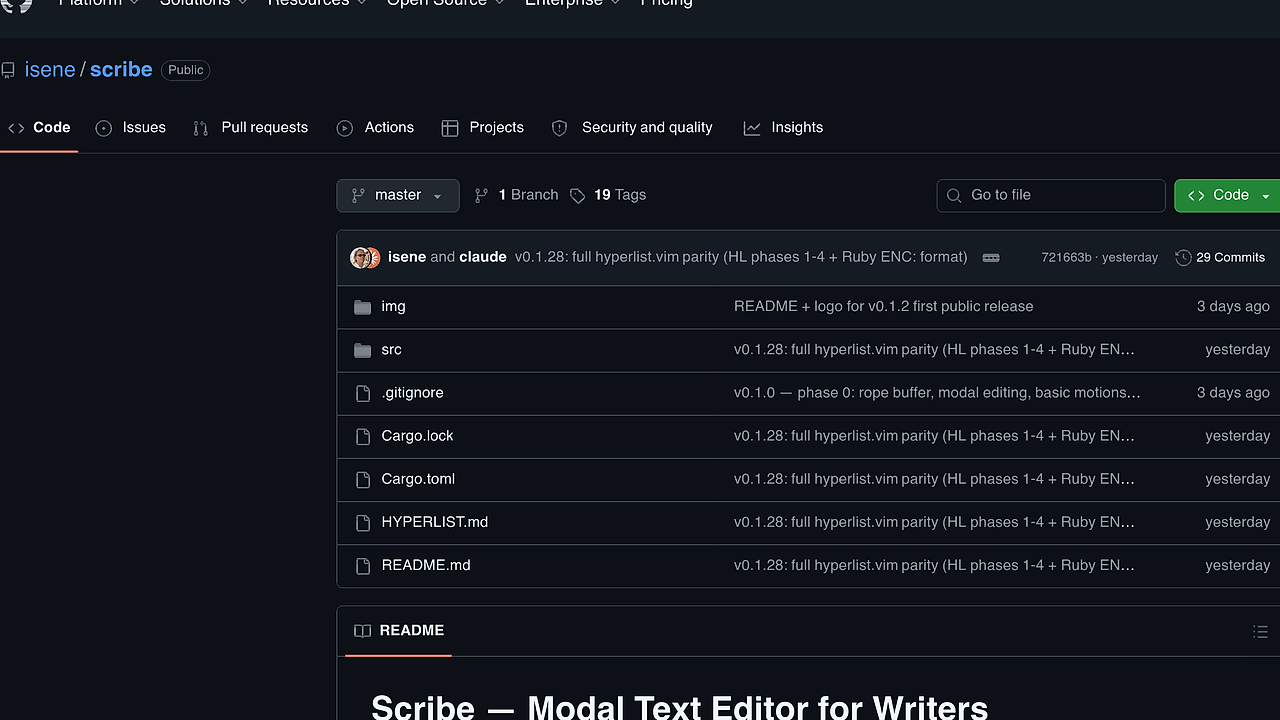
Scribe is a terminal modal text editor built by isene for writers who want Vim-style editing without the programming baggage. Scribe is one of the best Terminal Text Editors tools for technical writers, developers, and indie hackers who write prose, Markdown, email, or HyperList, and it ships as a single static Rust binary with sub-10 ms startup, soft wrap by default, Hunspell spellcheck, and Claude Code inside the editor.
It is current at v0.1.28 and is positioned as a daily-driveable writing editor rather than a code IDE. The design is intentionally narrow: keep the modal muscle memory, remove the parts writers do not use, and add the writing features Vim never prioritized.
Quick Overview
| Attribute | Details |
|---|---|
| Type | Terminal Text Editors |
| Best For | technical writers, developers, and indie hackers who want a Vim-like terminal editor for prose |
| Language/Stack | Rust, crust, highlight, Hunspell, Claude Code CLI |
| License | Unlicense |
| GitHub Stars | N/A |
| Pricing | Open-Source |
| Last Release | v0.1.28 — N/A |
Who Should Use Scribe?
- Terminal-first writers who want to stay in the shell and keep edits fast, local, and keyboard-driven.
- Technical writers and docs authors who need soft wrap, spellcheck, Markdown, LaTeX, and email-aware rendering without opening a GUI editor.
- Indie hackers drafting product copy, changelogs, and support replies who want Vim motions plus direct Claude-assisted rewrites.
- Power users with Vim muscle memory who want
hjkl, operators, text objects, registers, macros, and dot-repeat in a prose-first environment.
Not ideal for:
- Teams that need a full IDE with LSP, debugger, refactor tooling, or
:makeintegration. - Users on Windows, since the repo badges list Linux and macOS only.
- People who prefer point-and-click editing over modal keyboard workflows.
Key Features of Scribe
- Modal editing core — Scribe keeps the classic Vim grammar: motions, operators, text objects, macros, marks, registers, dot-repeat, and an undo tree. That gives writers fast structural edits without a mouse, and the behavior is predictable if you already know Vim.
- Soft wrap by default — Long prose lines wrap at the pane edge with a continuation indicator, so paragraphs stay readable without manual line splitting. Live resize via
SIGWINCHmeans the layout adapts when the terminal changes size. - Claude Code in the editor —
:claude {prompt}runsclaude -pover the selection, paragraph, or buffer and splices the response back into place.:chatopens a full interactive session, and a singleureverses an entire turn when the model output misses the mark. - Reading mode —
:readorzrswitches into a Goyo-style centered layout with optional paragraph dimming. That is useful when you want to review prose without the visual noise of the full editing chrome. - Email-aware rendering —
.emlfiles and kastrup compose tempfiles get header, quote-level, and signature colors that match kastrup's right pane. Inline email addresses and URLs are highlighted everywhere, which makes review and reply editing less error-prone. - Syntax highlighting and writer formats — Scribe uses the shared
highlightcrate for about 18 source languages plus dedicated HyperList, Markdown, and LaTeX renderers. Multi-line block comments and string literals keep their color across line breaks, which helps when you are editing mixed technical content. - Spellcheck and persistent registers — Hunspell turns on automatically for email mode and can be enabled elsewhere with
:set spell. Named registers and macros persist in~/.config/scribe/registers.json, survive restarts, and stay live across concurrent Scribe sessions, so yanks can move between windows without the clipboard.
Scribe vs Alternatives
| Tool | Best For | Key Differentiator | Pricing |
|---|---|---|---|
| Scribe | Writers who want Vim-like terminal editing for prose | Soft wrap, Hunspell, persistent registers, and Claude Code integration in a single Rust binary | Open-Source |
| Vim | General-purpose editing and deep ecosystem support | Huge plugin surface and mature extensibility, but more code-oriented than prose-oriented | Open-Source |
| MiniVim | Users who want the smallest Vim-like terminal editor | More minimal than Scribe, with less writing-specific surface area | Open-Source |
| Claude Code Canvas | AI-centric editing and planning workflows | Better if the workflow starts with AI collaboration rather than modal text editing | N/A |
Pick Vim when you need the broadest plugin ecosystem and can tolerate configuring the editor around your workflow. Pick MiniVim when you want a tighter Vim clone with fewer writer-specific decisions and less surface area.
Pick Claude Code Canvas when the core task is orchestrating AI output and you do not care about modal editing semantics. Pick Scribe when you want the terminal editor itself to own the writing workflow, not just the prompt layer.
How Scribe Works
Scribe is built as a single static Rust binary on top of the Fe₂O₃ terminal suite, with crust handling core editor behavior and highlight handling syntax rendering. The editor keeps the buffer, undo tree, marks, and selection state in memory, while persistent user state is written to JSON so the writing session stays fast and restart-friendly.
The design choice that matters most is scope. Instead of shipping LSP hooks, compiler integration, or a general IDE command surface, Scribe optimizes for prose: wrap at the window edge, preserve paragraph readability, and make editing actions reversible in one step whenever possible. That is why block paste, swap-line operations, and dot-repeat feel deliberate rather than bolted on.
A realistic first session looks like this:
git clone https://github.com/isene/scribe
cd scribe
cargo run --release -- draft.md
That opens draft.md in a terminal window with modal navigation, syntax-aware rendering, and editor commands available from the prompt. From there, :claude can rewrite a selection, :read can strip the chrome for review, and :set spell can turn on Hunspell-backed checking when you start polishing the text.
Pros and Cons of Scribe
Pros:
- Very fast startup because it is a single static binary, which matters when you open and close the editor repeatedly during drafting.
- Writer-first defaults like soft wrap, reading mode, spellcheck, and email-aware rendering are enabled in ways that match prose workflows.
- Real Vim muscle memory with operators, text objects, registers, macros, dot-repeat, and an undo tree, so experienced users do not have to relearn editing.
- Persistent registers across sessions give you a cross-window scratchpad for yanks and macros without depending on the OS clipboard.
- Claude integration is in-band with the editing workflow, so rewrites happen in the buffer instead of in a separate chat app.
- Terminal-native on Linux and macOS makes it easy to keep the whole workflow in tmux, SSH sessions, or local shells.
Cons:
- No LSP, debugger, quickfix, or
:makesupport, so Scribe is the wrong choice for heavy code navigation or build-centric work. - Platform support is limited to Linux and macOS in the repo badges, so Windows users are out of scope.
- AI features depend on Claude CLI being installed and configured, which adds an external dependency to the editing path.
- Young project surface at v0.1.28 means the editor is useful, but it still has the risk profile of a relatively early release.
- Not a full IDE replacement because it is intentionally scoped to writers rather than generalized software development.
Getting Started with Scribe
git clone https://github.com/isene/scribe
cd scribe
cargo build --release
./target/release/scribe notes.md
After the editor opens, use hjkl, w, b, and dd the same way you would in Vim, then test prose-specific commands like :read and :set spell. If you use Claude Code, install and authenticate it first so :claude can send the selected text or paragraph through the model and splice the response back into the buffer.
Scribe stores named registers in ~/.config/scribe/registers.json, so your yanks and macros persist after the session ends. That makes the first-run experience feel like a real workflow tool instead of a demo binary.
Verdict
Scribe is the strongest option for writers who want Vim muscle memory in a terminal editor when they also care about spellcheck, reading mode, and Claude-assisted rewrites. Its main strength is a tight prose-first feature set; its main caveat is the deliberate lack of IDE tooling. If you live in the shell and write a lot, Scribe is worth adopting now.