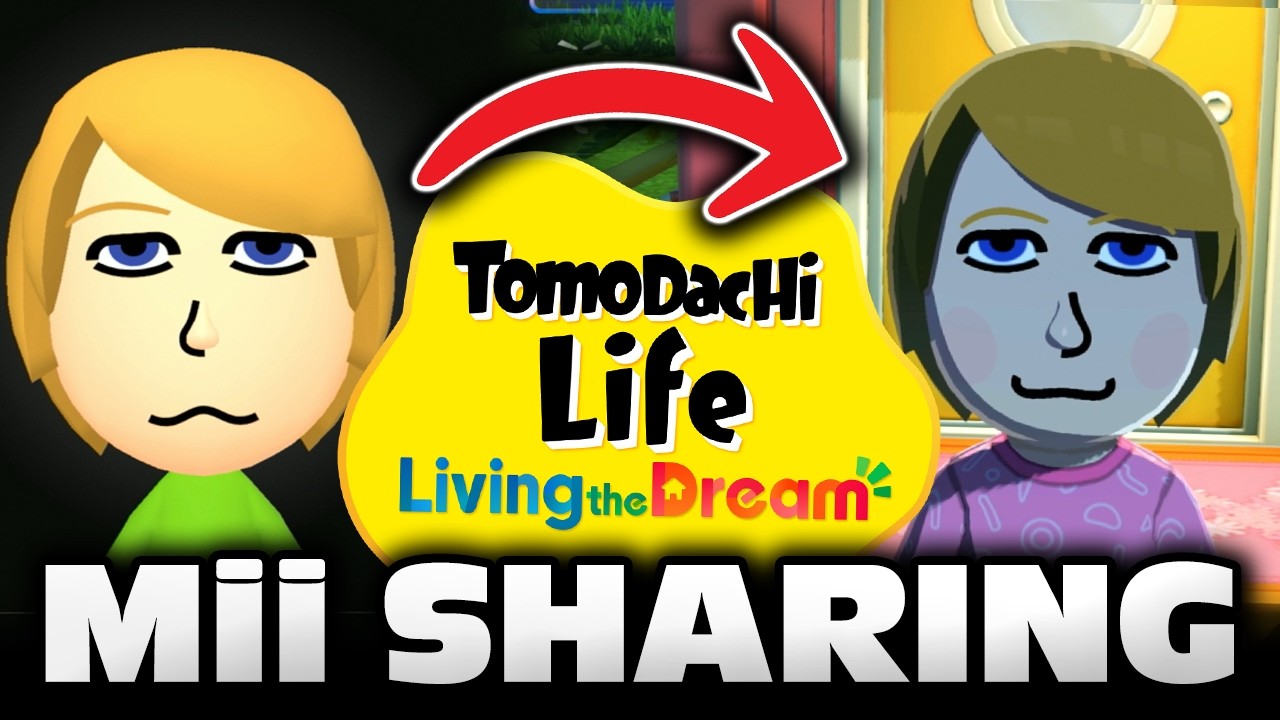
What Is Tomodachi Share?
Tomodachi Share is a lightweight desktop app from SzeDaSa for Tomodachi Life: Living The Dream, and it is one of the best Game Save Tools for Tomodachi Life: Living The Dream players, save modders, and community archivists. It covers 4 core workflows—discover, export, import, and share—around Miis, islands, special items, and QR codes. The MIT-licensed repo is aimed at people who want a fast, local workflow instead of manual file handling or ad hoc save editing.
Quick Overview
| Attribute | Details |
|---|---|
| Type | Game Save Tools |
| Best For | Tomodachi Life: Living The Dream players, save modders, and community archivists |
| Language/Stack | Windows desktop app, QR code generation, save-file import/export |
| License | MIT |
| GitHub Stars | N/A as of Feb 2026 |
| Pricing | Open-Source |
| Last Release | TomodachiShare.zip — N/A |
Who Should Use Tomodachi Share?
- Tomodachi Life collectors who want to archive Miis, islands, and special items without juggling manual exports.
- Save modders who need a desktop workflow for moving content in and out of Tomodachi Life: Living The Dream on PC.
- Community curators building public Mii libraries or sharing curated island content with other players.
- Power users with large collections who benefit from batch processing instead of one-off transfers.
Not ideal for:
- Players who need a general-purpose save editor for dozens of games, because Tomodachi Share is focused on one title and its content model.
- Teams that want cloud sync, web collaboration, or cross-platform mobile clients, because the workflow is desktop-first.
- Users who do not have the Tomodachi Life: Living The Dream PC version, because the tool is explicitly designed for that environment.
Key Features of Tomodachi Share
- Mii export and import with QR codes — Tomodachi Share turns Mii transfers into a QR-based workflow, which reduces the friction of moving character data between devices and players. That matters when you are sharing a single character package instead of a full save.
- Island save sharing — The app supports island-level content, not just character-level assets, so you can move larger game states when the workflow calls for it. That makes it useful for backup-style sharing and community distribution.
- Special items and treasure export — Tomodachi Share handles content beyond Miis, including special items and treasure. That broadens the tool from a character helper into a content exchange utility for the full game ecosystem.
- Community Mii discovery — The tool includes a discovery flow for finding community Miis. For players building themed islands or maintaining public collections, that cuts down on manual hunting across forums and social channels.
- Batch processing support — Tomodachi Share can process multiple items in one pass, which matters when you are moving a large library of Miis or cleaning up a long-running archive. Batch support is the difference between a 10-minute cleanup and a weekend of repetitive clicks.
- Clean desktop interface — The UI is deliberately simple, which reduces the chance of misclicks while still exposing the main workflows. For a niche game utility, that is often better than a dense editor full of hidden panes.
- Designed for Tomodachi Life: Living The Dream PC — The repo explicitly warns that the app is meant for Tomodachi Life: Living The Dream, and the installation flow asks you to point at the game folder if needed. That scoped design lowers ambiguity and keeps the tool aligned with one save format.
Tomodachi Share vs Alternatives
| Tool | Best For | Key Differentiator | Pricing |
|---|---|---|---|
| Tomodachi Share | Tomodachi Life content transfer and sharing | Focused on Miis, islands, special items, and QR workflows for Tomodachi Life: Living The Dream | Open-Source |
| Checkpoint | General 3DS save backups and restore workflows | Broader platform coverage, but not specialized for Tomodachi Share's Tomodachi-specific content flow | Free |
| JKSM | Manual 3DS save extraction and restoration | Low-level save management for multiple titles, but less opinionated about content discovery and sharing | Free |
| Manual file handling | One-off backups by advanced users | No UI abstraction or QR workflow, but works when you only need raw archive movement | Free |
Pick Tomodachi Share when the job is specifically Tomodachi Life: Living The Dream and you want a guided workflow for Miis, islands, and special content. Pick browse all game modding tools if you need to compare adjacent utilities for save editing, patching, or content extraction across more games.
Checkpoint and JKSM are better fits when you are managing broader 3DS save operations and do not need Tomodachi-specific discovery or QR-centric sharing. If your workflow is just backup and restore, those tools may be simpler than Tomodachi Share, but they do not try to solve the same problem set.
How Tomodachi Share Works
Tomodachi Share is built around a local desktop workflow rather than a browser or cloud service. You launch the Windows app, point it at the Tomodachi Life game folder if needed, and then use the app to inspect, export, import, or distribute content units such as Miis, islands, and special items.
The design choice here is to keep the data movement close to the game files and user-visible exports. That reduces the need for manual QR tooling, one-off archive manipulation, or per-item copy routines. The app also adds batch support, which suggests the internal workflow is optimized for grouped operations instead of only single-item transfers.
A realistic first-run flow looks like this:
# Windows quick start example
curl -L -o TomodachiShare.zip https://github.com/SzeDaSa/Tomodachi-Share-Mii/releases/download/Tomodachi/TomodachiShare.zip
Expand-Archive TomodachiShare.zip -DestinationPath TomodachiShare
.\TomodachiShare\TomodachiShare.exe
After launching, Tomodachi Share asks you to select the Tomodachi Life game folder if the app cannot find it automatically. Once that path is set, you can browse the available content and start exporting or importing the items you want to move. Because the app is scoped to Tomodachi Life: Living The Dream, the expected outcome is a short setup path and a narrow UI that gets out of the way quickly.
Pros and Cons of Tomodachi Share
Pros:
- Focused feature set — Tomodachi Share solves a narrow problem, which keeps the UI and workflow easier to understand than a generic save manager.
- QR-based transfer flow — QR generation makes Mii exchange less annoying than hand-moving raw files between devices.
- Covers multiple content types — The tool handles Miis, islands, special items, and treasure, so it is not limited to one asset class.
- Batch processing support — Bulk operations help when you are managing a collection instead of a single save.
- MIT license — The open-source license makes the repo easy to audit, fork, or adapt for your own workflow.
- Simple installation path — The download-and-run model is friendlier than tools that require a chain of dependencies or build steps.
Cons:
- Single-game focus — Tomodachi Share is not a universal save manager, so it has little value outside Tomodachi Life: Living The Dream.
- Windows-first distribution — The page ships a
.exerelease, which means non-Windows users may need extra setup or a different runtime. - Limited public documentation — The repo text gives installation and troubleshooting basics, but it does not expose a deep technical spec or API surface.
- Release metadata is thin — The page does not show a clear semantic version or release date, which makes change tracking harder for power users.
- Potential antivirus false positives — The troubleshooting section explicitly warns about antivirus issues, so you may need to whitelist the folder.
Getting Started with Tomodachi Share
Install Tomodachi Share by downloading the release ZIP, extracting it, and running the desktop executable. The page also says regular users can start by downloading the archive, extracting it, running TomodachiShare.exe, and selecting the Tomodachi Life game folder if needed.
# Example download and launch flow on Windows
curl -L -o TomodachiShare.zip https://github.com/SzeDaSa/Tomodachi-Share-Mii/releases/download/Tomodachi/TomodachiShare.zip
Expand-Archive TomodachiShare.zip -DestinationPath TomodachiShare
.\TomodachiShare\TomodachiShare.exe
After the first launch, Tomodachi Share may ask for administrator rights if file access is blocked. If QR scanning fails or files do not import, the troubleshooting table recommends checking screen brightness, file format, and save compatibility with the latest Tomodachi Life PC version. That implies the tool works best when the game version and content format match the release it was built for.
Verdict
Tomodachi Share is the strongest option for Tomodachi Life: Living The Dream content transfers when you want a focused desktop workflow for Miis, islands, and special items. Its main strength is the QR-driven, batch-friendly export/import path, and its main caveat is the narrow platform scope. If you only need Tomodachi-specific sharing, use it; if you need a general save manager, pick something broader.