What Is Polymarket Arbitrage Trading Bot?
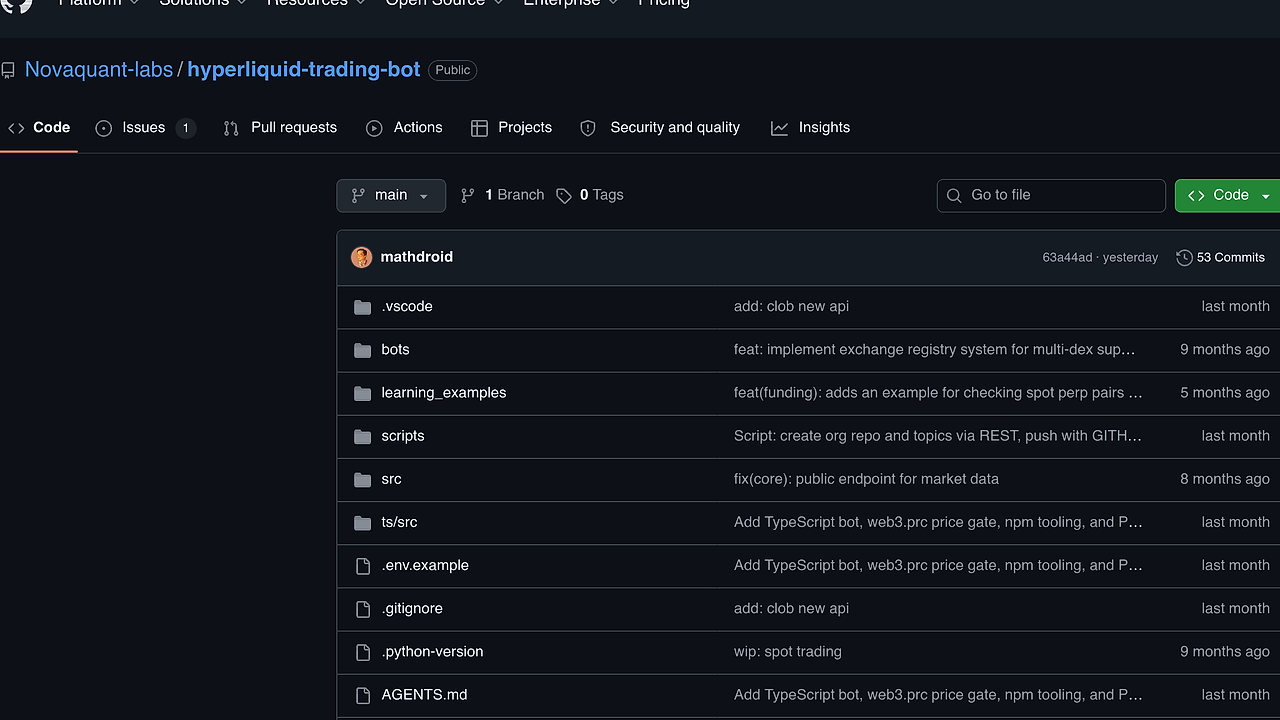
TradeCompute's Polymarket Arbitrage Trading Bot is one of the best Crypto Trading Bots tools for TypeScript developers and Polymarket traders. This GitHub project runs a production-style TypeScript worker against Polymarket binary crypto markets, watches UP/DOWN contracts across 5 market windows (5m, 15m, 1h, 4h, 1d), and places orders through the Polymarket CLOB API. It is built for operators who want deterministic execution instead of manual chart watching.
The design is narrow on purpose. The bot does one job: monitor selected markets, evaluate trade.toml, and execute the configured strategy with live balance checks and retry logic.
Quick Overview
| Attribute | Details |
|---|---|
| Type | Crypto Trading Bots |
| Best For | TypeScript developers and Polymarket traders who want rule-based execution |
| Language/Stack | TypeScript, Node.js 20.6+, Polymarket CLOB API, TOML |
| License | N/A |
| GitHub Stars | N/A as of Feb 2026 |
| Pricing | Open-Source |
| Last Release | N/A |
Who Should Use Polymarket Arbitrage Trading Bot?
- TypeScript developers automating Polymarket execution who want a codebase they can audit, extend, and run with
tsxor compiled Node output. - Quant traders testing time-and-price rules on binary markets where the signal is simple and execution speed matters more than dashboard polish.
- Indie hackers building a niche trading workflow around Polymarket without adopting a full multi-exchange stack.
- Ops-minded operators who want explicit config in
trade.toml, live operator visibility, and a limited blast radius for each trade.
Not ideal for:
- Teams that need multi-exchange market making, portfolio rebalancing, or order-book analytics across many venues.
- Users who want a visual backtesting suite, drag-and-drop strategy builder, or browser-first trading dashboard.
- Traders who cannot supply a proxy wallet and signer private key, or who are not comfortable with wallet-level operational risk.
Key Features of Polymarket Arbitrage Trading Bot
- Two strategy modes —
trade_1andtrade_2model the bot as a small state machine instead of a generic signal engine.trade_1exits on elapsed time ratio or UP price ratio, whiletrade_2uses entry/exit ranges plus an optional emergency swap path. - Polymarket CLOB order execution — The bot posts market orders through the Polymarket Central Limit Order Book API, so it talks to the same execution surface that actually settles trades. That matters more than pretty charts because the order path is what fails in production.
- Market window selector — It can target
5m,15m,1h,4h, and1dmarkets by coin and period. That gives the operator a bounded universe instead of scanning the entire Polymarket surface. - Bid/ask polling for both sides — The runtime reads UP and DOWN token prices continuously, which is essential for binary market arbitrage where spread, ratio, and timing all interact.
- Retry handling with balance confirmation — Order flow is not fire-and-forget. The bot retries execution and checks balances after order placement, which reduces silent failures when API responses or wallet state lag.
- Live status output — Startup and runtime logs print current public key, strategy, market window, trade USD amount, trend state, and position legend. That makes it easier to run from a terminal, a VPS, or a remote
tmuxsession. - Config-driven behavior — The strategy, order size, retry count, market coin, and market period all live in
trade.toml. That keeps deployment simple and makes it easy to version-control strategy changes without editing source code.
Polymarket Arbitrage Trading Bot vs Alternatives
| Tool | Best For | Key Differentiator | Pricing |
|---|---|---|---|
| Polymarket Arbitrage Trading Bot | Polymarket binary market automation | Narrow TypeScript bot built specifically around Polymarket CLOB workflows and trade.toml strategies | Open-Source |
| Hummingbot | Multi-exchange market making and arbitrage | Broader exchange coverage and more infrastructure, but heavier than a single-venue Polymarket bot | Open-Source |
| Freqtrade | Crypto spot/perpetual strategy automation | Mature backtesting and strategy ecosystem, but it is built for exchange-connected crypto markets rather than Polymarket binaries | Open-Source |
| Custom CCXT bot | Teams with in-house trading infra | Maximum flexibility across exchanges, but you own every connector, retry path, and strategy bug | Paid / In-house |
Pick Hummingbot if your real requirement is cross-venue execution, not Polymarket-specific trading. It is the better fit when you want a larger ecosystem and are willing to pay the complexity tax.
Pick Freqtrade if your strategy lives in spot or perp crypto markets and you care about backtesting and a larger community surface. It is not the right default for a binary-market workflow on Polymarket.
Pick a custom CCXT bot only when you already have the team to maintain exchange adapters, telemetry, and risk controls. If you just need a focused terminal runner, the smaller footprint of Polymarket Arbitrage Trading Bot is easier to ship. For deployment and monitoring around the bot, pairing it with djevops or an observability layer like OpenTrace makes more sense than adding another trading framework.
If you want to browse adjacent automation utilities, start with browse all CLI Tools and compare execution-oriented tools against the same terminal-first workflow.
How Polymarket Arbitrage Trading Bot Works
The architecture is intentionally simple. src/index.ts owns startup, the market loop, and the strategy cycle, while src/config/ validates .env and trade.toml, src/services/ handles Polymarket and Gamma API integration, and src/trade/ contains the decision logic and order execution path. That separation keeps the runtime close to a classic event loop + strategy engine model rather than a monolithic trading platform.
The core abstraction is a pair of rule sets that operate on market progress and UP ratio. trade_1 behaves like a time/price exit controller, while trade_2 behaves like a gated entry controller with a configurable exit band and an emergency swap branch. Because the input surface is just market metadata, current prices, and wallet state, the bot can keep its logic deterministic and easier to reason about during live execution.
npm install
npm run dev
That flow installs dependencies and starts the TypeScript runner through tsx. Expect the process to print the active strategy, selected market window, public key, and position state before it begins polling the market and sending orders.
The runtime is opinionated about wallet operations. It requires a Polymarket signer private key and a proxy wallet address, which means the bot is not a no-auth demo script. In practice, that gives you a cleaner execution path for orders, but it also means you should treat .env like sensitive infrastructure and keep trade sizing low until the order loop behaves the way you expect.
Pros and Cons of Polymarket Arbitrage Trading Bot
Pros:
- Small, auditable TypeScript codebase — The project is structured around a few clear folders, which makes source review and operational debugging faster than with a large trading platform.
- Direct Polymarket integration — The bot talks to the Polymarket CLOB and Gamma-related services instead of acting as a generic exchange abstraction layer.
- Explicit strategy configuration —
trade.tomlkeeps strategy parameters, market selection, and order sizing in one file that is easy to version and diff. - Retry plus balance checks — Execution is not naive; the bot retries orders and verifies wallet state, which is essential when trading on a live venue.
- Operator-friendly terminal output — The trend and position legend gives enough runtime context to monitor the bot from a shell session without a full dashboard.
- Low deployment surface — With Node.js 20.6+ and a few environment variables, the bot is easy to run on a laptop or small VPS.
Cons:
- No built-in backtesting suite — You cannot validate
trade_1ortrade_2against historical fills from the repository alone. - Single-venue focus — The bot is tied to Polymarket, so it is not a good foundation for multi-exchange arbitrage.
- Manual risk management — The repo warns you to size carefully, but it does not provide portfolio-wide limits, drawdown controls, or kill-switch analytics.
- Limited strategy surface — Two strategies are useful, but they are still simple rule sets rather than a full strategy DSL.
- Operational dependency on wallet setup — You need a private key, proxy wallet address, and sensible secret handling before the bot can place orders.
Getting Started with Polymarket Arbitrage Trading Bot
npm install

cat > .env <<'EOF'
POLYMARKET_PRIVATE_KEY=your_private_key
PROXY_WALLET_ADDRESS=your_proxy_wallet_address
EOF

# edit trade.toml to set strategy, market_coin, market_period, and trade_usd
npm run dev
After the first run, the bot reads .env, validates trade.toml, and starts polling the selected market. If the wallet or market config is wrong, startup should fail early rather than placing a bad order, which is exactly what you want from a trading daemon.
The first real tuning step is order sizing. Keep trade_usd low, confirm the selected coin and period match the market you expect, and verify that the runtime legend matches the position transitions you see on Polymarket.
Verdict
Polymarket Arbitrage Trading Bot is the strongest option for rule-based Polymarket execution when you want a small TypeScript codebase and direct CLOB access. Its main strength is the tight mapping from trade.toml to live order flow, and its main caveat is the lack of backtesting and broader portfolio controls. If you want focused automation over binary markets, this is worth running.