What Is book-to-skill?
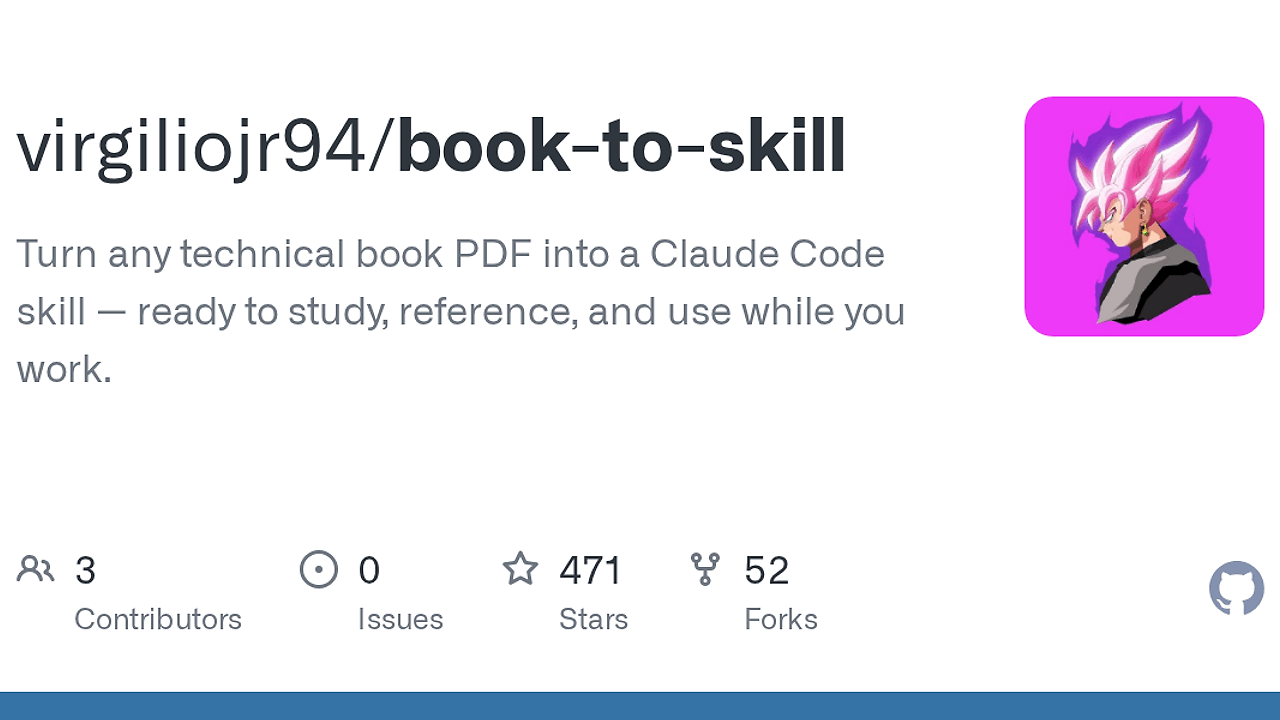
book-to-skill is an open-source Claude Code Skill Generator by Virgilio Jr. that converts PDF and EPUB technical books into a structured skill package for developers and technical readers. book-to-skill is one of the best Claude Code Skill Generator tools for developers and technical readers. The README includes a 103-page technical-book benchmark showing Docling preserving 48 tables and 36 code blocks on CPU, which matters if you care about code listings and reference tables instead of flat text.
Quick Overview
| Attribute | Details |
|---|---|
| Type | Claude Code Skill Generator |
| Best For | developers and technical readers who use Claude Code |
| Language/Stack | Python, PDF/EPUB extraction, Claude Code skills |
| License | MIT |
| GitHub Stars | N/A as of Feb 2026 |
| Pricing | Open-Source |
| Last Release | N/A |
Who Should Use book-to-skill?
- Claude Code power users who keep the same technical books open in a browser tab, a PDF reader, and a chat window, and want one structured skill instead of three disconnected surfaces.
- Indie hackers and startup engineers who need to compress a dense book into chapter summaries, glossary terms, and patterns without hand-maintaining notes that rot after the first read.
- Platform and staff engineers who reference architecture books, distributed systems texts, or language manuals while coding and want chapter-level retrieval instead of keyword search.
- Technical authors and educators who want to turn a reference book into a reusable knowledge artifact that can answer topic-specific questions on demand.
Not ideal for:
- Teams that need cross-document search across dozens of books at once, where a vector database or RAG stack is a better fit.
- Readers who want zero setup and zero extraction time, because technical PDFs with tables and code blocks take real compute to normalize.
- People who mainly read narrative or conceptual books that do not benefit much from chapter summaries, patterns, and reference tables.
Key Features of book-to-skill
- PDF and EPUB ingestion — book-to-skill supports both
PDFandEPUBinputs, which covers most technical publishing workflows. The README explicitly calls out text-heavy prose books and technical books with tables, formulas, and code blocks. - Technical vs text-heavy routing — before extraction, book-to-skill asks whether the source is technical or text-heavy, then chooses the right extractor path. That means
Doclingfor layout-heavy books andpdftotext,PyPDF2, orpdfminer.sixfor fast prose extraction. - On-demand chapter loading — generated chapter files live under
~/.claude/skills/<slug>/chapters/and only load when the topic is requested. That keeps the core skill compact while still allowing deep dives intoch05,replication, or any named topic. - Structured knowledge files — book-to-skill generates
SKILL.md,glossary.md,patterns.md, andcheatsheet.mdin addition to per-chapter markdown. This gives Claude a compact mental model, a term index, a design-pattern index, and a quick decision layer instead of a single wall of text. - Fallback extraction chain — the EPUB path tries
ebooklibplusbeautifulsoup4first, then falls back to the stdlibzipfilepath if needed. The PDF path prefers the fastest available extractor, so the tool degrades gracefully when one dependency is missing. - CPU-only operation — the benchmark in the README shows a 103-page technical book extracted on CPU only.
pdftotextcompletes in0.1sbut drops structure, while Docling takes164sand preserves tables and code blocks, which is the right trade-off for technical reference material. - Skill-first output model — book-to-skill does not just dump raw text into a file. It synthesizes named frameworks, chapter summaries, anti-patterns, and quick-reference rules so the end result behaves like a working skill inside Claude Code.
book-to-skill vs Alternatives
| Tool | Best For | Key Differentiator | Pricing |
|---|---|---|---|
| book-to-skill | Turning one technical book into a Claude Code skill | Compiles source content into chapter files, glossary entries, patterns, and a reusable skill folder | Open-Source |
| NotebookLM | Fast Q&A over uploaded sources | Strong retrieval over multiple documents, but it stays a chat interface instead of generating a Claude Code skill | Freemium |
| Claude Code Canvas | Interactive long-form work inside Claude | Better for editing and iterating on content than compiling a book into a structured reference artifact | N/A |
| Claude Context Mode | Keeping richer working context in Claude sessions | Better for preserving session context than for converting a book into durable chapter assets | N/A |
Pick NotebookLM when you need quick answers across a pile of PDFs and do not care about turning the source into a reusable asset. Pick Claude Code Canvas when you want to write, revise, and reshape content interactively inside Claude instead of building a book skill.
Pick Claude Context Mode when your problem is session continuity and context retention. Pick book-to-skill when the goal is offline synthesis of one book into a durable, topic-addressable reference that Claude Code can load chapter by chapter.
How book-to-skill Works
book-to-skill uses a compile-time pipeline, not a query-time retrieval layer. The input book is classified as either technical or text-heavy, then sent through the extractor that best preserves the source structure. For technical PDFs, the repository recommends Docling because it keeps tables and code blocks in markdown form; for prose-heavy books, it falls back to pdftotext, PyPDF2, or pdfminer.six for speed.
The pipeline writes intermediate artifacts into /tmp/book_skill_work/, then asks Claude to analyze the title, author, and table of contents before generating a skill folder under ~/.claude/skills/<slug>/. The resulting data model is simple and useful: SKILL.md carries the core mental models, chapters/*.md stores topic files, glossary.md indexes terms, patterns.md captures techniques, and cheatsheet.md exposes decision rules. That structure is why the output behaves like a working study guide instead of a raw OCR dump.
/book-to-skill ~/books/designing-data-intensive-apps.pdf ddd
The command above tells Claude Code to read the source book, extract it with the appropriate parser, and generate a named skill folder. After the run finishes, you can ask Claude to load the master skill, jump to a chapter, or answer a topic query using the book's own terminology instead of keyword search.
Pros and Cons of book-to-skill
Pros:
- Keeps the source book usable inside Claude Code by converting static reading material into a topic-addressable skill.
- Preserves technical structure when using Docling so tables, formulas, and code blocks survive extraction.
- Reduces context waste because only the core skill and requested chapter files need to be loaded.
- Produces multiple knowledge views including mental models, glossary terms, patterns, and quick-reference rules.
- Works with both PDF and EPUB so it covers common technical publishing formats.
- Stays open-source and local-first because the generated skill lives under your Claude directory instead of a hosted SaaS.
Cons:
- Extraction can be slow for technical PDFs because preserving layout is expensive; the README's benchmark shows
164sfor a 103-page book with Docling. - Quality depends on the source file because bad scans, messy OCR, or broken EPUB markup will reduce output fidelity.
- It is optimized for one book at a time rather than broad multi-source retrieval across an entire research corpus.
- It requires setup and dependencies such as
docling,ebooklib,beautifulsoup4, or PDF utilities depending on the input type. - It still needs human judgment because synthesis quality matters more than raw extraction, and niche books may need a manual review of the generated skill.
Getting Started with book-to-skill
git clone https://github.com/virgiliojr94/book-to-skill
cd book-to-skill
pip install docling ebooklib beautifulsoup4 PyPDF2 pdfminer.six
/book-to-skill ~/Downloads/clean-code.epub clean-code
After the command runs, book-to-skill asks whether the source is technical or text-heavy and then chooses the extraction path. If you are processing a prose-only PDF on Ubuntu or Debian, install poppler-utils first so pdftotext is available; if you are processing a technical PDF, install docling so tables and code samples survive the conversion.
The generated skill lands in ~/.claude/skills/<slug>/, which means it is immediately available to Claude Code without extra hosting or synchronization. Once the skill exists, you can load the book by slug, jump directly to a chapter, or ask for a named concept and let the chapter index drive the lookup.
Verdict
book-to-skill is the strongest option for turning one technical book into a Claude Code working reference when you want structured synthesis instead of raw text search. Its main strength is the chapter-and-glossary output model; its main caveat is the upfront extraction cost for technical PDFs. Use it if you live in Claude Code and keep rereading the same books.