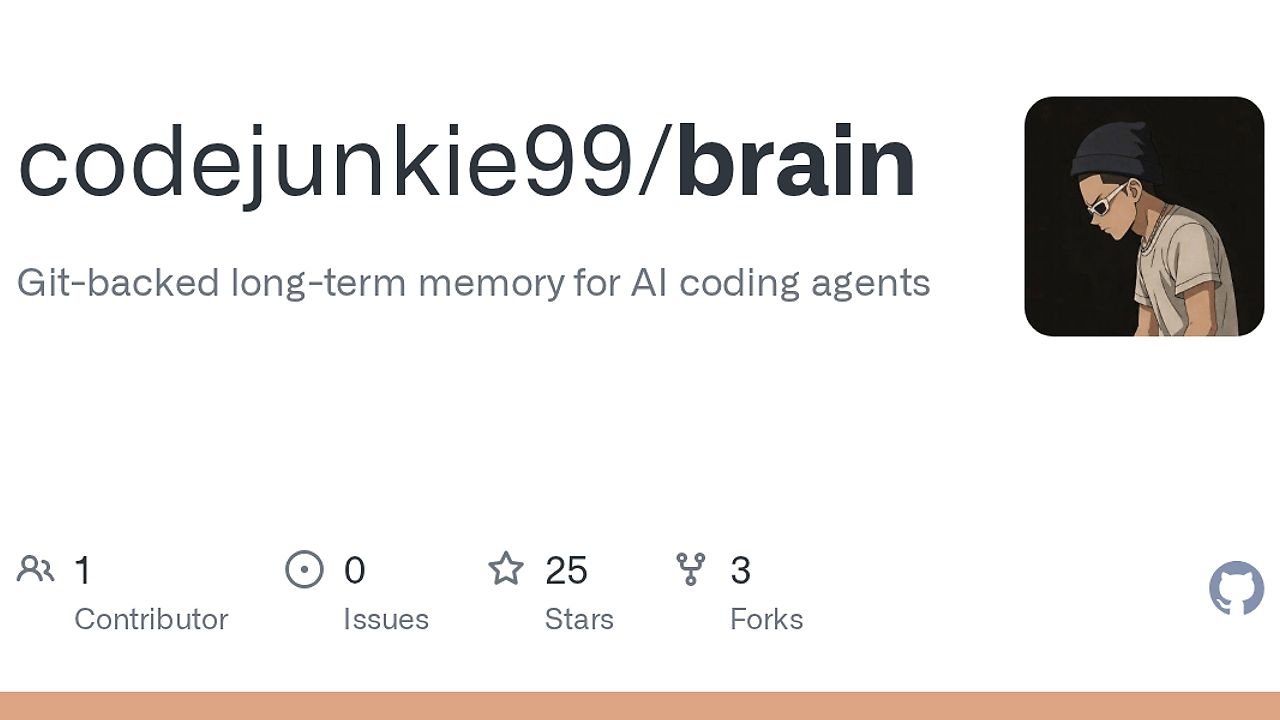
What Is brain?
brain is an open-source AI agent memory tool built by codejunkie99. brain is one of the best AI Agent Memory tools for developers because it gives six named clients—Claude Code, Cursor, Codex, OpenClaw, Hermes, and any MCP-capable tool—a shared local memory stored as Git commits in ~/.brain. It is built for developers who need persistent notes, searchable history, and a local-first workflow without cloud accounts or background daemons. The project ships as a Rust 1.85+ binary with Apache-2.0 licensing.
Quick Overview
| Attribute | Details |
|---|---|
| Type | AI Agent Memory |
| Best For | Developers using Claude Code, Cursor, Codex, and other MCP-capable agents |
| Language/Stack | Rust 1.85+, Git, SQLite, MCP |
| License | Apache-2.0 |
| GitHub Stars | N/A as of Feb 2026 |
| Pricing | Open-Source |
| Last Release | N/A |
Who Should Use brain?
- Solo developers wiring multiple agents who want one local memory store instead of retyping the same project facts into every session.
- Indie hackers shipping with Claude Code or Cursor who need persistent context for auth flows, API quirks, deployment notes, and repo-specific decisions.
- Platform and tooling teams that want a Git-native audit trail for agent memory, with files they can inspect, back up, and sync like any other repo.
- CTOs standardizing local-first AI workflows across a team that cares about data control, minimal vendor lock-in, and reproducible setup.
Not ideal for:
- Teams that want a fully managed SaaS memory layer with automatic cloud sync and no local setup.
- Users who only need short-lived prompt context and do not care about durable notes or Git history.
- Non-technical teams that do not want to touch CLI commands, agent config files, or terminal workflows.
Key Features of brain
- Git-backed event log — brain stores notes as Git commits in
~/.brain, which means the source of truth is inspectable with normal Git tooling. That design gives you a permanent audit trail instead of a mutable database blob. - SQLite search index — brain keeps a local SQLite index for fast lookup, while
brain doctor --deepcan rebuild that index from Git when search output becomes inconsistent. The split between event log and derived index is a sane pattern for reliability. - MCP server support —
brain serve --mcpexposes memory to MCP-capable clients, so you can plug the same notes into multiple agent runtimes. This matters if your stack mixes Claude Code, Cursor, and other toolchains. - Agent wiring automation — onboarding can write the exact config files needed for Claude Code, Cursor, Codex, OpenClaw, and Hermes. Managed blocks are wrapped with
BRAIN:STARTandBRAIN:END, so re-runs do not duplicate content. - Terminal-first UX —
brain note,brain ask,brain log, andbrain tuicover capture, retrieval, and browsing from the shell. That keeps the feedback loop tight for developers who live in tmux, iTerm, or a terminal IDE. - Explicit sync model —
brain remote add,brain push, andbrain pullmake synchronization opt-in rather than hidden behind a background service. That is easier to reason about when memory is tied to source control and local files. - No-cloud onboarding — setup does not create cloud accounts, install daemons, or store API keys. If you want a local-first memory layer with no external dependency, brain stays inside that boundary.
brain vs Alternatives
| Tool | Best For | Key Differentiator | Pricing |
|---|---|---|---|
| brain | Persistent local memory for coding agents | Git commits are the source of truth, with a SQLite index on top | Open-Source |
| Claude Context Mode | Short-lived context shaping inside Claude workflows | Better for prompt-window management than durable memory | N/A |
| OpenSwarm | Coordinating multiple agents across tasks | Focuses on orchestration, not a Git-backed memory store | N/A |
| Claude Code Canvas | Visual drafting and prompt composition | Canvas-style interaction instead of terminal-native memory ops | N/A |
Pick Claude Context Mode when your main pain is context trimming inside a single session, not shared memory across tools. Pick OpenSwarm when you need multi-agent coordination and workflow control rather than a note store. Pick Claude Code Canvas when a visual workspace matters more than a Git-backed local database.
How brain Works
brain uses a local-first architecture where Git is the durable event log and SQLite is the fast query layer. That means every memory note becomes a commit under ~/.brain, while the searchable view is derived from the repository state instead of acting as the source of truth. This is the right trade-off for developer tooling because it gives you history, diffability, and a recovery path when the index drifts.
The onboarding flow is opinionated but narrow in scope. brain detects which agents you want to wire, prints the files it plans to touch, and then writes only the managed prompt blocks or config fragments needed for each client. Existing files are not overwritten by default, so a rerun is safe unless you ask for reconfiguration.
The sync model is also intentionally explicit. You create a remote, push the local event log, and pull it elsewhere, which fits Git mental models and keeps memory transport separate from capture. If the search layer ever looks stale, brain doctor --deep rebuilds the SQLite index from Git without changing the underlying memory history.
brain onboard --agents claude-code,cursor,codex --yes
brain note 'remember that auth uses PKCE'
brain ask 'auth'
brain serve --mcp
The first command wires selected agents in one pass. The second command records a memory item, the third queries the local index, and the last exposes the same memory through an MCP server for other clients to consume.
Pros and Cons of brain
Pros:
- Git-native durability — memory survives like normal source control history, so it is easy to inspect, branch, back up, and sync.
- Local-first privacy — notes stay on your machine unless you explicitly add a remote and push them.
- Multi-agent compatibility — one memory layer can serve Claude Code, Cursor, Codex, OpenClaw, Hermes, and MCP clients.
- Fast local search — SQLite indexing makes retrieval practical without hitting a network service.
- Low operational overhead — no daemon, no SaaS account, and no API key management are required for the base workflow.
- Safe reconfiguration — managed file blocks are bracketed, which reduces config duplication on repeated onboarding runs.
Cons:
- Git knowledge is assumed — if your team does not already use Git fluently, the mental model takes time.
- Local sync is manual — brain does not hide synchronization behind a hosted service, so you must manage remotes and pushes.
- Opinionated agent focus — it is built for coding agents, not as a general-purpose personal knowledge base.
- Search depends on the index — if the SQLite layer drifts, you may need
brain doctor --deepto rebuild it. - Config file writes can be intrusive — onboarding touches agent-specific files, which some locked-down environments will reject.
Getting Started with brain
Start with the prebuilt Homebrew package on macOS or build from source with Cargo if you want to track the repo directly. The quickest path is to install, wire the agents you actually use, and then capture one memory note so you can verify search and config output in the same session.
brew install codejunkie99/tap/brain
brain onboard --agents claude-code,cursor,codex --yes
brain note 'remember that auth uses PKCE'
brain log
After the install, brain onboard creates or reuses ~/.brain, shows the files it will write, and asks before saving unless you pass --yes. If you prefer a custom location, set BRAIN_DIR or pass --brain-dir <path>, then use brain tui to inspect the memory log in the terminal.
Verdict
brain is the strongest option for local AI agent memory when Git must be the source of truth and you want zero cloud dependency. Its biggest strength is durable, inspectable storage across multiple coding agents, while its main caveat is that you must accept Git and terminal workflows. Choose brain if you want portable memory that behaves like source control, not a hosted black box.