What Is Craft Agents OSS?
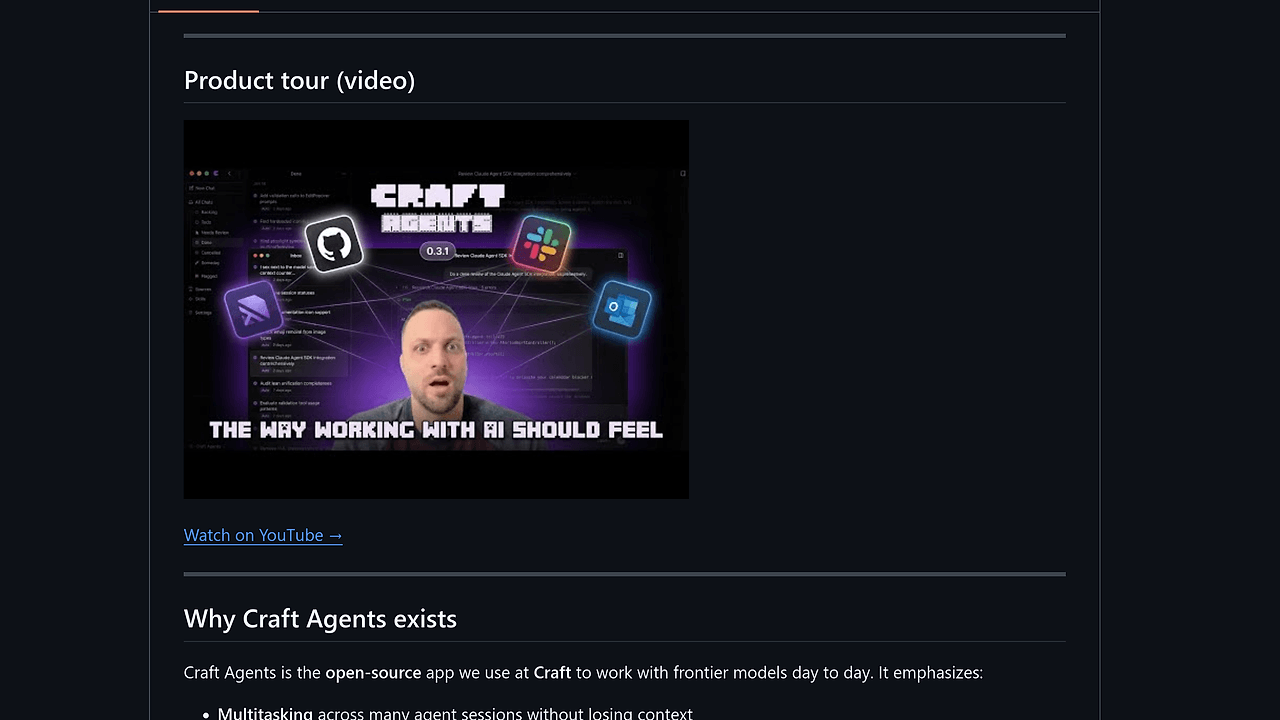
Craft Agents OSS is a desktop and headless workspace for Claude-class agents built by Craft, and it is one of the best Agent Desktop Apps tools for developers. It combines a multi-session inbox, 30+ Craft document tools, MCP and REST sources, skills, automations, and a document-first UI under Apache 2.0. If you want persistent agent workflows instead of throwaway prompts, Craft Agents OSS is built for that exact job.
It is not just a chat shell. The product treats sessions, sources, permissions, and skills as first-class objects, which makes it easier to run repeatable operations across Slack, Google Workspace, GitHub, local files, and custom APIs.
Quick Overview
| Attribute | Details |
|---|---|
| Type | Agent Desktop Apps |
| Best For | developers |
| Language/Stack | Electron, Bun, TypeScript, Claude Agent SDK, Pi SDK, WebSocket, MCP, OpenAPI |
| License | Apache 2.0 |
| GitHub Stars | N/A as of Feb 2026 |
| Pricing | Open-Source |
| Last Release | N/A |
Who Should Use Craft Agents OSS?
- Solo developers building internal copilots who need a persistent workspace, not a single ephemeral chat thread. Craft Agents OSS keeps sessions, sources, and skills organized so you can return to the same context later.
- Platform teams managing multiple agent surfaces that need permission controls, provider flexibility, and a headless server. Craft Agents OSS works well when you want a thin Electron client pointed at a shared backend.
- Indie hackers wiring up MCP and REST APIs without hand-editing a maze of configs. Craft Agents OSS can ingest MCP servers, OpenAPI definitions, and local filesystem roots as reusable sources.
- Ops-heavy teams running long-lived jobs that need visible progress, background execution, and policy gates. Craft Agents OSS is better than a bare terminal when the workflow spans approvals, diffs, and multiple sessions.
Not ideal for:
- Teams that want a minimal CLI-only agent and do not care about a UI, session inbox, or document-first workflow.
- Groups that refuse Electron apps or do not want to manage a desktop client plus optional server process.
- Users who only need a single prompt window and do not plan to connect sources, skills, or automations.
Key Features of Craft Agents OSS
- Multi-session inbox — Sessions live in an inbox/archive model with statuses, flags, and durable history. That makes it usable for real work instead of one-off prompt experiments, especially when multiple investigations are active at once.
- MCP and REST sources — Craft Agents OSS connects to Model Context Protocol servers, OpenAPI-backed REST APIs, Google, Slack, Microsoft Graph, and local filesystems. It can also apply pasted MCP JSON config automatically, which reduces setup friction.
- Workspace skills — Skills are reusable instruction packs scoped to a workspace and referenced with
@mentions. Because they update live, you do not need to restart the app to change behavior or roll out a new instruction set. - Multi-provider LLM access — The app supports Anthropic API and OAuth, Google AI Studio, ChatGPT Plus Codex paths, GitHub Copilot OAuth, and OpenAI-compatible endpoints. That gives you enough provider flexibility to match cost, latency, and policy constraints per workspace.
- Remote headless mode — Craft Agents OSS can run a WebSocket server on a Linux VPS, home lab, or CI runner, while the Electron app acts as a thin client. This is the right shape if you want compute and state off the laptop.
- Permission modes —
safe,ask, andallow-allmodes give you a practical approval model for tool use and writes. TheSHIFT+TABshortcut cycles modes inside chat, which is faster than hunting through settings menus. - Attachments and diffs — The app supports images, PDFs, Office docs, and multi-file diffs. That matters when the agent needs to inspect source material, explain edits, and review changes across several files in one pass.
Craft Agents OSS vs Alternatives
| Tool | Best For | Key Differentiator | Pricing |
|---|---|---|---|
| Craft Agents OSS | Persistent agent workspaces with sources, skills, and remote control | Desktop UI plus headless server in one Apache 2.0 codebase | Open-Source |
| Claude Code Canvas | Visual Claude Code sessions and guided editing | More canvas-oriented, less about multi-session workspace ops | N/A |
| Claude Context Mode | Claude workflows that need tighter context control | Stronger emphasis on context handling than on source orchestration | N/A |
| OpenSwarm | Coordinating multiple agents across tasks | Better fit for swarm-style orchestration than a document-first desktop client | Open-Source |
Pick Claude Code Canvas if you want a visual layer around Claude-style coding sessions and do not need a full source and automation system. Pick Claude Context Mode if your main pain is context packing, not workspace management.
Pick OpenSwarm when the problem is multi-agent coordination across many tasks, not a single persistent inbox. Pick Craft Agents OSS when you need a workspace that can connect to Slack, Google, GitHub, local files, and MCP servers without forcing everything through a terminal.
How Craft Agents OSS Works
Craft Agents OSS is built around a workspace-first data model. A workspace owns sessions, sources, skills, permissions, and automations, which keeps state isolated when you are juggling multiple projects or clients. That structure matters because agent work is usually messy, and the app’s inbox model gives you an explicit place to park conversations, flags, and follow-ups.
The runtime splits into a desktop client and an optional headless server. The Electron app can act as a thin UI while the server handles session state over WebSocket, which makes it practical to run the logic on a VPS or home lab and control it remotely. The app also uses the Claude Agent SDK and Pi SDK so provider selection is not locked to a single backend.
The design philosophy is simple: make the agent aware of tools, data, and permissions without forcing the user to stitch everything together by hand. Skills are injected at the workspace level, sources can be added from MCP or OpenAPI descriptions, and automations can trigger jobs from schedules, labels, or tool events. That means the abstraction is closer to a managed operating surface than a single chat box.
CRAFT_SERVER_TOKEN=$(openssl rand -hex 32) bun run packages/server/src/index.ts
CRAFT_SERVER_URL=wss://203.0.113.5:9100 CRAFT_SERVER_TOKEN=$CRAFT_SERVER_TOKEN bun run electron:start
The first command starts the headless server with a bearer token. The second command points the Electron shell at that server so the UI becomes a thin client. After that, you can create a workspace, add a provider, attach sources, and start sessions without rebuilding the core runtime.
Pros and Cons of Craft Agents OSS
Pros:
- Persistent session management makes it much easier to resume agent work, audit history, and separate tasks by workspace.
- Broad integration surface covers MCP, OpenAPI, Google Workspace, Slack, Microsoft Graph, and local folders, which reduces glue code.
- Remote headless mode supports VPS, home lab, or CI-style deployments while keeping the desktop app as a client.
- Granular permissions help control writes and tool use, which is useful when agents touch real repositories or shared data.
- Multi-provider support lets you choose Anthropic, Google AI Studio, Codex-backed ChatGPT, GitHub Copilot, or OpenAI-compatible endpoints per workspace.
- Apache 2.0 licensing gives teams room to fork, theme, and ship internal variants without licensing drama.
Cons:
- Electron adds runtime weight compared with a pure CLI agent, so it is not the smallest possible setup.
- Headless mode adds ops overhead because you now manage a server token, network reachability, and client/server connectivity.
- Provider integrations still depend on external accounts such as Anthropic OAuth or API keys, so open source does not mean free model usage.
- The workspace model is opinionated and may feel heavy if you only want a quick terminal chat with a model.
- Adoption signal is limited on the repository page because the GitHub stars and release cadence are not listed there.
Getting Started with Craft Agents OSS
The fastest path is the one-line install script, then a first launch through the desktop app. If you prefer to inspect or modify the code, clone the repository and run it with Bun locally.
# macOS / Linux install
curl -fsSL https://agents.craft.do/install-app.sh | bash

# or build from source
git clone https://github.com/warpdot-dev/craft-agents-oss.git
cd craft-agents-oss
bun install
bun run electron:start
After the app opens, connect a provider such as Anthropic, Google AI Studio, Codex, GitHub Copilot, or an OpenAI-compatible endpoint. Then create a workspace, attach sources if you need Slack, Google, REST APIs, or MCP servers, and use SHIFT+TAB to switch permission modes before letting the agent write.
If you want the remote setup, start the server first and then point the Electron shell to it with CRAFT_SERVER_URL and CRAFT_SERVER_TOKEN. That pattern is useful when you want the model runtime off-device or when you are automating sessions from a shared machine.
Verdict
Craft Agents OSS is the strongest option for developers who need a self-hostable agent workspace with MCP, REST APIs, skills, and headless control in one UI when persistent session state matters. Its main strength is the workspace and source model; its main caveat is the extra setup compared with a simple chat client. Choose it when you want control and repeatability.