What Is GrokSearch-rs?
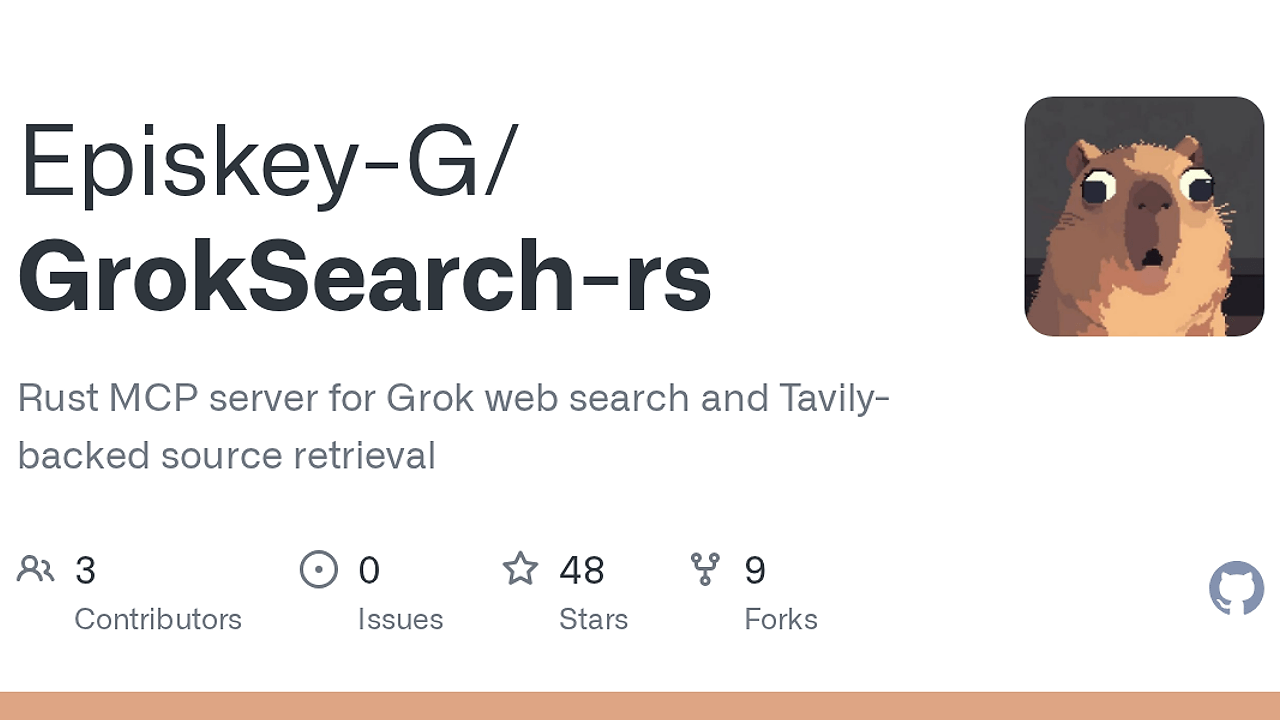
GrokSearch-rs is a lightweight Rust MCP stdio server built by Episkey-G that exposes five tools for web search, source retrieval, page fetch, domain mapping, and diagnostics for Claude Code, Codex, Cursor, and VS Code users. GrokSearch-rs is one of the best AI Search MCP Servers tools for developers wiring search into agent workflows.
It can talk to xAI's Responses API or to any OpenAI-compatible relay, then fall back to Tavily and Firecrawl when the upstream answer needs source expansion or page extraction. The design is narrow, pragmatic, and built around one job: make search available inside the agent loop without forcing a custom daemon or a separate browser automation stack.
Quick Overview
| Attribute | Details |
|---|---|
| Type | AI Search MCP Servers |
| Best For | developers using Claude Code, Codex, Cursor, and VS Code |
| Language/Stack | Rust, Model Context Protocol stdio, xAI Responses API, OpenAI-compatible chat completions, Tavily, Firecrawl |
| License | N/A in scraped text |
| GitHub Stars | N/A as of Feb 2026 |
| Pricing | Open-Source |
| Last Release | N/A — not stated in scraped text |
Who Should Use GrokSearch-rs?
- Agent builders who need live web search inside an MCP client instead of a separate browser or scraping pipeline.
- Indie hackers who want one local binary that can route to xAI, an OpenAI-compatible relay, Tavily, and Firecrawl without rewriting client integrations.
- Platform teams standardizing assistant workflows across Claude Code, Cursor, and Codex while keeping source retrieval deterministic.
- Developers on constrained setups who prefer a stdio server and a shared config file over a long-running web service.
Not ideal for:
- Teams that only need raw crawling at scale and do not care about MCP or agent tool calls.
- Users who want a pure browser automation stack with no upstream API dependencies.
- Environments that forbid local auth files or any OAuth token storage on disk.
Key Features of GrokSearch-rs
- Dual upstream transport selection — GrokSearch-rs can run against native xAI Responses or any OpenAI-compatible chat-completions relay. Startup selection is env-driven, so the same binary fits a local xAI setup, a hosted relay, or a self-managed model gateway.
- MCP-native tool set — The server exposes
web_search,get_sources,web_fetch,web_map, anddoctor. That gives assistants a clean split between synthesis, source replay, page extraction, domain discovery, and connectivity checks. - Cached source sessions —
web_searchstores sources for laterget_sourcescalls, which matters when the client wants to inspect citations after the initial answer. This reduces repeat lookups and keeps the agent loop focused on the same evidence set. - Tavily fetch and map with Firecrawl fallback —
web_fetchandweb_mapuse Tavily first, then fall back to Firecrawl automatically. That gives GrokSearch-rs a practical extraction path when one provider returns weak metadata or partial content. - Optional OAuth mode — GrokSearch-rs can store a local xAI OAuth token and run without
GROK_SEARCH_API_KEY. The CLI flow useslogin,status, andlogout, which is useful for single-user machines where API key rotation is annoying. - Shared global config file — One TOML file under the user config directory can serve multiple MCP clients. Per-client
envstill wins, but the shared file removes copy-paste drift across Claude Code, Cursor, and Codex setups. - Connectivity probe with redacted config — The
doctortool checks upstream reachability and prints a scrubbed config snapshot. That is the fastest way to separate a bad key, a dead relay, and a client wiring problem.
GrokSearch-rs vs Alternatives
| Tool | Best For | Key Differentiator | Pricing |
|---|---|---|---|
| GrokSearch-rs | MCP clients that need search, fetch, map, and diagnostics | Stdio-first orchestration across xAI, OpenAI-compatible relays, Tavily, and Firecrawl | Open-Source |
| Tavily | Direct search and page extraction APIs | Simpler API surface with fewer MCP concerns | Paid / Freemium depending on plan |
| Firecrawl | Site crawling and extraction | Stronger crawl-first posture for site-wide content ingestion | Paid / Freemium depending on plan |
| Perplexity Sonar | Answer-with-sources search | Hosted search model with minimal local wiring | Paid |
Pick GrokSearch-rs when the problem is not just search, but search plus tool routing inside an MCP client. Pick Tavily when you want a direct search API and do not need the MCP layer or multi-backend selection.
Pick Firecrawl when the job is crawling, extraction, and structured content capture across many pages. Pick Perplexity Sonar when you want a hosted answer-first search product and are fine with less control over source handling.
GrokSearch-rs also fits better when you want one assistant workflow across multiple clients. If you run that workflow inside Claude Code Canvas or Claude Context Mode, the same search server can serve all of them. If you want to inspect what the agent is actually asking for, OpenTrace is the more relevant observability companion.
How GrokSearch-rs Works
GrokSearch-rs is built around the Model Context Protocol and uses stdio, which means the MCP client launches it as a subprocess instead of you managing a separate server process. That architecture keeps integration simple for local developer tools, and it also makes the tool lifecycle match the client lifecycle.
At startup, GrokSearch-rs chooses one transport path based on environment variables. If GROK_SEARCH_AUTH_MODE=oauth, it uses the local xAI OAuth token; if GROK_SEARCH_API_KEY is set, it uses Responses with a bearer key; if neither is present but an OpenAI-compatible URL and key are set, it switches to chat completions. That selection logic matters because it lets the same binary target xAI directly or sit behind relays like vLLM, LiteLLM, or other gateways.
The data flow is intentionally layered. web_search gets the live answer and caches the evidence, get_sources replays the cached session, web_fetch pulls full text through Tavily and then Firecrawl if needed, and web_map discovers related URLs on a domain. The doctor call is the operational shortcut: it tells you whether the transport, the keys, and the fetch providers are actually reachable before you waste time debugging the client.
npm install -g grok-search-rs
grok-search-rs --init
grok-search-rs doctor
That sequence installs the native Rust binary, scaffolds the shared config file, and checks the configured upstreams. If you are using OAuth, add grok-search-rs login before you wire the server into your MCP client, then confirm the token with status.
Pros and Cons of GrokSearch-rs
Pros:
- One binary, multiple backends — The same server can target xAI Responses or OpenAI-compatible relays, which avoids maintaining separate search integrations for different clients.
- MCP-friendly tool split — The five exposed tools map cleanly to real agent actions: search, source replay, fetch, map, and diagnostics.
- Source caching reduces repeat calls —
get_sourcesreuses the prior search session, which is better than asking the model to reconstruct its evidence from memory. - Practical fallback extraction — Tavily first, Firecrawl second is a sane path when one provider gives partial or low-signal content.
- Shared config reduces config drift — One TOML file can feed multiple MCP clients, so you do not duplicate secrets across every editor and agent.
- Optional OAuth is useful on personal machines — For single-user local setups, token storage can be less annoying than key management.
Cons:
- Depends on external upstreams — GrokSearch-rs is only as reliable as the configured API, relay, Tavily, and Firecrawl endpoints.
- OAuth mode adds account risk — The repo notes that the OAuth flow may violate xAI terms or break if xAI changes the client flow.
- X/Twitter search is transport-limited —
x_searchonly works on the Responses path and is ignored on OpenAI-compatible relays. - Not a full crawler platform — GrokSearch-rs is focused on assistant search workflows, not large-scale crawl orchestration or index building.
- Secrets still need discipline — The shared config is convenient, but it also means the local config file becomes a sensitive artifact.
Getting Started with GrokSearch-rs
npm install -g grok-search-rs
grok-search-rs --init
grok-search-rs doctor
After that, point your MCP client at the grok-search-rs command and fill the config file or per-client environment block with the keys you actually use. If you want OAuth, run grok-search-rs login first; if you want an OpenAI-compatible relay, set the relay URL and key and leave the Grok API key unset.
The first real test is doctor, because it tells you whether the selected transport and fetch providers are reachable before the assistant tries to search. If doctor passes but the client still fails, the problem is usually MCP wiring, not the backend.
Verdict
GrokSearch-rs is the strongest option for adding web search to MCP clients when you want Grok-first routing with Tavily and Firecrawl fallback. Its main strength is the split between clean stdio integration and flexible upstream selection. The caveat is operational dependence on external keys and providers. Use it when you want search inside the agent loop, not outside it.