What Is Hyperliquid Whale Order Tracker?
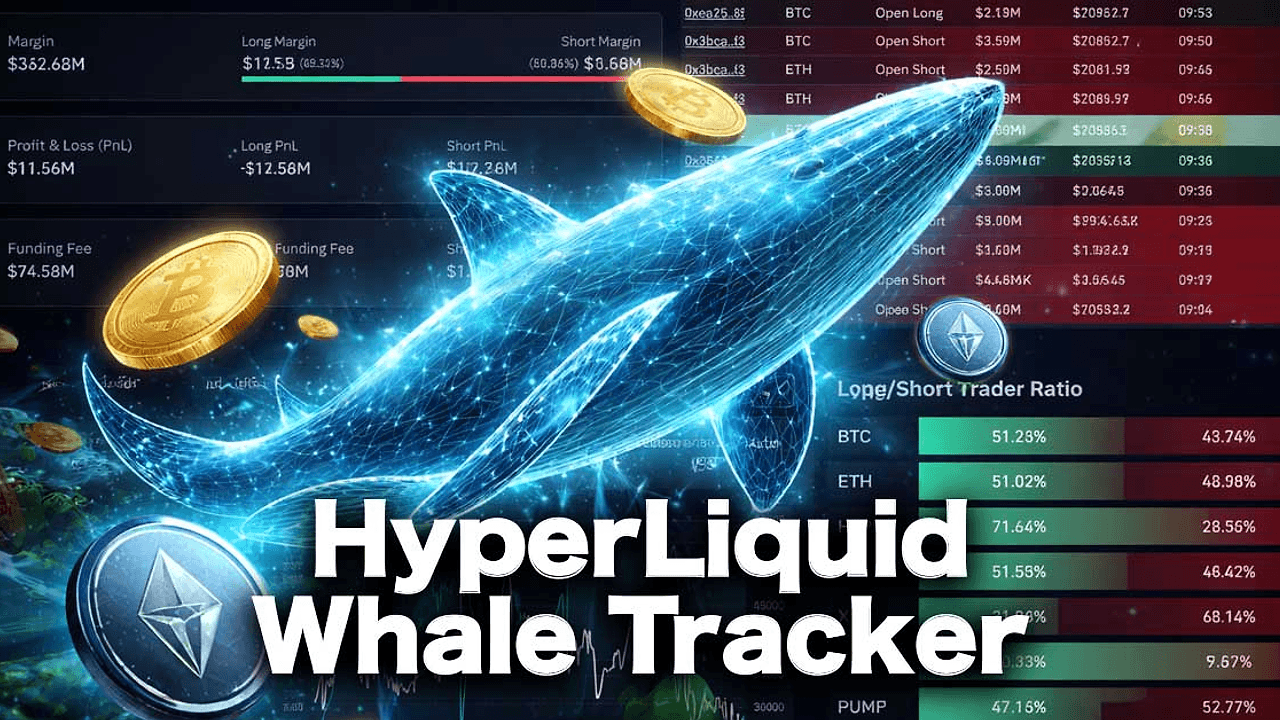
Hyperliquid Whale Order Tracker is a Python project built by Glazenovatag that listens to Hyperliquid's public WebSocket and turns $100k+ fills, resting whale walls, and direction shifts into terminal alerts for crypto traders, bot builders, and on-chain researchers. Hyperliquid Whale Order Tracker is one of the best Crypto Market Surveillance tools for crypto traders, bot builders, and on-chain researchers. The repo targets a venue the project describes as processing more than 70% of DEX perps volume across 180+ markets, and it does that with zero API keys, zero rate limits, and MIT-licensed code.
Quick Overview
| Attribute | Details |
|---|---|
| Type | Crypto Market Surveillance |
| Best For | crypto traders, bot builders, and on-chain researchers |
| Language/Stack | Python 3.10+, Hyperliquid WebSocket API, Rich TUI, YAML config, Telegram Bot API |
| License | MIT |
| GitHub Stars | N/A — exact count not exposed in the scraped page |
| Pricing | Open-Source |
| Last Release | N/A — no release tag/date exposed in the scraped page |
Who Should Use Hyperliquid Whale Order Tracker?
- Intraday perp traders who need to see large fills and order-book walls before they show up in lagging chart indicators.
- Quant and bot builders who want a live signal source from Hyperliquid's order flow instead of reconstructing it from candles.
- Researchers and data hoarders who need a clean stream they can forward into DataHaven or another warehouse for later analysis.
- Small prop desks and solo operators who want a terminal-based monitoring loop that can run on a laptop, VPS, or SSH session.
Not ideal for:
- desks that need multi-venue coverage across CEXs, perps DEXs, and spot markets in one feed
- users who only want historical analytics and do not care about live order flow
- teams that refuse to run a Python process or manage a local config file
Key Features of Hyperliquid Whale Order Tracker
- Public WebSocket feed — The tracker connects directly to
wss://api.hyperliquid.xyz/ws, so it avoids polling and any third-party data broker. That keeps latency low and removes auth overhead from the critical path. - Whale-trade detection — It flags fills above
default_threshold_usd, with per-symbol overrides like BTC, ETH, SOL, and HYPE. That matters because one threshold across all markets is a fast way to drown in noise. - Whale-wall detection — It scans resting limit orders near the mid price and emits wall events when size crosses
default_wall_threshold_usd. Thewall_max_distance_pctguard filters out distant liquidity that is not relevant to immediate price action. - Long/short bias gauge — It aggregates rolling whale notional into directional buckets so you can see whether large participants are leaning long or short. That is useful when the tape looks busy but the underlying flow is one-sided.
- Telegram batching — It groups bursts into one message instead of firing a separate alert for every fill. During fast markets, that keeps your bot token from getting spammed and makes the signal readable.
- Auto-reconnect and snapshot replay — The tracker uses exponential backoff and reconnect logic so a socket drop does not require a manual restart. For a 24/7 monitor, that is more important than pretty charts.
- Rich terminal UI — It renders color-coded panels and periodic summary tables in the shell with
rich. The interface is simple enough for a terminal, but structured enough for quick scanning during a volatile session.
Hyperliquid Whale Order Tracker vs Alternatives
| Tool | Best For | Key Differentiator | Pricing |
|---|---|---|---|
| Hyperliquid Whale Order Tracker | Live Hyperliquid whale flow monitoring | Direct public WebSocket access, per-coin thresholds, Telegram batching, and no API keys | Open-Source |
| Whale Alert | Broad wallet transfer alerts across multiple chains | Transfer monitoring and push alerts, not order-book and fill context | Freemium |
| Arkham Intelligence | Entity labeling and wallet intelligence | Graph-based attribution and investigation workflow instead of raw perp order flow | Freemium / Paid |
| TradingView Alerts | Chart-based price and indicator triggers | Best for technical signal triggers, not exchange-native whale surveillance | Freemium / Paid |
Pick Whale Alert when you care about chain-wide transfers, custody movements, and headline-level wallet activity more than order-book behavior. Pick Arkham Intelligence when you need entity graphs, wallet labels, and attribution around a specific address or cluster.
Pick TradingView Alerts when your signal is price, volume, or indicator based and you do not need exchange-native fills. If you want to archive the stream or correlate it with downstream service events, push Hyperliquid Whale Order Tracker output into DataHaven or trace consumers with OpenTrace.
How Hyperliquid Whale Order Tracker Works
Hyperliquid Whale Order Tracker runs as a small Python event loop that subscribes to Hyperliquid's public market data stream, normalizes incoming messages, and classifies them into live trade and wall conditions. The core abstraction is not a chart or a dashboard; it is an event filter that turns raw WebSocket messages into readable signals you can act on or forward into another system.
The design is deliberately simple. Instead of scraping, polling, or depending on a paid API, the tracker consumes the official exchange feed and applies rules from config.yaml and .env. That means the behavior is mostly driven by thresholds, symbol lists, and alert routing, which makes the system predictable and easy to audit when a signal looks wrong.
A realistic first run looks like this:
git clone https://github.com/Glazenovatag/hyperliquid-whale-order-tracking.git
cd hyperliquid-whale-order-tracking
python -m venv .venv
source .venv/bin/activate
pip install -r requirements.txt
cp config.example.yaml config.yaml
cp .env.example .env
python -m src.main --symbols BTC,ETH,HYPE --threshold 250000
That command path clones the repo, creates an isolated environment, installs dependencies, copies the config templates, and starts live monitoring with a higher notional threshold for a few liquid coins. If detect_walls is enabled, the tracker will also watch the book for large resting orders near mid price, and if Telegram variables are set, alerts are batched before they are sent.
Pros and Cons of Hyperliquid Whale Order Tracker
Pros:
- Direct exchange data from Hyperliquid's public WebSocket, which is cleaner than reverse-engineering a venue from candles.
- Zero API keys and zero rate limits, so there is no vendor lock-in on the data path.
- Per-symbol thresholds let you treat BTC differently from smaller tokens like HYPE or DOGE.
- Telegram batching reduces alert spam during bursty markets.
- Auto-reconnect logic makes it practical for long-running monitoring on a VPS or always-on laptop.
- MIT license gives you room to fork, modify, or embed the logic in another pipeline.
Cons:
- It is Hyperliquid-specific, so it does not solve multi-venue surveillance.
- The stack is Python-first, which is fine for analysts but less ideal for teams that want a compiled daemon.
- Wall detection still needs human judgment because large resting liquidity can vanish before execution.
- There is no built-in warehouse, dashboard, or historical backfill layer.
- It tracks live order flow, not wallet attribution, so it does not replace entity intelligence tools.
Getting Started with Hyperliquid Whale Order Tracker
The fastest path is to install the dependencies, copy the example config, and run the main module with a small symbol set first. Start with testnet if you want to validate the environment before pointing it at mainnet flow.
git clone https://github.com/Glazenovatag/hyperliquid-whale-order-tracking.git
cd hyperliquid-whale-order-tracking
python -m venv .venv
source .venv/bin/activate
pip install -r requirements.txt
cp config.example.yaml config.yaml
cp .env.example .env
python -m src.main --testnet
After the process starts, you should see the connection log first and then live whale panels once the feed is active. To enable Telegram, set TELEGRAM_ENABLED=true, add the bot token and chat ID in .env, and rerun python -m src.main with your preferred thresholds.
Verdict
Hyperliquid Whale Order Tracker is the strongest option for Hyperliquid-specific whale monitoring when you need sub-second alerts without a paid data feed. Its main strength is direct public WebSocket access with per-coin thresholds and Telegram batching. The caveat is venue lock-in, so multi-chain desks should pair it with a warehouse or broader surveillance stack. Recommended for active traders and bot builders.