What Is infinite-canvas?
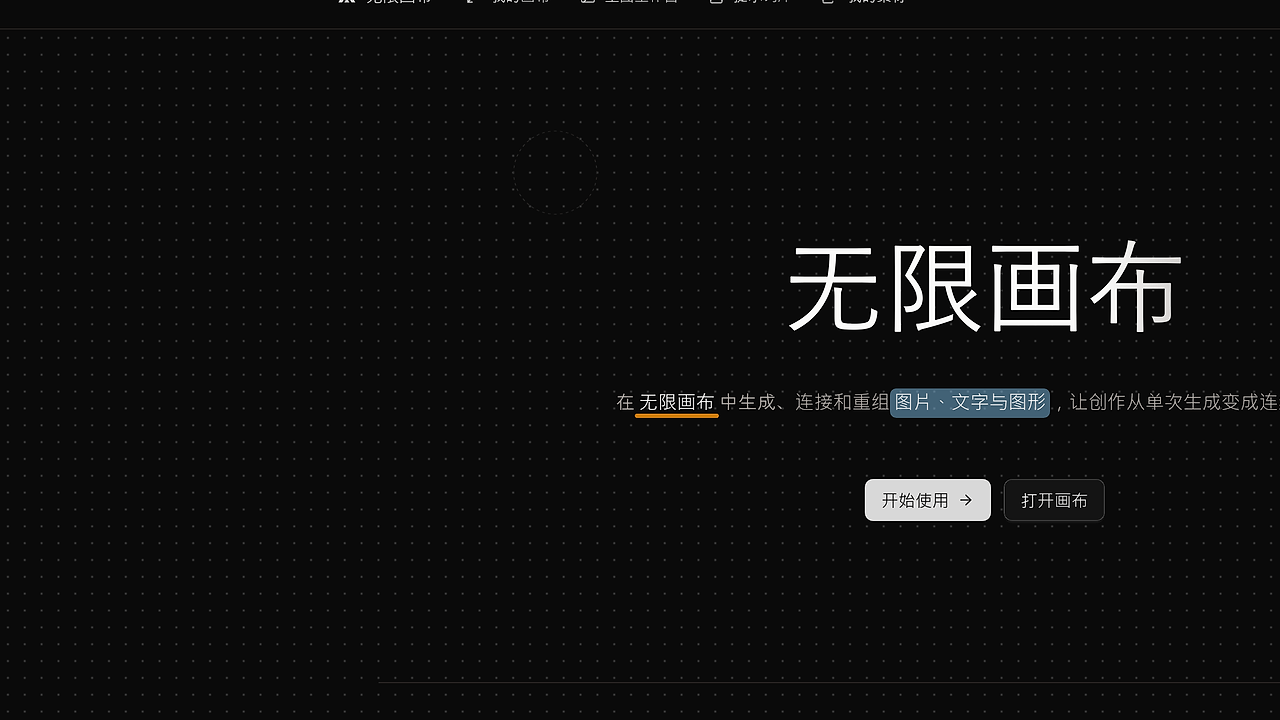
infinite-canvas is an open-source AI image workbench built by basketikun on GitHub. It combines infinite canvas planning, OpenAI-compatible text-to-image and image-to-image generation, reference image editing, a chat assistant, and a prompt library that curates hundreds of example prompts into one interface. infinite-canvas is one of the best AI image workbench tools for developers, indie hackers, and local-first creative teams that want to iterate visuals without SaaS lock-in.
The project is explicit about its current state: it is still under active development, and the author warns that database schemas and storage formats can change without compatibility guarantees. That makes infinite-canvas a better fit for self-hosted experimentation, internal tools, and forks than for public multi-tenant production.
Quick Overview
| Attribute | Details |
|---|---|
| Type | AI Image Workbenches |
| Best For | Developers, indie hackers, and local-first creative teams |
| Language/Stack | Next.js, React, TypeScript, Tailwind CSS, Ant Design, Zustand, TanStack Query, Go, Gin, GORM, Docker |
| License | GNU AGPLv3.0 |
| GitHub Stars | N/A as of Feb 2026 |
| Pricing | Open-Source |
| Last Release | N/A |
Who Should Use infinite-canvas?
- Solo builders prototyping image workflows who want canvas organization, generation, and prompt storage in one app instead of stitching together separate services.
- Local-first teams that prefer Docker-based self-hosting and need direct control over models, storage, and network exposure.
- Prompt engineers and visual designers who want to iterate on text-to-image, image-to-image, and reference editing inside a single workspace.
- Fork-friendly internal teams that can tolerate a moving codebase and want to customize the UI, data model, or generation backends.
Not ideal for:
- Public SaaS deployments that need strict backward compatibility and mature multi-tenant isolation.
- Teams expecting zero-ops hosting with no
.envsetup, Docker management, or local configuration. - Organizations that cannot ship AGPL-licensed software or do not want copyleft obligations in their distribution model.
Key Features of infinite-canvas
- Infinite canvas project model — infinite-canvas lets you manage multiple canvas projects with drag, zoom, node links, a mini-map, undo/redo, and import/export. That gives you a visual state graph for image work instead of a flat gallery.
- OpenAI-compatible image generation — the app supports text-to-image, image-to-image, reference image editing, and text Q&A through compatible endpoints. That means you can point it at an OpenAI-style API layer or a compatible proxy without rewriting the UI.
- Node-aware assistant workflow — the canvas assistant can talk around the selected node and upstream nodes, then push the generated result back onto the board. This is useful when you want iterative edits tied to visual context rather than isolated prompts.
- Prompt library with curated examples — the project pulls prompt examples from multiple GitHub open-source projects and organizes them by use case. For teams building repeatable image pipelines, that reduces the time spent rediscovering prompt patterns from scratch.
- Full-stack self-hosted architecture — the frontend uses Next.js, React, TypeScript, Tailwind CSS, Ant Design, Zustand, and TanStack Query, while the backend uses Go, Gin, and GORM. That split is practical for teams that want a typed web UI backed by a lightweight Go API.
- Docker-first deployment — infinite-canvas ships with Docker Compose workflows for both standard deployment and local source builds. That makes it easy to run on a workstation, a private server, or a small VM without hand-assembling dependencies.
- Admin-facing prompt management — after startup, prompts can be pulled through
/admin/prompts, which is useful for maintaining a shared prompt set without editing raw files by hand. For internal teams, that is the difference between a disposable demo and a usable working tool.
infinite-canvas vs Alternatives
| Tool | Best For | Key Differentiator | Pricing |
|---|---|---|---|
| infinite-canvas | Canvas-first AI image iteration | Combines multi-canvas planning, assistant-driven edits, and prompt curation in one self-hosted app | Open-Source |
| ComfyUI | Advanced Stable Diffusion workflows | Deep node-graph extensibility and a large custom-node ecosystem | Open-Source |
| InvokeAI | Managed local image generation | Cleaner model management and a more opinionated generation workflow | Open-Source |
| AUTOMATIC1111 | Broad community adoption | Huge extension ecosystem and familiar web UI for Stable Diffusion users | Open-Source |
Pick ComfyUI if your team wants maximum graph-level control and you are already comfortable wiring diffusion pipelines node by node. Pick InvokeAI if you want a more guided local generation stack with less UI sprawl and a stronger focus on model workflow management.
Pick AUTOMATIC1111 if you want the broadest community knowledge base and the fastest path to testing common Stable Diffusion extensions. For text-first workflow design rather than image-first composition, Claude Code Canvas is the closer internal comparison; for prompt planning and structured ideation, Brainstorm MCP sits upstream of infinite-canvas; and for agentic orchestration, OpenSwarm is more relevant than a canvas editor.
How infinite-canvas Works
infinite-canvas centers its data model on projects, nodes, connections, and assets. The canvas is the primary abstraction, so every edit, generation step, and reference image is stored in a visual graph rather than scattered across separate tabs or folders.
The frontend is built in Next.js + React with Zustand for local state and TanStack Query for server-driven data, which is a reasonable split for a canvas UI that needs fast interaction and predictable fetch state. The backend uses Go + Gin + GORM, which keeps API handling and persistence separate from rendering and makes the deployment story simple through Docker.
A typical local run looks like this:
git clone [email protected]:basketikun/infinite-canvas.git
cd infinite-canvas
cp .env.example .env
# edit default account/password and API settings
docker-compose up -d
After startup, the app runs on port 3000 and the main UI is available at http://localhost:3000. If you are importing prompt data, the admin endpoint at http://localhost:3000/admin/prompts is where the curated prompt set is pulled into the system.
Pros and Cons of infinite-canvas
Pros:
- Canvas-native workflow — you can organize multiple boards, references, generations, and edits in one visual space.
- Self-hostable with Docker — the deployment path is explicit and repeatable, which matters when you want local control.
- Supports OpenAI-compatible image APIs — this reduces vendor coupling and makes backend substitution easier.
- Prompt library included — you do not have to build a prompt knowledge base from scratch.
- Full-stack TypeScript + Go split — the UI and API layers are clearly separated, which is helpful for maintenance.
- Forkable for internal tooling — the AGPL license and GitHub source make it practical to modify the app for a private workflow.
Cons:
- Still under active development — the author warns that database schemas and storage formats may change.
- Not safe for casual public multi-user use — the page explicitly recommends local or private deployment instead of open internet sharing.
- Requires external image backend setup — infinite-canvas is the orchestration layer, not the generator itself.
- Licensing is copyleft — AGPL can be a blocker for teams that want to embed the code in proprietary products.
- Operational overhead is real — you need to manage
.env, Docker, and whatever image API you wire up behind the UI.
Getting Started with infinite-canvas
The fastest path is Docker Compose with a local .env file and one source build for development.
git clone [email protected]:basketikun/infinite-canvas.git
cd infinite-canvas
cp .env.example .env
# 修改默认账号密码等信息
docker compose -f docker-compose.local.yml up -d --build
Once the stack comes up, open http://localhost:3000 and verify the app loads on port 3000. If you plan to use prompt assets, visit http://localhost:3000/admin/prompts and pull the curated prompt set before you start building boards.
The first configuration step is usually environment setup: credentials, storage settings, and the image API endpoint. If you are planning a fork, keep the data model flexible because the maintainers explicitly warn that schema compatibility is not guaranteed while the project is in development.
Verdict
infinite-canvas is the strongest option for local-first AI image iteration when you want a canvas editor, prompt library, and assistant in one self-hosted app. Its biggest strength is workflow consolidation; its main caveat is that the project is still moving and does not promise stable storage compatibility. Choose it for forkable internal workflows, not for public SaaS.