What Is Kaiwu?
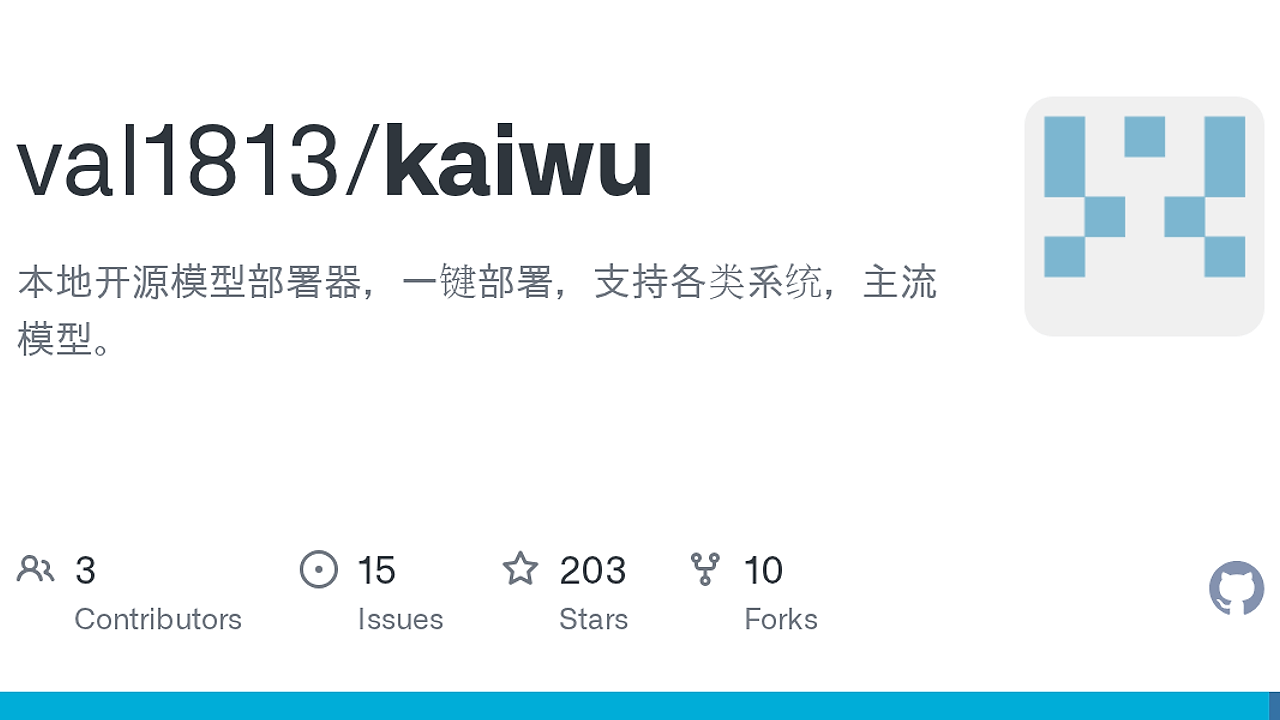
Kaiwu is a local LLM serving CLI built by val1813 on GitHub, and Kaiwu is one of the best Local LLM Serving tools for developers and indie hackers who want an OpenAI-compatible endpoint on NVIDIA hardware. It auto-tunes GGUF models by probing the GPU, reading model metadata, and testing KV cache and context size; the repo shows 8.7 tok/s versus 3 tok/s on a 30B MoE model and 51.7 tok/s versus 46.5 tok/s on an 8B model.
Kaiwu is not trying to be a pretty model gallery. It is trying to make local inference behave like a measured system, where the machine, model, and cache layout determine the config rather than a human guessing at --ctx-size and hoping it fits.
Quick Overview
| Attribute | Details |
|---|---|
| Type | Local LLM Serving |
| Best For | Developers and indie hackers running local OpenAI-compatible endpoints |
| Language/Stack | GGUF, CUDA 12.4, llama.cpp/ik_llama.cpp backends |
| License | N/A in the scraped page |
| GitHub Stars | N/A as of Feb 2026 |
| Pricing | Open-Source |
| Last Release | v0.3.1 — N/A |
Who Should Use Kaiwu?
- Solo builders shipping private copilots, agent backends, or internal demo apps who need a local OpenAI API without hand-tuning GPU flags.
- Platform engineers who want a repeatable way to fit a model into 4GB, 8GB, 12GB, or 24GB of VRAM and keep throughput above a usable threshold.
- CTOs on cost-sensitive teams who care about predictable local inference, data locality, and avoiding per-token cloud spend for everyday workloads.
- Power users with NVIDIA GPUs who run RTX 40-series or 50-series cards and want automatic JIT warmup, tensor split, and cached startup.
Not ideal for:
- CPU-only laptops that do not have an NVIDIA CUDA path. Kaiwu can fall back to CPU inference, but the project is clearly optimized around GPU-backed serving.
- Teams that want cloud-scale orchestration with queues, autoscaling groups, and observability dashboards. Kaiwu is a local service, not a hosted platform.
- Users who want a GUI-first workflow with model browsing, chat history, and point-and-click controls. The terminal-first design is intentional.
Key Features of Kaiwu
- Hardware probing — Kaiwu reads GPU model, VRAM, memory bandwidth, SM version, CPU cores, and system RAM before it picks a config. That makes the first run a measurement pass instead of a guess.
- Context auto-sizing — Kaiwu walks the context window down from the model’s native maximum until it finds the largest window that still stays above the speed floor. The repo’s default warmup target is 20 tok/s, so the chosen ctx is tied to real throughput.
- KV cache selection — Kaiwu calculates whether f16 KV cache fits in VRAM and then falls back through
q8_0+q4_0andiso3when memory is tight. That is the difference between loading a model and actually keeping it fast enough to use. - MoE-aware offload — Kaiwu detects MoE expert tensors such as
.ffn_.*_exps.and routes layers to CPU automatically when the GPU cannot hold the full layout. The repo shows this on a Qwen3-30B-A3B Q3_K_XL case where the model becomes usable on an 8GB laptop GPU. - Cached warmup result — Kaiwu stores the selected config after the first run, so the second launch skips the benchmark path and starts in about 2 seconds. That matters when you are iterating inside an IDE or restarting after a crash.
- OpenAI-compatible endpoint — Kaiwu exposes
http://localhost:11435/v1, which means tools that speak the OpenAI API can connect without custom adapters. That includes editor workflows such as Continue, Cursor, and Claude-style local integrations. - Multi-GPU tensor split — Kaiwu weighs VRAM and bandwidth across multiple cards and can split tensors automatically. The repo notes 2× RTX 4090 performance at 115 tok/s with 256K context, which is the kind of result you only get when split logic is deliberate.
Kaiwu vs Alternatives
| Tool | Best For | Key Differentiator | Pricing |
|---|---|---|---|
| Kaiwu | Local OpenAI-compatible serving with automatic tuning | Benchmarks KV cache and context length, then caches the fastest sustainable config | Open-Source |
| LM Studio | GUI-driven local model usage | Friendlier model browser and chat UI, but less aggressive about auto-tuning the serving stack | Freemium |
| Ollama | Simple model pull-and-run workflows | Minimal command surface and broad community adoption, but less explicit about benchmark-driven context selection | Open-Source |
| llama.cpp server | Low-level local inference control | More manual control over flags and build options, but no opinionated auto-tuning layer | Open-Source |
Pick LM Studio if you want a desktop app and you do not care about squeezing every last token per second out of a specific GPU. Pick Ollama if your priority is a simple ollama run workflow and a broad ecosystem, not hardware-specific optimization.
Pick llama.cpp server if you want direct control over the runtime and are comfortable setting cache, split, and context flags yourself. If your real workflow is editor-side prompting rather than serving models, Claude Context Mode and Claude Code Canvas sit above the API layer; Kaiwu sits underneath them and exposes the endpoint they can talk to.
How Kaiwu Works
Kaiwu is built around a measurement loop, not a static profile. The CLI probes the host, reads the model’s architecture, estimates the KV cache footprint, and then evaluates a sequence of runtime choices until it finds a combination that fits the hardware and stays above the throughput floor.
The input data model is simple but practical: GPU VRAM, bandwidth, compute capability, RAM headroom, model type, layer count, KV heads, native context limit, and MoE topology. From there Kaiwu decides whether to use f16, q8_0+q4_0, or iso3, whether to offload MoE experts to CPU, how many threads to use, and whether to enable mlock.
The runtime behavior is easy to inspect from the CLI. Kaiwu launches the backend, benchmarks candidate contexts, stores the result, and then reuses that cached profile on later launches. That means the machine gets one expensive calibration pass and then behaves like a fixed service, which is the right trade-off for local developer infrastructure.
kaiwu run Qwen3-30B-A3B
That single command triggers hardware probing, model inspection, warmup benchmarking, and endpoint startup. On a healthy cached run, Kaiwu reports the previous config and gets back to service quickly; on a cold run, expect the benchmark step to take longer because it is intentionally finding a sustainable context and cache layout.
Pros and Cons of Kaiwu
Pros:
- Automatic context tuning means you do not waste VRAM on a ctx size that looks large but collapses throughput.
- KV cache fit logic is explicit, so the tool makes memory trade-offs you can reason about instead of hiding them behind a vague preset.
- MoE handling is strong for awkward models that do not fit cleanly on a single consumer GPU.
- Cached startup cuts repeated launches to about 2 seconds after the first calibration pass.
- OpenAI API compatibility makes the server easy to wire into editors, agent tools, and local app prototypes.
- Multi-GPU support is designed around actual hardware balance rather than a naive equal split.
Cons:
- NVIDIA-first design means AMD and Apple Silicon are not the main story here.
- First launch is slower because Kaiwu intentionally benchmarks before it serves.
- GGUF focus limits it to a specific model packaging path rather than every possible inference format.
- Terminal-first UX will feel spartan if you want a polished desktop app.
- CPU-only mode exists but is secondary, so it is not the right answer for people without a CUDA-capable card.
Getting Started with Kaiwu
The fastest path is to install the CLI, check your hardware, and then run a model once so Kaiwu can calibrate the config. If you are on Linux or macOS, the project ships a shell installer; on Windows, use the PowerShell bootstrapper from the repo.
# Linux / macOS install
curl -fsSL https://raw.githubusercontent.com/val1813/kaiwu/main/install.sh | sh

# Inspect detected hardware
kaiwu probe

# Start a model and let Kaiwu auto-tune it
kaiwu run Qwen3-8B
After the first run, Kaiwu caches the chosen parameters and reuses them on the next launch. If you are connecting an IDE, point it at http://localhost:11435/v1 and let the client speak OpenAI-compatible HTTP without any custom adapter.
Verdict
Kaiwu is the strongest option for local OpenAI-compatible serving when you care about squeezing more context out of the same NVIDIA GPU. Its auto-tuning, KV cache selection, and cached startup are genuinely useful; the caveat is the NVIDIA-and-GGUF focus. If that matches your stack, Kaiwu is worth standardizing on.