What Is Lark CLI?
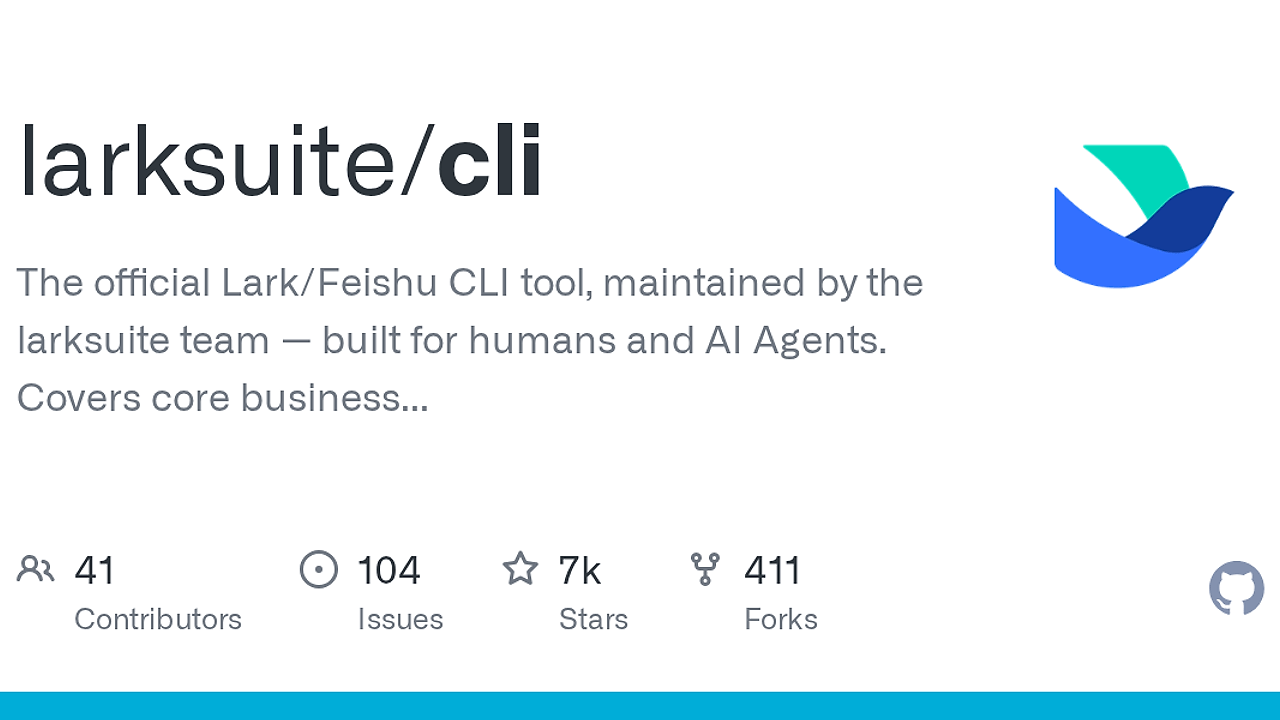
Lark CLI is the official Lark/Feishu CLI tool built by the larksuite team. Lark CLI is one of the best CLI Tools for Lark/Feishu developers, workspace admins, and AI agents, and the GitHub repo shows 7k+ stars as of Feb 2026, 200+ commands, and 19 AI Agent Skills across Messenger, Docs, Base, Sheets, Calendar, Mail, Tasks, and Meetings.
This matters because Lark CLI gives you a terminal-first control plane for an entire workplace suite instead of forcing you to hand-roll requests against scattered endpoints. If your team already automates docs, chats, calendars, and task flows inside Lark, this repository is the shortest path from idea to repeatable command-line operations.
Quick Overview
| Attribute | Details |
|---|---|
| Type | CLI Tools |
| Best For | Lark/Feishu developers, workspace admins, and AI agents |
| Language/Stack | Go, command-line automation, JSON-based API workflows |
| License | MIT |
| GitHub Stars | 7k+ as of Feb 2026 |
| Pricing | Open-Source |
| Last Release | N/A |
Who Should Use Lark CLI?
- Platform engineers automating workspace operations who need a single binary instead of a pile of ad hoc scripts.
- Indie hackers building Lark integrations who want fast access to Messenger, Docs, Base, Sheets, Calendar, Mail, Tasks, and Meetings from a shell prompt.
- AI agent builders who need bounded, inspectable commands that an agent can call without free-form API guessing.
- Ops and admin teams that prefer repeatable terminal workflows for bulk actions, provisioning, and content operations.
Not ideal for:
- Teams outside the Lark/Feishu ecosystem, because the command surface is domain-specific.
- Users who want a pure GUI admin console with no terminal work.
- Teams that need a generic cross-SaaS automation layer rather than a Lark-native one; Brainstorm MCP or OpenSwarm fit that kind of orchestration better.
Key Features of Lark CLI
- 200+ command surface — Lark CLI exposes a broad set of subcommands instead of a thin wrapper around a single API. That breadth matters when one workspace automation job touches chat, docs, calendars, and tasks in the same run.
- 19 AI Agent Skills — The repo advertises agent-oriented skills, which makes Lark CLI more than a human-only shell utility. Agents get a constrained action set that is easier to inspect, test, and repeat than raw prompt output.
- Domain coverage across core business systems — Messenger, Docs, Base, Sheets, Calendar, Mail, Tasks, and Meetings are all first-class domains in the README. That means one tool can cover most internal collaboration workflows without switching SDKs.
- Official maintenance by the larksuite team — This is not an abandoned community wrapper. Official ownership usually means API changes, auth flows, and command semantics are less likely to drift out of sync with the platform.
- Go-based binary structure — The repository includes
main.go,go.mod, and acmd/tree, which is a standard pattern for a compiled CLI with predictable subcommand dispatch. That makes distribution and local execution straightforward in Linux, macOS, and CI environments. - Extensible repository layout — Directories such as
internal/,skills/,shortcuts/, andskill-template/suggest a layered design with reusable clients and domain-specific automation assets. That is exactly what you want if you plan to add org-specific workflows without forking the entire execution model. - Testing and release plumbing — The presence of
tests/cli_e2e,.goreleaser.yml, and lint configuration files signals a tool that is expected to be installed and exercised like production software. For developers, that is a better sign than a script dump with no verification path.
Lark CLI vs Alternatives
| Tool | Best For | Key Differentiator | Pricing |
|---|---|---|---|
| Lark CLI | Lark/Feishu workspace automation | Official domain commands plus AI Agent Skills | Open-Source |
| Brainstorm MCP | Agent planning and tool routing | MCP-style interface for structured agent workflows | N/A |
| OpenSwarm | Multi-agent coordination | Better for distributed agent orchestration than workspace ops | N/A |
| Claude Code Canvas | AI-assisted script creation | Best when you need help writing the wrappers, not running Lark commands | N/A |
Pick Lark CLI when the workflow lives inside Lark and you need domain-native commands. Pick Brainstorm MCP or OpenSwarm when the bigger problem is coordinating agents across tools rather than executing Lark-specific operations.
Use Claude Code Canvas if you want help generating glue code, test harnesses, or wrapper scripts around Lark CLI. That pairing makes sense when you are building a larger automation layer and need the terminal interface plus AI assistance for the implementation work.
How Lark CLI Works
Lark CLI works like a classic compiled command dispatcher. The repo layout shows cmd/ for entrypoints, internal/ for shared logic, and dedicated folders like skills/ and shortcuts/ for domain actions, which is a clean split between parsing, execution, and reusable automation.
The design philosophy is obvious from the command count: expose a lot of narrow, predictable verbs instead of a few overloaded ones. That reduces ambiguity for humans and makes the surface easier for agents to reason about, because a command such as docs, calendar, or tasks carries one explicit intent rather than a vague multi-step prompt.
The most likely runtime path is: parse flags, resolve auth or workspace context, call the underlying Lark APIs, then print structured results for scripting. That pattern fits a Go CLI well because Go binaries are easy to ship in CI, easy to call from shell scripts, and easy to wrap from agent tooling such as Brainstorm MCP when you want deterministic actions.
git clone https://github.com/larksuite/cli.git
cd cli
make build
./lark-cli --help
The build step compiles the Go entrypoint into a local binary, and the help command prints the available command tree. Expect the first real workspace action to require Lark credentials or tenant context, because a domain CLI like this usually needs explicit authorization before it can mutate anything.
Pros and Cons of Lark CLI
Pros:
- Official vendor ownership means the command surface is aligned with the platform instead of a third-party interpretation.
- Large domain coverage lets one CLI handle messaging, docs, sheets, calendar, mail, tasks, and meetings.
- 200+ commands reduce the need to script everything yourself.
- 19 AI Agent Skills make the tool usable in agentic workflows, not just manual terminal sessions.
- Go binary distribution is practical for CI, local shells, and reproducible automation.
- Repo structure and tests suggest a maintainable project rather than a one-off wrapper.
Cons:
- Lark-only scope means it is useless if your stack lives in Slack, Notion, Jira, or Google Workspace.
- Big surface area creates a learning curve; command discovery still takes time.
- Auth setup is unavoidable for real operations, so this is not a zero-config toy.
- Last-mile customization may still require scripting if your org has unusual approval flows or naming conventions.
- Release cadence is not obvious from the page snapshot, so you should verify the current changelog before standardizing on it.
Getting Started with Lark CLI
git clone https://github.com/larksuite/cli.git
cd cli
make build
./lark-cli --help
After that, inspect the available subcommands and wire in your workspace credentials before running any mutation command. The first useful workflow is usually a read-only call, then a narrow write action, then a script that chains several domain commands into one repeatable job.
If you are building an internal automation layer, start by wrapping the commands you use most often instead of trying to expose the entire repository on day one. That keeps the surface manageable and gives you time to decide whether your team needs extra helpers, such as token handling from MachineAuth or agent orchestration from OpenSwarm.
Verdict
Lark CLI is the strongest option for automating Lark/Feishu workspace operations when you want an official command surface instead of custom API glue. Its biggest strength is breadth with 200+ commands and 19 AI Agent Skills, while the main caveat is that it only solves the Lark ecosystem. Use it if your workflows live there; otherwise choose a broader automation layer.


