What Is Mirage?
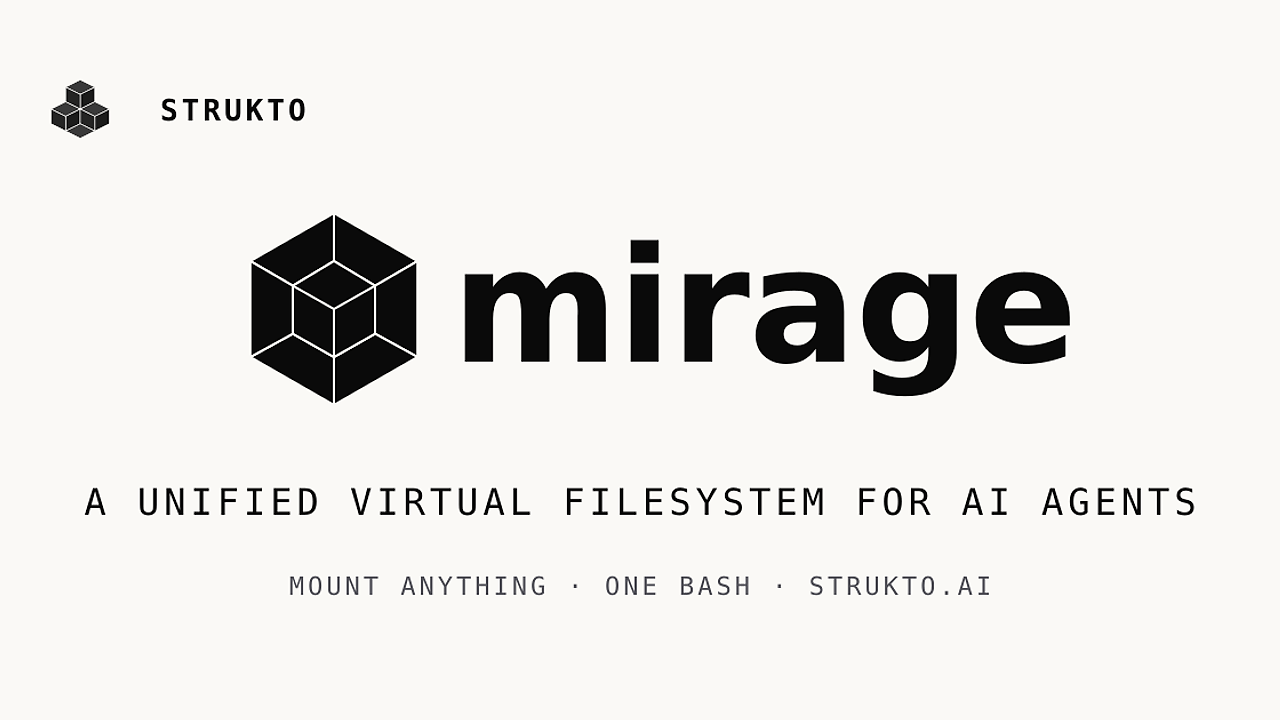
Mirage is a Unified Virtual File System for AI Agents built by Strukto AI, and Mirage is one of the best Virtual File Systems for AI Agents tools for AI engineers, agent-framework developers, and platform teams. It mounts 15+ backends such as S3, Google Drive, Slack, Gmail, GitHub, Redis, and SSH into a single filesystem tree so agents can use bash semantics instead of per-service SDKs. If a model already knows cat, grep, cp, and pipes, Mirage keeps the control surface familiar while widening the data plane.
Quick Overview
| Attribute | Details |
|---|---|
| Type | Virtual File Systems for AI Agents |
| Best For | AI engineers, agent-framework developers, and platform teams |
| Language/Stack | Python 3.12+, TypeScript, Node.js 20, FUSE-backed mounts, bash-like shell semantics |
| License | N/A in scraped text |
| GitHub Stars | N/A in scraped text |
| Pricing | Open-Source |
| Last Release | N/A in scraped text |
Who Should Use Mirage?
- Agent builders working across S3, Slack, GitHub, and Drive who want one filesystem instead of a pile of APIs and tool wrappers.
- Platform teams that need reproducible agent runs, snapshotting, and portable workspaces for CI, evals, and sandboxes.
- Indie hackers shipping agent features in FastAPI, Express, browser apps, or edge runtimes and wanting in-process control.
- Coding-agent users who already live in the terminal and want Claude Code or Codex to act on mounted data with Unix tools.
Not ideal for:
- Teams that only need one backend and a couple of CRUD calls.
- Windows-first shops that cannot rely on macOS or Linux FUSE support.
- Workflows that need a GUI-centric data browser rather than terminal-native execution.
Key Features of Mirage
- Unified mount tree —
RAM,Disk,Redis,S3,R2,OCI,Supabase,GCS,Gmail,GDrive,GDocs,GSheets,GSlides,GitHub,Linear,Notion,Trello,Slack,Discord,Telegram,Email,MongoDB, andSSHcan all sit under one root. That lets an agent traverse data the same way it walks local directories. - Unix-like command execution —
ws.execute('grep alert /slack/general/*.json | wc -l')works because Mirage exposes a shell-native interface instead of forcing the agent into custom verbs. This is useful when the model already reasons well about pipes, redirection, and file paths. - Resource-specific command overrides — Mirage can redefine commands per resource and filetype, so
caton a Parquet file can render structured rows as JSON. That keeps high-level commands stable while adapting output to the data shape. - Portable workspaces —
clone,snapshot, andversionlet you move an agent run between machines without recreating state. Ademo.tarsnapshot makes replay, debugging, and evals much easier than rebuilding remote dependencies from scratch. - Embedded SDKs — Python and TypeScript APIs let Mirage run inside FastAPI, Express, browser apps, and any async runtime. You do not need a separate worker if your application wants direct access to the workspace object.
- Framework integrations — Mirage plugs into OpenAI Agents SDK, Vercel AI SDK, LangChain, Pydantic AI, CAMEL, and OpenHands. That makes it a workspace layer that sits underneath orchestration frameworks rather than competing with them.
- CLI plus daemon — the
mirageCLI can create, execute, provision, snapshot, and restore workspaces from the terminal. That is a clean fit for coding agents and CI jobs that already speak shell.
Mirage vs Alternatives
| Tool | Best For | Key Differentiator | Pricing |
|---|---|---|---|
| Mirage | Unified filesystem access across many services | One mount tree with shell-native commands and filetype-aware overrides | Open-Source |
| LangChain | General agent orchestration and tool composition | Broad ecosystem, but not a workspace-first filesystem abstraction | Open-Source |
| OpenHands | Interactive software engineering agents | Full coding environment, less focused on multi-backend mount composition | Open-Source |
| Pydantic AI | Typed Python agent workflows | Strong schema validation, but no built-in VFS or shell layer | Open-Source |
Pick Mirage when the bottleneck is moving data across services in one agent turn. Pick OpenSwarm when coordination across multiple workers matters more than the workspace abstraction itself.
Pick LangChain when you need a broad orchestration layer with many integrations and you do not care about unifying filesystems. Pair it with OpenTrace if you need traces and postmortems around agent calls.
Pick OpenHands when the job is full-stack coding assistance with an interactive software development loop. Claude Code Canvas is a better companion if you want a more guided coding surface, while Mirage remains the workspace layer underneath.
Pick Pydantic AI when you want typed inputs and structured outputs in Python with validation at the model boundary. Mirage still wins when the agent must copy, grep, and snapshot data across S3, Slack, and GitHub in the same run.
How Mirage Works
Mirage treats a workspace as the core abstraction. A Workspace owns a mount table, each mount is backed by a resource adapter, and every command runs through a dispatcher that resolves path semantics against the mounted resource and the file type. The design avoids teaching the agent a different SDK for every backend, which is why Mirage works well for LLMs that already understand bash.
The architecture also separates local intent from remote IO. The cache layer sits between the command executor and services like S3 or Slack, so repeated reads and directory walks do not need to hit the backend on every turn. That matters when an agent is iterating over large logs, pulling documents, or resolving references across multiple services.
A realistic starting point looks like this:
const ws = new Workspace({
  '/data': new RAMResource(),
  '/s3': new S3Resource({ bucket: 'logs' }),
  '/slack': new SlackResource({}),
  '/github': new GitHubResource({}),
})

await ws.execute('grep alert /slack/general/*.json | wc -l')
await ws.execute('cat /github/mirage/README.md')
await ws.execute('cp /s3/report.csv /data/local.csv')

ws.command('summarize', ...)

ws.command('cat', { resource: 's3', filetype: 'parquet' }, ...)

await ws.execute('summarize /github/mirage/README.md')
await ws.execute('cat /s3/events/2026-05-06.parquet | jq .user')
The first three calls show the normal path: the agent reads, filters, and copies across mounts with standard shell syntax. The command overrides show where Mirage becomes opinionated, because the same verb can emit domain-specific output when the resource and file type demand it.
Pros and Cons of Mirage
Pros:
- One abstraction covers many services, which cuts down the number of SDKs and prompt instructions an agent needs.
- Bash-native control flow means
grep,cp,cat, and pipes remain usable across remote data sources. - Python and TypeScript SDKs let Mirage fit server, browser, and edge runtimes without a separate control plane.
- Workspace snapshotting improves reproducibility for evals, regression tests, and agent debugging.
- Filetype-aware command overrides let you adapt output without changing the agent's mental model.
- Framework support covers OpenAI Agents SDK, Vercel AI SDK, LangChain, Pydantic AI, CAMEL, and OpenHands.
Cons:
- macOS and Linux are required for FUSE-backed mounts, so Windows-only teams will hit platform friction.
- Each backend still needs auth, config, and rate-limit handling, which is not free operationally.
- It is overkill for a one-service script that only needs a direct API call.
- The filesystem abstraction can hide backend-specific features if your workflow needs deep native semantics.
- Teams that prefer GUI inspection over terminal workflows may find the shell-first model too low level.
Getting Started with Mirage
The fastest path is the Python package if you want to script workspaces, or the CLI if you want to orchestrate from the terminal. Mirage supports uv, npm, uvx, and npx, so you can pick the installer that matches your runtime.
uv add mirage-ai
mirage workspace create ws.yaml --id demo
mirage execute --workspace_id demo --command 'cp /s3/report.csv /data/report.csv'
mirage workspace snapshot demo demo.tar
After those commands, Mirage will have a named workspace, at least one mounted resource, and a snapshot you can move to another machine. You still need to configure credentials for each backend in your workspace definition or SDK constructors, and you need macOS or Linux if you want the FUSE-backed mount path.
Verdict
Mirage is the strongest option for agent systems that need one filesystem view across S3, Slack, GitHub, and Drive when the model already works best with bash. Its biggest strength is collapsing cross-service operations into a single command surface; the main caveat is mount and auth setup on macOS or Linux. Choose Mirage when portability and shell-native composition matter.