What Is ModelLink?
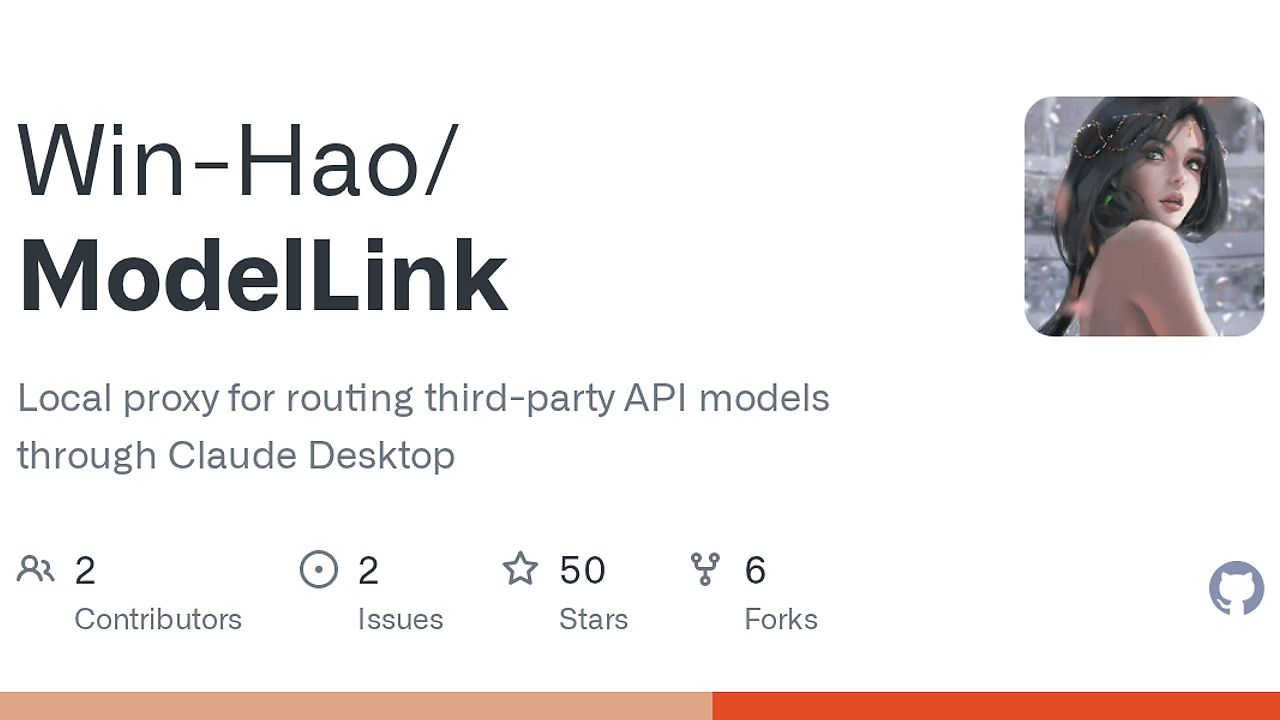
ModelLink is a local proxy app built by Winhao学AI that lets Claude Desktop talk to third-party API models instead of only Claude's native endpoints. ModelLink is one of the best Claude Desktop proxy tools for Claude Desktop users who want one-click switching across Kimi, MiniMax, 百炼, 智谱 GLM, DeepSeek, and mimo, with 6+ providers exposed through a local gateway.
It is a desktop-side routing layer, not a cloud relay. The app runs on macOS and Windows, keeps a tray or menu-bar process alive after the window closes, and writes the Claude Desktop third-party inference settings for you. That makes ModelLink a practical fit for people who need a local control plane for Chinese API providers and do not want to edit JSON by hand.
Quick Overview
| Attribute | Details |
|---|---|
| Type | Claude Desktop Proxy Tools |
| Best For | Claude Desktop users who want to route third-party API models through a local gateway |
| Language/Stack | Rust, WebView2, local HTTP gateway, Claude Desktop third-party inference config |
| License | CC BY-NC-ND 4.0 |
| GitHub Stars | N/A |
| Pricing | Free |
| Last Release | N/A |
Who Should Use ModelLink?
- Claude Desktop power users who want to swap between multiple API providers without touching config files every time.
- Indie hackers and solo builders who already pay for Kimi, DeepSeek, GLM, or MiniMax and want one local entry point inside Claude Desktop.
- Teams in Chinese-language markets that need fast provider fallback when one vendor is rate-limited, slow, or has quota pressure.
- Developers who prefer GUI setup over manual edits to Claude Desktop config files and want connection tests, logs, and tray persistence.
Not ideal for:
- Linux users because the repo only advertises macOS and Windows support.
- Commercial products or resellers because the license is non-commercial and no-derivatives.
- People who do not use Claude Desktop because ModelLink is designed around Claude Desktop's third-party inference flow, not as a general standalone router.
Key Features of ModelLink
- Multi-provider routing - ModelLink can point Claude Desktop at multiple model vendors at the same time, including DeepSeek, Kimi, GLM, MiniMax, 百炼, and mimo. That makes provider fallback a config change instead of a migration.
- Local gateway model - The app exposes a local endpoint on
http://127.0.0.1:5678and maps Claude Desktop traffic through it. This is a simple HTTP proxy pattern, which keeps the integration local to the machine. - Provider presets plus custom endpoints - ModelLink ships with presets for common vendors and also lets you enter a custom API base URL and key. That matters when you need a non-standard OpenAI-compatible endpoint or a private gateway.
- 1M context support - The repo says it supports 1M context model variants, which is useful for long transcripts, large code reviews, and document-heavy workflows. That is a concrete advantage when you compare it with older desktop adapters that assume shorter windows.
- GUI-first configuration - You can add providers, test connections, save settings, and apply them to Claude Desktop from the app UI. For teams that hate editing JSON or hunting for the right config path, that removes most of the setup friction.
- Resident tray behavior - ModelLink stays active in the menu bar or system tray after the window is closed. Claude Desktop keeps working because the proxy process keeps running in the background.
- Diagnostics and startup control - The app includes request logs, connection testing, theme switching, and auto-start support. Those are the features you need when an API key works in one client but fails in another.
ModelLink vs Alternatives
| Tool | Best For | Key Differentiator | Pricing |
|---|---|---|---|
| ModelLink | Claude Desktop users who want local model routing | Native desktop GUI plus automatic Claude Desktop third-party inference setup | Free |
| LiteLLM | Teams routing many models across apps and services | General-purpose Python gateway with broader server-side integration patterns | Open-Source |
| OpenRouter | Developers who want hosted API aggregation | Managed remote API broker, no local tray app or desktop wiring | Usage-based |
| Claude Desktop manual config | Users who only need one provider | No extra software, but every provider change is manual and error-prone | Free |
Pick ModelLink when you want a local operator console for Claude Desktop and you need to move between Chinese API providers often. Pick LiteLLM when you need a broader backend gateway for apps, services, or internal model fleets, not a desktop-specific workflow.
Pick OpenRouter when you want a hosted aggregation layer and do not want to maintain a local proxy process. Pick manual Claude Desktop config only if you are on a single provider and do not care about provider switching, logs, or a GUI.
For adjacent Claude workflows, Claude Context Mode is better when the problem is context handling rather than model routing, and OpenSwarm fits when you need multi-agent orchestration after the gateway layer is already solved. If you are debugging request flow, OpenTrace is the more relevant companion because it focuses on tracing rather than provider selection.
How ModelLink Works
ModelLink works as a local translation layer between Claude Desktop and upstream model providers. The core abstraction is a provider profile: you store the vendor, API base URL, and secret, then ModelLink rewrites the Claude Desktop third-party inference settings so the desktop client can call the local gateway instead of every provider directly.
This design is intentionally narrow. Rather than trying to become a full cloud API platform, ModelLink handles the last mile on your machine, which means the runtime only needs to manage a local HTTP endpoint, a small UI, and persistence for provider settings. The repo's Windows notes also show that it auto-detects Claude Desktop install variants, including Microsoft Store and direct exe installs, which reduces path-debugging.
# macOS quick start
xattr -cr /Applications/ModelLink.app
open /Applications/ModelLink.app

# Windows quick start
# Unzip ModelLink-Windows.zip, keep ModelLink.exe and WebView2Loader.dll together
ModelLink.exe
After the app launches, you add a provider, test the API connection, save the profile, and apply the settings to Claude Desktop. On Windows, Claude Desktop also needs one first-time manual step: set Gateway URL to http://127.0.0.1:5678 and API Key to proxy, then apply locally. After that, ModelLink keeps the local gateway alive even if the window is closed.
Pros and Cons of ModelLink
Pros:
- Fast provider switching without editing Claude Desktop config files by hand.
- Local-only control path that keeps API routing on the user's machine.
- Works with multiple Chinese providers instead of locking you into one vendor.
- Supports connection tests and logs so failures are easier to isolate.
- Tray or menu-bar persistence means Claude Desktop can keep using the proxy after you close the UI.
- 1M context support is useful for long-running chats and large code artifacts.
Cons:
- Non-commercial license blocks resale, paid redistribution, and derivative packaging.
- No Linux support is advertised in the repo text.
- Depends on Claude Desktop's third-party inference workflow, so it is not a generic model gateway for every app.
- Requires a local background process to stay running, which adds another moving part.
- Windows setup still has a first-run step inside Claude Desktop, so it is not fully zero-touch on every platform.
Getting Started with ModelLink
# macOS
xattr -cr /Applications/ModelLink.app
open /Applications/ModelLink.app

# Windows
# Extract ModelLink-Windows.zip
# Make sure ModelLink.exe and WebView2Loader.dll are in the same folder
ModelLink.exe
Once ModelLink opens, add a provider, enter the API base URL and key, then run the connection test before saving. After that, apply the config to Claude Desktop and choose the model from the desktop model picker. If you are on Windows, complete the one-time Claude Desktop gateway setup with http://127.0.0.1:5678 and proxy, then keep ModelLink running in the tray.
Verdict
ModelLink is the strongest option for Claude Desktop users who need local multi-provider routing when they want Chinese API models inside one desktop client. Its best strength is the low-friction GUI plus automatic Claude Desktop wiring, but the non-commercial license is a hard constraint. Use it if you want fast provider switching on macOS or Windows and do not need Linux or commercial redistribution.