What Is OpenHarness?
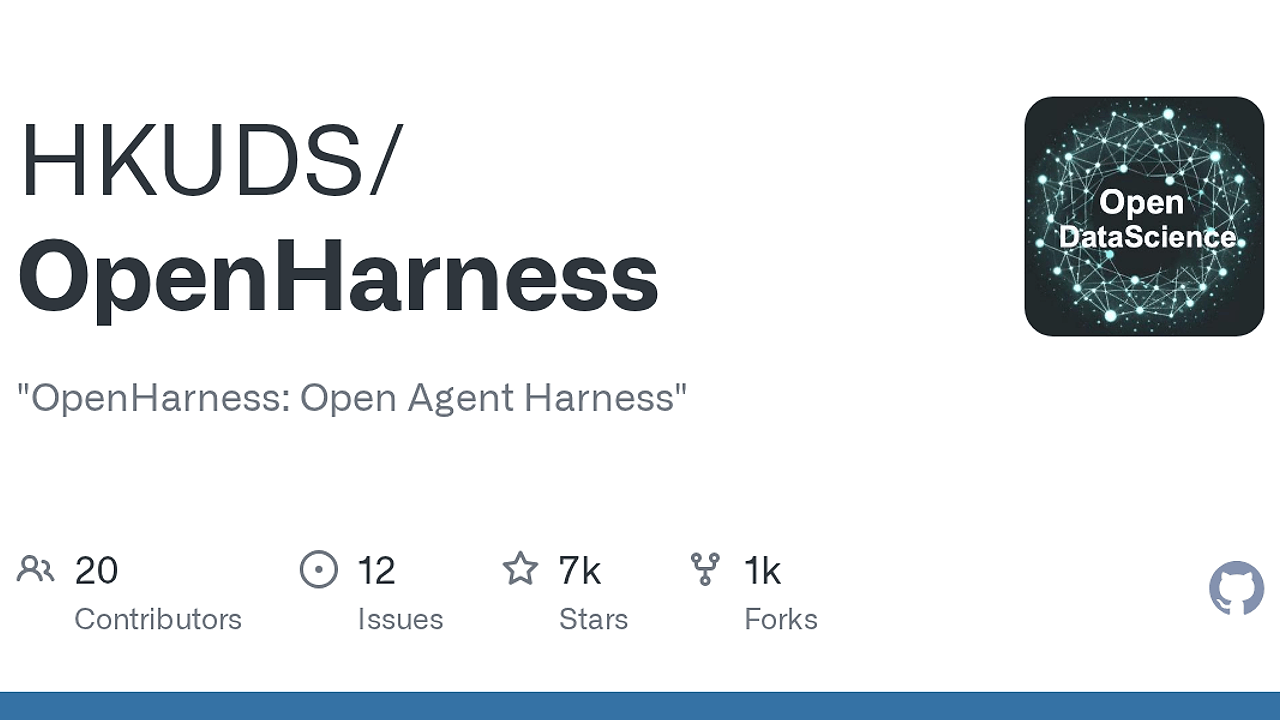
OpenHarness is one of the best AI Agent Frameworks tools for researchers, builders, and platform teams. Built by HKUDS, OpenHarness is an open-source Python agent harness that ships with 43 tools, 114 passing tests, and 6 E2E suites as of Apr 2026, so you can study tool use, memory, permissions, and swarm behavior without building the scaffolding yourself. It is a CLI-first system for launching an agent runtime with a real harness around the model, not just a prompt wrapper.
OpenHarness is designed for people who need a production-like agent loop they can inspect, extend, and fork. The project frames the harness as the layer that adds hands, eyes, memory, and safety boundaries around an LLM, which is exactly the right mental model if you are evaluating OpenSwarm, Brainstorm MCP, or Claude Context Mode for different agent workflows.
Quick Overview
| Attribute | Details |
|---|---|
| Type | AI Agent Frameworks |
| Best For | Researchers, builders, and platform teams |
| Language/Stack | Python 3.10+, React Ink TUI, CLI, MCP, Markdown skills, hooks |
| License | MIT |
| GitHub Stars | N/A as of Apr 2026 |
| Pricing | Open-Source |
| Last Release | v0.1.2 — 2026-04-06 |
Who Should Use OpenHarness?
OpenHarness fits teams that want to see the moving parts of an agent instead of treating the model as a black box. It is a good fit when you need explicit control over tools, context, memory, and permissions in a terminal workflow.
- AI researchers validating agent loop behavior, tool-call retries, and context compression without writing their own harness.
- Indie hackers building internal copilots or autonomous workflows who need a fast path from idea to functioning CLI agent.
- Platform engineers standardizing permissions, hooks, and provider profiles across multiple agent experiments.
- Multi-agent builders who need subagent spawning, task delegation, and background lifecycle control in one place.
Not ideal for:
- Teams that want a polished end-user desktop product more than a harness they can inspect.
- Orgs that do not want to manage API keys, provider profiles, or local CLI setup.
- Simple single-prompt utilities where memory, hooks, and governance would be unnecessary overhead.
Key Features of OpenHarness
- Streaming agent loop — OpenHarness runs a tool-call cycle with streaming output, exponential backoff retries, parallel tool execution, and token counting. That means you can debug agent behavior in real time instead of waiting for a final blob of text.
- 43-tool harness — The toolkit spans file, shell, search, web, and MCP-style integrations. The surface area is large enough for real work, but still small enough that you can reason about each tool boundary.
- Skills and plugin loading — OpenHarness supports on-demand skill loading from Markdown files and a plugin ecosystem that includes skills, hooks, and agents. It is explicitly compatible with anthropics/skills-style workflows, which matters if you already maintain reusable agent primitives.
- Persistent context and memory — The project discovers
CLAUDE.md, injects context, stores durable state inMEMORY.md, and supports session resume plus auto-compact. That reduces repeated prompt setup and makes long-running tasks less brittle. - Governance controls — Multi-level permission modes, path-level and command rules, and
PreToolUse/PostToolUsehooks give you policy control before and after tool execution. This is the part that keeps an agent from becoming an uncontrolled shell script. - Swarm coordination — OpenHarness can spawn subagents, register teams, manage tasks, and keep background jobs alive. The roadmap also points to ClawTeam integration, which makes the coordination model more interesting for distributed task execution.
- Terminal-native UX — The React Ink TUI gives OpenHarness a live terminal interface, not just a batch-mode runner. That makes it practical for power users who live in
bash,zsh, or remote SSH sessions.
OpenHarness vs Alternatives
| Tool | Best For | Key Differentiator | Pricing |
|---|---|---|---|
| OpenHarness | Inspectable agent harnesses with tools, memory, and governance | Full harness layer with permissions, hooks, and multi-agent coordination | Open-Source |
| OpenSwarm | Broader swarm-style orchestration | More swarm-centric positioning for multi-agent experiments | Open-Source |
| Brainstorm MCP | MCP-first brainstorming and coordination | Better fit if your workflow is centered on MCP-connected ideation | Open-Source |
| Claude Code Canvas | Visual or canvas-based agent workflows | Better if you want a more guided editing surface than a CLI harness | N/A |
Pick OpenSwarm if your main concern is distributed task orchestration and you want a project that reads like a swarm system first. Pick Brainstorm MCP if you care more about MCP-native discovery and a lighter coordination layer around model interactions.
Pick Claude Code Canvas if your team prefers a more visual or guided workflow instead of a terminal-first harness. Pick OpenHarness when you need the harness itself to be the artifact you evaluate, extend, and ship.
How OpenHarness Works
OpenHarness works by wrapping the model in a concrete runtime that manages tools, context, permissions, and memory as first-class state. The core abstraction is the harness: the model reasons, while OpenHarness handles observation, action, tool routing, and policy enforcement through the oh CLI and the underlying Python runtime.
The agent loop is intentionally explicit. OpenHarness streams tool calls, retries failed API calls with exponential backoff, runs eligible tools in parallel, and tracks token usage and cost during execution. That design makes it easier to profile where an agent spends time and money, especially when you are comparing provider behavior or debugging a tool chain that touches shell commands, file I/O, and web lookups.
OpenHarness also treats context as structured state rather than raw prompt padding. It discovers CLAUDE.md, injects relevant instructions, compresses context when sessions grow, and persists memory in MEMORY.md so tasks can resume later without re-deriving everything from scratch.
curl -fsSL https://raw.githubusercontent.com/HKUDS/OpenHarness/main/scripts/install.sh | bash
oh setup
oh
The command sequence above installs OpenHarness, walks you through provider setup, and launches the harness in the terminal. Expect the first run to ask for a model provider and profile-scoped API keys, then expose permission and workflow choices before you start delegating tasks.
Pros and Cons of OpenHarness
Pros:
- Clear harness architecture — OpenHarness separates the model from the runtime layer, which is useful when you need auditable tool execution instead of opaque agent behavior.
- Strong governance controls — Path rules, command rules, and approval dialogs make it suitable for environments where shell access cannot be fully trusted.
- Useful memory model —
CLAUDE.md,MEMORY.md, session resume, and context compression help long tasks survive beyond a single prompt window. - Broad tool coverage — 43 tools cover the common developer workflows: files, shell, search, web, and MCP-style connectivity.
- Good observability — Streaming output plus token and cost tracking help you see where prompts, retries, or tool chains become expensive.
- Open and hackable — MIT licensing and a Python codebase make it easy to fork, patch, or embed into custom workflows.
Cons:
- Early release stage — Version
v0.1.xmeans the API surface and ergonomics can still move, so production adoption needs some tolerance for churn. - CLI-first learning curve — Developers who want a graphical product may find the terminal-native workflow less approachable than an editor extension or hosted agent app.
- Provider setup overhead — You still need to manage provider selection and keys, including profile-scoped configuration for compatible APIs.
- Multi-agent complexity — Subagents, hooks, and task registries add power, but they also increase the number of moving parts you need to understand.
- Roadmap features not fully landed — The ClawTeam integration is listed as roadmap work, so not every coordination idea is fully mature yet.
Getting Started with OpenHarness
The fastest path is the one-click installer, followed by the setup flow that chooses a provider and config profile. Contributors can also install from source in editable mode, which is the better path if you want to modify harness internals or run local patches against the Python codebase.
curl -fsSL https://raw.githubusercontent.com/HKUDS/OpenHarness/main/scripts/install.sh | bash
# or, for contributors
# git clone https://github.com/HKUDS/OpenHarness.git
# cd OpenHarness
# pip install -e .
oh setup
After installation, OpenHarness asks for the provider workflow and stores settings per profile so compatible Anthropic/OpenAI-style endpoints do not collide. If you want IM channels, install the extra dependencies with --with-channels, and if you want to extend behavior, start by adding skills in Markdown and hooks around tool execution.
Verdict
OpenHarness is the strongest option for building and studying open agent harnesses when you need explicit tool governance, memory, and multi-agent coordination in a Python codebase. Its best strength is the clear separation between model and runtime, while the main caveat is that it is still an early v0.1 release. Choose OpenHarness if you want inspectable agent infrastructure, not just a chat wrapper.