What Is PixLab Desktop?
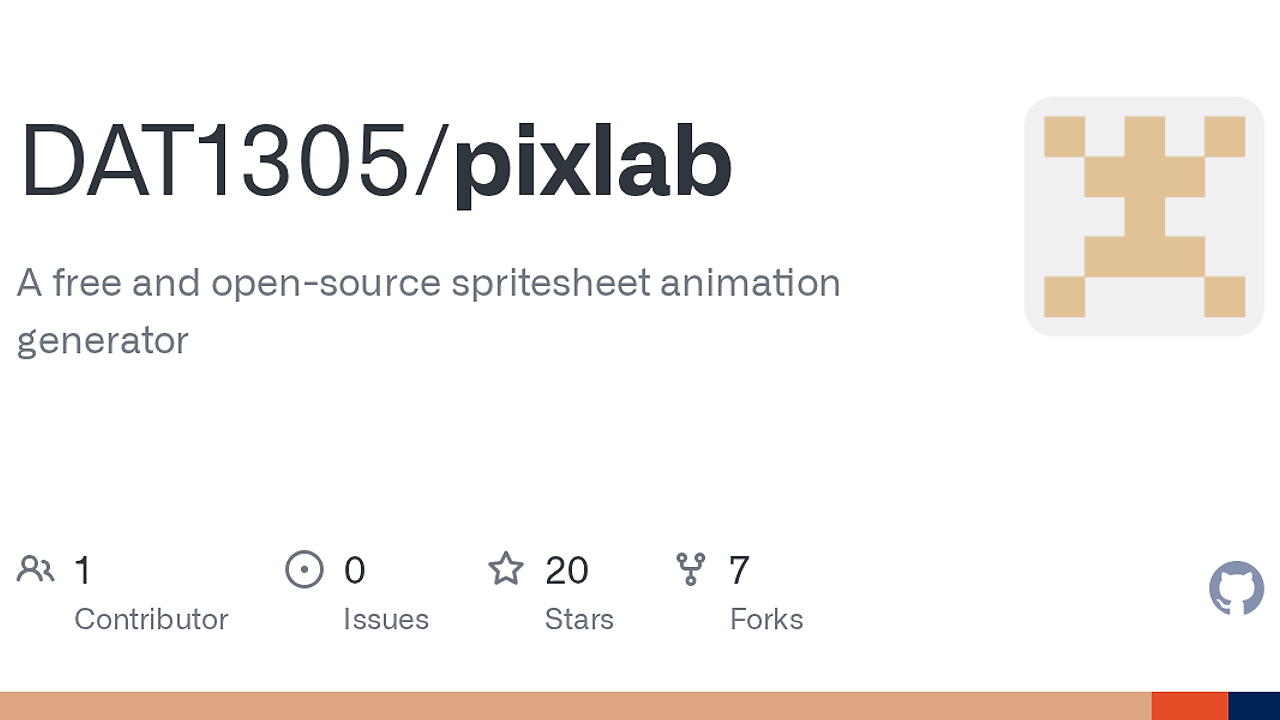
PixLab Desktop is one of the best Pixel Art Editors tools for pixel artists, game developers, and asset teams. Built by DAT1305 as a Tauri 2.x desktop app, PixLab Desktop converts source images into clean sprites, slices spritesheets, exports GIFs, and ships with two desktop targets, macOS and Windows. It is MIT-licensed, runs locally, and avoids the tab chaos that slows down asset iteration.
Quick Overview
| Attribute | Details |
|---|---|
| Type | Pixel Art Editors |
| Best For | pixel artists, game developers, and asset teams |
| Language/Stack | Tauri 2.x, Rust, Node.js 20+, npm |
| License | MIT |
| GitHub Stars | N/A as of Apr 2026 |
| Pricing | Open-Source |
| Last Release | N/A |
Who Should Use PixLab Desktop?
PixLab Desktop fits teams that need fast sprite cleanup and export work on a local machine, not a browser workflow. The tool is built for people who care about pixel-perfect edges, repeatable sprite slicing, and quick GIF previews.
- Indie game developers who need a desktop sprite workflow for character frames, tiles, and UI icons without opening a full art suite.
- Pixel artists who want a focused editor for cleanup after image-to-pixel conversion, especially when anti-aliased source art needs manual correction.
- Asset teams that batch out spritesheets and animation previews for internal review before code integration.
- Builders of retro-styled products who want a simple native app instead of a browser editor that introduces latency and clipboard friction.
Not ideal for:
- Artists who need a deep painting stack with advanced brushes, layer comps, and timeline-heavy animation tooling.
- Teams that depend on cloud collaboration, shared cursors, or browser-based review comments.
- Pipelines that require enterprise asset management, permissions, or centralized media libraries.
Key Features of PixLab Desktop
- Image-to-pixel-art conversion — PixLab Desktop turns reference images into crisp pixel art that is ready for sprite work. The page positions this as game-ready output, which makes it useful when source art starts as a mockup, screenshot, or concept render.
- Sprite cleanup tools — The app includes cleanup for transparent backgrounds and messy edges. That matters when imported art has halos, partial alpha, or antialiasing that breaks the retro look after downscaling.
- Spritesheet pipeline — PixLab Desktop handles frame slicing, alignment, and preview for spritesheets. That is the part teams usually script in a build step, so having it in the editor removes a round trip to external utilities.
- GIF export — The tool exports GIFs for quick animation sharing and iteration. That is practical for sending a frame check to a producer, designer, or engine developer before committing the final sheet.
- Built-in pixel editor — PixLab Desktop includes a native editor for direct fixes after conversion. This is the right place to touch up stray pixels, repair silhouettes, and correct frame offsets without jumping to another app.
- Optional Codex-powered generation — The repo advertises optional Codex-powered spritesheet generation for AI-assisted asset creation. That suggests a workflow where generated variants can be produced locally, then cleaned by hand inside the same desktop app.
- Local desktop shell — PixLab Desktop is packaged as a native Tauri app with MIT licensing and release automation on GitHub. The local-first design means your source images and intermediate outputs stay on your machine, which is the cleanest setup for solo creators and small teams.
PixLab Desktop vs Alternatives
| Tool | Best For | Key Differentiator | Pricing |
|---|---|---|---|
| PixLab Desktop | Local-first sprite prep, cleanup, and export | Tauri desktop shell with integrated conversion, slicing, and GIF export | Open-Source |
| Aseprite | Professional pixel art drawing and animation | Mature frame-by-frame painting workflow and long-standing editor ecosystem | Paid |
| LibreSprite | Open-source sprite editing | Aseprite-like workflow without a license fee | Open-Source |
| Piskel | Lightweight sprite creation in the browser | No-install web editor for quick prototypes and sharing | Free |
Pick Aseprite when the work is mostly manual drawing and animation and you want the most established pixel-art editor on the market. Pick LibreSprite when you want a free editor with a familiar sprite workflow and can tolerate community-driven maintenance.
Pick Piskel when you need a browser-based sketchpad for tiny assets and do not want any local setup. Pick PixLab Desktop when the real problem is cleaning, slicing, and exporting sprites locally after conversion, not painting every frame from scratch.
If you are also shaping a retro product surface, C64UX is a useful adjacent reference for keeping 8-bit visual language consistent. If your team wants automation around batch exports or AI-assisted variants, OpenSwarm can sit beside PixLab Desktop as the orchestration layer.
How PixLab Desktop Works
PixLab Desktop uses a native desktop shell instead of a browser runtime, which reduces UI overhead and keeps the workflow local. The app is packaged with Tauri 2.x, so the front end runs inside the system WebView while the heavier app logic stays in the Rust-backed desktop layer.
The design choice here is simple: move image handling, slicing, and export steps onto the machine that already owns the source files. That makes PixLab Desktop a practical fit for a PixLab Desktop tutorial or a small internal asset pipeline because the app can load source art, process it, preview the result, and write exports without network dependency.
npm ci
npm run dev
That command pair installs dependencies and starts the local desktop app in development mode. On a real machine, you should expect the system WebView to open, the Rust/Tauri backend to initialize, and your local files to stay on disk unless you explicitly export them elsewhere.
Pros and Cons of PixLab Desktop
Pros:
- Local-first workflow keeps source art and exports on your machine, which is cleaner for confidential sprites or unreleased game assets.
- Integrated spritesheet handling removes the need for a separate slicing script or a second editor just to align frames.
- GIF export gives you a fast review format that is easy to paste into chat, issue trackers, or design docs.
- Built-in cleanup tools are useful when imported artwork needs transparent background fixes or edge correction before it is engine-ready.
- MIT licensing means you can inspect, modify, and redistribute the code under a permissive open-source license.
- Tauri desktop packaging is a better fit than a full browser app when you want native app behavior and a shorter path to offline use.
Cons:
- No published star count or release cadence is visible in the scraped page text, so maturity is harder to judge than with older editors.
- macOS notarization is not in place yet according to the repository notes, so Gatekeeper can block the app after a manual install.
- No cloud collaboration layer is documented, which makes it a weaker fit for distributed teams that want shared review sessions.
- Feature depth is narrower than full paint suites like Aseprite, especially if you need advanced animation tooling or extensive brush control.
- Requires local setup with Node.js 20+, Rust stable, npm, and platform SDKs, so it is not zero-install.
Getting Started with PixLab Desktop
The fastest path is to clone the repo, install dependencies, and launch the dev shell. PixLab Desktop is not a browser app, so the first run needs a local Node.js and Rust environment.
git clone https://github.com/DAT1305/pixlab.git
cd pixlab
npm ci
npm run dev
After npm run dev, the Tauri app should open with the local desktop UI and the asset workflow ready to test. If you want to produce release artifacts, the repo documents npm run build:mac for macOS and npm run build:windows for Windows; on macOS, the public build note says the app is ad-hoc signed and may need Gatekeeper quarantine removal after copying into Applications.
Verdict
PixLab Desktop is the strongest option for local sprite cleanup and export when you want a desktop-first workflow with minimal friction. Its main strength is the integrated image-to-spritesheet pipeline; the caveat is that it is not yet a replacement for a mature full-stack pixel art suite. Use it when you value speed, local control, and open-source licensing.