What Is Swarm?
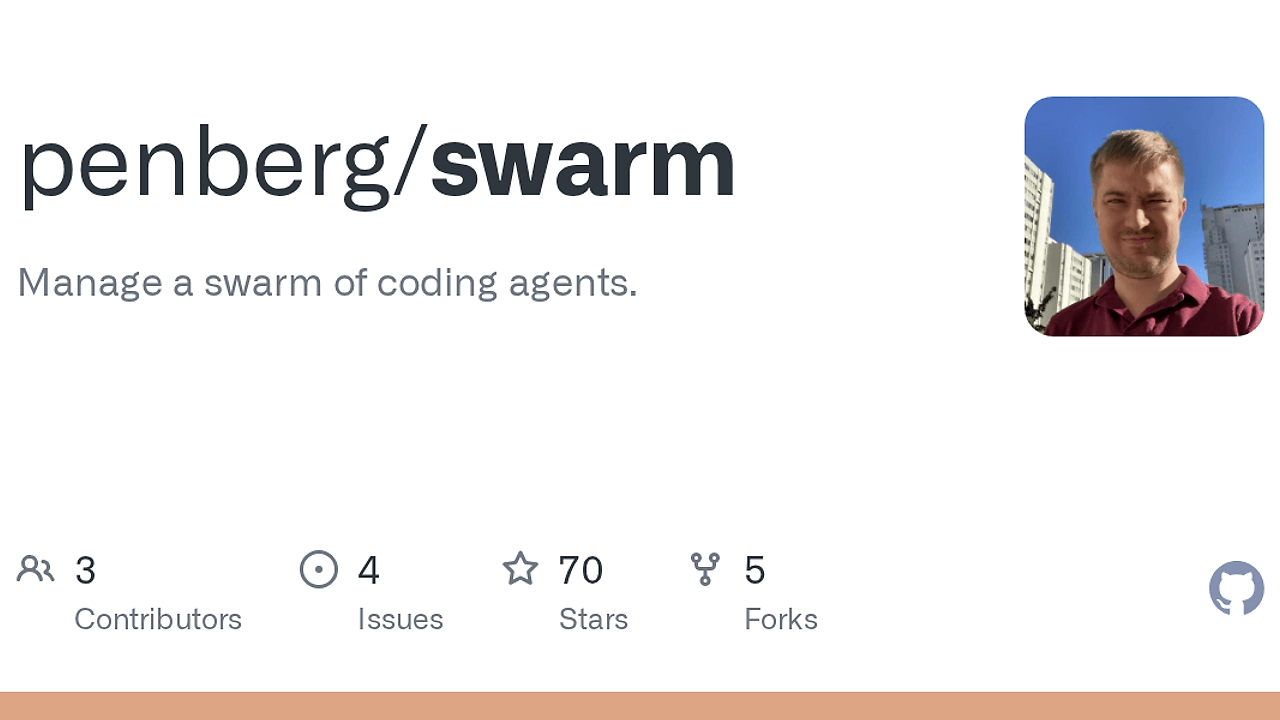
Swarm is a Linux workspace manager for parallel coding agent development from penberg on GitHub. Swarm is one of the best AI Coding Agent Orchestration tools for developers running parallel coding agents, because it organizes work around three primitives—repositories, workspaces, and sessions—so each agent gets an isolated git worktree and a persistent terminal. If you run Claude Code, shell agents, or any long-lived command-line process, Swarm keeps branch state, terminal state, and repo state from colliding.
Quick Overview
| Attribute | Details |
|---|---|
| Type | AI Coding Agent Orchestration |
| Best For | developers running parallel coding agents |
| Language/Stack | Rust, GTK 4, git worktrees, libghostty-vt, Linux CLI/Desktop |
| License | MIT |
| GitHub Stars | N/A as of Feb 2026 |
| Pricing | Open-Source |
| Last Release | N/A |
Who Should Use Swarm?
- Indie hackers shipping several features at once who need one branch and one terminal per task, not a pile of ad hoc shell tabs.
- Platform and developer experience teams that run many agent sessions across separate repositories and want a single control plane for repo, workspace, and session lifecycle.
- CTOs standardizing local agent workflows who want repeatable isolation without paying for a hosted orchestration layer.
- Terminal-first developers who already live in Git and want a clean
workspace-per-featureroutine for code review, iteration, and cleanup.
Not ideal for:
- Teams that need macOS or Windows support today.
- People who want a browser-first dashboard instead of a native desktop app.
- Tiny projects where
tmuxplus one checkout is enough.
Key Features of Swarm
- Workspace-per-feature isolation — each workspace is a separate git worktree, so agents do not share a checkout or overwrite each other’s branch state. That is the core fix for parallel coding workflows.
- Fast workspace cloning — branch an existing workspace into a new worktree in one command, which cuts setup time for follow-up bug fixes and review iterations.
- Multi-repository registry — Swarm tracks any number of GitHub repositories from one UI, so you can jump between services without reopening terminals or reconfiguring paths.
- Persistent terminal sessions — sessions are backed by libghostty-vt, so disconnects do not kill the process. You can detach and reattach from the GUI or
swarmctlwithout losing state. - Native GTK 4 desktop app — the main UI is a local desktop app, not a hosted web shell. That matters if you want fast local interactions and direct filesystem access on Linux.
- CLI plus GUI control plane — Swarm exposes the same workspace and session model through the desktop app and
swarmctl, which makes it easier to script repeatable flows or inspect the system from the terminal. - Long-running agent-friendly sessions — the session model supports coding agents, shells, and any process that needs to keep running while you switch contexts. That is useful for
watchjobs, test runners, and review loops.
Swarm vs Alternatives
| Tool | Best For | Key Differentiator | Pricing |
|---|---|---|---|
| Swarm | Linux-native parallel agent workflows | Git worktrees plus persistent terminal sessions in a GTK desktop app | Open-Source |
| OpenSwarm | Broader swarm-style coordination | Higher-level agent orchestration rather than local workspace management | Open-Source |
| Claude Code Canvas | Claude Code users who want a visual workspace | More centered on Claude-centric iteration than repo and session lifecycle | Open-Source |
| Claude Context Mode | Prompt-heavy agent sessions | Focuses on context management instead of isolated worktrees | Open-Source |
Pick OpenSwarm if you care more about coordination across agents than about local checkout isolation. Pick Claude Code Canvas if your main pain is interactive Claude Code workflows, and pick Claude Context Mode when the bottleneck is prompt context rather than workspace lifecycle. If you need tracing around long-lived runs, pairing Swarm with OpenTrace is a sensible follow-up.
How Swarm Works
Swarm uses a three-layer model: repository, workspace, and session. The repository is the source of truth, the workspace is a git worktree, and the session is a persistent terminal attached to that workspace. The design choice is straightforward: keep filesystem state isolated, keep terminal state persistent, and keep the control plane local so parallel agents do not race on the same checkout.
That model is a good fit for a Swarm tutorial or any how to use Swarm walkthrough because it maps directly to real developer behavior. One agent can edit a feature branch, another can run tests in a different workspace, and a third can sit on review comments without clobbering branch state. Swarm is opinionated in the right way: it treats each task as a disposable workspace with a durable terminal attached to it.
The desktop app gives you visual control while swarmctl gives you automation. Under the hood, sessions are backed by Ghostty via libghostty-vt, and source builds pull in GTK 4 plus Zig 0.15.2 for the vendored terminal library. That combination makes Swarm feel more like a workspace runtime than a thin terminal wrapper.
swarm
swarmctl --help
The first command opens the GTK desktop app and the second exposes the CLI surface for discovery and scripting. Expect to register repositories, create workspaces, launch sessions, and reattach later without killing the process.
Pros and Cons of Swarm
Pros:
- Hard isolation with git worktrees keeps parallel agents from stepping on each other’s checkout state.
- Persistent sessions survive disconnects, which matters for agents, test runners, and long-running shell commands.
- GUI and CLI parity makes Swarm usable both interactively and from scripts.
- Multi-repo support fits service-heavy stacks where one agent may touch several repositories in a day.
- Local-first execution keeps code, terminals, and control surfaces on your machine instead of a hosted web app.
- MIT licensed source is easy to audit, patch, and embed into internal workflows.
Cons:
- Linux only today, so mixed-OS teams cannot standardize on Swarm across every laptop.
- Git worktrees add mental overhead if the team is not already comfortable with branch and checkout hygiene.
- GTK 4 and Zig build deps can make source builds annoying on fresh machines.
- Desktop-centric UX is a poor fit if your team wants a browser dashboard and shared remote sessions.
- Best for local workflows rather than cloud-hosted orchestration or multi-user agent fleets.
Getting Started with Swarm
The fastest path is the prebuilt installer, then the desktop app, then the CLI for discovery. If you prefer source builds, install the GTK 4 system packages, Zig 0.15.2, and use cargo install --path . after that.
curl --proto '=https' --tlsv1.2 -LsSf https://github.com/penberg/swarm/releases/latest/download/swarm-installer.sh | sh
swarm
swarmctl --help
After the installer finishes, swarm launches the GUI and swarmctl --help shows the command surface you can script against. The first thing to do is register a repository, create a workspace for one feature, and open a session in that workspace so your agent has an isolated checkout and a persistent terminal.
Verdict
Swarm is the strongest option for parallel local agent workflows when you want git-worktree isolation and persistent terminals in a Linux desktop app. Its biggest strength is turning repository, workspace, and session management into one local control plane. The caveat is Linux-only support and a Git-heavy model. Use it if your team lives in the terminal and values isolation over browser UX.