What Is Aster Trading Bot?
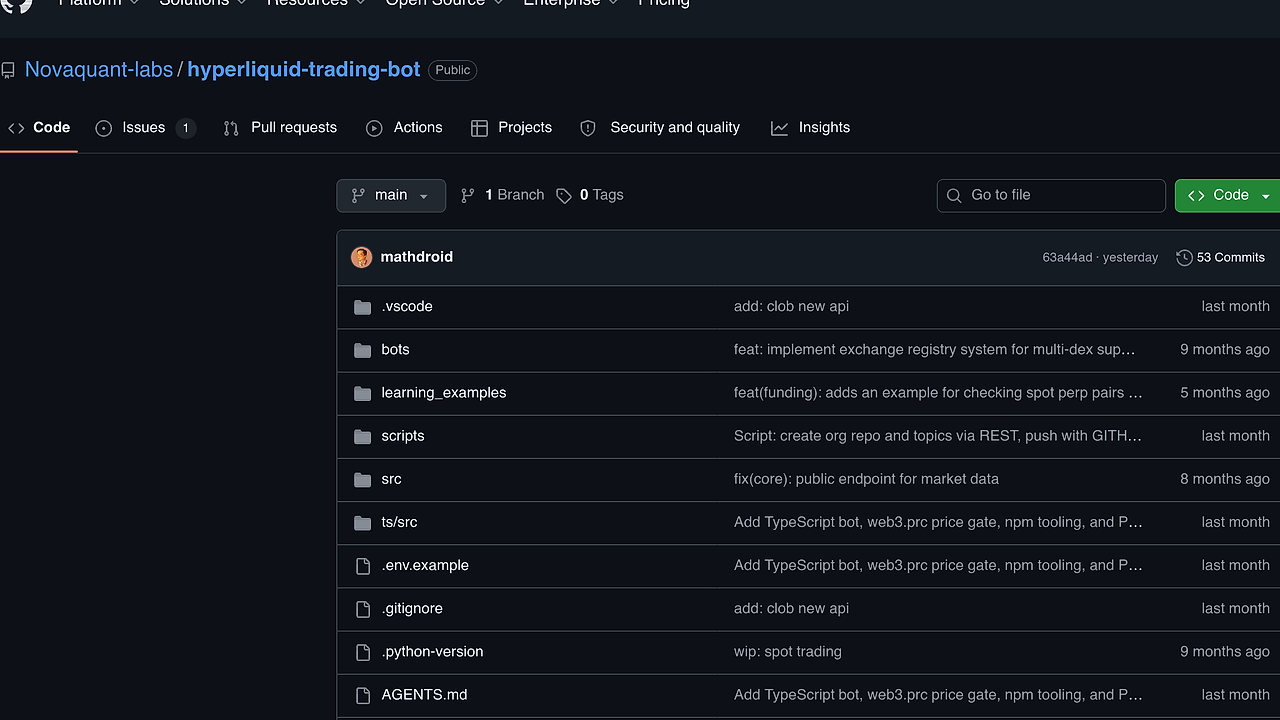
Aster Trading Bot is an open-source TypeScript and Node.js crypto trading bot built by SignalBot-Labs for automated perpetual futures on Aster DEX, and it is one of the best Crypto Trading Bots tools for quantitative crypto traders, systematic traders, and TypeScript developers. The repo documents 2 strategy families, Watermellon and Peach Hybrid, and it connects to the public fapi.asterdex.com RPC and WebSocket layer for signal generation, execution, and logging.
Aster Trading Bot is designed for operators who want repeatable control over dry-run and live modes, not a black-box signal feed. The practical value is in its env-driven risk gates, persistent state, and per-trade audit trail, which make it easier to review fills, losses, and leverage decisions after the session closes.
Quick Overview
| Attribute | Details |
|---|---|
| Type | Crypto Trading Bots |
| Best For | quantitative crypto traders, systematic traders, and TypeScript developers |
| Language/Stack | TypeScript / Node.js |
| License | Not stated in the scraped page |
| GitHub Stars | Not stated on the scraped page as of Feb 2026 |
| Pricing | Open-Source |
| Last Release | N/A |
Who Should Use Aster Trading Bot?
Aster Trading Bot is best for traders and engineers who want direct control over a perp DEX workflow rather than a hosted signal product.
- Systematic crypto traders who already think in terms of
EMA,RSI,ADX, andATRand want those indicators wired into execution logic. - TypeScript developers who prefer a Node.js codebase they can inspect, extend, and run on a VPS without learning a new runtime.
- Operators running one primary market who want a single-symbol workflow with explicit controls for leverage, stop-loss, trailing stop, and flip limits.
- Backtest-minded users who need
dry-run, CSV/JSON logs, and restart-safe state before they put size behind a strategy.
Not ideal for:
- Teams that need broad exchange coverage across dozens of venues and spot markets.
- Users who want a point-and-click interface instead of editing
.envvalues and reading logs. - Traders who cannot tolerate drawdown risk or do not have a review process for live automation.
Key Features of Aster Trading Bot
- Dual strategy engine — Aster Trading Bot ships with
WatermellonandPeach Hybrid, giving you a trend-following path and a dual-mode signal path without rewriting the execution layer. That separation is useful when you want to compare a conservative EMA bias against a more reactive momentum regime. - Perp-native execution — The bot is built around Aster DEX perpetual markets and the public
fapi.asterdex.comAPI surface. That matters because perp logic needs position reconciliation, not just order submission. - Risk controls with hard limits — It supports position sizing, leverage caps, stop-loss, take-profit, trailing stop, emergency stop, max flips per hour, and consecutive-loss handling. Those controls are the difference between controlled automation and an unbounded loop that chews through margin.
- Multi-indicator market filtering — The strategy layer uses
EMA,RSI,ADX, andATRto decide when the market is trending, ranging, or too noisy to trade. That reduces the chance of firing entries into a flat tape or overreacting to one candle. - Persistent state across restarts — Aster Trading Bot reconciles position state with the exchange and keeps its own internal state so a restart does not automatically reset the strategy. That is essential for VPS deployments where process restarts, network blips, and upgrades are normal.
- Production-oriented logging — It emits trade and signal logs plus daily CSV and JSON under
data/trades/daily/. That gives you an audit trail for post-trade review, PnL analysis, and incident debugging. - Mode separation for validation — The repo calls out
dry-runand live operation explicitly, which is the right shape for strategy work. You can validate signal density, hold times, and flip behavior before you expose capital to the market.
Aster Trading Bot vs Alternatives
| Tool | Best For | Key Differentiator | Pricing |
|---|---|---|---|
| Aster Trading Bot | Aster DEX perpetual automation | Tight focus on Aster DEX, TypeScript runtime, and risk-gated strategy execution | Open-Source |
| Hummingbot | Multi-exchange market making and arbitrage | Connector breadth and mature market-making workflows | Open-Source |
| Freqtrade | Strategy research and crypto trading automation | Strong backtesting and strategy research workflow | Open-Source |
| Passivbot | Perp-focused grid and inventory-style automation | Battle-tested perpetual trading logic and grid-style behavior | Open-Source |
Pick Hummingbot only if you need broad connector coverage and already operate a more generic market-making stack. Pick Freqtrade when your priority is research, backtesting, and signal iteration across a wider crypto workflow rather than a venue-specific perp bot.
Pick Passivbot when you want a perpetuals-first automation style with a lot of community knowledge around inventory and grid logic. For execution tracing and post-trade observability, Aster Trading Bot pairs better with OpenTrace than with ad hoc console output alone. If you are scripting VPS rollout and deployment steps, djevops is a more natural companion than manual SSH work. For long-term storage of daily trade artifacts, DataHaven is the closer fit than a generic file dump.
How Aster Trading Bot Works
Aster Trading Bot uses a layered architecture: market data enters through Aster DEX RPC and WebSocket endpoints, strategy logic turns that stream into entries and exits, and a risk layer decides whether an order is allowed to reach the exchange. The core abstraction is a stateful trading loop that keeps a rolling view of indicators and exposure, then translates that into long or short actions on ASTERUSDT-style perpetual markets.
The design is intentionally conservative. Instead of assuming every signal should become a trade, the bot checks leverage, stop distance, flip rate, and recent loss history before it acts, which is how it avoids runaway behavior in volatile sessions. That is the correct model for a bot that is expected to run for hours or days on a VPS.
git clone https://github.com/SignalBot-Labs/aster-bot.git
cd aster-bot
npm install
cp .env.example .env
npm run dry-run
The example above clones the repository, installs dependencies, creates a local environment file, and starts a simulation path first. In practice, dry-run is where you validate indicator thresholds, symbol selection, and flip behavior before enabling live order submission.
If you move into live mode, the same runtime should read your API credentials, sizing variables, and protection limits from .env. Expect the bot to persist state, write daily logs, and reconcile fills so a restart does not create duplicate exposure.
Pros and Cons of Aster Trading Bot
Pros:
- Venue-specific execution — The bot is purpose-built for Aster DEX perpetuals, so the strategy and execution layers are not diluted by generic exchange abstractions.
- Clear risk gating — Stop-loss, take-profit, trailing stop, and flip controls are explicit, which is what you want before real leverage enters the loop.
- TypeScript-first codebase — Node.js and TypeScript make it easier to extend, refactor, and deploy in familiar tooling.
- Restart-aware state — Persistent state and exchange reconciliation reduce the chance of a bad restart causing duplicate orders or broken exposure.
- Useful operational logs — Daily CSV and JSON outputs are practical for analysis, incident review, and automated reporting.
- Dry-run support — Being able to simulate before going live is a real advantage for tuning thresholds and confirming that the market regime logic behaves as expected.
Cons:
- Single-venue focus — Aster Trading Bot is tied to Aster DEX, so it is not the right choice if you need multi-exchange routing.
- Manual configuration burden — You will spend time tuning
.envvalues, especially for leverage, position sizing, and flip limits. - Trading risk remains real — Risk controls reduce damage, but they do not remove market risk, liquidity risk, or execution slippage.
- No evidence of a broad UI layer — The repo text emphasizes logs and configuration, not a polished dashboard for non-technical operators.
- Unknown release cadence from the scraped page — The page text does not show a tagged release or star count, so you should verify repository activity before committing operational dependence.
Getting Started with Aster Trading Bot
Aster Trading Bot starts with a clone, dependency install, and environment configuration, then moves from dry-run to live execution once your limits are validated. The fastest safe path is to define one symbol, one strategy family, and conservative leverage before you let it trade unattended.
git clone https://github.com/SignalBot-Labs/aster-bot.git
cd aster-bot
npm install
cp .env.example .env
# edit .env: ASTER_API_KEY, ASTER_API_SECRET, SYMBOL, MODE=dry-run
npm run dry-run
After the first run, inspect the generated logs in data/trades/daily/ and verify that signal timing, entries, exits, and stop logic match your intent. If the dry-run behavior is sane, switch to live mode and keep leverage low until you have a full session of clean executions.
Verdict
Aster Trading Bot is the strongest option for Aster DEX perpetual automation when you want a TypeScript codebase with dry-run validation and explicit risk controls. Its main strength is transparent, stateful execution; the caveat is its narrow venue scope and the need for disciplined tuning. Use it if you can read logs and manage leverage like an adult.