What Is codesight?
codesight is a CLI tool built by Kailesk Khumar for developers who use AI coding agents, and it is one of the best CLI Tools for AI coding agents. The repo says it runs with one npx call, ships with zero dependencies, exposes 13 MCP tools, and has been tested on 25+ OSS projects across 14 languages. For TypeScript it uses AST precision; for the rest it falls back to deterministic pattern matching, which keeps repo understanding local, repeatable, and cheap to regenerate.
codesight is aimed at teams that run Claude Code, Cursor, GitHub Copilot, OpenAI Codex, Windsurf, Cline, or Aider against live repositories. The value is not search for its own sake; the value is precomputing just enough structure so the model reads compact files instead of walking the entire tree every session.
Quick Overview
codesight is a local-first repo context generator that emits markdown artifacts and an MCP surface for agent workflows.
| Attribute | Details |
|---|---|
| Type | CLI Tools |
| Best For | AI coding agents |
| Language/Stack | Node.js 18+, TypeScript/JavaScript AST parsing, regex fallback for 13+ other languages, MCP, Markdown |
| License | MIT |
| GitHub Stars | N/A as of Feb 2026 |
| Pricing | Open-Source |
| Last Release | v1.9.3 — date not listed in scraped text |
Who Should Use codesight?
codesight is the right fit when your repo context is valuable, your agent is forgetful, and you want deterministic files instead of prompt roulette.
- Solo founders and indie hackers shipping with Claude Code or Cursor who need one-command context generation without wiring a platform first.
- DevEx and platform teams that want consistent
CLAUDE.md,AGENTS.md,codex.md, and.cursorrulesoutput across many repos. - Teams with large monorepos that need blast-radius analysis before editing a file and want the agent to read a targeted wiki article instead of reloading the whole tree.
- Knowledge-heavy product teams that already keep ADRs, retros, and research in Markdown and want those docs mapped into AI-readable summaries.
- CTOs reviewing AI spend who want to reduce context overhead without introducing another SaaS dependency or a vector-search maintenance burden.
Not ideal for:
- Teams that want a hosted search service, vector database, or cloud dashboard.
- Repositories where semantic retrieval across arbitrary files matters more than deterministic structure extraction.
- Organizations that do not plan to run a local CLI at all.
Key Features of codesight
codesight focuses on reducing token burn by turning source structure into compact markdown and agent-facing commands.
- AST-precision for TypeScript and JavaScript — codesight parses these languages structurally, so routes, models, and relationships are extracted from syntax instead of guesswork. That gives cleaner output than regex-only scanners and is the main reason the tool is useful on modern TS-heavy codebases.
- Regex-based multi-language fallback — Python, Go, Ruby, Elixir, Java, Kotlin, Rust, PHP, Dart, Swift, and C# are supported through pattern detection. The README claims support across 14 languages, which is enough for mixed-stack monorepos that are not purely TS.
- Wiki generation with persistent storage —
--wikiwrites.codesight/wiki/withindex.md,overview.md, and topic articles likeauth.mdordatabase.md. The README shows a roughly 200-tokenindex.md, which means the agent can start with a tiny map instead of a giant context dump. - Measurable token savings — the page claims an auth question can drop from about 12K tokens without wiki support to about 300 tokens with
auth.md, and a new session start can drop from about 5K tokens to about 200 tokens withindex.md. That is the real reason to use codesight in long-lived agent sessions. - Knowledge mode for docs and notes —
--mode knowledgescans markdown notes, ADRs, retros, and vault exports into.codesight/KNOWLEDGE.md. This lets codesight treat product decisions as first-class context, not side chatter, which is useful when the code is only half the story. - MCP server with 13 tools —
--mcpexposes repo-aware functions such ascodesight_get_wiki_index,codesight_get_wiki_article, andcodesight_lint_wiki. That is the cleanest fit for Claude Context Mode and any agent that speaks MCP. - Blast radius and profiling commands —
--blast,--profile, and--benchmarkshow what a file change touches, how to shape config for a specific agent, and how much token savings the repo context actually buys. This is the part that makes codesight useful in real refactors, not just onboarding. - Zero-dependency, local execution — the repo advertises
0 dependenciesandNode.js >= 18, so the install surface is tiny. There is no API key, no remote index, and no vendor lock-in before the first scan.
codesight vs Alternatives
codesight wins when local, deterministic repo mapping matters more than a broader agent UI or hosted memory layer.
| Tool | Best For | Key Differentiator | Pricing |
|---|---|---|---|
| codesight | Repo context generation for AI coding agents | AST-backed wiki, MCP tools, and markdown artifacts in one local CLI | Open-Source |
| Claude Context Mode | Consistent prompt/context behavior inside Claude workflows | Better if you want agent-side context policy rather than repository scanning | Unknown |
| Claude Code Canvas | Interactive coding sessions with a shared working surface | Better for live collaboration and context shaping during edits | Unknown |
| Brainstorm MCP | MCP-first ideation and planning | Better for brainstorming workflows than codebase extraction | Unknown |
Pick Claude Context Mode if your bottleneck is prompt discipline, not repo discovery. Pick Claude Code Canvas if you need an interactive workspace around the model rather than a file-backed knowledge base.
Pick Brainstorm MCP when the job is planning, outlining, or idea capture instead of scanning a codebase. Pick codesight when the source tree is the truth and you want the agent to read the minimum context required to make a safe change.
How codesight Works
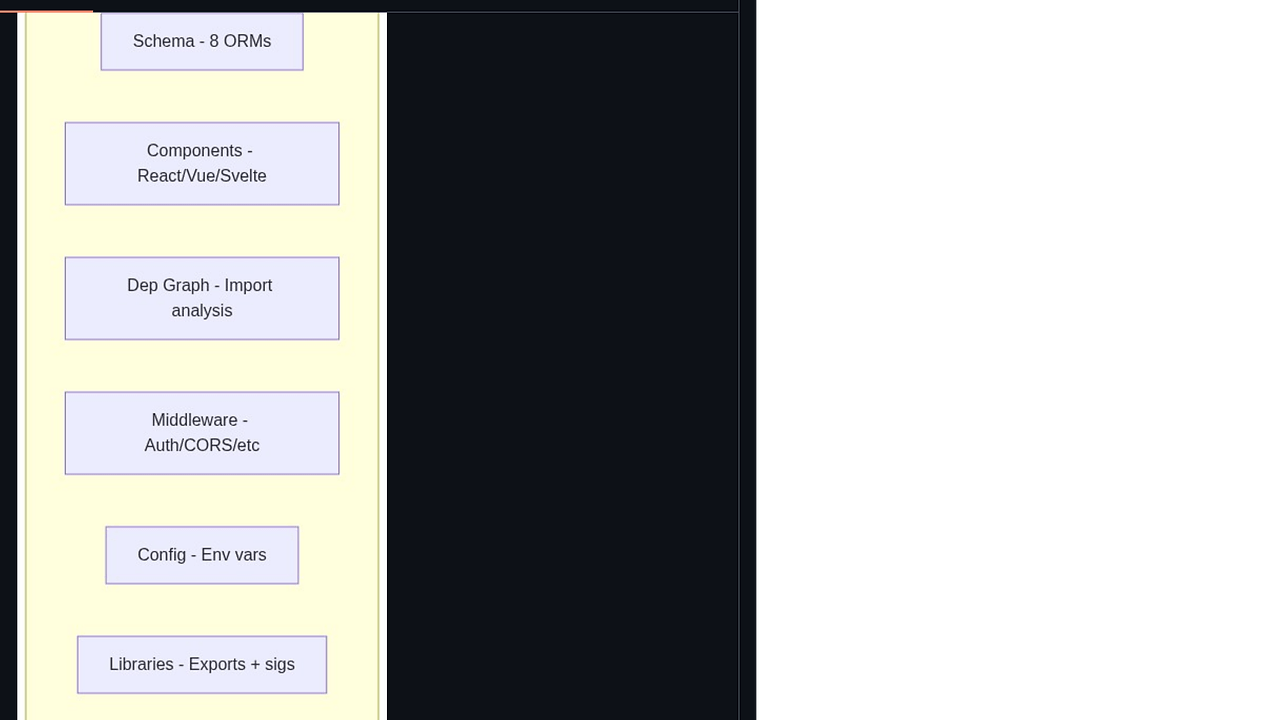
codesight uses a local pipeline that walks the repository, classifies files, and emits compact markdown artifacts from the repo’s own structure. The core abstraction is simple: parse the tree, identify code entities, map relationships, and serialize the result into small files that agents can consume without re-reading the entire repo.
For TypeScript and JavaScript, codesight relies on AST parsing so it can infer imports, exports, routes, and model shape with higher fidelity. For the rest of the supported languages, it uses deterministic regex detectors and framework heuristics, which keeps runtime cheap and avoids network calls or model hallucination. The design choice is intentional: deterministic extraction is boring, but boring is what makes repeated agent sessions stable.
The wiki layer is the important part because it turns a messy repo into a stable retrieval surface. index.md works like a catalog, overview.md works like the architecture summary, and topical files like auth.md or database.md isolate only the details the agent needs for a specific task.
npx codesight --wiki
npx codesight --mcp
npx codesight --init
The first command writes .codesight/wiki/ with an index plus topical articles. The second command exposes those articles through MCP so Claude Code, Cursor, or Codex can fetch only the slice they need. The third command generates agent bootstrap files like CLAUDE.md, .cursorrules, codex.md, and AGENTS.md, which is the fastest way to standardize a multi-agent repo workflow.
Pros and Cons of codesight
Pros:
- One-command startup —
npx codesightworks from any project root with no config and no API keys, so onboarding cost is close to zero. - Local-first execution — the repo stays on your machine, which matters for proprietary code and air-gapped environments.
- Strong TypeScript precision — AST extraction is materially better than plain text scanning for modern JS/TS codebases.
- Useful artifacts for humans and agents — wiki pages, knowledge maps, and bootstrap files all live in markdown, so they are easy to diff and review.
- MCP-ready output — the 13-tool MCP surface fits current agent tooling instead of forcing a custom integration.
- Practical refactor support —
--blastand--benchmarkhelp you reason about change impact and token cost before touching code.
Cons:
- Regex fallback is still regex — outside TS/JS, precision depends on heuristics, so edge cases can slip through.
- Not a full semantic search platform — codesight is about structured context, not deep codebase recall across arbitrary text.
- Local files require upkeep — wiki output and knowledge maps are only useful if you regenerate them when the repo changes.
- Best results depend on repo hygiene — messy naming, thin comments, and inconsistent folder structure reduce extraction quality.
- No hosted collaboration layer is mentioned — if your team wants cloud sync, dashboards, or permissioning, codesight does not position itself that way.
Getting Started with codesight
The fastest way to try codesight is to run it from the repo root and let it generate the first layer of context automatically.
npx codesight
npx codesight --init
npx codesight --wiki
After the first run, codesight creates agent bootstrap files and a persistent wiki under .codesight/wiki/. If you want to inspect token savings or open the generated report, add --benchmark or --open; if you want the workflow to stay fresh, add --watch or wire --hook into commits. For repos with a lot of decision history, --mode knowledge is the second command I would run.
Verdict
codesight is the strongest option for repo-context priming when AI agents keep wasting time rediscovering the same codebase. Its best strength is deterministic, local, AST-backed summaries that feed Claude Code, Cursor, and MCP clients with minimal token waste. The caveat is that non-TS stacks fall back to heuristics. Use codesight if your team wants structured context, not another hosted search layer.


