What Is Hermes HUD?
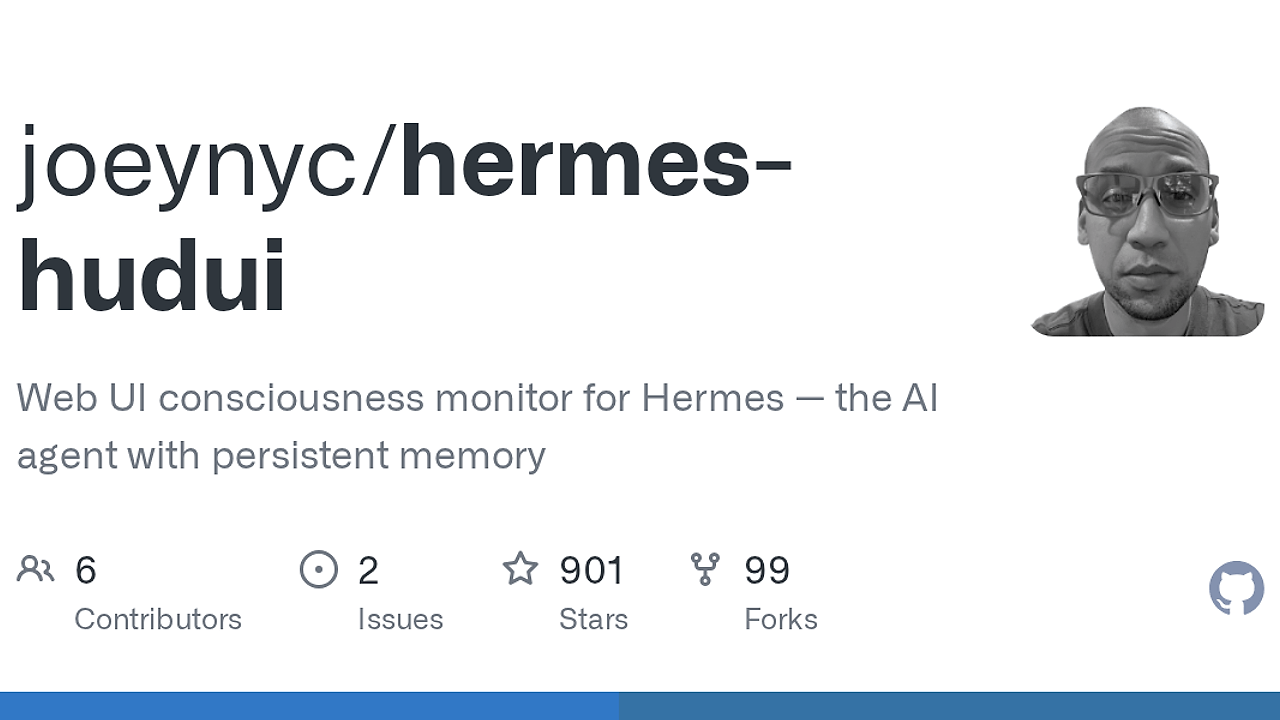
Hermes HUD is a browser-based AI Agent Dashboard built by joeynyc for Hermes agent users who want to inspect memory, sessions, costs, skills, and live chat from a browser. Hermes HUD is one of the best AI Agent Dashboards tools for developers and indie hackers running Hermes locally, and it ships with 13 tabs plus real-time WebSocket updates so the UI stays current without refreshes.
It reads the same ~/.hermes/ data directory as the TUI version, so the dashboard is an operational view over local agent state rather than a separate service layer. That makes Hermes HUD useful when you want fast inspection, low ceremony setup, and a clean path to run the browser UI alongside OpenTrace or other agent tooling.
Quick Overview
| Attribute | Details |
|---|---|
| Type | AI Agent Dashboards |
| Best For | developers and indie hackers running Hermes locally |
| Language/Stack | Python 3.11+, Node.js 18+, WebSocket live updates, localStorage, ~/.hermes filesystem state |
| License | MIT |
| GitHub Stars | N/A as of Feb 2026 |
| Pricing | Open-Source |
| Last Release | N/A |
Who Should Use Hermes HUD?
- Solo builders who run Hermes on a laptop or workstation and need a quick way to inspect agent identity, memory, and sessions without wiring up a custom admin panel.
- Indie hackers shipping agent-driven products who want to see token costs, corrections, and recent activity in one place before they start instrumenting a larger observability stack.
- Platform engineers validating Hermes behavior across local environments, especially when they need a browser UI that can stay open while the agent continues working.
- Researchers and power users who care about agent state review, keyboard shortcuts, and fast tab switching more than polished SaaS packaging.
Not ideal for:
- Teams that need multi-user auth, RBAC, or cloud-hosted dashboards.
- Users who do not already run Hermes with data in
~/.hermes/. - Workloads that need vendor-neutral observability across many different agents, not just Hermes.
Key Features of Hermes HUD
- 13 operational tabs — Hermes HUD exposes identity, memory, skills, sessions, cron jobs, projects, health, costs, patterns, corrections, and live chat in one browser session. That coverage is broad enough to replace a stack of ad hoc JSON viewers and terminal greps.
- Real-time WebSocket updates — the dashboard refreshes live, so new agent activity appears without manual polling or page refreshes. For debugging sessions, that matters more than animation; it lets you watch state changes as they land.
- Cost visibility by model — the UI includes per-model token cost tracking, which is the feature most teams miss until spend starts drifting. If you care about budget attribution, Hermes HUD gives you a direct read on which model interactions are expensive.
- Language toggle with persistence — English and Chinese are built in, and the selected language persists in
localStorage. When switched to Chinese, chat responses from the agent also return in Chinese, which is useful for multilingual workflows and demos. - Theme and CRT controls — four switchable themes (
t) plus optional CRT scanlines make the UI usable on dark monitors without sacrificing keyboard speed. The available themes are Neural Awakening, Blade Runner, fsociety, and Anime, so the view is configurable without editing CSS. - Keyboard-first navigation — tab switching with
1through9and0, theme picker witht, and command palette access withCtrl+Kkeep the interface fast for terminal-native users. Hermes HUD is not trying to be a mouse-only admin app. - Standalone alongside the TUI — Hermes HUD reads the same data directory as [hermes-hud] TUI mode and can run independently or at the same time. That matters when one person prefers the browser and another prefers the terminal.
Hermes HUD vs Alternatives
| Tool | Best For | Key Differentiator | Pricing |
|---|---|---|---|
| Hermes HUD | Browser-based review of Hermes agent state | Live WebSocket UI with memory, costs, and chat tabs | Open-Source |
| hermes-hud | Terminal-first inspection | Faster for CLI-only workflows and remote shell sessions | Open-Source |
| OpenTrace | Agent tracing and run-level diagnostics | Better if you need trace-centric observability instead of a dashboard | Open-Source |
| Mnemosyne | Memory-centric workflows | More focused on memory handling than operational UI chrome | Open-Source |
Pick Hermes HUD when you want a browser dashboard that stays open during active agent work and exposes more of Hermes than the terminal UI alone. Pick hermes-hud when you live in tmux, SSH, or a headless terminal and do not want a browser in the loop.
If you need tracing across runs, pair Hermes HUD with OpenTrace so you can inspect execution paths and then drill into Hermes state. If your main problem is long-term memory review, Mnemosyne is the closer fit, while Claude Context Mode is useful when the workflow shifts from agent observability to prompt and context management.
How Hermes HUD Works
Hermes HUD is a thin browser UI wrapped around a local Hermes data source. The important architectural choice is that it reads from ~/.hermes/ instead of inventing a separate backend datastore, so the dashboard stays aligned with what the agent already knows and does not require a sync job or export step.
The runtime split is simple: Python 3.11+ launches the app, Node.js 18+ supports the frontend install path, and WebSocket pushes keep the browser state in sync with the agent. Settings like language and theme persist in localStorage, which keeps the UX state local to the browser while the actual agent data remains on disk in the Hermes directory.
This is the kind of design that favors determinism over abstraction layers. The dashboard can run side by side with the TUI because both read the same local files independently, and the browser UI only needs the filesystem plus a live Hermes process that has already written data.
git clone https://github.com/joeynyc/hermes-hudui.git
cd hermes-hudui
./install.sh
hermes-hudui
That sequence installs dependencies, starts the app, and serves the dashboard on http://localhost:3001. On first run, you should already have a Hermes agent writing data into ~/.hermes/; otherwise the UI will have little to display even though the server itself starts correctly.
Pros and Cons of Hermes HUD
Pros:
- Broad visibility into Hermes internals — 13 tabs cover far more than a minimal status page, so you can inspect identity, memory, corrections, and costs without jumping between tools.
- Live updates without polling — WebSocket-based refresh keeps the dashboard current during long sessions, which is the difference between passive reporting and active monitoring.
- Works with the TUI, not against it — Hermes HUD shares the same data directory as hermes-hud, so teams can pick the UI that fits the moment rather than standardizing on one frontend.
- Low-friction local setup — the install path is short, the dependencies are explicit, and the app runs on localhost instead of forcing cloud registration.
- Keyboard shortcuts reduce friction — tab switching, themes, and command palette access are available from the keyboard, which matters for operators who think in shortcuts rather than clicks.
- Multilingual support is built in — English and Chinese are not afterthoughts, and the persisted language choice makes repeated sessions predictable.
Cons:
- Requires a running Hermes agent — Hermes HUD is only useful if Hermes has already produced data in
~/.hermes/. - Local-first only — there is no evidence of hosted deployment, multi-user auth, or shared team access controls.
- Hermes-specific scope — the dashboard is tightly coupled to Hermes, so it is not a generic agent observability layer for every LLM app.
- Platform support is narrow — macOS, Linux, and WSL are supported, but native Windows support is not called out.
- UI depth depends on Hermes data quality — if your agent logs are sparse, the tabs will look empty even though the app is technically healthy.
Getting Started with Hermes HUD
git clone https://github.com/joeynyc/hermes-hudui.git
cd hermes-hudui
./install.sh
hermes-hudui
After the app starts, open http://localhost:3001 and confirm that your Hermes agent is already running with data in ~/.hermes/. For future launches, activate the virtual environment with source venv/bin/activate && hermes-hudui, and if you want the terminal companion too, install the extra with pip install 'hermes-hudui[tui]'.
The only real prerequisite is that Hermes must be producing state before the dashboard can visualize it. If the browser opens but panels are empty, the fix is usually on the agent side, not in the UI.
Verdict
Hermes HUD is the strongest option for local Hermes monitoring when you want a browser UI with live updates and more context than the terminal view. Its biggest strength is the breadth of tabs and real-time state visibility; the caveat is that it only pays off if you already run Hermes and store data locally. If that matches your workflow, install it.