What Is Vibe Observer?
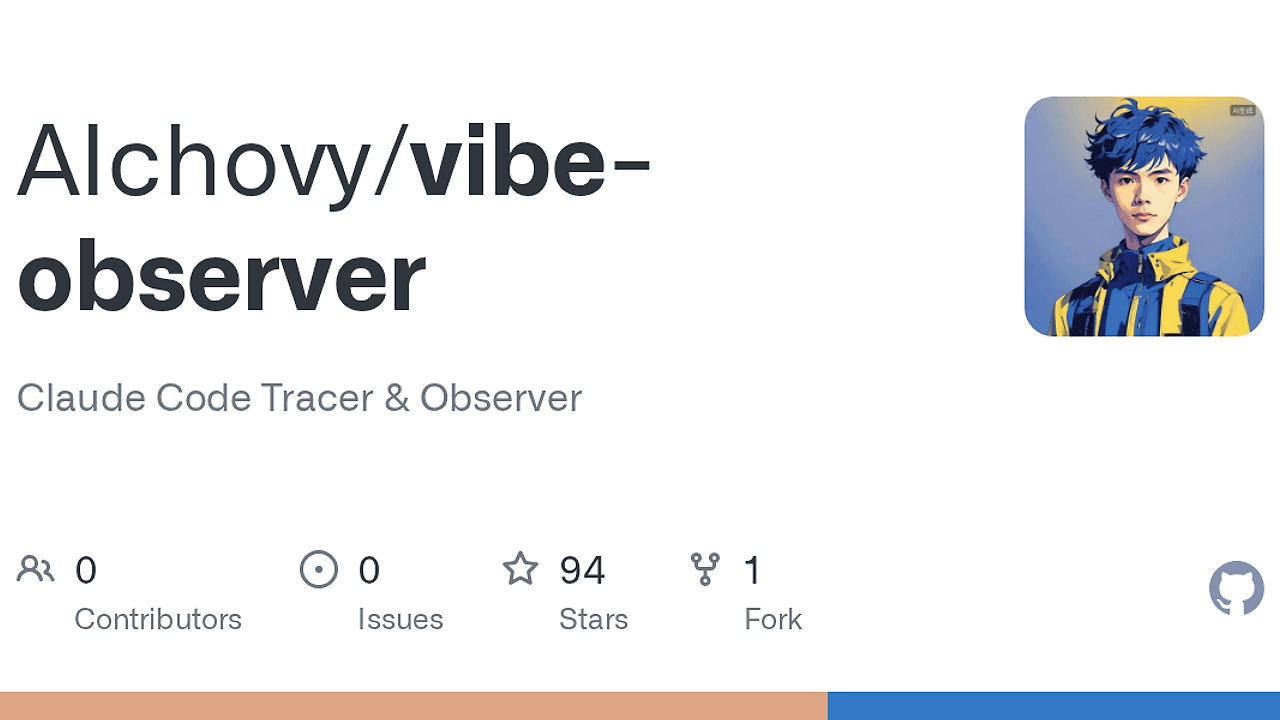
Vibe Observer is a local-first Claude Code profiler built by AIchovy for macOS developers using Claude Code, and it is one of the best Claude Code profiler tools for macOS developers using Claude Code. It captures 15 Claude Code hook events, stores them in local SQLite, and reconstructs sessions, tool calls, and cost attribution without sending telemetry anywhere.
It is built for people who care about where token spend and wall-clock time actually go. If you use Claude Code for real work, Vibe Observer shows the exact session, model, and tool sequence that produced the cost instead of flattening everything into a daily total.
Quick Overview
| Attribute | Details |
|---|---|
| Type | Claude Code Profilers |
| Best For | macOS developers using Claude Code |
| Language/Stack | Rust, Tauri 2, React, Vite, SQLite |
| License | MIT |
| GitHub Stars | N/A as of Feb 2026 |
| Pricing | Open-Source |
| Last Release | N/A |
Who Should Use Vibe Observer?
- Claude Code power users who want to see which prompts, tools, and model calls inflate cost instead of guessing from a monthly bill.
- Indie hackers on macOS who need a local profiler that works offline and keeps project data on disk in SQLite.
- CTOs and team leads who want a forensic view of agent behavior, especially repeated tool loops, expensive sessions, and model mix drift.
- Workflow tinkerers who already use Claude Code hooks and want a transparent audit trail with session reconstruction and Gantt-style traces.
Not ideal for:
- Windows-first teams waiting for native support, because the current release targets macOS 12+.
- Teams that want a shared cloud dashboard, because Vibe Observer is intentionally local-first and does not sync data to a server.
- Users who only want daily token totals, because the product is built for session-level diagnosis, not lightweight reporting.
Key Features of Vibe Observer
- Local SQLite event store — Vibe Observer writes every captured event into a local SQLite database with WAL mode, so reads stay fast and the raw data never leaves the machine. That makes it suitable for sensitive codebases and air-gapped workflows.
- 15-hook Claude Code integration — The installer patches
~/.claude/settings.jsonwith a diff preview and backup, then subscribes to 15 hook events. That gives Vibe Observer enough signal to reconstruct messages, tool calls, and compaction behavior with minimal manual setup. - Message-level cost attribution — Costs are computed from Anthropic's published per-token rates at the message level, not guessed from a coarse session total. That lets Vibe Observer separate input, output,
cache_read, andcache_writeeffects across project, model, session, and tool. - Session trace with Gantt timeline — The app renders the actual conversation, including
tool_useandtool_resultblocks, and overlays a Gantt trace for wall-clock timing. The dark-red slow spans are useful when a session looks cheap in tokens but expensive in elapsed time. - Behavior analysis dashboard — Vibe Observer surfaces a week × hour tool-call heatmap, repeat-read clusters, failure clusters, and cost-per-tool efficiency rankings. That is the kind of signal you need when an agent is looping on the same file or tool.
- Subscription-aware ROI framing — Instead of pretending every user pays the same way, Vibe Observer distinguishes API-key usage from subscription usage and reframes value in API-list-price equivalents. That avoids misleading spend narratives when a subscription user is actually measuring return on a fixed plan.
- Menu-bar monitoring — The macOS tray app keeps running after the main window closes and exposes today, month, ROI, hook health, and priciest sessions in a popover. It is a good fit for people who want background observability without a dedicated monitor window.
Vibe Observer vs Alternatives
| Tool | Best For | Key Differentiator | Pricing |
|---|---|---|---|
| Vibe Observer | Claude Code session forensics | Local SQLite profiler with cost attribution, Gantt traces, and hook-level reconstruction | Open-Source |
| Mnemosyne | Memory layers for agent workflows | Focuses on remembering context across sessions rather than profiling cost and latency | Open-Source |
| OpenTrace | General tracing and observability | Better fit when you need broader trace instrumentation across services, not just Claude Code | Open-Source |
| Claude Context Mode | Context management | Helps shape what the model sees, while Vibe Observer explains what happened after the fact | Open-Source |
Pick Mnemosyne if your real problem is context persistence and recall rather than cost forensics. Pick OpenTrace if you want a wider tracing surface for systems outside Claude Code, especially when you need distributed instrumentation.
Pick Claude Context Mode if you are still shaping prompt context and workflow state. Pick Vibe Observer when the session already happened and you need a local audit trail that tells you exactly where the tokens, time, and tool calls went.
How Vibe Observer Works
Vibe Observer is built around a simple data path: Claude Code emits hook events, a tiny Rust binary ingests each event, and SQLite persists the raw record before the app materializes it into queryable tables. The design choice here is obvious and correct for this problem: keep the hook handler tiny, make writes asynchronous, and avoid blocking Claude on UI or analysis work.
The core schema splits responsibilities into raw_events, sessions, messages, tool_calls, and compactions. That separation matters because the ingest layer can be idempotent, the query layer can normalize worktrees at read time, and the UI can render attribution without re-parsing JSONL every time you open the app.
git clone https://github.com/AIchovy/vibe-observer.git
cd vibe-observer
pnpm install
cargo install tauri-cli --version "^2"
cargo tauri dev
That flow installs the frontend dependencies, pulls the Tauri CLI, and starts the desktop app from source. On first launch, Vibe Observer previews the ~/.claude/settings.json changes, backs up the existing file, and then wires the hook subscriptions into Claude Code so new sessions begin flowing into SQLite.
The architecture is intentionally split across observer-core, observer-hook, observer-ingest, and observer-app. That keeps the hot path small, lets the ingest layer backfill from JSONL when needed, and gives the React front end a stable database contract instead of a pile of ad hoc parsing logic.
Pros and Cons of Vibe Observer
Pros:
- Fully local data flow — Vibe Observer keeps raw events and derived tables on disk, which is the right default for private code and offline work.
- Precise cost diagnosis — It attributes spend at the message level, so you can isolate the exact model or tool pattern behind a bad bill.
- Fast hook handling — The Rust hook binary is tiny and exits quickly, which reduces the chance of slowing Claude Code during high-frequency event bursts.
- Strong forensic UI — The session view, Gantt trace, and behavior heatmaps answer different debugging questions instead of repeating the same chart in multiple places.
- Good operational hygiene — Automatic backup of
~/.claude/settings.jsonand byte-for-byte preservation of third-party hooks reduce setup risk.
Cons:
- macOS-first today — The current release targets macOS 12+, so cross-platform teams cannot standardize on it yet.
- Claude Code-specific — Vibe Observer is tightly coupled to Claude Code hooks, so it is not a general-purpose observability layer.
- No cloud collaboration — There is no built-in multi-user server, shared workspace, or org-level dashboard.
- Requires initial hook wiring — You still need to accept the settings change and let the app modify Claude's local config before data appears.
- Uses API-list-price framing — The ROI math is useful, but subscription users still need to understand that the dollar figures are equivalents, not actual charges.
Getting Started with Vibe Observer
The fastest path is to clone the repo, install the frontend dependencies, and start the Tauri desktop app from source. If you already have Rust, Node.js 20+, and pnpm installed, this takes only a few commands.
git clone https://github.com/AIchovy/vibe-observer.git
cd vibe-observer
pnpm install
cargo install tauri-cli --version "^2"
cargo tauri dev
After launch, Vibe Observer shows the hook preview and asks for confirmation before editing ~/.claude/settings.json. Once approved, it backs up the file, installs the Claude Code hooks, and starts filling the local SQLite database with new session data.
If you want a release build instead of a dev session, use cargo tauri build --no-bundle for a standalone binary or cargo tauri build for the macOS .app bundle. The bundled artifact lands under target/release/bundle/macos/.
Verdict
Vibe Observer is the strongest option for Claude Code forensics when you need local, session-level cost attribution on macOS. Its biggest strength is the combination of SQLite storage, hook-level reconstruction, and Gantt-style tracing; its main caveat is the macOS-only, Claude Code-specific scope. If you live in Claude Code, this is worth adopting.